
Connect Puzzle
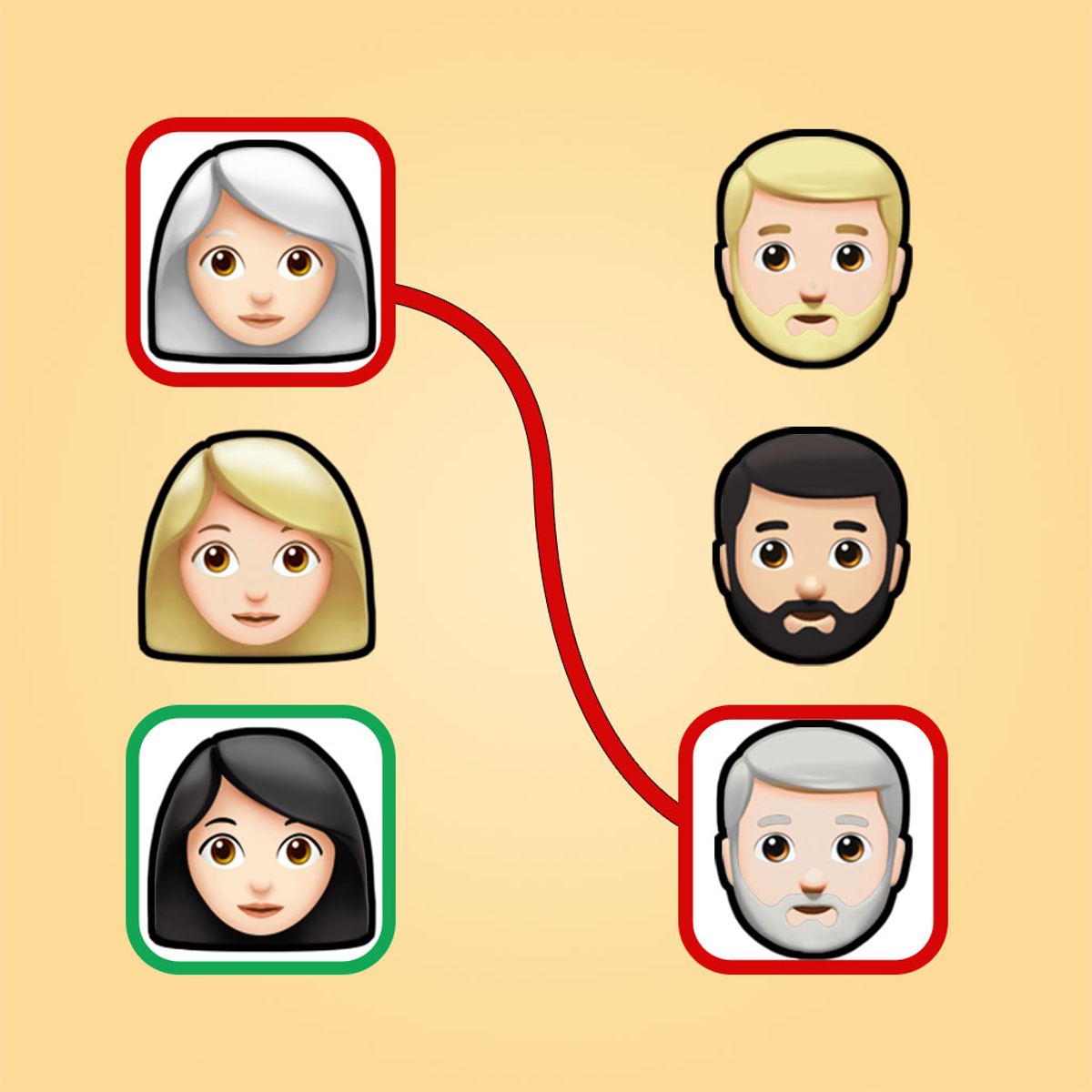
The best puzzles grab you with their simplicity and then refuse to let go. Connect Puzzle is one of those. You have a grid, a handful of matching emoji pairs scattered around, and one simple rule: draw a line between each pair without letting any lines cross. That’s it. And yet, five minutes in, you’ll be staring at the screen, muttering about that one little orange emoji ruining everything.
The appeal is simple: there’s something deeply satisfying about watching a tangled mess of potential paths resolve into a neat, colorful web. Every level starts as a question mark and ends with a small “aha” moment. The game doesn’t need explosions or timers to keep you hooked—it just needs a few more grids, a few more pairs, and the quiet promise that the next puzzle will be just a little bit trickier. And it delivers on that promise, level after level.
Finz Games, the developer, knows that the best brain teasers are the ones you can pick up and put down without friction. Connect Puzzle loads fast, runs smoothly on anything with a screen, and never asks you to watch an ad before you can think. It’s puzzle logic in its purest form, dressed up in cheerful emoji costumes. And it works.
How to Play
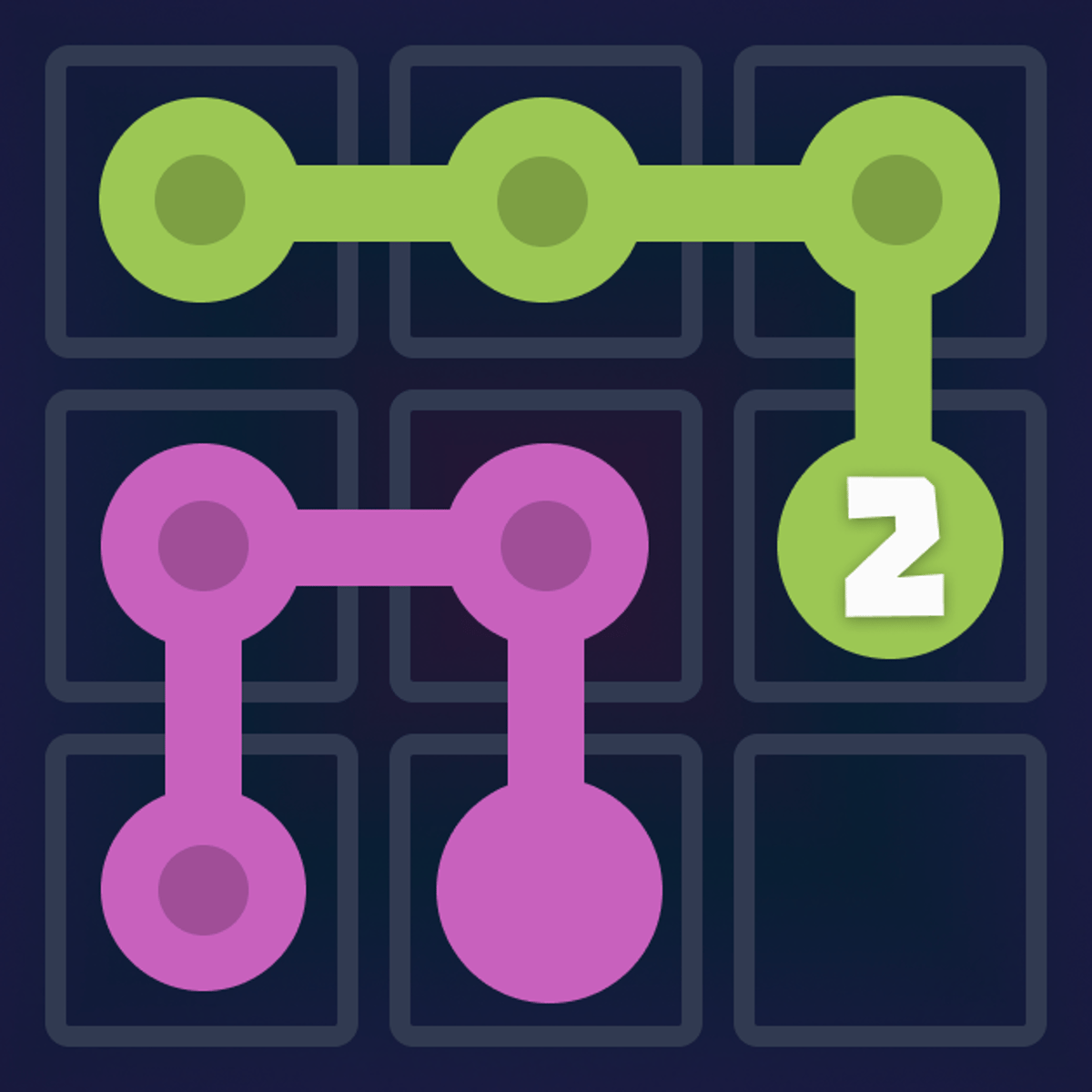
The objective is straightforward: connect every pair of identical emojis with a continuous line. The lines must fill the grid completely—no empty cells are left behind—and they cannot cross or overlap. Each line takes up a contiguous path of cells, and once you’ve connected all pairs, the level is cleared. Sounds easy? It is, until the grid grows and the pairs multiply.
Controls on desktop: Click on an emoji to select it. Then, click on adjacent empty cells to extend a path toward its matching partner. You can also click and drag across the grid to draw the line in one fluid motion. When you reach the matching emoji, click on it to finalize the connection. The line will snap into place, and that pair is done. If you make a mistake, most versions let you undo the last step or restart the level entirely.
Controls on mobile: Tap the first emoji, then tap the cells you want the path to follow. The game highlights your route as you go. Tap the matching emoji to complete the pair. On touchscreens, the drag method works well too—just slide your finger from one emoji to the other, and the game will auto-route the path along the cells you touch. It’s responsive and rarely misinterprets your intent.
The grid size varies. Early levels might be 4x4 with only two or three pairs. Later ones balloon to 6x6 or 8x8, with eight or more pairs competing for space. The emojis themselves are a varied bunch: smiley faces, animals, food, and random icons. They don’t affect gameplay, but they make the board feel lively. You’re not just matching blue squares; you’re connecting a pizza with another pizza, a cat with a cat, a rocket with a rocket. It’s a small touch, but it keeps the visuals from feeling sterile.
The game also offers a hint system—usually a button that highlights the next logical move. It’s there if you get truly stuck, but using it too often robs you of the satisfaction. Save it for when you’ve been staring at the same corner for two minutes.
Features
Connect Puzzle doesn’t have separate game modes in the traditional sense. There’s no time attack, no endless mode, no multiplayer. What it does have is a carefully designed progression system that acts as its own mode.
Level progression: The game throws you into a series of handcrafted puzzles, each one slightly harder than the last. The difficulty curve is gentle at first—you’ll breeze through the first dozen levels—but it ramps up steadily. Around level 20, you’ll start encountering grids where the obvious path isn’t the right one. By level 50, you’ll be mapping out routes in your head before you touch a single cell.
Emoji variety: There’s no gameplay difference between a watermelon and a ghost, but the variety keeps the board from becoming a blur of identical icons. You’ll learn to scan for specific shapes quickly, which is a skill in itself. Some players develop mental shortcuts: “Find the star first, then the heart, then the alien.”
Clean interface: No clutter. The grid takes up most of the screen, with a level counter, a restart button, and a hint button tucked away neatly. On mobile, the buttons are big enough to tap without fat-fingering the wrong one. The color palette is soft and friendly—pastel backgrounds, bright but not harsh emoji colors. It’s easy on the eyes during long sessions.
No time pressure: This is a big one. You can sit on a level for as long as you need. There’s no timer ticking, no score multiplier for speed. The only pressure is the one you put on yourself. That makes it a great game for winding down or for playing while listening to a podcast.
Free-to-play with minimal interruptions: The game is free on Poki, and while there are ads, they don’t interrupt the flow too aggressively. You might see a short video between levels, but you can often skip it after a few seconds. No forced ad breaks in the middle of a puzzle.
Tips and Strategies
You can brute-force your way through the early levels by trial and error, but the later puzzles demand planning. Here’s what actually works.
Start with the edges. Emojis located on the perimeter of the grid are your best friends. They have fewer neighbors, which means fewer possible paths. Connect those first. A corner emoji, for instance, can only go in two directions. By locking it in early, you free up mental space for the trickier pairs in the center.
Look for forced paths. Sometimes a pair of matching emojis will have only one viable route between them, especially if the grid is small or if other lines have already claimed certain cells. Spotting these forced connections is like finding the easy win. If you see a pair that can only be connected in one way, do it immediately. It reduces the complexity of the remaining board.
Plan around bottlenecks. As you connect pairs, you’ll notice narrow passages forming—a single row of empty cells between two completed lines. These bottlenecks are precious. If you need to get a line through a bottleneck, do it before the bottleneck closes. Conversely, if you can afford to block a bottleneck, do it early to simplify the layout. The art of this game is knowing when to block and when to leave room.
Use the entire grid. It’s tempting to draw lines as the crow flies, but that’s often a mistake. The shortest path might cut through the center and block three other pairs. Instead, route lines along the edges or around the outside when possible. This leaves the center open for pairs that have no other option. Think of the grid as real estate: the center is prime property, so save it for pairs that really need it.
Backtrack mentally. Before you commit to a path, trace it in your head and see if it leaves enough room for the remaining pairs. If you suspect a dead end, try a different route. This mental rehearsal is the core skill of Connect Puzzle. The more you practice it, the faster you’ll solve levels.
Use the restart button freely. There’s no penalty for restarting. If you’re five moves in and already stuck, don’t waste time trying to salvage a doomed layout. Restart and try a different first connection. Often, the first pair you connect determines the entire outcome. Experiment with different starting pairs to see which one leads to a solution.
Learn to read the grid. After a few dozen levels, you’ll start seeing patterns. A 2x2 block of four emojis in a square usually means you’ll need to route lines around the outside. A pair on opposite sides of the grid often forces a long, winding path. These patterns become second nature, but only if you pay attention.
Common Mistakes
Even experienced players fall into the same traps. Here are the ones that trip people up the most.
Connecting the first pair without thinking. It’s so easy to click the first two emojis you see and let the line draw itself. But that first connection often dictates the entire puzzle. If you connect a central pair with a straight line, you might split the grid into two disconnected halves, leaving no way to reach the other pairs. Always pause before the first move.
Wasting the edges. Beginners tend to route lines through the middle because it feels more direct. But the middle is valuable. The edges are forgiving—you can run a line along the border without affecting the interior. If you ignore the edges, you’ll run out of space fast.
Creating dead ends. A line that snakes back on itself can create isolated cells. Imagine a path that goes up, then right, then down, then left—it might enclose a small area that no other line can enter. If that enclosed area contains an unmatched emoji, you’re stuck. Keep your lines as straight as possible. Avoid loops and tight turns unless absolutely necessary.
Ignoring symmetry. Many puzzles have a natural symmetry. If you notice that emojis are placed in mirrored positions, try to make your lines symmetrical too. It’s not always possible, but when it is, it simplifies the rest of the puzzle.
Rushing. The game doesn’t penalize you for taking your time. Rushing leads to mistakes that cost you the level anyway, so you might as well slow down. Read the board, consider your options, then move. The satisfaction of a clean solve is worth the extra seconds.
Forgetting to use hints. This isn’t a mistake per se, but some players refuse to use hints out of pride. That’s fine, but if you’ve been stuck on a level for ten minutes, a hint can show you a new approach. You don’t have to follow it blindly—just look at the suggested move, understand why it works, and then try to solve the rest on your own. It’s a learning tool, not a crutch.
FAQ
Is Connect Puzzle really free?
Yes, you can play it for free on Poki. There are ads, but they’re not intrusive. No purchase is required to access any level.
Can I play it on my phone?
Absolutely. The game works on both desktop and mobile browsers. The touch controls are smooth, and the grid scales to fit your screen. It’s actually better on a tablet, but a phone works fine too.
How many levels are there?
The game has a large number of levels, and they keep coming. As of late 2024, there are well over a hundred, with regular updates adding more. You won’t run out of puzzles anytime soon.
What happens if I get stuck on a level?
You can restart the level at any time with the restart button. There’s no penalty. You can also use the hint button to reveal a single correct move. If you’re really stuck, sometimes stepping away and coming back later helps.
Who made this game?
Connect Puzzle was developed by Finz Games, a studio that also made Karate Fighter, World Soccer Champions, and School Cleaning. This is their first puzzle game on the Poki platform, and it’s been well received.
Why does it use emojis instead of colored dots?
The emojis add personality and make it easier to distinguish pairs. They also make the game feel more playful. The matching mechanic is the same as any color-based connection puzzle, but the emojis give it a distinct look.
##
Connect Puzzle is the kind of game you can play for five minutes or fifty. It respects your time, challenges your brain, and never asks for more than you’re willing to give. The emojis are cute, the puzzles are smart, and the satisfaction of clearing a tough board is genuine. Whether you’re killing time on a bus or unwinding after work, it’s a solid choice. Just don’t blame me when you look up and realize an hour has passed.