




Stickman Parkour Skyland
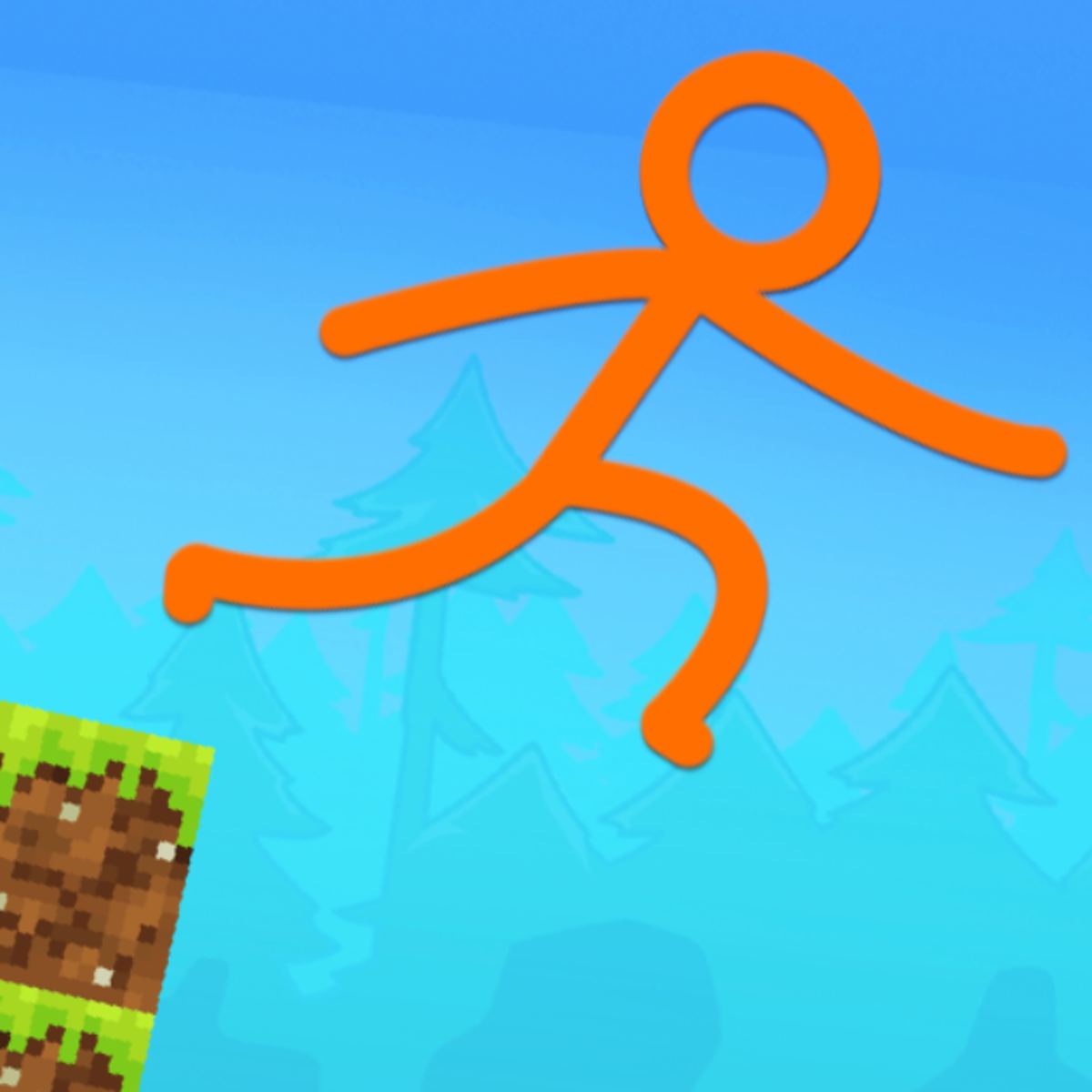
Some games just sink their hooks in. You start a round, mess up, hit restart, and before you know it your coffee’s gone cold and your thumbs ache. Stickman Parkour Skyland is one of those. It’s a straightforward platformer where a little stick figure leaps between floating islands in the sky, and it never really gets old. The appeal is in the movement: you run, jump, scramble up walls, and die a lot. But every death teaches you something about the next ledge, the next gap, the next perfectly timed leap.
Art Industries made this one, and they clearly know what makes stickman games work. No elaborate story, no character backstory, no cutscenes. You’re a stickman in a skyland, and your job is to get from point A to point B without falling into the void. The charm comes from the physics—the way your stickman flails when you misjudge a jump, the satisfying thud when you land just right, the split-second decisions that separate a clean run from a faceplant. It’s been around since March 2023, with an August 2024 update that kept things fresh. Over 217,000 votes and a 4.5 rating suggest this isn’t just another throwaway browser game.
What keeps people coming back? The difficulty curve helps. Early levels ease you in, but soon you’re facing gaps that need a running start, walls that require wall-jumps, and platforms that move or crumble. The controls are tight enough that failure always feels like your fault, not the game’s. And because each attempt is short—maybe 30 seconds to a minute before you die—you never feel like you’ve wasted time. You just hit restart and try again.
How to Play
The goal is simple: reach the end of each level without falling. The path is usually a series of platforms, walls, and obstacles suspended in the sky. Some levels are linear, others have multiple routes. You’ll need to time jumps, manage momentum, and sometimes climb vertical surfaces.
Desktop controls: Use W, A, S, D or the arrow keys to move your stickman left, right, up, and down. Press Spacebar to jump. That’s it. The trick is in how you combine them—running and jumping at the right angle, holding the direction key to stick to walls, releasing at the perfect moment to launch off.
Mobile controls: On touchscreens, virtual buttons appear on the left and right sides. The left side controls movement (up, down, left, right arrows), and a jump button sits on the right. They work fine, though the lack of tactile feedback means you might overshoot jumps occasionally. The game runs smoothly on phones and tablets, so you can play anywhere.
Quick tip: the stickman has some air control. You can nudge him left or right mid-jump, but it’s limited. Don’t expect to correct a bad launch completely—you’ll need to commit to your trajectory early.
Features
Stickman Parkour Skyland doesn’t have a ton of modes or gimmicks, and that’s part of its appeal. What it does have:
- A series of levels (at least 30, maybe more) that ramp up in difficulty. Early levels are gentle introductions; later ones demand precise wall-jumps and long leaps over gaps.
- Wall-jumping mechanics. You can run up walls and jump off them, which is essential for reaching high platforms or crossing wide chasms. The physics feel weighty—your stickman doesn’t float, he arcs.
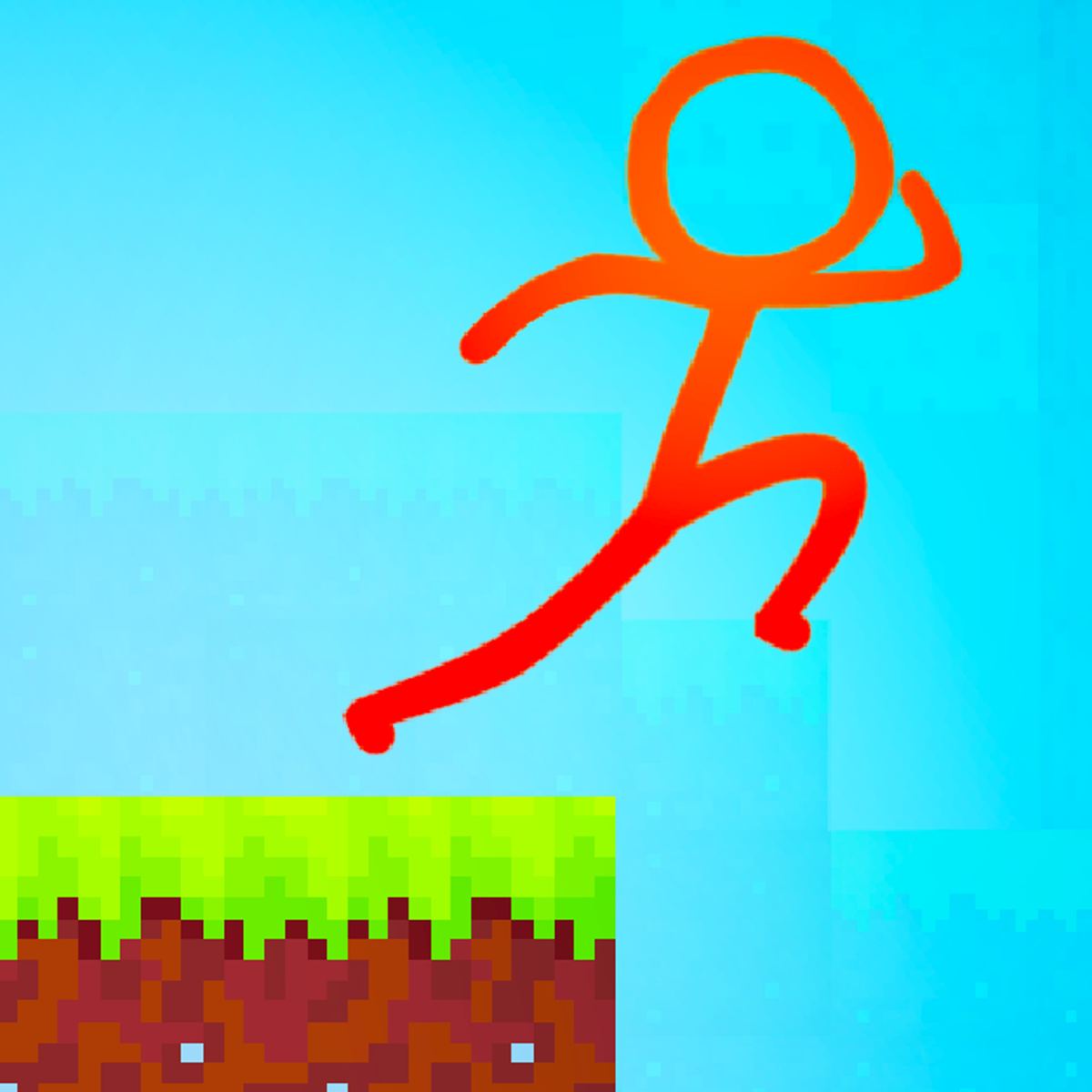
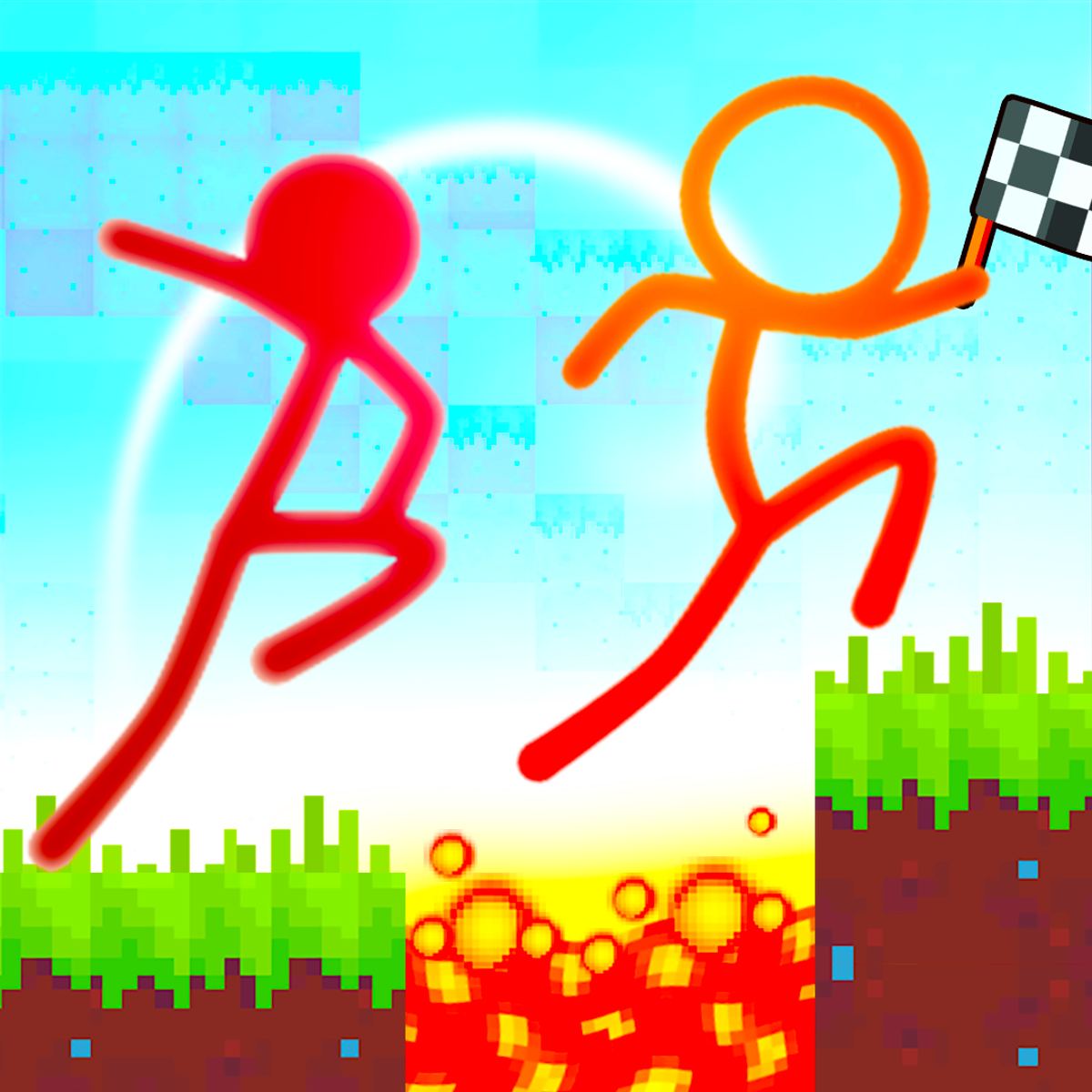
- Clean, minimalist visuals. The skyland setting gives you colorful backdrops with clouds, floating islands, and a few environmental details. Nothing distracting. The stickman himself is just a line drawing, but his animations convey effort and panic.
- No in-game purchases or ads that interrupt gameplay. Ads show up between levels or on the menu screen, but they don’t pop up mid-run. That’s rare for a free browser game.
- A leaderboard? Not sure if there’s an official one, but you can compete with your own best times or just aim for a perfect no-death run.
If you’ve played other stickman parkour games—like Stickman Parkour 2: Lucky Block or Stickman Parkour 3—you’ll notice Skyland shares the same core DNA but with a different setting and slightly tweaked physics. It’s more about verticality and island-hopping than horizontal speed.
Tips and Strategies
After falling into the void for a few hours, here’s what I wish I’d known from the start:
- Hold the run button before you jump. On desktop, press and hold the direction key while you run, then hit space at the edge. The longer your run-up, the farther you’ll fly. Don’t try to jump from a standstill unless the gap is tiny.
- Wall-jump like you mean it. When you hit a wall, keep holding the direction key toward it to run up the surface. At the apex, release the key and press jump. You’ll spring off in the opposite direction. That’s how you reach high ledges. Practice the timing—it’s easy to let go too early and fall straight down.
- Look ahead, not at your stickman. Your eyes should be scanning the next two or three platforms. By the time you land, you should already know where you’re jumping next. Hesitation kills runs.
- Short hops are a thing. You don’t always need a full-power jump. A quick tap of space while moving gives you a small hop, useful for stepping onto narrow platforms or adjusting your position on a wall.
- Don’t rush. It’s tempting to sprint through levels, but some obstacles require patience. Wait for moving platforms to come close enough. Let the rhythm of the level dictate your pace.
- Use the environment. Some walls are climbable, others are not. You can usually tell by the texture or color—climbable walls often have a different shade. Test them early so you don’t assume every surface is grippy.
- If you’re stuck on a level, watch the pattern. Many obstacles follow a cycle. Observe for a few seconds before committing. That spinning platform always returns to the same spot. That crumbling block collapses after three seconds. Memorize the timing.
Common Mistakes
New players tend to make the same errors. Avoid these:
- Jumping too early. You see a gap and panic-jump before you’ve reached the edge. This leaves you short. Always run to the very last pixel of the platform before jumping.
- Overcorrecting in the air. Remember, air control is limited. Frantically pressing left and right mid-jump will only make you wobble and miss the landing. Pick a direction and stick with it.
- Ignoring the wall-jump. Some levels are designed specifically for wall-jumping, and trying to brute-force them with regular jumps will fail. If you see a vertical shaft, you’re meant to wall-jump up it.
- Getting greedy. You see a bonus area or a shortcut that looks faster? Often it’s a trap. Stick to the intended path until you’re confident in the physics.
- Playing on mobile without adjusting your grip. The virtual buttons can be slippery. Make sure your thumbs are positioned comfortably before starting a level. Also, avoid playing with sweaty hands—it’s a real problem.
FAQ
Q: Is Stickman Parkour Skyland free to play?
A: Yes, it’s completely free. You can play it in your browser on Poki or other game portals. No download required.
Q: Can I play on my phone?
A: Absolutely. It works on both desktop and mobile devices. The touch controls are a bit less precise than keyboard, but still playable.
Q: How many levels are there?
A: I don’t have an exact count, but there are several dozen. The game has been updated since its initial release, so new levels may have been added. You’ll have plenty to work through.
Q: Is there a multiplayer mode?
A: No, this is a single-player game. If you want stickman parkour with friends, check out other titles like Stickman Parkour Race or Stickman Battle.
Q: Why does my stickman sometimes not grab the wall?
A: You might be holding the wrong direction key, or you’re not running directly into the wall. Make sure you approach the wall head-on and keep holding the key toward it. Also, some walls are not climbable—look for visual cues.
Q: The game feels laggy on my device. What can I do?
A: Close other browser tabs and make sure your browser is up to date. The game runs on most modern devices, but older phones or laptops might struggle. Lowering the resolution or playing in a smaller window can help.
Closing Thoughts
Stickman Parkour Skyland is one of those games you keep coming back to during a coffee break or while waiting for something to load. It’s tight, fair, and satisfying in a way that only a well-made platformer can be. The skyland setting gives it a breezy, open feel that contrasts with the precision required to survive. If you’ve ever enjoyed a stickman game—or any platformer, really—give it a shot. Just don’t blame me when you lose an hour to “one more level.”