




Car Detailing Master
There’s a particular satisfaction in peeling dried glue off your fingers. Car Detailing Master taps into that same part of your brain—except instead of glue, it’s mud, grime, and faded paint on a beat-up sedan. This browser game from Gamebole Studios puts you behind the counter of a busy auto-detailing shop. Your job: take filthy, neglected cars and turn them into showroom-ready rides. It’s simple, weirdly calming, and the kind of game you start “just to try” and then realize an hour has passed.
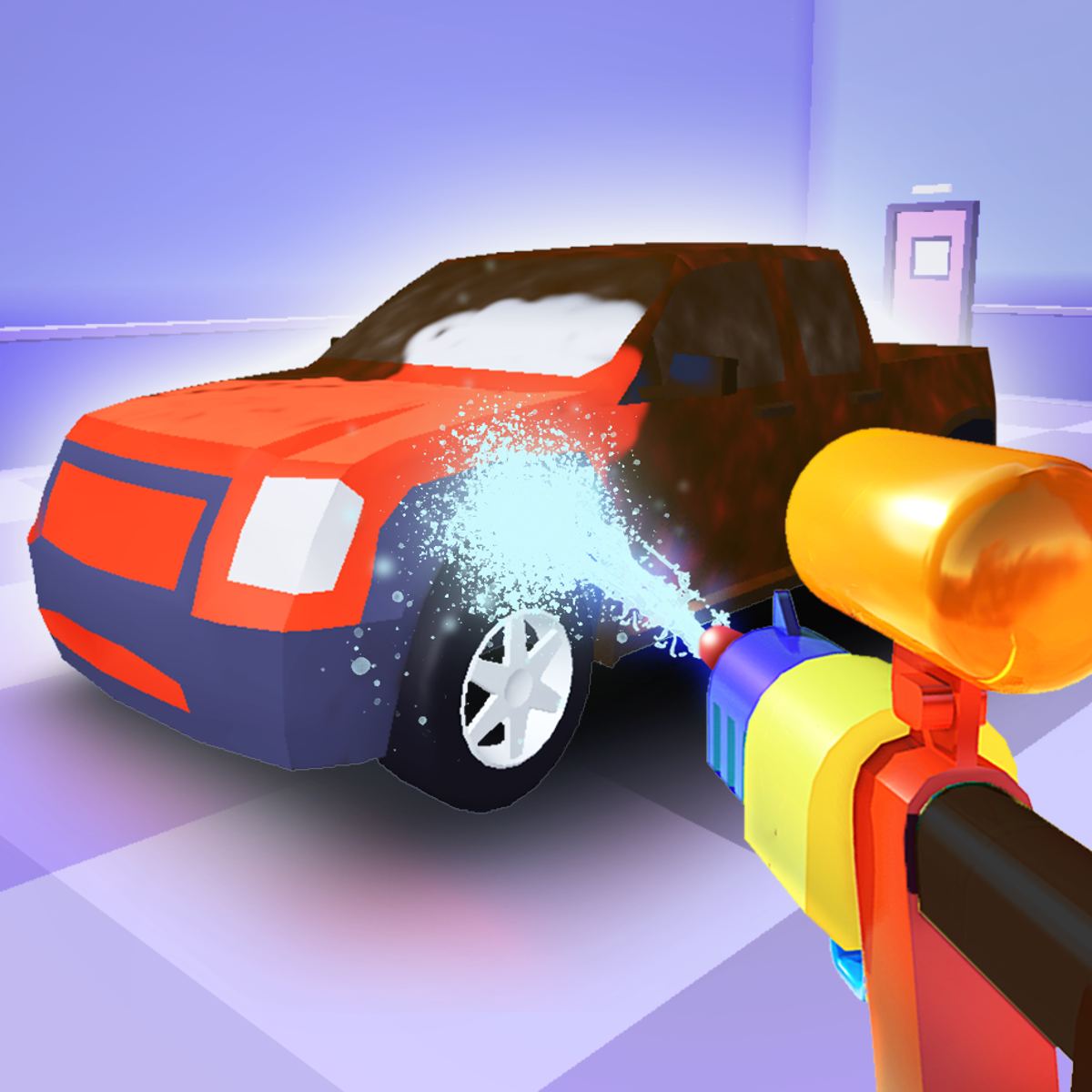
What makes it stick is the hands-on process. You aren’t just clicking a “wash” button. You manually remove each wheel, scrub the tires, pick a color for the rims, spray paint the body panels, and buff everything to a mirror shine. The cars start out looking like they were dragged through a swamp, and by the time you’re done, they gleam. There’s a real sense of progress. The tactile controls—holding down the mouse to twist off a lug nut, dragging to polish—make it feel more like a mini-simulator than a typical time-waster.
The game is free, runs right in your browser, and works on both desktop and mobile. If you’ve ever spent twenty minutes watching a car-wash ASMR video, this is the interactive version. And honestly, it might be more satisfying.
How to Play
Your objective is straightforward: clean and restore each car that rolls into your shop. Every vehicle has a few stages of dirt and damage. You’ll start by removing the wheels—click and hold on each one to unscrew it. Then you clean the wheel wells and the tires themselves. Next, you pick a paint color (the game gives you a palette of options) and spray the body. After that, you polish the paint until it’s glossy. Finally, you put the wheels back on (or choose new ones) and give the whole car a finishing shine.
Desktop controls:
- Left-click and hold to remove wheels, paint, and polish. The longer you hold, the more action you perform—twisting off a wheel, spraying paint, or buffing a panel.
- WASD or arrow keys to move your character around the car. You’ll need to reposition to reach all sides.
- E key to apply the “shine” effect at the end. This is the final touch that makes the car gleam.
Mobile controls:
On a phone or tablet, you tap and drag to move your character, and you tap and hold on interactive parts of the car (wheels, body panels) to perform actions. The interface adapts well—buttons for paint color selection appear on screen, and you just tap your choice. It’s a bit more fiddly on a small screen, but perfectly playable.
The game doesn’t have a timer or a fail state. You work at your own pace. There’s a subtle progression: as you finish more cars, new ones appear with different shapes and levels of filth. You’ll see hatchbacks, SUVs, sporty coupes, and even a few trucks. Each one takes maybe five to ten minutes to detail, depending on how meticulous you are.
Features
Car Detailing Master isn’t a sprawling game with dozens of modes, but it does have a few nice touches that keep it from feeling repetitive.
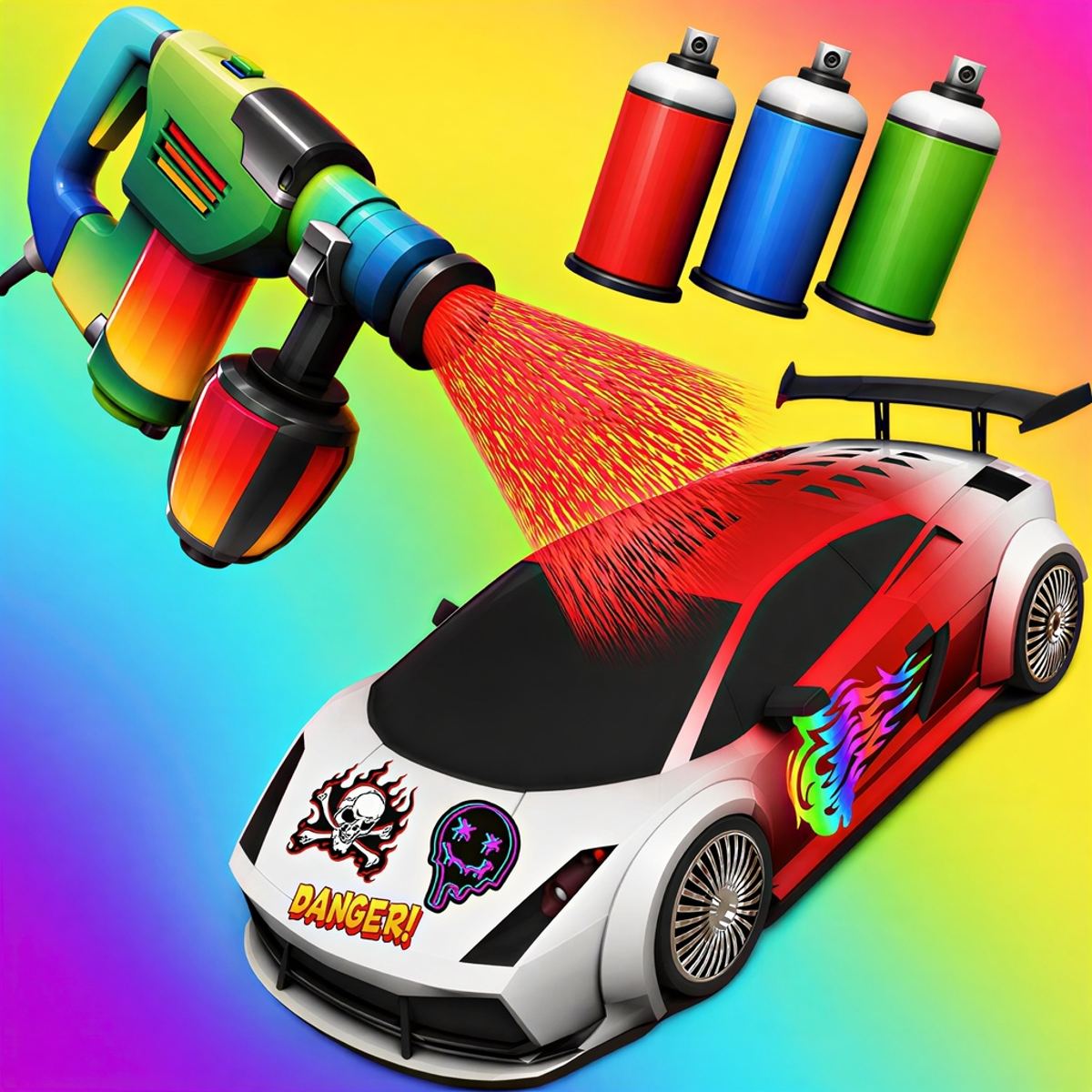
- Color customization: You’re not stuck with the factory paint. Before you spray, you can choose from a range of colors—classic red, deep blue, matte black, bright yellow, and a few metallic shades. You can also change the rim color independently. This adds a creative layer; you can restore a car to its original look or give it a custom makeover.
- Realistic detailing steps: The game simulates the actual process of detailing. You clean the tires, you paint the body, you polish the paint. You can even see the dirt disappear in patches as you work. The polishing stage requires you to move the mouse in a circular motion over each panel, which feels oddly authentic.
- Visual feedback: Each stage has a clear visual cue. Dirty tires are brown and muddy; after cleaning, they turn black. Faded paint starts dull and scratched; after spraying, it’s uniform but still matte; after polishing, it becomes glossy. The final shine makes the car reflect light. It’s not photorealistic, but it’s satisfying to watch.
- No pressure, no score: This is a pure chill-out game. There are no points, no time limits, no stars to earn. You just detail cars and move on. Some players might want more structure, but for a quick relaxation session, it works.
There’s no narrative, no shop upgrades, and no economy. You don’t earn money or buy new tools. You simply get a new car to clean. That simplicity is either a strength or a weakness depending on what you’re looking for. If you want a mindless, meditative activity, it’s great. If you want progression and goals, you might get bored after a few cars.
Tips and Strategies
Car Detailing Master is easy, but a few tricks make the process smoother and more satisfying.
- Work in a logical order. Start with the wheels, then the wheel wells, then the body. If you paint first and then remove the wheels, you might accidentally smudge fresh paint. The game doesn’t penalize you for order, but it feels cleaner to follow real-world steps.
- Use the WASD keys to circle the car. Don’t just stand in one spot and reach. Move around to get a good angle on each panel. The camera is fixed, so you need to physically walk your character to the other side. This is especially important for the polishing step, where you need to see the reflection to know if you missed a spot.
- Be thorough with polishing. The polishing step requires you to move the mouse in small circles over each body panel. If you rush, you’ll leave dull patches. Go slow and cover every inch. The game highlights the area you’re working on, so you can see where you’ve been.
- Experiment with color combos. The fun is in customization. Try a black car with red rims, or a bright orange body with matte black wheels. The colors are saved per car, so you can always redo it if you don’t like the result.
- Don’t skip the tire cleaning. It’s easy to just paint the rims and ignore the rubber. But the tires start brown and dirty, and cleaning them makes the whole wheel pop. Hold the mouse over the tire to scrub it.
- Use the E key for the final shine only when you’re absolutely done. Once you hit E, the car is finished and you move to the next one. There’s no undo. So make sure the paint is polished and the wheels are on before you shine.
Common Mistakes
New players often make a few errors that slow them down or leave cars looking half-done.
- Forgetting to remove all wheels. Some cars have five wheels (including a spare), and it’s easy to miss one. If you try to paint the car with a wheel still on, the paint job looks weird around that area. Always check all four corners (and the trunk if there’s a spare).
- Painting before cleaning the body. The game lets you spray paint over dirt, but it doesn’t look as good. The dirt shows through as dark patches. Clean the body first by moving the mouse over it (the game doesn’t have a separate wash step for the body—the paint step itself seems to clean and color simultaneously). Actually, you don’t need to pre-clean; the paint covers dirt. But the polishing step will be uneven if there’s heavy grime. So it’s better to “paint” a second time if needed.
- Not moving the character. If you stay in one spot, you can only reach a limited area. You’ll end up with a polished hood but a dusty trunk. Use WASD to walk around the car.
- Applying the shine too early. The shine effect (E key) is the final step. If you hit it before polishing all panels, the dull spots remain. There’s no way to re-shine a specific area. You have to start over on that car. So double-check before you press E.
- Ignoring the rims. Some players paint the body and call it done. But the rims start as a dull gray. You can paint them any color, and it makes a huge difference. The game even highlights the rims as interactable objects.
FAQ
Is Car Detailing Master free to play?
Yes. It’s a browser game available on Poki and similar portals. No download or purchase required.
Can I play on my phone?
Yes. The game works on mobile browsers. The controls are touch-based, and the interface scales down reasonably well.
How many cars are there?
The game doesn’t have a fixed number. New cars appear as you complete previous ones. I’ve seen about a dozen different models, and they seem to cycle with some variations in color and dirt level.
Is there a time limit?
No. You can take as long as you want on each car. There’s no pressure to finish quickly.
Why can’t I remove the wheel?
Make sure you’re holding the left mouse button (or tapping and holding on mobile) directly on the wheel. You need to hold it until the wheel comes off—it takes about a second. If you just click, nothing happens.
---
Car Detailing Master won’t win any awards for depth, but it doesn’t need to. It’s a quiet, tactile little game that lets you zone out and make things clean. If you’ve ever enjoyed peeling a screen protector or organizing a digital desktop, you’ll probably lose half an hour here without noticing. And honestly, sometimes that’s exactly what you need.