



Block Sandbox
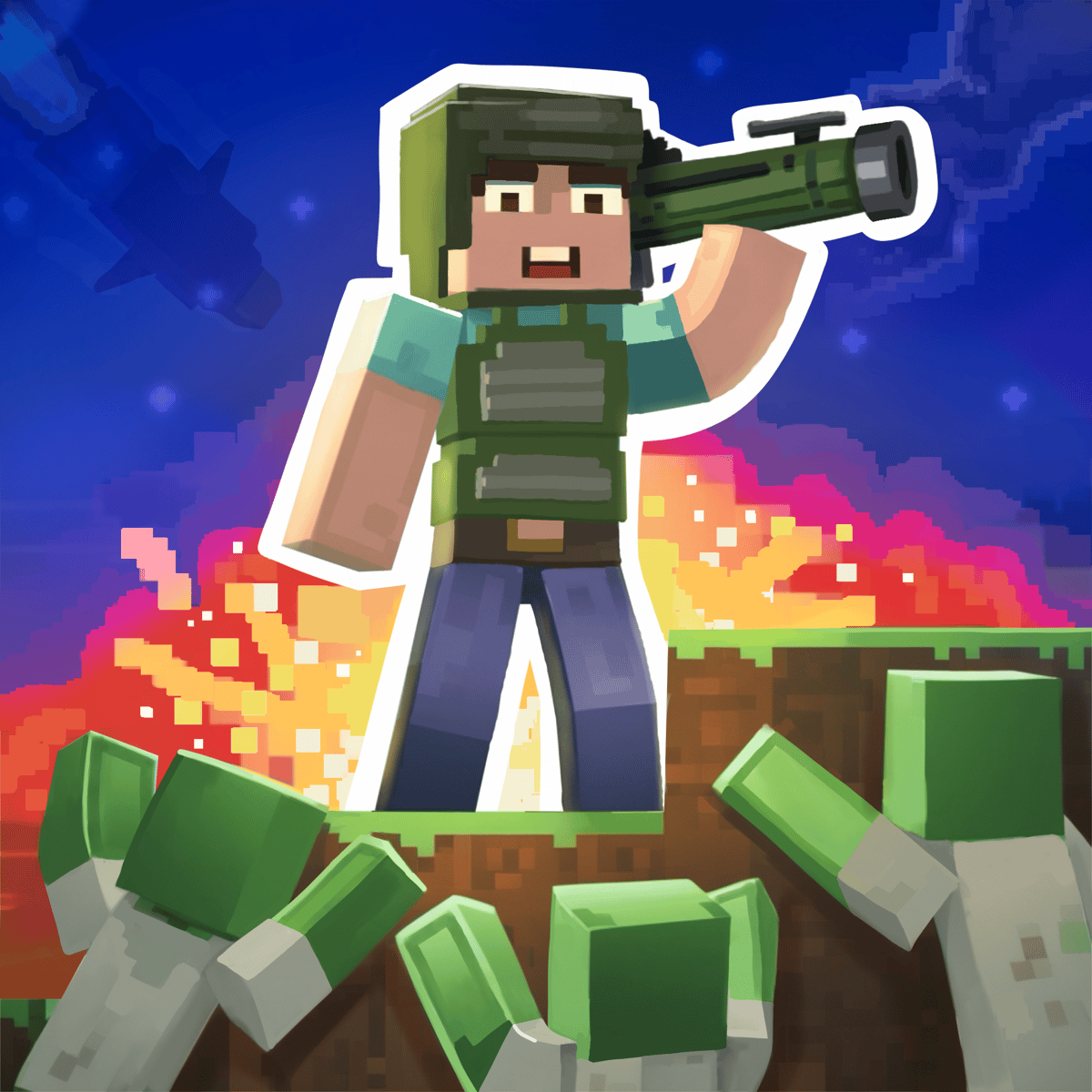
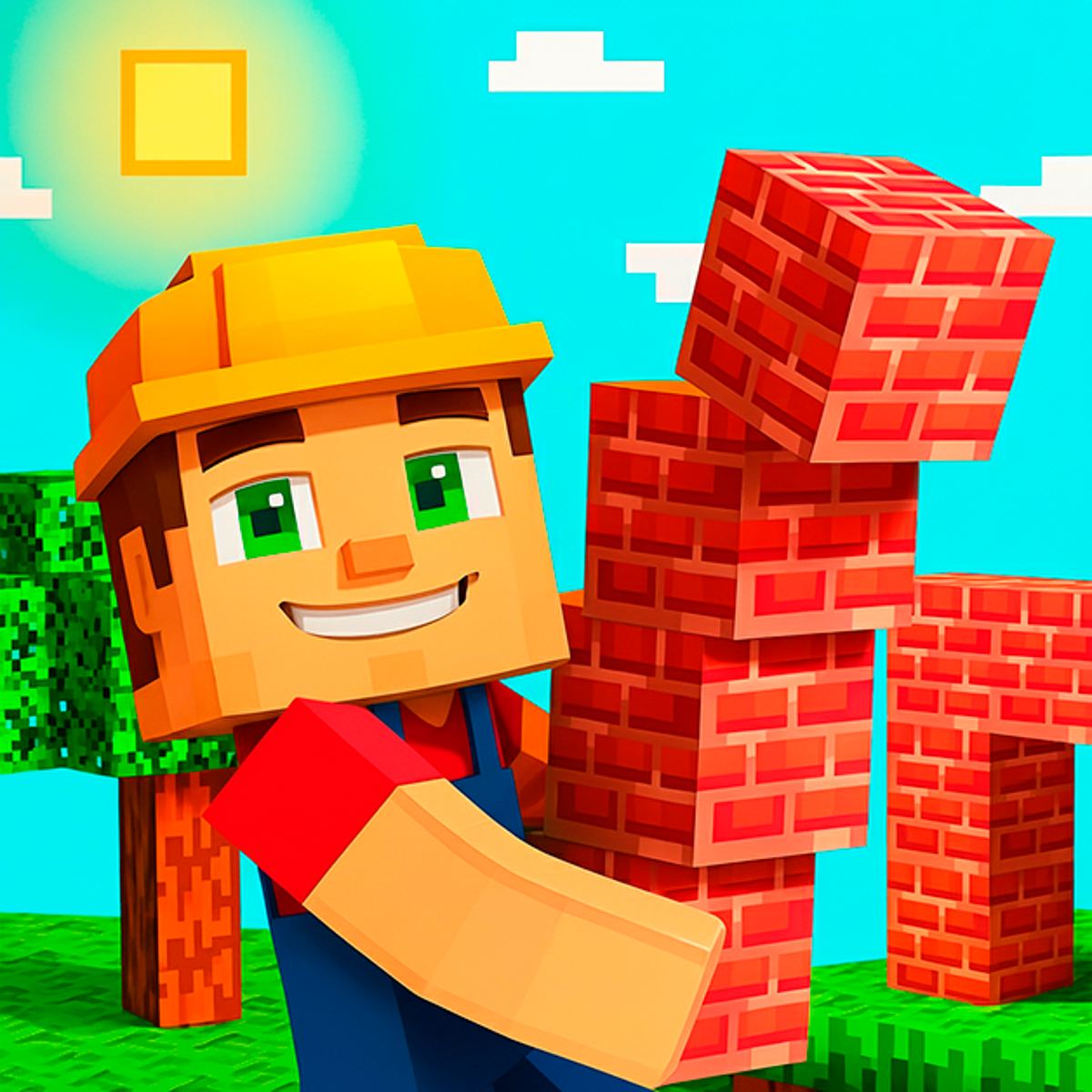
It’s hard to beat the satisfaction of a game that gives you a blank slate and a simple command: build. Block Sandbox does precisely that. It drops you into a colorful, cube-based 3D world and sets you loose—build a cozy house, a sprawling farm, a towering castle, or a chaotic battlefield teeming with armed pixel warriors. Made by WeLoPlay and playable directly in your web browser, it’s the kind of game you boot up for a quick look-up, only to lose an hour without noticing.
The hook is its low barrier and surprising depth. No tutorials or manuals needed; just grab some blocks and start placing them. But once you begin to experiment—layering materials, populating your scene with characters, designing structures with real architectural logic—the game’s possibilities expand. You get creative freedom without the intimidating complexity of professional 3D modeling software.
How to Play
On desktop, you primarily use the mouse. Select blocks, building pieces, and characters from a sidebar palette, then click in the world to place them. Right-click or use the removal tool to tear things down. Scrolling or using shortcut keys cycles through your available block types—wood, stone, colored bricks—so swapping materials mid-build feels fluid.
On mobile and tablet, everything switches to touch controls. Tap menus to select items, tap the world to place them. Pinch to zoom in for detail work or out for a wide view of your creation. Dragging pans the camera. The system is straightforward, though executing intricate builds on a phone screen can feel a bit cramped compared to a desktop monitor.
There’s no traditional objective here. You’re not chasing a score or beating a timer. The goal is creation itself. Lay down blocks, arrange characters, equip them with weapons and armor, and construct scenes that tell a little story—or just look visually striking. If you want to demolish everything and begin again, that’s always an option.
Game Modes
The game embraces its sandbox roots. The core is a free-build mode where you have the full inventory of blocks, characters, and equipment at your disposal. One session you might build a peaceful village; the next, a war-torn fortress.
Later versions and updates introduced a scenario-style play. You set up the conditions: place heroes on opposing sides, construct fortifications, and watch how the pieces interact. It’s less about scripted goals and more about crafting your own narratives. Think of it as creating digital dioramas with a playful, pixel-art aesthetic.
Tips and Strategies
Lay your foundation first. Before you get caught up in details like windows or rooflines, sketch out the base footprint of your structure. A flat platform of blocks gives you a grid to work from. Adjusting dimensions early is far easier than rebuilding half a tower.
Play with color. You’ve got a whole palette to work with. Using it thoughtfully separates a good build from a great one. Try alternating tones for floors and walls, use darker blocks for borders, and save bright accent colors for features you want to highlight—doorways, flags, or rooftop details.
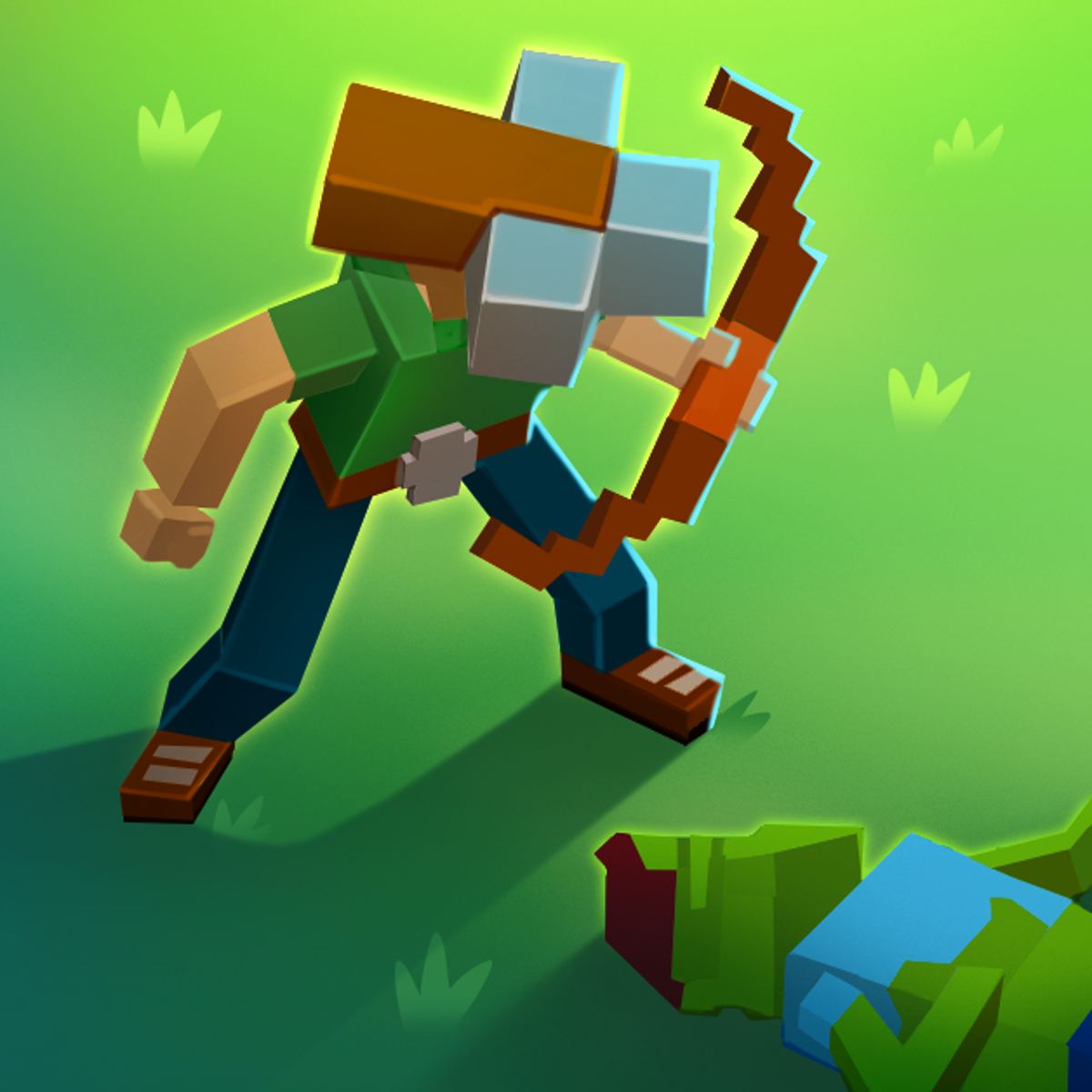
Place characters with intent. Don’t just scatter them randomly. Position guards near gates, archers on elevated platforms, civilians in market areas. Equipping them with varied gear creates visual interest and makes your scenes feel alive—a captured moment instead of a static display.
Build upward. New builders often spread out horizontally. Going vertical—adding multi-story buildings, watchtowers, elevated walkways—makes your creations more visually interesting and more fun to explore with the camera.
Save your best work. Since this is a browser game, your creations might not stick around forever between sessions. If you build something you’re proud of, snap a screenshot. That way, you have a reference if you ever want to reconstruct it.
Common Mistakes
Overcrowding the space. It’s tempting to fill every corner, but builds need breathing room. Leave gaps between structures, add pathways, include open plazas. A castle surrounded by empty space has more presence than one squeezed between neighbors.
Getting scale wrong. A common misstep is making doors too small for characters or rooms too narrow to feel right. Always consider the relative size of your blocks and the characters who inhabit your world. If a hero visually can’t fit through a doorway, the illusion falls apart.
Building in monochrome. Using only one block type makes everything look flat and muddy. Even for a uniform theme like all-stone, mixing in slightly different shades or textures adds depth and keeps your structure from becoming a shapeless blob.
Forgetting the characters. Some players get so absorbed in building that they ignore the character system entirely. Placing and equipping heroes is a core part of the fun. A well-populated scene is always more engaging than empty architecture.
Rushing it. There’s no deadline. Players who place blocks hastily end up with lopsided structures they have to fix later. Slow down, rotate your camera, check your alignment. Two extra seconds per placement can save ten minutes of corrections.
FAQ
Is Block Sandbox free to play?
Yep, completely free. No downloads, no installs. Just open it in your browser.
What devices can I play it on?
It runs on desktop computers, mobile phones, and tablets. The experience is essentially the same, though a larger screen makes detailed work more comfortable.
Who made Block Sandbox?
WeLoPlay developed it. They’re behind several other browser games across different genres, from dress-up titles to stickman racing games.
Do my creations get saved?
Browser sandboxes can be inconsistent with persistence. It’s a good habit to screenshot anything you want to remember before you close the tab.
Is there a way to play with friends?
Based on the latest information, Block Sandbox is a single-player creative experience. There’s no multiplayer or shared-world feature at this time.
Block Sandbox isn’t trying to be a full-featured building game with survival mechanics and deep crafting. That’s not the point. It’s a quick, accessible creative tool that runs in any browser, works on any device, and lets you build something cool in the time it takes to finish a cup of coffee. For a free browser game, that’s a pretty great deal.