






Cube Builder
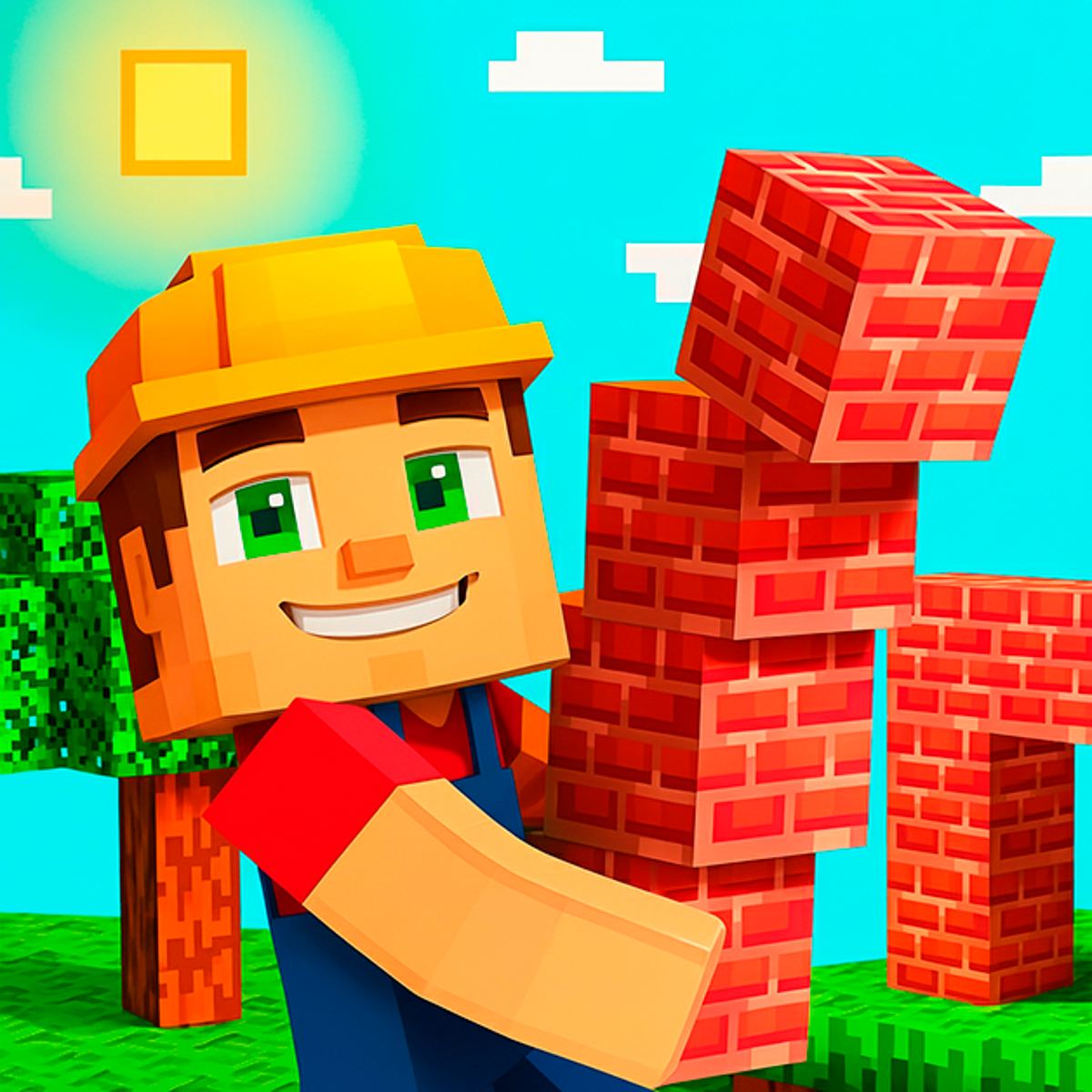
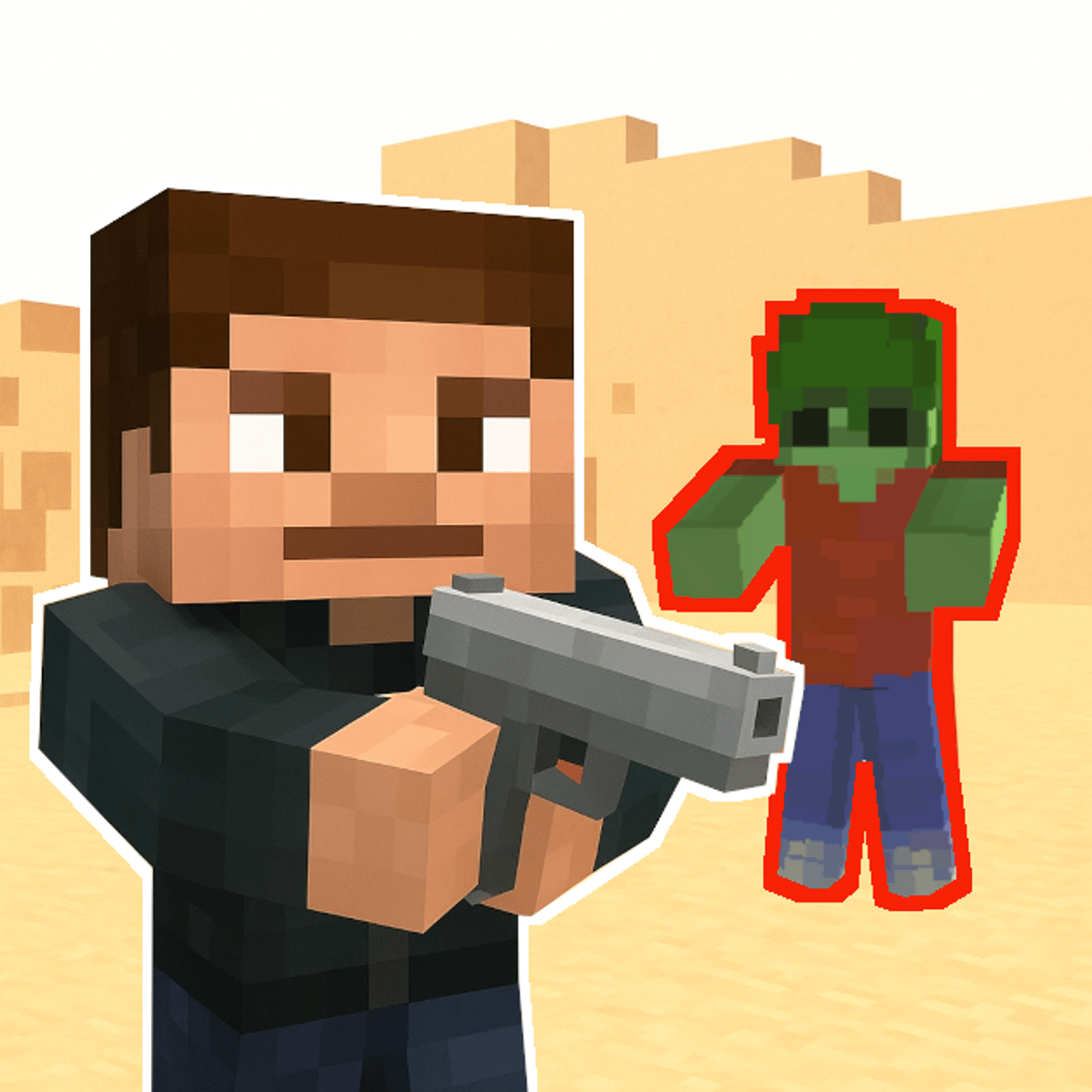
Cube Builder isn’t just another block-stacking sandbox. It’s a survival game that drops you on a deserted island with nothing but your wits, a few trees, and a growing horde of zombies that really don’t want you to build a house. You chop wood, mine stone, craft stairs, and slowly piece together a shelter while fighting off monsters that come out when the sun goes down. It’s part Minecraft-lite, part tower defense, and entirely addictive once you get the rhythm.
The loop is what hooks you: gather resources, sell them for cash, upgrade your skills, build bigger and better structures, and eventually find a way off the island. The game doesn’t hold your hand, but it doesn’t need to. You learn by dying, by running out of wood at the worst possible moment, and by figuring out that a two-block-high wall isn’t going to stop anything. If you like games where progress feels earned and every new tool or upgrade makes a real difference, Cube Builder will sink its teeth into you.
How to Play
The core objective is simple: survive, build, and escape. You start on a small island with a few resources scattered around. Your first job is to gather wood and stone. Walk up to a tree and press the action button (usually left-click or tap) to start chopping. Stone deposits work the same way. Once you have materials, open your inventory and craft basic tools—an axe speeds up chopping, a pickaxe makes mining faster, and a hammer lets you place or remove blocks.
Movement on desktop uses the WASD keys or the arrow keys. On mobile, a virtual joystick appears on the left side of the screen. You can also tap directly on the ground to move there, which is handy for quick escapes. To interact with objects, click or tap on them. The camera follows your character automatically, but you can rotate the view by dragging with the mouse or swiping on the screen.
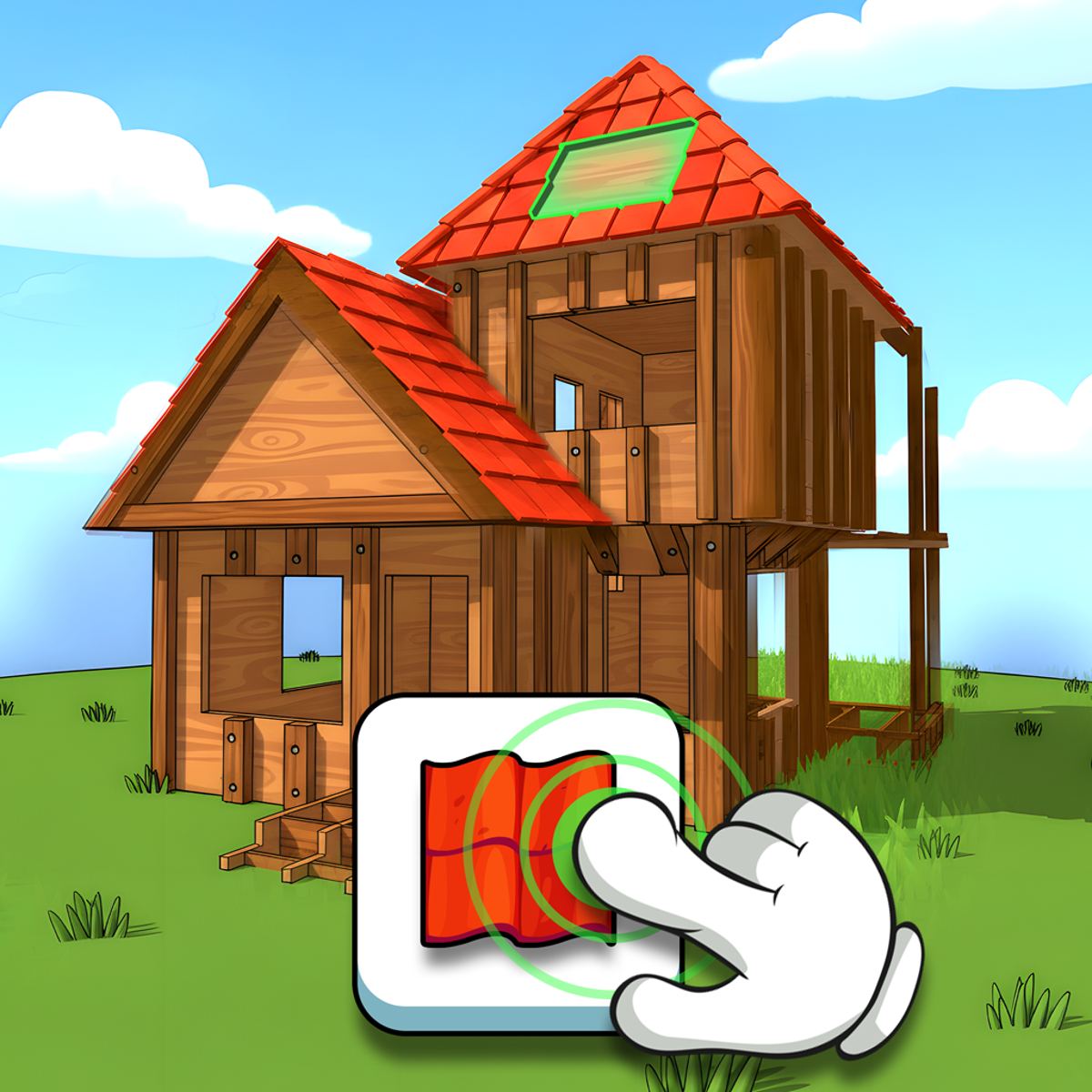
Building works block by block. Select a material from your hotbar, then click where you want to place it. You can build walls, floors, stairs, and even decorative elements like fences or pillars. The hammer tool lets you remove blocks you’ve placed, and the paint bucket lets you recolor them—handy if you want your house to look less like a grey cube and more like a beachfront villa.
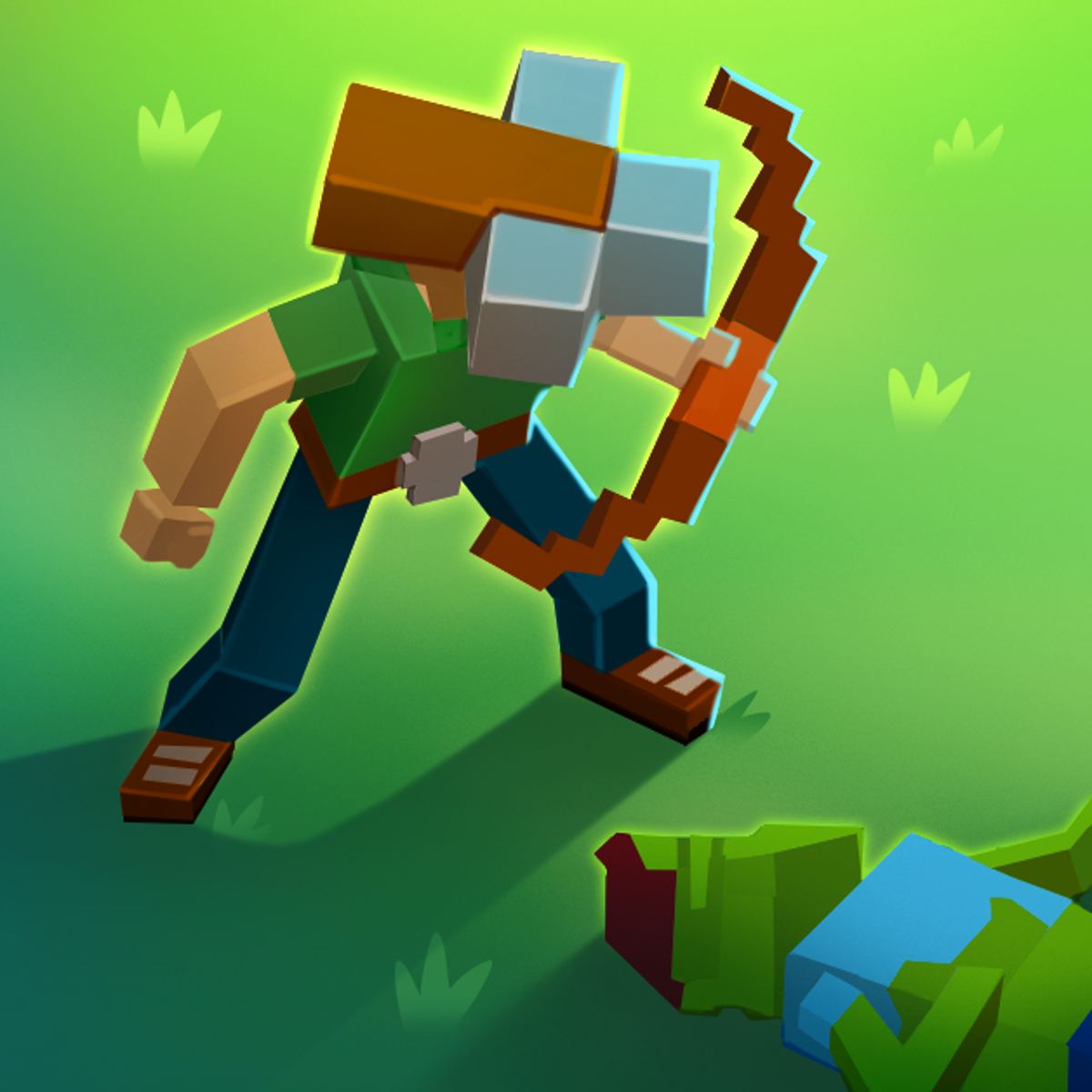
As you play, you’ll encounter zombies. They spawn more aggressively at night and can break through weak walls. You can fight them with a sword or bow (crafted from resources), but it’s often smarter to build a secure base first. The game also has a day/night cycle, so plan your activities accordingly. During the day, gather and build. At night, defend or hide.
Game Modes and Features
Cube Builder offers two distinct ways to play, though the game doesn’t explicitly label them as separate modes. Think of them as survival and creative.
Survival Mode is the default experience. You start with nothing, resources are finite on the island (though they respawn slowly), and zombies are a constant threat. You need to manage hunger and health. Eating food (crafted from berries or meat) keeps your energy up. Dying sends you back to your last save point, which is your bed—so building a bed early is crucial. The ultimate goal is to build a boat or a portal (the game doesn’t specify exactly, but the escape mechanism is tied to reaching a certain level of progress) and leave the island.
Creative Mode is more relaxed. You have unlimited resources, no zombies, and you can fly around the map. This mode is perfect for experimenting with architecture or just building something ridiculous—a giant castle, a replica of your real house, or a tower that reaches the sky. The paint bucket tool really shines here, letting you color every block to create patterns and designs. It’s a nice break from the tension of survival, and it’s where most of the community’s impressive builds come from.
Beyond the two modes, there’s a skill tree system. As you earn cash from selling resources (you can sell wood, stone, and crafted items at a shop that appears on the island), you can upgrade your abilities: faster movement, stronger attacks, better resource yields, and reduced building costs. These upgrades carry over between sessions in the same save file, so grinding early pays off later.
Tips and Strategies
- Build a bed immediately. On your first day, gather enough wood to craft a bed. Place it inside a small shelter. If you die, you’ll respawn there instead of back at the starting point. Without a bed, a single zombie can set you back ten minutes of progress.
- Prioritize stone over wood for walls. Wood walls are cheap but weak. Zombies can break through them in a few hits. Stone walls last much longer. Once you have a stone pickaxe, mine a bunch of stone and upgrade your base. A stone wall with a wooden door is the minimum for a safe night.
- Use stairs to your advantage. Zombies can’t climb stairs if you build them correctly. A simple trick: build a two-block-high wall around your base, then place a single stair block on the inside. You can jump onto the stair and then over the wall, but zombies can’t. It’s a cheap and effective defense.
- Sell resources strategically. The shop pays more for processed items. A stack of planks sells for more than a stack of logs. Crafting tools and weapons also gives you better sell prices. Don’t just dump raw materials—turn them into something first.
- Upgrade your axe and pickaxe early. The first upgrade doubles your gathering speed. It costs a few hundred coins, but it pays for itself within a few minutes of chopping. After that, focus on movement speed—it helps you dodge zombies and gather faster.
- Build a second floor. Zombies can’t break blocks above ground level if you’re standing on a platform. A simple tower with a ladder gives you a safe spot to shoot arrows from. You can also store your valuables up there.
- Don’t neglect the paint bucket. It’s not just cosmetic. Painting blocks can help you mark paths, identify different storage areas, or just make your base easier to navigate at night. A red floor in your bedroom? Why not.
Common Mistakes
- Building too big too fast. New players often try to build a mansion on day one. They run out of resources, night falls, and they’re stuck in an unfinished structure with no walls. Start small. A 5x5 box with a door and a bed is enough for the first two nights. Expand later.
- Ignoring the shop. Some players hoard everything, thinking they’ll need it later. But the shop is how you get upgrades. If you have 500 logs and you’ve only built a tiny hut, you’re wasting potential. Sell half, upgrade your tools, then gather faster.
- Fighting zombies head-on without gear. A wooden sword does almost no damage. You’ll die. Use a bow from a distance, or lure zombies into traps (pits, walls, etc.). Early game, avoidance is better than combat.
- Forgetting to save. The game auto-saves periodically, but it’s not constant. If you’ve just built something impressive, manually save by opening the menu. One zombie horde can undo an hour of work.
- Not using the hammer to remove mistakes. You can’t undo a misplaced block by breaking it with your fist—that takes forever. Use the hammer tool. It removes blocks instantly. Keep it in your hotbar.
FAQ
Can I play Cube Builder on mobile?
Yes. The game works on both phones and tablets. The controls are touch-based with a virtual joystick and tap-to-interact. It runs smoothly on most devices, though older phones might lag during zombie hordes.
Is Cube Builder free?
Yes, it’s free to play on Poki. There are no microtransactions or paywalls. All upgrades and items are earned through gameplay.
How do I escape the island?
The exact method isn’t spelled out, but it involves reaching a certain level of progress—usually building a specific structure (like a boat or a portal) that requires rare materials. You’ll know when you’re close because the game will give you a quest marker.
What happens if I die?
You respawn at your last bed. You lose any items you were carrying, but your base and upgrades remain. Always store valuables in chests before exploring.
Are there other games like this by the same developer?
Yes. Platonov Developer also made Cube Miner and Digger Escape. Both have similar block-building survival mechanics, but with different twists. Cube Miner focuses on mining and crafting, while Digger Escape is more about tunneling and puzzle-solving.
Cube Builder isn’t trying to reinvent the survival genre. It’s a tight, satisfying loop of gather, build, fight, and upgrade. Whether you’re in it for the creative sandbox or the tense zombie nights, there’s a good chance you’ll lose a few hours to it. Just remember to build that bed first.