
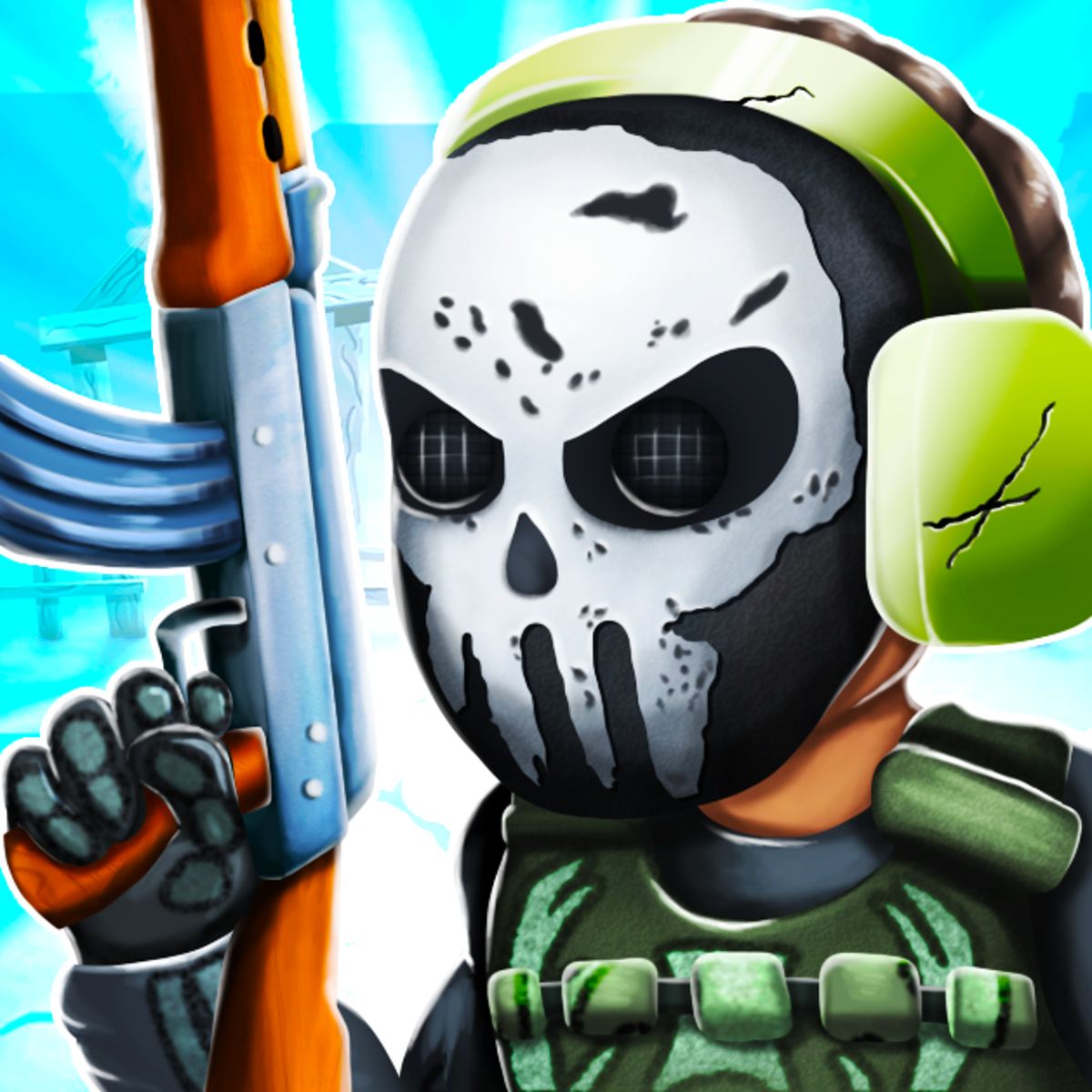

Mine Cartoon: Cube World
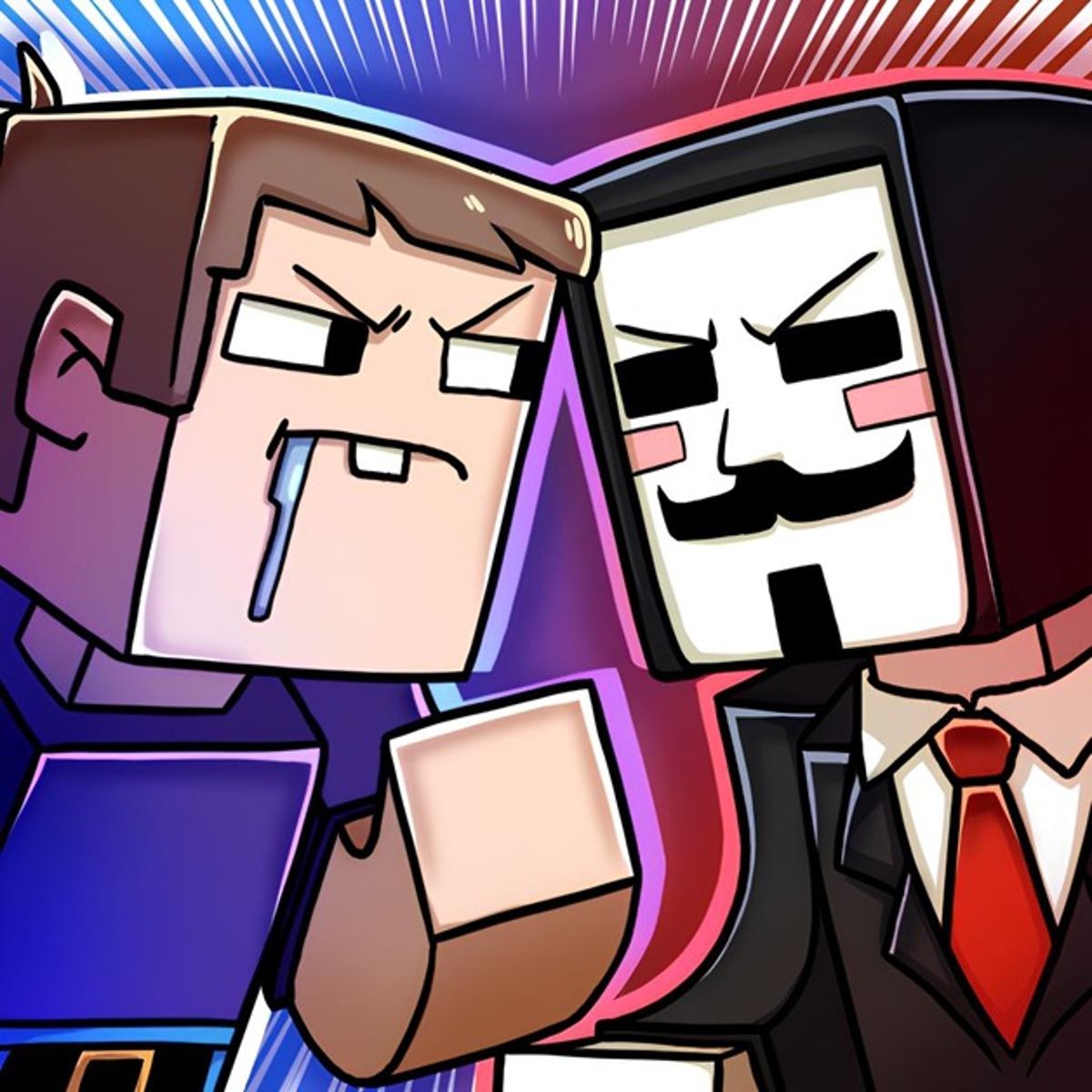
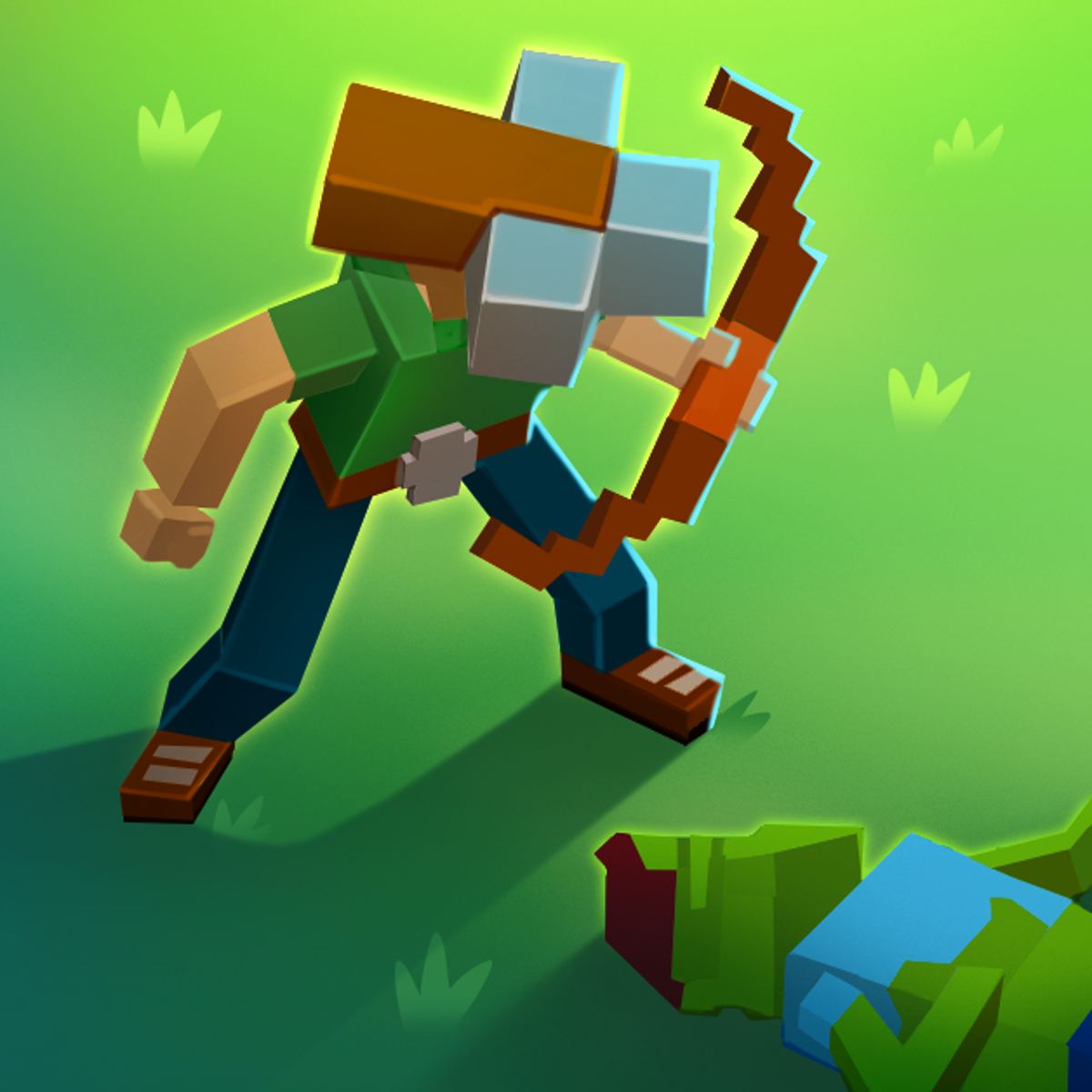
Let’s be honest—there are a lot of blocky sandbox games out there, and most of them feel like the same thing with a different coat of paint. But Mine Cartoon: Cube World stands out by doing something unexpected: it tells two completely different stories depending on which mode you pick, and the choices you make actually matter. You’re not just mining or building; you’re either trying to win back a lost love or becoming a zombie-slaying archer. That kind of narrative split is rare in a free browser game, and it’s the main reason people keep coming back.
The game looks exactly like you’d expect from the name—bright, chunky cubes, cheerful colors, and characters that could have walked out of a Saturday morning cartoon. But don’t let the cute art fool you. The puzzles and branching paths can get surprisingly tricky, and some of the endings are hard to reach without a few failed attempts. It’s the kind of game that rewards curiosity: click the wrong option and you might get a funny death scene, click the right one and you unlock a new path. That sense of discovery keeps the replay value high.
How to Play
The core objective changes depending on which story you choose, but the basic loop is the same: you’re presented with a scenario, you make a choice by clicking or tapping, and the game reacts. In the love story mode, your goal is to rescue your girlfriend after she gets taken away. You’ll navigate a series of scenes where every decision—from what item to grab to which door to open—can lead to success or failure. In the archer mode, you take on hordes of zombies in a side-scrolling shooting gallery, aiming to survive as long as possible and rack up points.
Desktop controls are straightforward: use your mouse to click on on-screen options (buttons, doors, items). When you’re in the archer mode, click on the screen to shoot an arrow at the zombie you’re aiming at. There’s no keyboard input needed, which makes it feel more like a point-and-click adventure than a traditional action game.
Mobile controls are identical in concept—just tap instead of click. The interface is designed to work on touchscreens, so buttons are large enough to hit with a thumb. The shooting in archer mode works by tapping where you want the arrow to go. The game runs smoothly on phones and tablets, though the text can get a little small on narrow screens.
Game Modes
Love Story Mode
This is the heart of the game. You start with a simple premise: you and your girlfriend are happy, then she’s kidnapped. From there, you’re dropped into a series of rooms and outdoor areas where you must choose what to do. Some choices are obvious (grab the sword, fight the monster), while others are deliberately misleading (take the shiny gem, get cursed). There are multiple endings—I’ve found at least four so far, and the game’s description hints there are more. Each run takes about 10–15 minutes, so it’s easy to try again immediately after a failure.
Archer Mode
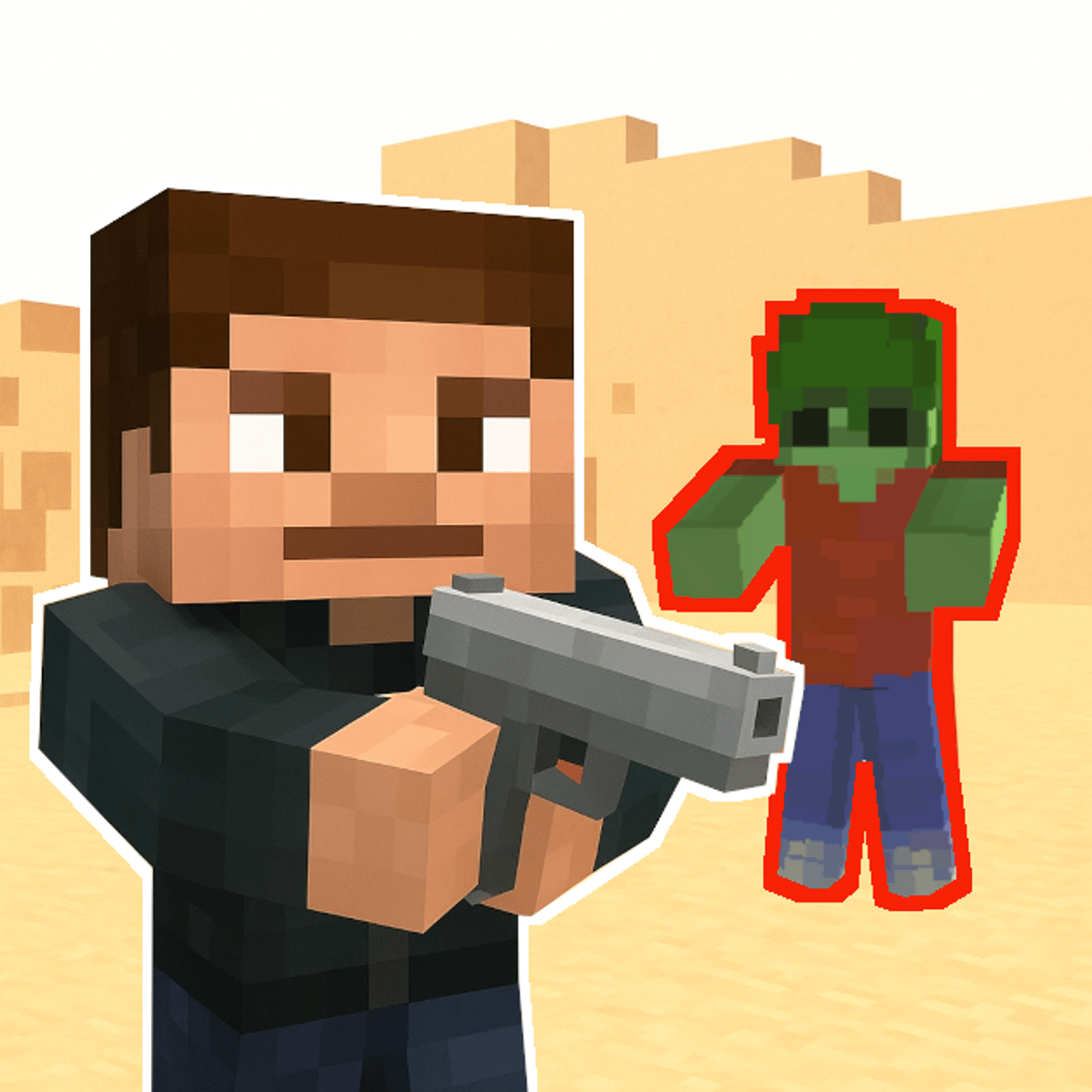
If you’d rather skip the story and just shoot things, this mode is for you. You stand on one side of the screen while zombies shamble toward you from the right. Click or tap to fire arrows. The twist is that you have limited arrows and a health bar—miss too many shots and you’ll get overwhelmed. The zombies come in different types: slow shamblers, fast runners, and some that take two hits to kill. Your score increases with each kill, and there’s no real ending; it’s a survival high-score chase. It’s less about puzzles and more about reflexes, but it’s a nice change of pace when you need a break from the story.
Tips and Strategies
For the love story mode: Don’t be afraid to choose the “wrong” option on purpose. Some of the funniest scenes come from picking the obviously bad choice, and you might unlock a secret ending you wouldn’t find otherwise. Also, pay attention to the environment—if you see a key hanging on a wall or a tool lying on a table, it’s probably useful later. The game doesn’t have an inventory screen, so you need to remember what you picked up.
For the archer mode: Aim for the head. Yes, it’s a cliché, but in this game it actually matters—headshots deal double damage and sometimes kill zombies in one hit. Try to conserve arrows; don’t spam click. Wait until a zombie is close enough that you can’t miss, then fire. The fast zombies are the biggest threat, so prioritize them. If you see a group, shoot the one in front first to create a bottleneck.
General advice: The game saves your progress automatically after each scene, so you can close the browser and come back later. But if you’re trying to get all endings, you might want to restart from scratch rather than continuing, because some choices lock you out of other paths. Keep a mental note of what you chose each time.
Common Mistakes
- Rushing through choices. The game doesn’t have a timer, so take your time reading the options. A lot of players click the first button they see and end up in a dead end. Slow down and think about what each option implies.
- Ignoring the archer mode. Some people play only the love story and miss out on the other half of the game. The archer mode is simple but satisfying, and it’s a good way to blow off steam after a frustrating story ending.
- Assuming the game is linear. It’s not. The branching paths mean that two playthroughs can feel completely different. If you get stuck, try a completely different approach—grab the item you ignored last time, or take the path that looks dangerous.
- Not clicking on background details. In some scenes, there are hidden interactive objects. Click around the edges of the screen. I once found a secret door by clicking on a bush that looked slightly darker than the others.
- Giving up after one bad ending. The game is designed to be replayed. Each failure teaches you something. The first time I played, I died in the first three minutes. By the fifth try, I got the good ending.
FAQ
Q: How many endings are there in the love story mode?
A: I’ve personally found four distinct endings, but the game’s description says “collect various endings,” so there might be more hidden ones. The developers haven’t published an official count.
Q: Can I play this game offline?
A: No, it’s a browser game that requires an internet connection. You can play it on Poki or similar sites, but it won’t work if you’re disconnected.
Q: Is there any in-app purchase or paywall?
A: No, it’s completely free. No ads that interrupt gameplay either, though there might be ads on the site around the game window.
Q: The game feels short. Is that normal?
A: Yes, each individual run is short—about 10–20 minutes. The replayability comes from trying different choices and unlocking new endings. Think of it like a short story with multiple branches, not an epic RPG.
Q: My arrows aren’t shooting where I click in archer mode. What’s wrong?
A: Make sure you’re clicking directly on the zombie, not just anywhere on the screen. The game registers clicks as “aim at that spot,” so clicking empty air will waste an arrow. Also, check that your browser isn’t zoomed in too far—sometimes the click area shifts if the page is scaled.
The charm of Mine Cartoon: Cube World lies in its willingness to be two games at once: a narrative puzzle box and a simple arcade shooter. Neither mode is groundbreaking on its own, but the combination, wrapped in colorful cube graphics and a playful tone, makes it a perfect time-waster for a coffee break. Give it a few tries—you might be surprised how many ways a blocky romance can go wrong.