



Two Button Bounce
If you played One Button Bounce, you know the setup: one character, one button, and a lot of precision timing. Robert Alvarez’s follow-up, Two Button Bounce, takes that simple formula and doubles it. Now you’re controlling two runners at once, and they never stop moving. They pace back and forth across the platform like restless prisoners, and it’s your job to bounce them off walls at exactly the right moment.
This isn’t a run-and-gun or a speedrunner’s paradise. It’s a puzzle game disguised as a platformer. Each level asks you to get at least one character to the exit, but some doors are locked, with keys only the other character can reach. So you need cooperation—even if you’re playing alone. You’ll juggle two characters, two timings, and one shared goal. It sounds chaotic, and that chaos is what makes it addictive.
How to Play
The objective is simple: guide at least one of the two bouncing characters to the glowing exit portal. The twist is that each character runs automatically until hitting a wall, then reverses direction. You can only jump (and wall-bounce) on command. Your control is limited to vertical movement—horizontal movement is on rails.
Controls
Desktop:
- Player 1: Press W to jump and also to wall-bounce when touching a wall.
- Player 2: Press Up Arrow to jump and wall-bounce.
- R resets the current level.
- Esc goes back to the menu.
Mobile:
On a phone or tablet, touch controls appear on the left and right sides of the screen. Left side controls Player 1, right side controls Player 2. Tap to jump. The same logic applies: you’re only jumping, not moving left or right.
Playing Solo vs. Co-op
You can play alone, controlling both characters with two separate keys (W and Up Arrow). It takes some getting used to—your brain has to split attention between two bouncing characters who never stop moving. Alternatively, you can play local co-op with a friend on the same keyboard or screen. One person takes Player 1, the other takes Player 2. This is where the game really shines, because you can yell at each other when someone misses a jump.
Game Modes and Features
Two Button Bounce doesn’t have separate modes like campaign, endless, or time trial. It’s a single, continuous set of levels that gradually introduce new mechanics. But it does have a few notable features worth mentioning:
- Increasing Complexity: Early levels are simple—just bounce one character up to a key, then the other through an open gate. Later levels add spikes, moving platforms, one-way walls, and keys that disappear after a few seconds. You’ll need to plan multiple moves ahead.
- Local Co-op Only: There’s no online multiplayer. You need to be on the same device. That’s a deliberate choice—it keeps the focus on split-second communication and shared frustration.
- Reset-Friendly: The R key (or a tap on the reset button) instantly restarts the level. There’s no penalty for dying or failing. The game encourages trial and error, so don’t hesitate to reset.
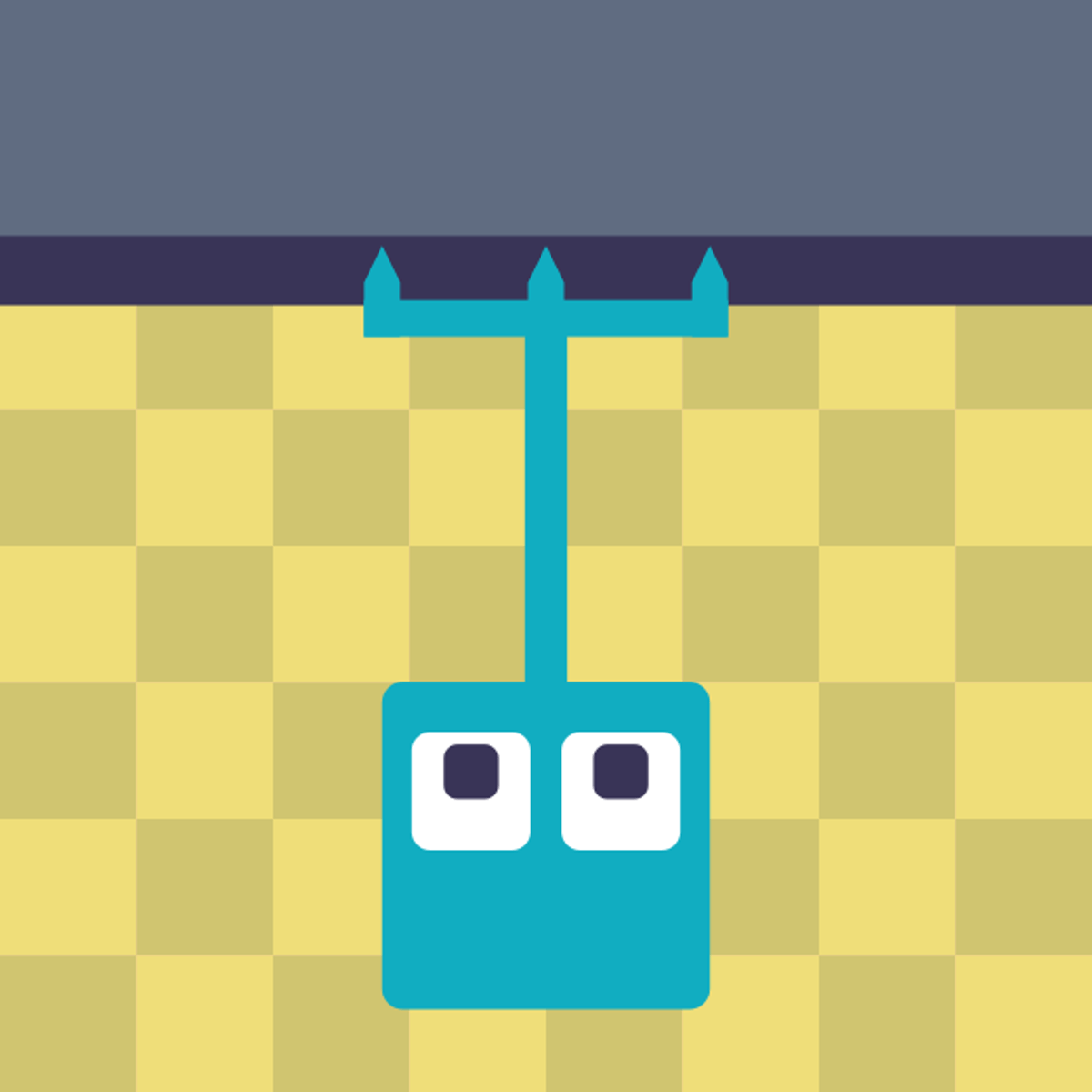
- Clean, Minimalist Art: The characters are simple stick figures, the platforms are solid blocks, and the colors are flat but readable. Nothing distracts you from the puzzle at hand.
Tips and Strategies
After enough time with Two Button Bounce, a few tricks emerged that made the later levels less punishing.
1. Watch Both Characters, Not One
It’s tempting to focus on the character that’s closer to the key or the exit, but the other one is probably drifting into a spike pit. Train your eyes to split attention. Keep both characters in your field of view. Don’t tunnel-vision.
2. Use Wall Bounces for Height
A wall bounce isn’t just a horizontal ricochet—it also gives you extra height. If you jump while touching a wall, you’ll leap upward and away. This is crucial for reaching higher platforms. Time it so that you’re at the lowest point of your run when you hit the wall; that gives you the most vertical lift.
3. Plan Your Key Collection Order
Some levels have two keys, one for each character. You might need Character A to grab Key 1, then Character B to grab Key 2, then Character A to open the door. If you grab keys in the wrong order, you might lock yourself out. Before you start jumping, take a few seconds to watch the pattern and figure out which key needs to be taken first.
4. Don’t Be Afraid to Reset
If one character dies, the other might still be alive, but the level often becomes unwinnable because the dead character’s key or platform is needed. Just hit R. There’s no score, no time limit, no lives. Resetting is part of the process.
5. In Co-op, Communicate
If you’re playing with a friend, call out when you’re about to jump. “I’m going for the key on the left—cover the spike on the right.” It sounds silly, but it prevents both of you from jumping at the same time and missing everything.
Common Mistakes
New players tend to trip over the same few hurdles. Here’s what to watch out for.
Over-Jumping
Because you can jump whenever you want, it’s tempting to spam the button. But jumping at the wrong time can send you into a spike or cause you to miss a platform. Sometimes the best move is to let the character run and wait for the perfect moment.
Ignoring the Second Character
Solo players often forget that both characters are moving simultaneously. They’ll guide one character to the exit, then realize the other is stuck in a corner or has fallen into a pit. You need to keep both alive until at least one reaches the exit. Even if one dies, the other can still win, but if you’ve already lost one, you can’t use them to grab keys anymore.
Misjudging Wall Bounce Direction
When you wall-bounce, you go in the opposite direction of the wall you’re touching. If you’re on the left side of a wall, you’ll bounce to the right. New players sometimes bounce into a hazard because they forget which way they’ll be launched. Pay attention to which wall you’re next to.
Forgetting That Keys Disappear
Later levels introduce timed keys. If you don’t use the key within a few seconds, it vanishes, and you have to reset. The key is usually right next to the door, so you need to coordinate: one character grabs the key, the other immediately goes through the door. If you dawdle, you’ll fail.
FAQ
Q: Can I play Two Button Bounce on my phone?
A: Yes. The game works on mobile browsers. Touch controls appear on the left and right sides of the screen. It’s a bit more cramped than playing on a keyboard, but it’s playable.
Q: Is there a way to play with a friend online?
A: No. Two Button Bounce is local co-op only. Both players need to be on the same device. That’s by design—the game is built for sitting next to someone and shouting at them.
Q: How many levels are there?
A: The game has a substantial number of levels, but it doesn’t display a count. You’ll progress through increasingly tricky stages. The developer has also updated the game (last update June 2025), so new levels may have been added over time.
Q: What happens if one character dies? Can the other still finish?
A: Yes. As long as one character reaches the exit, you win the level. But if the dead character was holding a key or needed to activate a switch, you might be stuck. In that case, reset.
Q: Is this game harder than One Button Bounce?
A: Yes, by a significant margin. Managing two characters instead of one multiplies the complexity. If you struggled with the first game, prepare for a steeper challenge.
Closing
Two Button Bounce takes a simple idea and squeezes every drop of tension and satisfaction out of it. It’s not a game you play to relax—it’s a game you play to sharpen your reflexes and test your patience. Whether you’re bouncing alone or dragging a friend into the chaos, it’s a puzzle-platformer that earns its difficulty. Just keep your finger on the R key.