


Draw my Path Obby
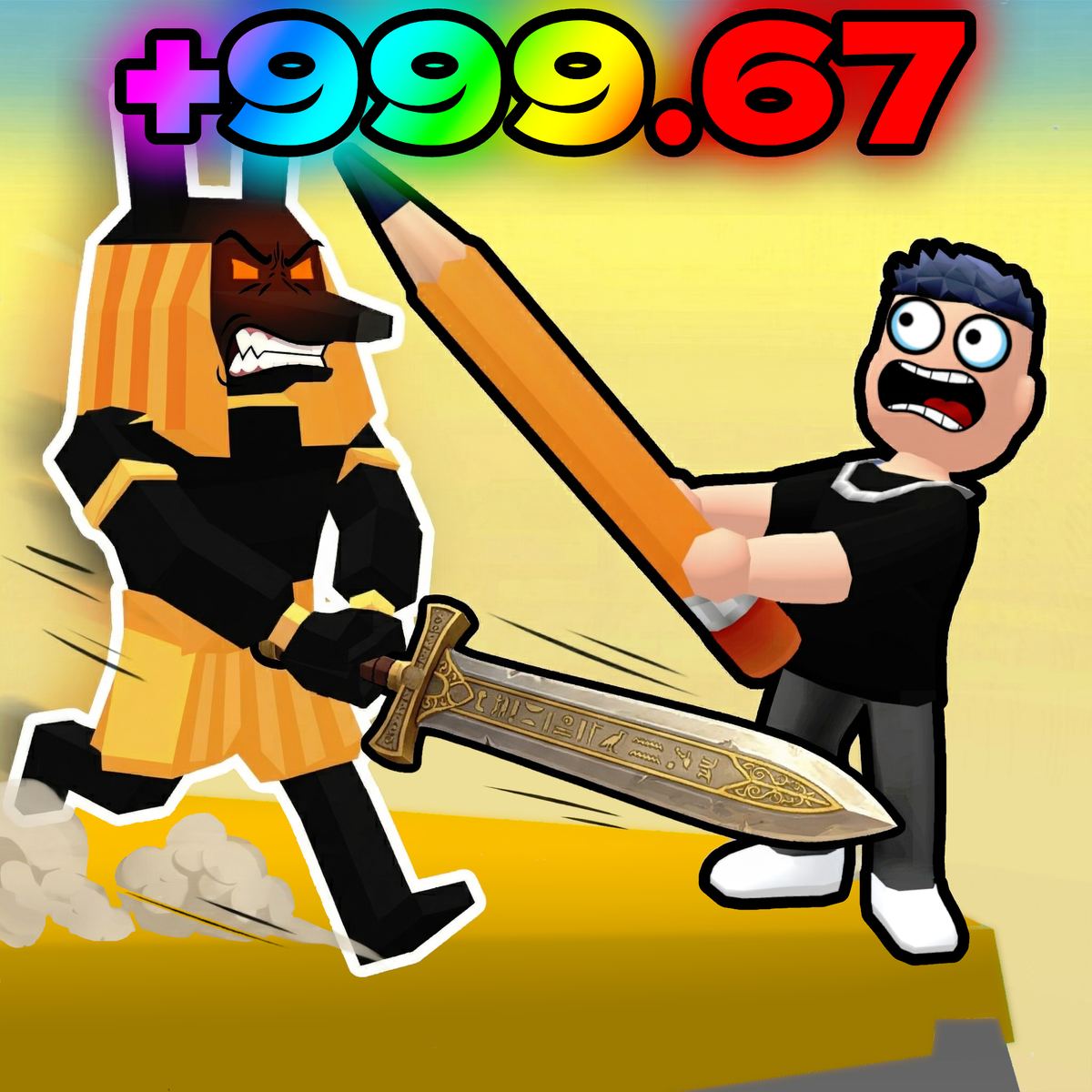
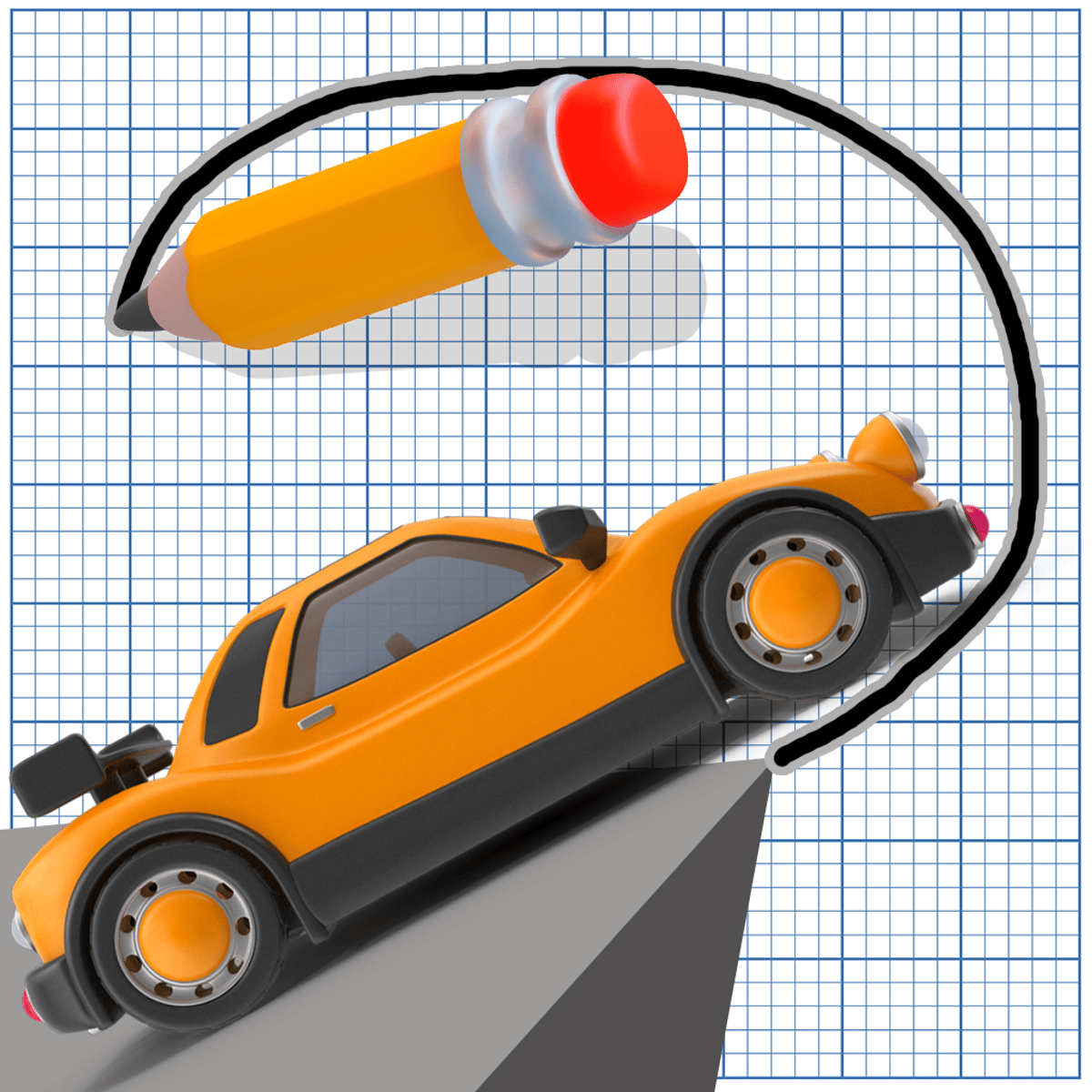
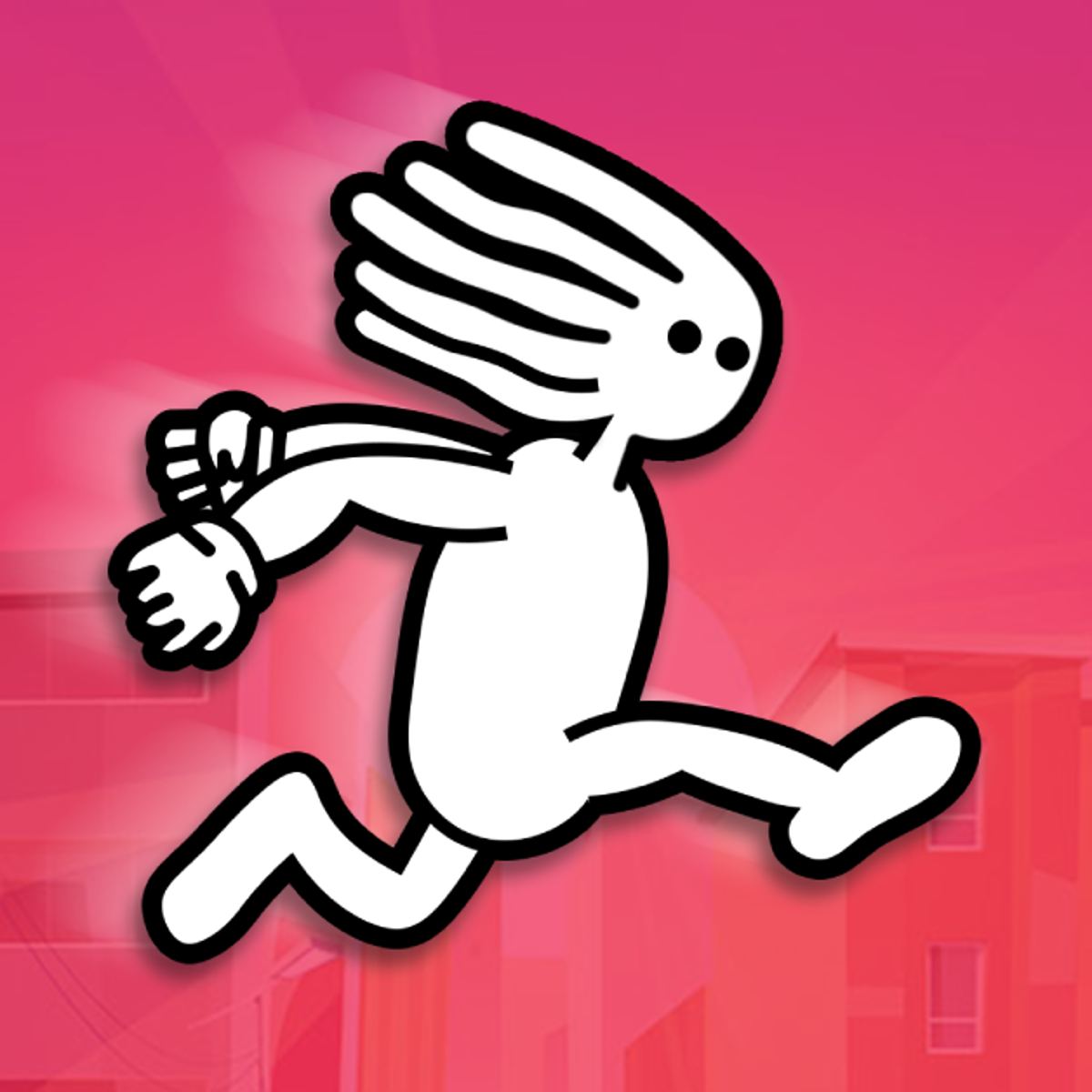
The core idea is strangely compelling: sketch your way through a platformer. That's the central hook of Draw my Path Obby, a multiplayer obstacle course from emolingo games where your drawing ability directly impacts your success. You're not just running and jumping between fixed platforms—you're pulling out a virtual pen mid-race to sketch bridges, ramps, and walkways directly into the level.
Launched in March 2025, the game quickly found an audience. Its appeal lies in its novelty. While most obby games rely on memorizing layouts or executing precise jumps, this one hands you a creative toolset and tells you to improvise. The multiplayer competition adds another layer—seeing another player draw a path ahead of you injects a frantic energy into even simple sketches. It’s a clever and engaging concept, which explains its 4.1 rating from over 60,000 votes on Poki.
If you’re familiar with emolingo games like Rainbow Obby or Disaster Arena, you’ll recognize their signature style here: vibrant visuals, simple-to-grasp mechanics, and a focus on instant, accessible fun. Draw my Path Obby sticks to that formula but introduces a genuine creative mechanic that sets it apart from the many other obbies flooding browser portals.
How to Play
The goal is straightforward: be the first to reach the end of the obstacle course. The twist is that the path is filled with gaps, traps, and complex geometry you can’t simply jump across. Your solution is the pen tool. You draw lines and shapes directly onto the game field, creating temporary platforms and paths to traverse.
Controls on Desktop:
- Move: A/D keys or the left/right arrow keys.
- Jump: W, the up arrow, or the spacebar.
- Draw: Click and drag with your mouse.
- Switch Tool: Press Q for the pen, E for the eraser.
- Clear All: Press R to erase every drawing you've made.
- Pause: Escape key.
Controls on Mobile:
The game adapts well for touchscreen. Tapping and swiping replace keyboard keys, and the drawing mechanic feels intuitive with a finger or stylus. Some players find it even easier to sketch precise lines on a phone screen. The game performs smoothly on both platforms, requiring no installation.
Pacing is crucial. You can't pause to draft a blueprint. You need to sketch quickly, test your creation, and keep moving forward. A poorly drawn path wastes valuable seconds, and in a multiplayer race, seconds determine the winner.
Game Modes
The game revolves around its competitive multiplayer format. You join a lobby of players and race through a series of obstacle courses. The levels themselves provide the variety—some are short and intense with a single critical gap, while others present multiple sequential drawing challenges. Each layout demands a different approach to your sketches.
The multiplayer structure is always present. You see other players running, jumping, and furiously drawing alongside you. This creates a competitive pressure that solo puzzle games can't match. Even if you're not typically competitive, watching an opponent zip across a bridge they drew faster than you drew yours is a powerful motivator.
Tips and Strategies
Prioritize speed over perfect lines. A wobbly, quick bridge that gets you across a gap is far better than a meticulously drawn arc that costs you four seconds. You can refine or fix your sketch on the move if it doesn't work the first time. Start with rough shapes and only add detail when you have a safe moment.
Pre-draw when you see an obstacle approaching. If there's flat ground before a large gap, use that space to begin sketching your solution while you run. The pen is always available, so there’s no need to wait until you’re teetering on the edge.
Embrace straight lines. Curves might look nice, but they take longer to draw and often function no better than a simple flat line. A quick horizontal stroke from one platform edge to the other usually solves the problem. Save the artistry for after you’ve crossed the finish line.
Master the eraser toggle. Switching quickly between the pen (Q) and eraser (E) becomes muscle memory. If your first drawing is off, a fast erase-and-redraw is more efficient than trying to patch over a mistake with more ink.
Learn from the leaders. If another player finishes well ahead of you, pay attention to how they sketched their paths. Sometimes the intended solution is obvious, but other times a clever shortcut can skip an entire section. Observing others during a race teaches reusable patterns.
Understand the game's physics. A drawn slope that's too steep might be unclimbable. A platform placed too low won't effectively bridge a gap. Get a feel for the angles and positions the game accepts as valid paths. After a few rounds, this becomes instinctive.
Common Mistakes
New players often overthink their drawings. You’ll see beginners crafting elaborate scaffolds when a single flat line would suffice. The game rewards speed and simplicity. Treat your pen as a practical tool, not an artistic medium.
A frequent oversight is forgetting about jump height. Some gaps can be cleared with a well-timed leap alone. New players default to drawing for every obstacle, wasting time creating paths they don’t actually need. Try jumping first—if it’s clearly too far, then use your pen.
Misjudging where to place drawn platforms is incredibly common. Drawing a bridge that falls just short, leaving a tiny gap at the end, will stop you instantly. Your line must fully connect to the far edge. Aim your strokes to slightly overshoot rather than undershoot.
Hitting R to erase everything is a risky move. While useful in some cases, it can be catastrophic if you’ve drawn multiple helpful paths in a complex area. Use the targeted eraser (E) for small corrections. Save the full wipe for when you truly need a complete reset.
Don’t get lost in your own artwork. Some players focus so much on crafting the “perfect” path that they completely lose sight of the other racers. This is a race. A functional path drawn quickly beats a brilliant one drawn too late.
FAQ
Is Draw my Path Obby free to play?
Yes. It’s a free browser game on Poki. No download or account is required—just load the page and start.
Can I play on my phone?
Absolutely. The game runs well on mobile browsers for phones and tablets. The touch controls for drawing feel intuitive.
Is it multiplayer only?
The primary experience is online multiplayer racing. Competing against other real players is a core part of the game's appeal.
Who made Draw my Path Obby?
Emolingo Games developed it. They’re also known for titles like Rainbow Obby, Disaster Arena, Escape From School, and Car Machines.
Are there different levels?
Yes. The obstacle courses vary in layout and difficulty, presenting different drawing challenges each time. Some focus on single gaps, while others have multiple sections requiring creative sketches.
Draw my Path Obby reimagines the obby genre. Instead of memorizing fixed obstacles, you invent your own solutions in real-time—under the pressure of beating live opponents. This blend of improvisation and competition keeps the gameplay fresh, even after you’ve seen a level multiple times.