




Draw the Road
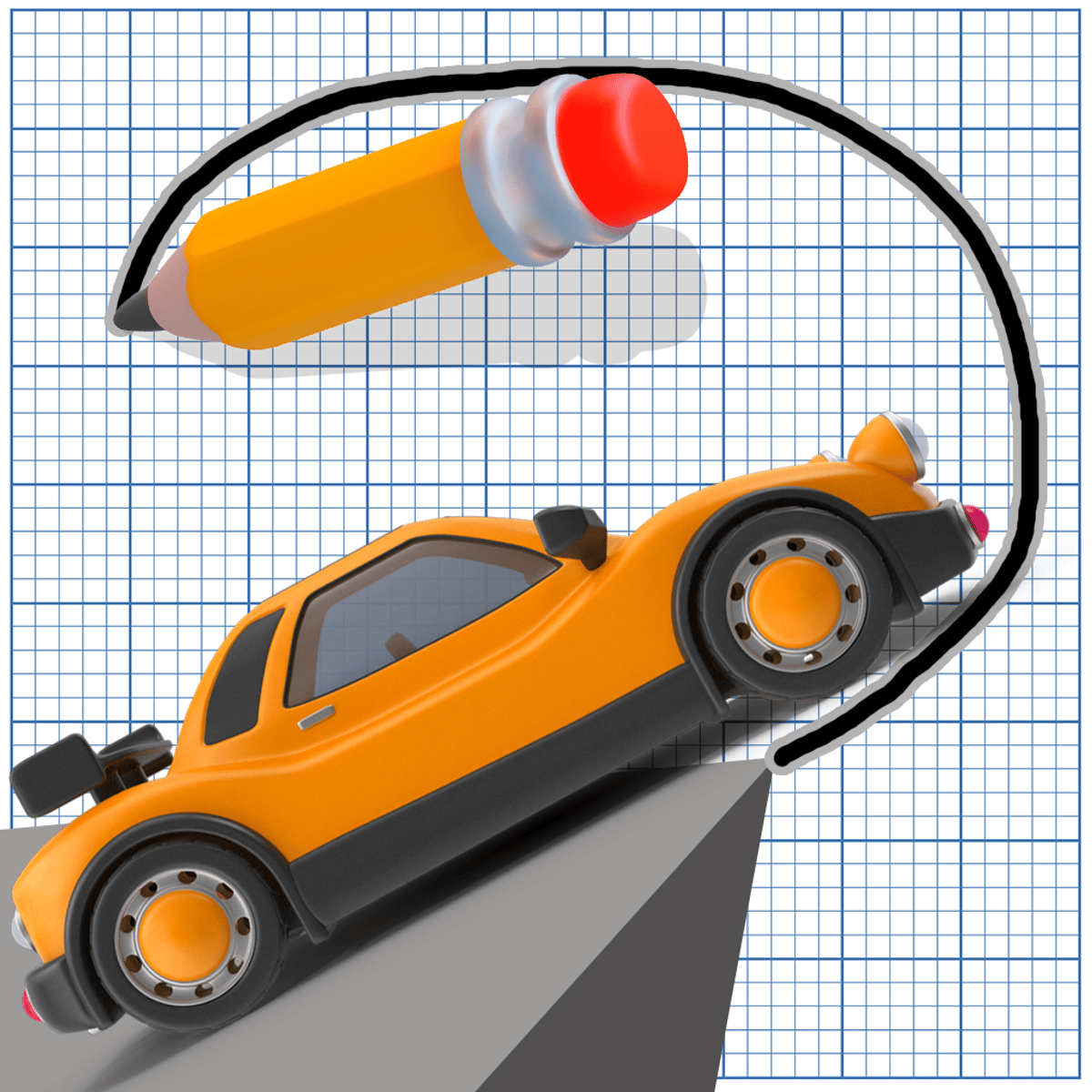
There's a particular kind of fun in solving a puzzle you sketched into existence yourself. Draw the Road builds on that exact feeling. You draw a path, press play, and watch your car follow that hand-drawn road to the finish line. Sometimes it works like a charm. Other times your car plummets into the void, forcing a quick redesign.
The idea is simple, but developer Yodco Media has added enough twists to keep it fresh across its many levels. You aren't just drawing lines. You're building bridges over gaps, routing around hazards, and tapping floating blocks in the right sequence to reconstruct broken road sections. The puzzle elements escalate gradually, and before long you're carefully studying the geometry of each new stage.
The quick feedback loop is what hooks you. Draw, test, fail, tweak, succeed. Failures are fast and painless—no loading screens, no penalty—so you naturally slip into a "just one more try" rhythm. The car physics strike a balance: forgiving enough to reward creative solutions but firm enough that lazy shortcuts don't work. It’s a design that feels fair without ever feeling dull.
How to Play
The core idea is straightforward: you draw a continuous line that becomes the road for your car. If you lift your cursor or finger at the wrong moment, you might leave a gap that sends your vehicle tumbling. So, rule one: plan your stroke before you start.
On desktop, click and hold the left mouse button to draw your path. Let go when you're finished. To interact with the blocks scattered in some levels—the ones that rebuild broken roads—just click on them. The order you activate them matters, so study the layout before tapping.
On mobile and tablet, the controls are direct. Use your finger to draw, tapping and dragging in one fluid motion. Activate blocks with a quick press. The touch controls are responsive, though drawing perfectly straight lines on a small phone screen takes some practice. Tablets offer more room, which definitely helps on the trickier levels.
Once your path is set, the car takes off automatically. Your line doesn't need to be a work of art—rough, slightly wobbly roads work just as long as they're continuous and properly connected. The game cares about function, not flair.
Features
Draw the Road doesn't overload you with modes. It focuses on a steady stream of increasingly clever levels, each adding a new layer to the formula.
Block-tapping puzzles appear early and grow more complex as you progress. Certain road sections are broken or absent, and tapping the right blocks—in the correct order—drops them into place as functional platforms. Get the sequence wrong and you might block your own path or create an unbridgeable gap. This mechanic elevates the game from a simple drawing toy to one that demands genuine spatial thinking.
Customization comes through paint jobs for your car. Clearing stages unlocks new colors and designs. It's a modest reward, but it gives you a visual badge of progress and a little extra motivation to tackle a tough level.
The obstacle variety expands naturally throughout the game. Early stages are gentle—a gap here, a slight incline there. Later levels introduce wider chasms, multiple broken sections, and layouts where the obvious route is almost always the wrong one. The difficulty curve is well-judged. You rarely feel stuck for long, but you definitely earn your victories in the back half.
Tips and Strategies
After spending considerable time with Draw the Road, a few reliable patterns emerge that can cut down on trial and error.
Draw gentle slopes, not steep drops. Your car obeys basic physics. A road that plummets at a sharp angle will send the vehicle flying, and once it's airborne, control is gone. Gentle slopes keep the car grounded and moving predictably. Think like a road engineer—you wouldn't design a highway that drops off a cliff.
Map out the whole level before you draw. It's tempting to start sketching as soon as you see the start, but half a minute of observation will save you five minutes of failed attempts. Spot the gaps, note the tappable blocks, and figure out the right activation order. A solid plan beats a fast hand.
Keep your road line continuous and solid. Gaps in your drawing mean gaps in the road. Lifting your finger or mouse button mid-stroke can leave a tiny break the car can't cross. Draw in one confident motion whenever you can. If you must stop and restart, make sure the new segment overlaps the last one slightly.
Don't be afraid of creative paths. The game often shows you an obvious route that's almost—but not quite—correct. Feel free to draw a road that loops, bends, or takes an unexpected angle. Some levels practically require you to think sideways. The straightest line between two points isn't always the safest here.
Use block-tapping strategically. When multiple blocks appear, resist the urge to tap them all at once. Consider what each block does and whether activating it now will help or hinder your car's progress. Sometimes you need to tap a block while the car is already moving, making timing as important as sequence.
Common Mistakes
New players tend to repeat the same errors, and most are easy to avoid once you know what to look for.
Drawing too quickly is the main culprit. You see the path ahead, scribble a hasty line, and hit go. Then you're surprised when the car launches off a bump or catches air over a rough patch. Slow down. Your line quality directly decides whether the car reaches the goal.
Ignoring the block order trips up a lot of people. In levels with multiple tappable blocks, tapping them randomly might lower a platform that blocks the road or create an obstacle you can't bypass. Study the level layout and think through the logical sequence.
Overcomplicating the path is another classic error. A shorter, simpler road usually outperforms a long, winding one that tries to cover every angle. More road means more chances for a drawing mistake, and longer paths give the car more opportunity to hit a snag. If two routes seem equally viable, pick the simpler one.
Forgetting about momentum causes trouble on levels with slopes and jumps. Your car accelerates downhill and slows on climbs. A steep drop followed by a flat section can cause the car to overshoot or bounce. Smooth transitions between angles keep the ride stable.
FAQ
Is Draw the Road free to play?
Yes, it's completely free. You can play it directly in your browser without downloading anything or creating an account.
What devices does it work on?
The game runs on desktop computers, mobile phones, and tablets. Any modern browser should handle it fine.
Who made Draw the Road?
Yodco Media developed it. According to the game's listing, it's the first title they've published on this platform.
Do I need to complete levels in order?
The game uses a level-based progression, so you'll generally move through stages in sequence. Each new level builds on skills you learned in earlier ones.
Can I replay levels I've already beaten?
Yes, and it's worth doing. Replaying earlier stages with fresh eyes often reveals shortcuts you missed the first time around. It's also a good way to experiment with different drawing approaches without the pressure of a new challenge.
Is there a way to undo my drawn path?
If your car fails the level, you simply draw a new path and try again. There's no penalty for failure, so each attempt is essentially a free do-over.
---
Draw the Road shows how a clever idea and clean execution can carry a game. It won't swallow your entire afternoon unless you let it—but don't be surprised when "just one more level" turns into twenty.