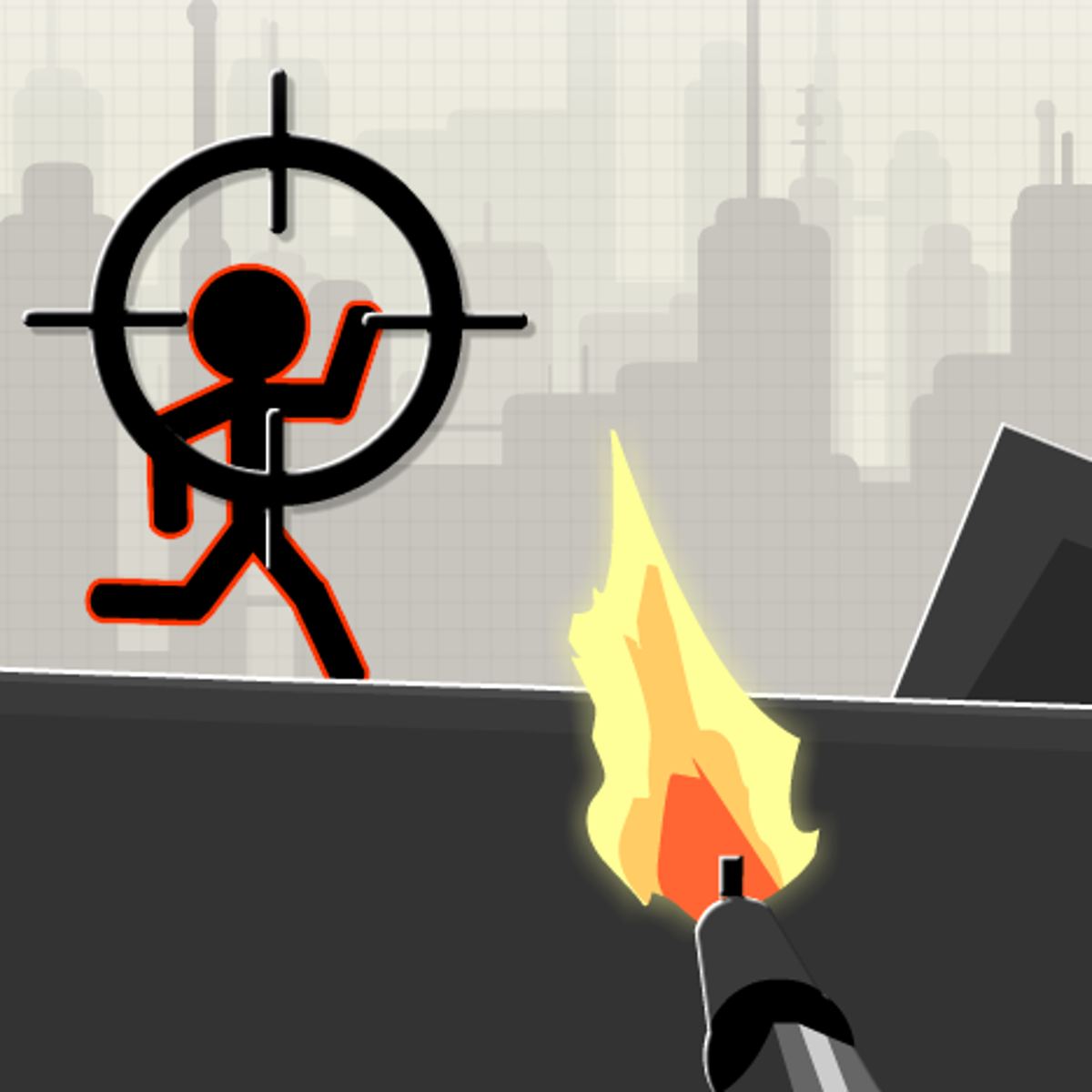




Count War
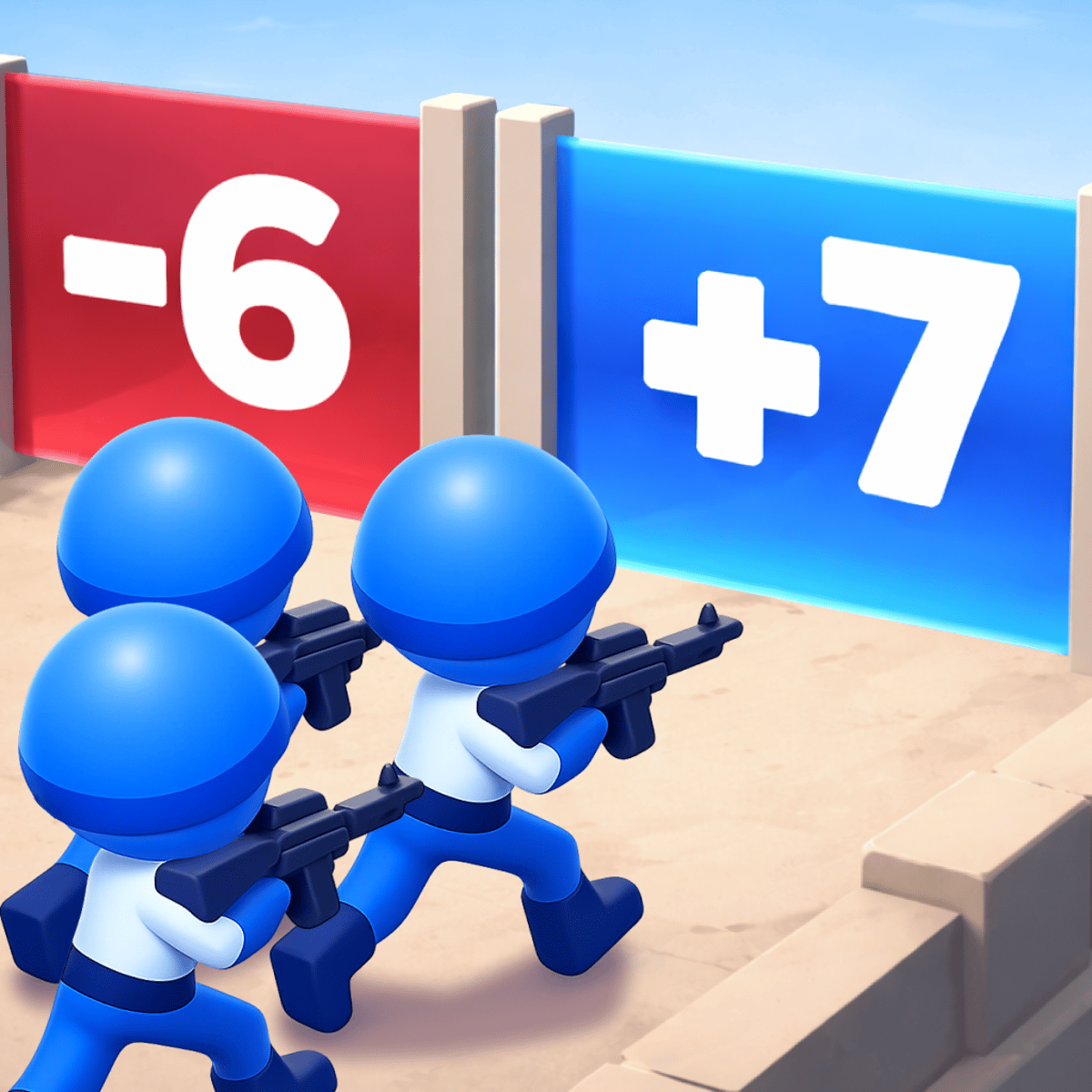
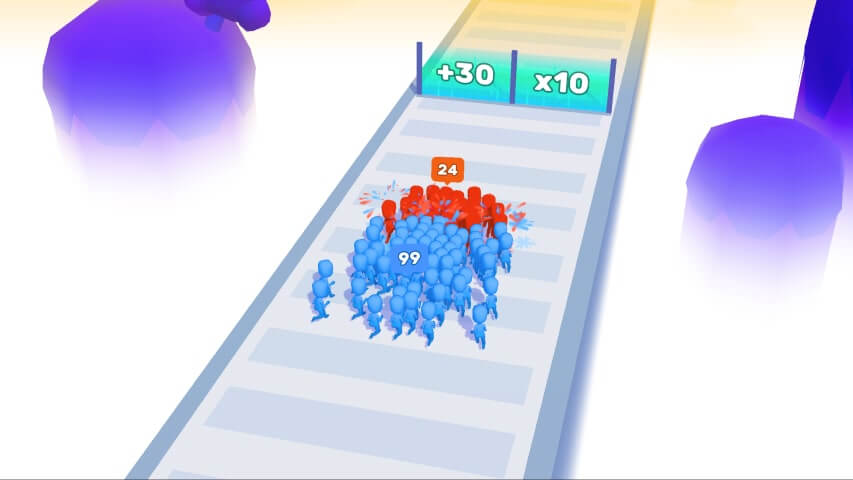
You start with a handful of blue stick figures. A few minutes later, you’re commanding a small army. That’s the appeal of Count War—a strategy game where numbers are your best weapon. It’s easy to pick up: move your squad through doors, watch them multiply, grab guns, and smash waves of zombies. But the moment you lose because you ran into the wrong door, you’ll want to try again. The gameplay loop is tight, the stakes are low, and there’s something deeply satisfying about watching your crowd of stickmen overwhelm a horde.
The game comes from Nineties Games, the studio behind Slime Journey and Pocket Car City. It’s free, runs in your browser, and works on desktop and mobile. No download, no waiting—just click play and start herding your little blue army toward victory. The visual style is clean and minimal: bright blue soldiers against grayish environments, with red enemy zombies that stand out. It’s not aiming for triple-A spectacle. It’s a quick, addictive time-waster that doesn’t waste your time.
The real draw is the balance between luck and planning. Every door you walk through either doubles your army, gives you a weapon, or spawns enemies. You have to read the battlefield, decide when to push forward and when to hang back. It’s part puzzle, part action, and it’s all about making your numbers count.
How to Play
The objective is straightforward: guide your blue stickman army from start to finish, defeating all zombies along the way. You don’t control individual soldiers—you control the whole group as a single unit. They follow your movement commands and automatically attack enemies that get close enough.
Desktop controls: Use the A and D keys or the left and right arrow keys to move your army left and right. That’s it. There’s no jump button, no attack button—your soldiers fight on their own. The challenge is positioning them so they hit the right doors and avoid getting flanked.
Mobile controls: On a phone or tablet, you get a virtual joystick on the left side of the screen. Drag it left or right to move your army. The touch response is smooth, and the game scales well to smaller screens. I found it a bit easier on mobile because the joystick gives you finer control than keyboard taps.
The doors are the core mechanic. Each level has a series of gates. When your army walks through a door, one of three things happens: your soldier count doubles, you pick up a weapon (like a machine gun or shotgun), or enemies spawn. You can see a small icon above each door before you enter—a soldier icon means more troops, a gun icon means a weapon, and a skull means trouble. The catch is that the icons are small and you’re often moving fast, so you have to make split-second decisions.
Weapons are temporary but powerful. A machine gun lets your army fire rapidly, shredding zombies from a distance. A shotgun blasts a wide cone, great for crowds. You can only hold one weapon at a time, so if you grab a new one, you lose the old. Use them wisely.
Game Modes
Count War doesn’t have separate modes like campaign or endless. It’s a single linear series of levels, each a bit harder than the last. You start with a handful of soldiers and work your way up to massive armies. Difficulty ramps up through enemy density, door placement, and environmental hazards like pits or barriers.
There’s no multiplayer, no leaderboard, no daily challenges. That sounds sparse, but the core loop is strong enough to carry the game for a couple of hours. If you like to perfect a level or beat your own time, you’ll get more out of it. For a quick session, it’s perfect.
Tips and Strategies
- Don’t rush the first door. In early levels, you have so few soldiers that one bad door can end the run. Wait a second, look at the icon, and only go through if it’s a troop multiplier. If it’s a skull, hang back and let enemies come to you—your small squad can handle a few zombies if you kite them.
- Prioritize weapon doors when you’re outnumbered. Once your army is over 20 soldiers, a weapon door is usually better than a troop door. A machine gun lets you mow down enemies before they reach your line, which saves soldiers. More soldiers don’t help if they all die in the first wave.
- Use the environment. Some levels have walls or gaps. You can funnel zombies into narrow corridors, making your army’s attacks more concentrated. Don’t just charge straight ahead—move left and right to control the flow.
- Learn the enemy types. Basic zombies walk straight at you. There are also spitters that attack from range and big brutes that take extra hits. Prioritize brutes first because they can break your formation. Spitters are annoying but die fast if you close the distance.
- Keep moving. Standing still is death. Zombies spawn from both sides, and if you stay in one spot, they’ll surround you. Always be drifting toward the next door, even if you’re fighting.
- Count your soldiers. The number in the top corner is your most important stat. If you drop below 10 in a mid-level stage, you’re probably going to lose. That’s your cue to play extra defensively and only take safe doors.
Common Mistakes
- Walking into skull doors without checking. The icon is small, but it’s there. New players often mash left or right without looking, then get swarmed. Slow down for half a second.
- Holding onto a weapon too long. If you have a shotgun and you see a machine gun door, swap. Shotguns are great up close, but machine guns let you thin the herd from a distance. Don’t get attached.
- Ignoring the back line. Zombies can spawn behind you. If you’re focused on the front, you might not notice your rear soldiers getting picked off. Glance at the minimap or just turn around occasionally.
- Overconfidence with a big army. Having 100 soldiers feels powerful, but a single bad door can spawn a wave that kills half of them. Don’t get cocky—still play smart.
- Not using mobile controls on desktop. I know, weird tip. But if you’re playing on a laptop with a trackpad, the keyboard controls can feel jerky. Try plugging in a controller or using the mobile version on your phone. The joystick is smoother.
FAQ
Is Count War free?
Yes, it’s completely free to play in your browser. No in-app purchases, no ads that interrupt gameplay (there are banner ads on the site, but they don’t pop up mid-level).
Can I play Count War offline?
No, it requires an internet connection because it runs in the browser. There’s no downloadable version.
How many levels are there?
The game has around 30 levels, depending on updates. It’s not a huge campaign, but the difficulty curve is fair, and replaying levels to improve your score is part of the appeal.
Why do my soldiers sometimes stop moving?
They might be stuck on a wall or obstacle. Try moving in the opposite direction to unstick them. If that doesn’t work, you might have hit a bug—refresh the level.
Is there a way to skip a level?
No, you have to beat each level to progress. But the early levels are easy, and later ones are short enough that failing doesn’t feel punishing.
Count War won’t change your life, but it’ll eat up a coffee break faster than you expect. Give it a shot—just watch those doors.