

SnapStyle Dress Up
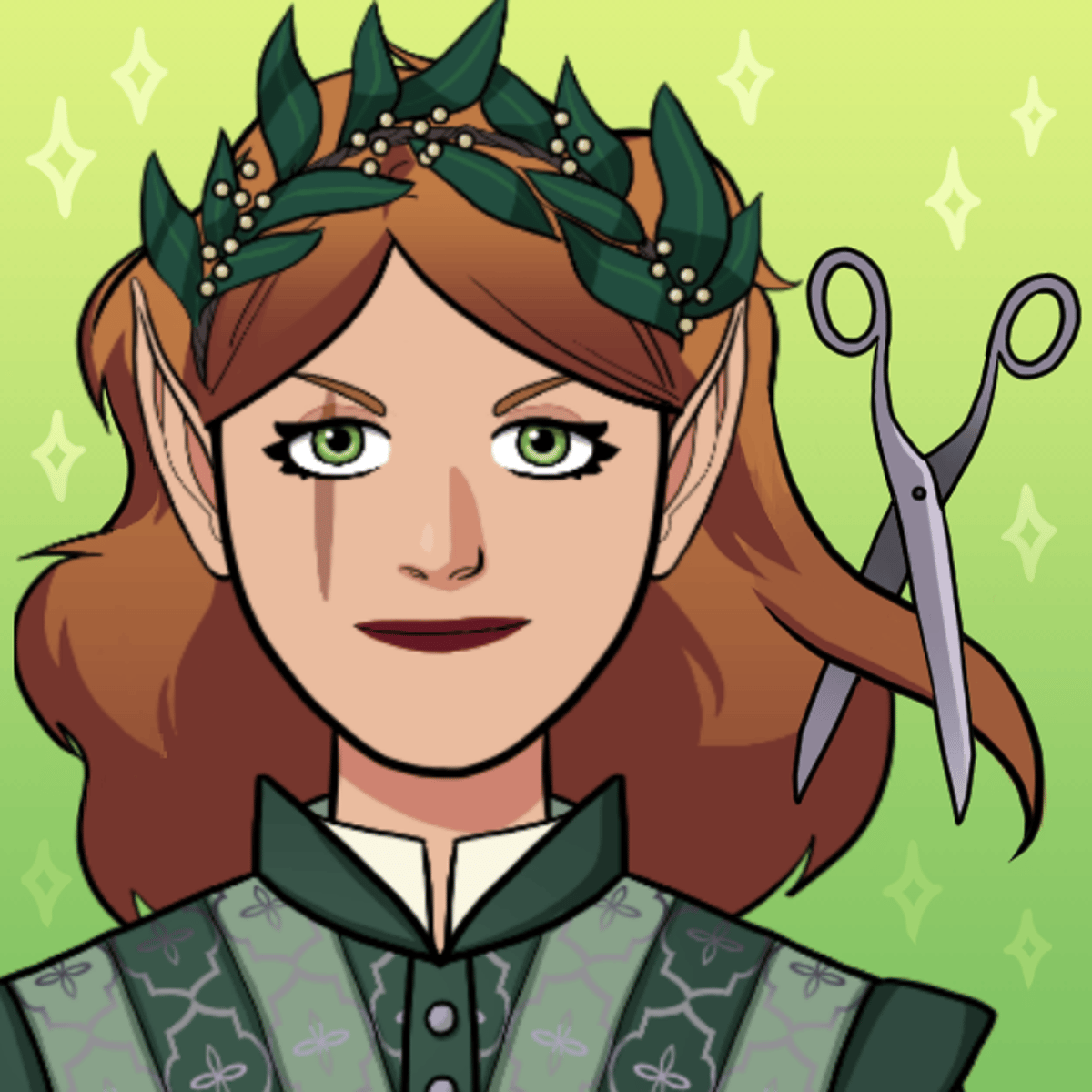
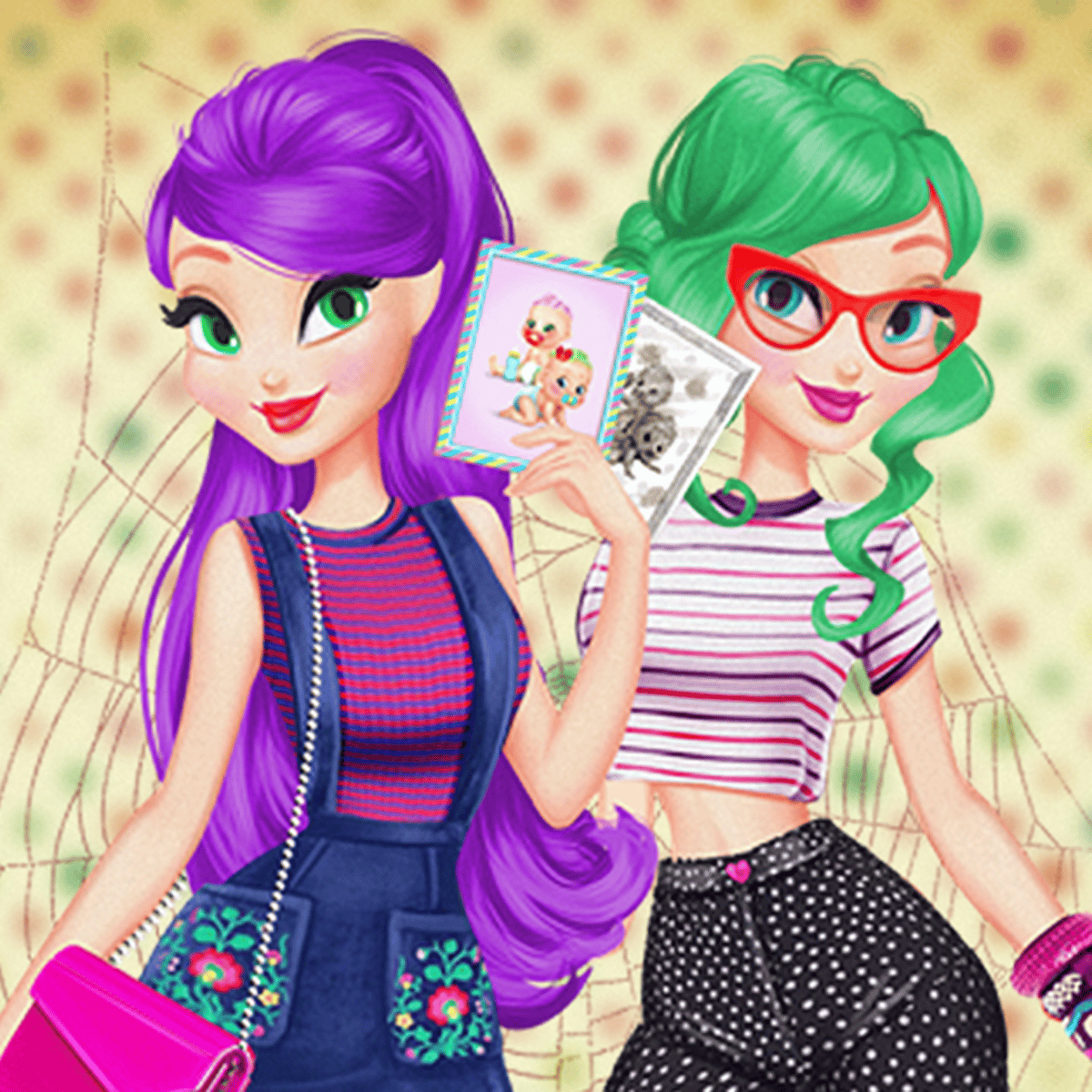
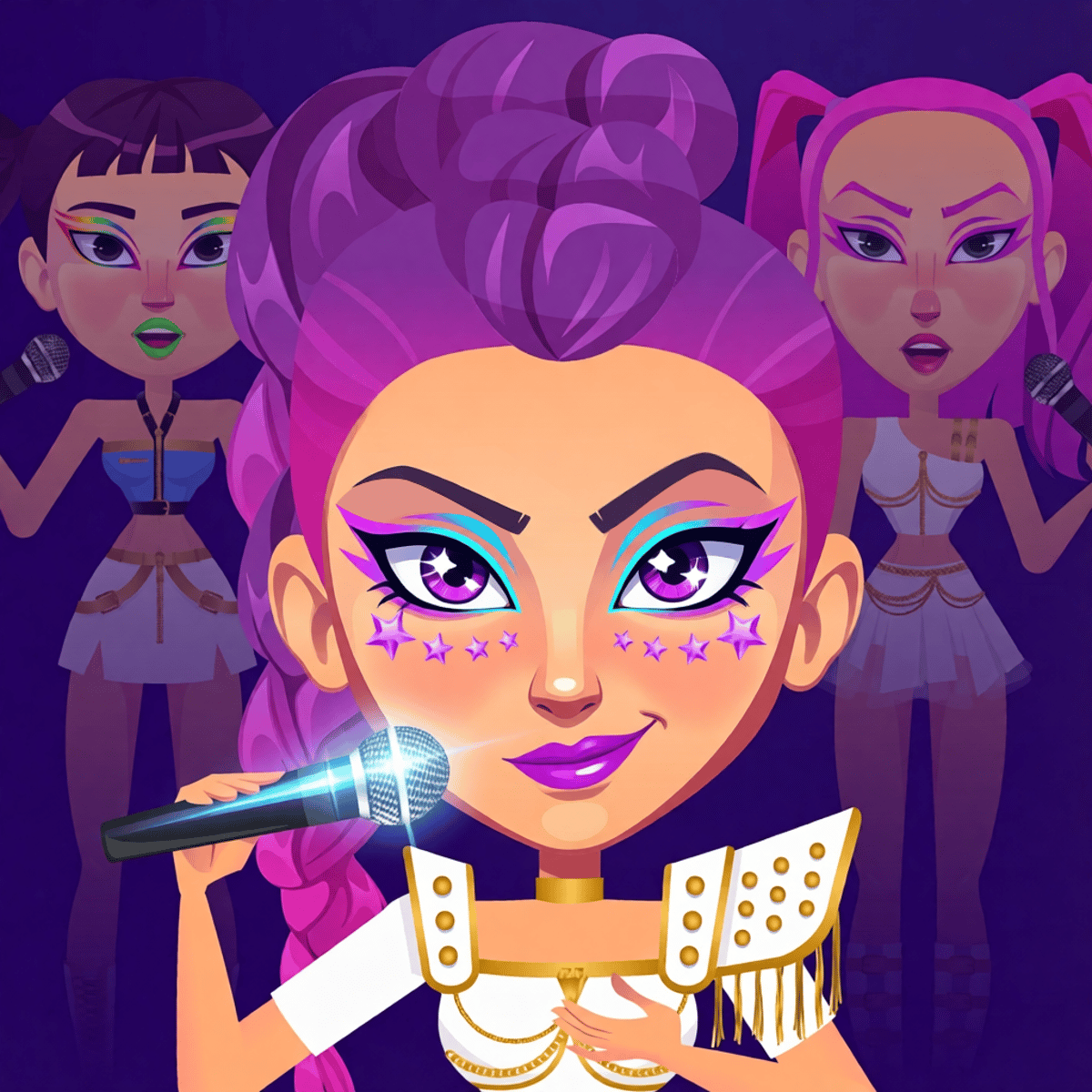
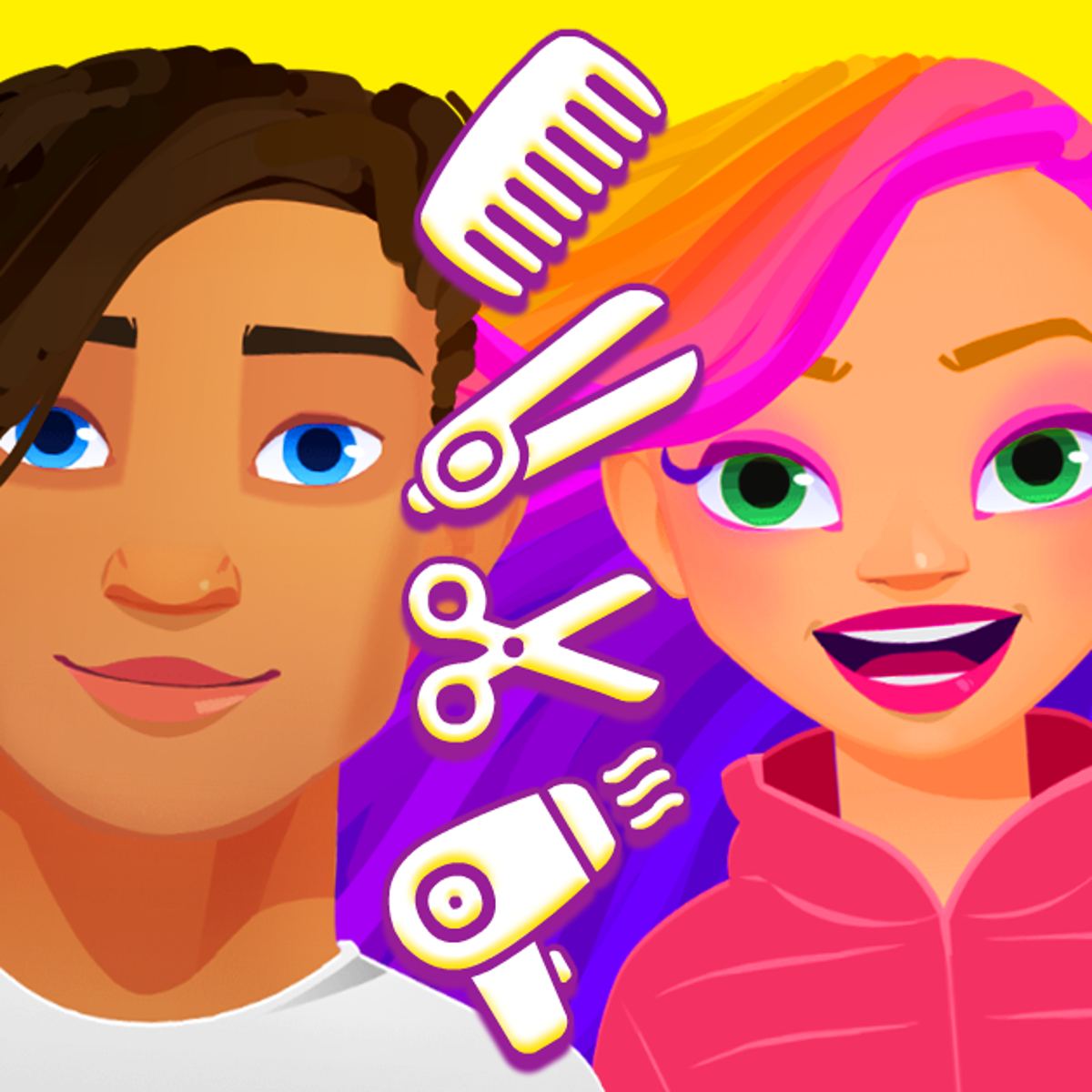
That satisfying moment when an outfit just clicks. You know the one. SnapStyle Dress Up is a game built entirely around chasing that feeling. From PlayCap, this mid-2025 browser release is a straightforward dress-up sandbox: style a character from head to toe—hairstyle, makeup, clothes, accessories—then snap a photo of the final look. The photo mechanic is the real hook, transforming the process from simple selection into creating a shareable portfolio piece.
The draw is the sheer range. You’re not funneled into a single aesthetic or given a handful of color-swapped tops. Categories are deep enough to support full glam, streetwear casual, anime-inspired looks, or something completely unconventional. It’s the classic “five-minute” game that devours twenty as you tweak eyelash styles. Controls are dead simple, the presentation is clean, and there’s no timer or score—just you and a digital closet.
Its popularity is undeniable. With over 800,000 votes and a 4.6-star rating on Poki, the game clearly connects with players. Whether that skews younger or includes adults enjoying creative sandbox play, the core appeal is universal: low-stakes creativity with immediate visual payoff.
How to Play
The control scheme is minimal. Click or tap. That’s the gist. No keyboard shortcuts or drag-and-drop complexity. Navigation is visual and icon-driven—you tap categories, then tap items to preview them instantly on your character. Don’t like it? Tap another option.
On desktop, use your mouse to click through style categories surrounding the character. Each click applies the item in real time. The photo feature works the same way: click the camera icon when you’re ready, then decorate the shot with stickers or frames.
On mobile, it’s all touch. The layout adapts well to smaller screens, and the controls feel natural—like swiping through a digital catalog. Everything scales properly on phones and tablets, so icons stay legible.
The loop is simple: pick a category (hair, eyes, makeup, top, bottom, shoes, accessories), browse options, tap to apply, and repeat until satisfied. Then, snap and decorate your final photo. There’s no submission button or competitive scoring. The photo is your end product. What you do with it—screenshot, share, just admire—is entirely up to you.
Features
The game splits neatly into two phases: styling and photography.
The styling phase is where you mix and match. Customization covers hair length, color, and style; makeup for eyes, lips, blush, and subtle details like lash shape; and clothing including tops, bottoms, dresses, outerwear, and shoes. Accessories round it out with jewelry, bags, hats, and glasses. Items apply immediately, so experimentation is fast and fluid with no loading screens or confirmations.
Once styled, you move to the photo phase. Pose your character, then decorate the resulting snapshot with stickers, frames, and other flourishes. It’s a small addition that adds a valuable second creative layer. You’re not just the stylist here—you’re also the photographer and graphic designer.
PlayCap has supported the game since its launch. The latest update rolled out in June 2026, indicating new items or features have been added post-release. The developer’s other titles—Growmi, Snackio, Phox Forage, Snake Solver—span different genres, making SnapStyle their clear entry into the fashion-creative space. Given the vote count, it’s likely their most popular release to date.
Tips and Strategies
Start with a color palette. Before you even browse, pick two or three colors to build around. Without a plan, you’ll end up with clashing pieces—a purple skirt, a green top, orange shoes—that look random. A cohesive palette makes any outfit look intentional.
Don’t ignore the small details. Eyelash style, blush intensity, earring shape—these seem minor but separate a good look from a great one. Spend extra time on face and accessories; they frame the entire outfit.
Use the photo phase strategically. Stickers and frames aren’t just decorative. A well-chosen background or frame color can complement your outfit’s palette and make the final image pop. Try a warm-toned frame to contrast cool clothing, or go tonal for a unified mood piece.
Experiment with contrasts. Pairing a delicate, feminine top with chunky boots or mixing an edgy hairstyle with soft pastels often creates more interest than safe, matching monotony. Fashion thrives on tension as much as harmony.
Remember your favorites. The game lacks a built-in gallery or save system. If you nail a combination you love, screenshot it immediately. You can recreate it later, but having a reference photo makes it easier.
Common Mistakes
Over-accessorizing. New players often pile on every available item. A watch, necklace, sunglasses, hat, and bag all at once just looks cluttered. Choose two or three statement pieces and let the clothing speak.
Rushing the photo. Some treat the snapshot as a formality. Don’t. The photo is your showcase. A thoughtful frame or sticker placement can elevate the entire creation. Take an extra thirty seconds here.
Matching too perfectly. A red top with red shoes and a red bag sounds logical, but monochrome outfits often look flat in dress-up games. Add a contrasting or neutral element to create visual depth.
Skipping categories. It’s easy to pick a hairstyle, move straight to clothes, and call it done. But makeup, eye color, and subtle accessories are where personality shines. Skipping them makes your character generic.
Settling early. With so many items available, locking in the first decent outfit means missing better combinations. Scroll further than you think you need to. The best looks often come from deeper browsing.
FAQ
Is SnapStyle Dress Up free to play?
Yes. It runs entirely in your browser—no downloads, no account required, no paywall. You can play it on Poki and other game portals at no cost.
Can I play it on my phone?
Absolutely. The game works on desktops, phones, and tablets. The interface adapts to touch controls, so mobile play feels just as smooth as using a mouse.
Does the game save my creations?
There’s no persistent save or gallery feature between sessions. Your best bet is to screenshot your finished photos so you don’t lose them when you close the tab.
Who made SnapStyle Dress Up?
PlayCap, a developer also behind Growmi, Snackio, Phox Forage, and Snake Solver. SnapStyle appears to be their most popular title by a wide margin.
Are there similar games I might enjoy?
If you like the creative sandbox angle, other dress-up and makeover games on sites like Poki offer similar experiences—think Anime Dress Up, Fashion Legends, or Cozy Room Design. SnapStyle’s photo-decorating mechanic does set it apart, though.
---
SnapStyle Dress Up does one thing well without pretending to be more. If you enjoy the creative process of assembling looks and appreciate a game that stays out of your way, it’s worth a permanent browser tab.