





Cozy Room Design
There’s a particular satisfaction in fussing over a room until it clicks — nudging a rug two inches left, swapping a blue lamp for a pink one, then deciding the blue was better after all. Cozy Room Design turns that loop into a browser game you can play for five minutes or fifty. Made by Entrevero Games and launched in late 2023, it’s collected well over 400,000 player votes and holds a steady 4.5-star rating. That kind of staying power in a free browser decoration game says a lot about its core appeal.
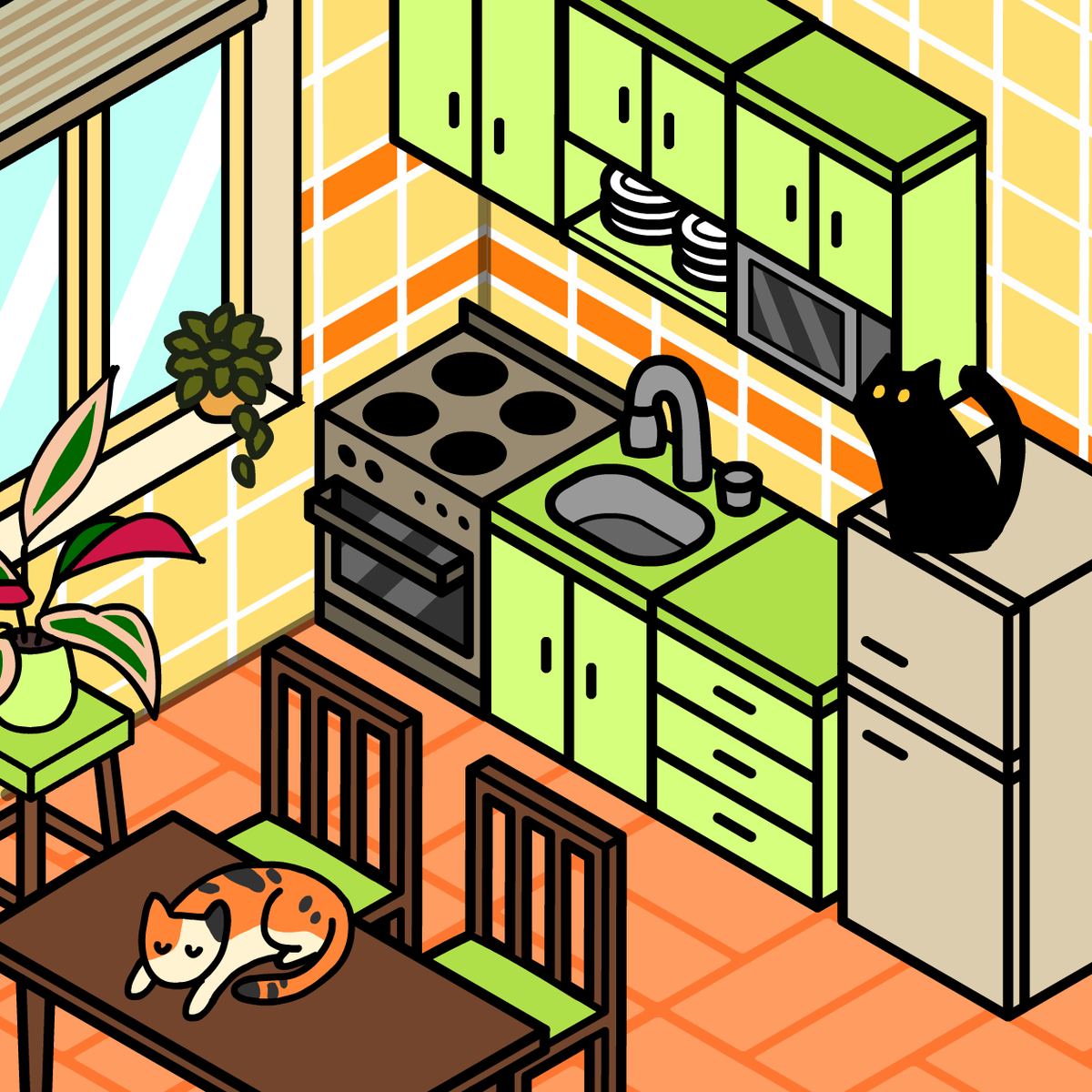
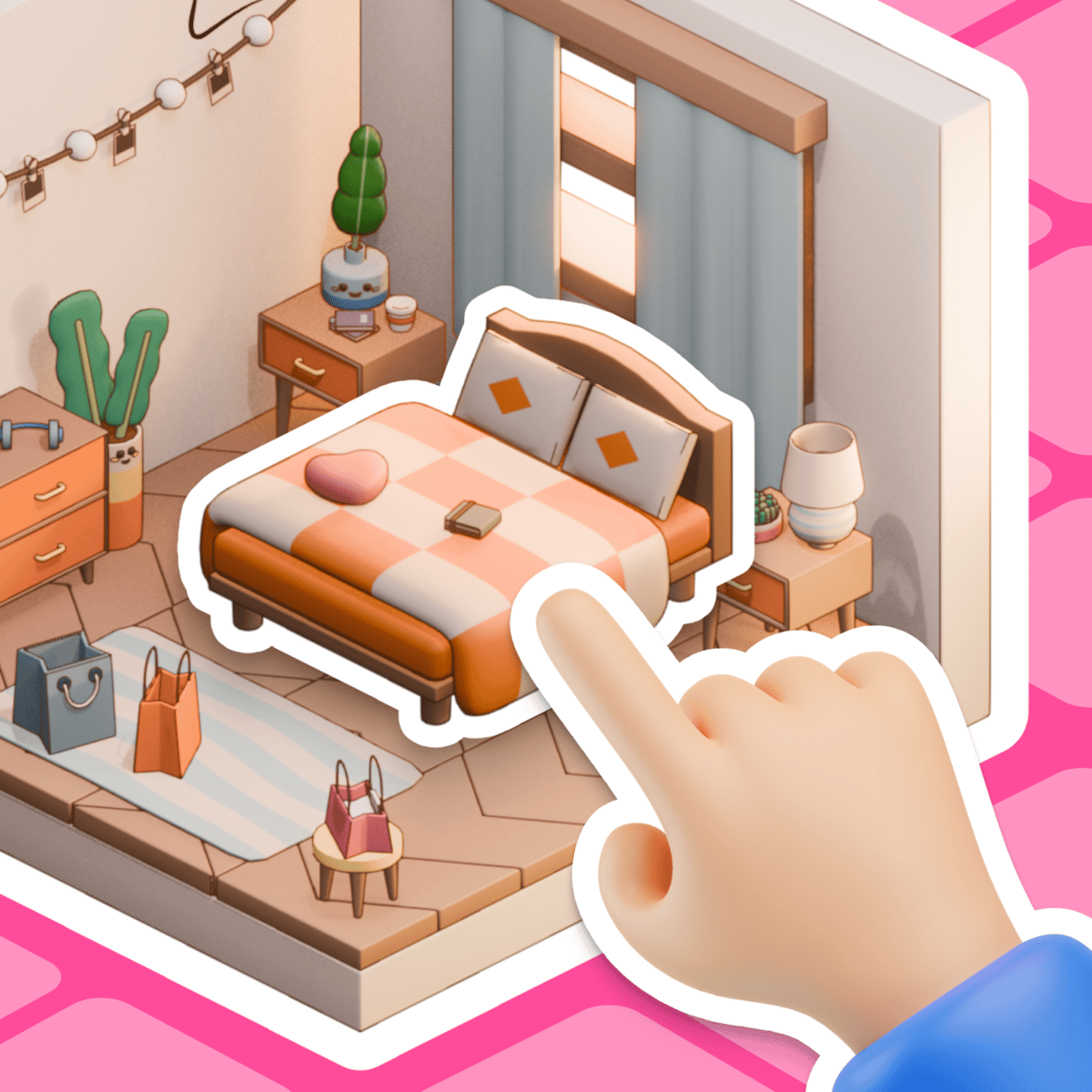
What keeps people coming back is the low-pressure creative freedom. There are no timers, no fail states, no currency to grind. You open furniture chests, pick what you like, and arrange it however you wish. Want a minimalist bedroom with just a single armchair and a sleeping cat on the windowsill? Go for it. Prefer a cluttered living room stuffed with rugs, plants, and three dogs on the couch? That works too. The game gives you the tools and lets you run with them.
The aesthetic is cute and cozy — soft colors, rounded furniture, cartoon animals. It’s clearly built for players who enjoy the process of decorating more than any competitive challenge. If you’ve ever spent an hour in The Sims just building the house and ignored the life simulation part, you’ll feel right at home here.
How to Play
The goal is simple: design a room you like and save it. Every session starts you with a blank space and access to a chest (or a set of chests) filled with furniture, wallpaper, paint colors, decor items, and adorable pets.
Desktop controls:
- Click an item or color swatch to select it. Click again to deselect.
- Drag selected items around the room to position them.
- Use the rotate button (usually on-screen) to change how an item is oriented.
- Hit the delete button to remove a placed item.
- When you’re happy with your design, tap the save button on the left side to capture it.
Mobile and tablet controls:
The experience shifts to taps and touch-drag instead of mouse clicks. The layout stays the same — tap to pick, drag to move, use on-screen buttons for rotate, delete, and save. The game scales well to smaller screens, though placing tiny decorative objects can feel fiddly on a phone compared to a tablet or desktop.
One important note: the game doesn’t auto-save. Close the tab without saving, and your work disappears. Build the habit of saving often, especially if you’ve been working on a layout for a while.
Features
Cozy Room Design keeps its setup simple, but a few features add depth beyond basic furniture placement.
Furniture chests. Items come from themed chests you unlock as you play. Each one offers a curated selection of furniture and decor. You’re not choosing from every possible item at once — and honestly, that curated approach helps prevent the decision paralysis that often hits in open-ended design tools.
Wall paint and wallpaper. Walls aren’t stuck with a default color. You can repaint entire surfaces or apply wallpaper patterns, which really changes a room’s feel. A warm terracotta accent wall creates a totally different vibe than pastel blue, even with the same furniture.
Pets. Cats and dogs can sit on beds, tables, floors, shelves — pretty much anywhere. They’re purely decorative, but they add real personality. A lot of players build their whole design around creating cozy spots for these little animals.
Save and share. Once you finish a design, you can save an image of it. This lets you share your creation with friends and gives each session a concrete result beyond just playing.
There aren’t any separate game modes like timed challenges or scoring systems. This is a full sandbox game, and it sticks to that identity completely.
Tips and Strategies
Without a score to chase, “strategy” here means getting the most enjoyment and the best-looking rooms from your time. Here’s what experienced players tend to do:
Start with the walls. Choose your paint or wallpaper before you place any furniture. Wall color sets the entire tone of the room, and it’s much easier to build a palette around it than to change walls after you’ve already arranged everything.
Use odd numbers. This is a basic interior design principle that works well in the game. Three framed pictures on a wall look more natural than two or four. A grouping of one lamp, one plant, and one book on a side table feels balanced. Even numbers often look stiff.
Leave empty space. New players have a tendency to fill every square inch. Try to resist that. A room with breathing room — a clear floor area, some bare wall — looks intentional. Piling on every available item can make a space feel chaotic instead of cozy.
Layer your lighting sources. If the game gives you multiple lamp or light options, use more than one. A floor lamp in one corner and a table lamp in another creates warmth and visual interest that a single overhead light just can’t match.
Match your pets to the scene. A calico cat on a warm-toned bed looks deliberate. Tossing a random dog onto a kitchen counter looks accidental (unless that’s your humor, in which case — go for it). Think about where an animal would actually curl up.
Rotate items before committing. Sometimes a bookshelf looks terrible facing forward but perfect at a slight angle. Spend a few seconds experimenting with rotation before moving on. It’s a small step that makes a big difference.
Common Mistakes
Forgetting to save. This is the big one. You’ll spend twenty minutes on a gorgeous design, close the tab out of habit, and lose everything. Save early, save often.
Color clashing. The game gives you a lot of color freedom, but not every combination works. Bright orange walls with neon green furniture might sound fun in theory but usually looks jarring. Stick to two or three main colors and use accents sparingly.
Ignoring scale. Some items are much larger or smaller than they look in the selection menu. A rug that seems normal in the chest preview might dominate half the floor. Place items tentatively at first and adjust.
Blocking doorways and windows. It’s easy to accidentally slide a bookcase in front of a window or block a door with a rug. These oversights can break the realism of an otherwise good design. Double-check your layout from a distance before saving.
Overusing pets. Yes, they’re adorable. But cramming seven cats and four dogs into a small room starts to look less cozy and more like an animal shelter. A few well-placed pets have more impact than a dozen.
FAQ
Is Cozy Room Design really free?
Yes. You can play it completely free in your browser through Poki — no downloads, no accounts, no hidden paywalls.
Does it work on phones?
It does. The game runs on desktop, mobile, and tablet. Touch controls work fine for most actions, though precise placement of small items is easier on a larger screen with a mouse.
Is there a way to unlock more furniture?
New items come from furniture chests that you access as you play. The selection rotates, so you’ll get different pieces over time. There’s no real-money purchase system involved.
Can I save my designs to my computer?
The in-game save button captures your finished room as an image. You can then share it however you like — send it to friends, post it online, or just keep it for yourself.
Who makes Cozy Room Design?
Entrevero Games, a studio that also developed several other browser games including Cozy Garden Design, Kawaii Dress-Up, and Dungeons & Dress-Ups.
Cozy Room Design does exactly what it promises: it gives you a quiet, creative space to design a room that feels like yours. No pressure, no leaderboards, just a pleasant way to spend a break. Open a chest, arrange some furniture, add a sleeping cat, and call it a day.