






My Cozy Home
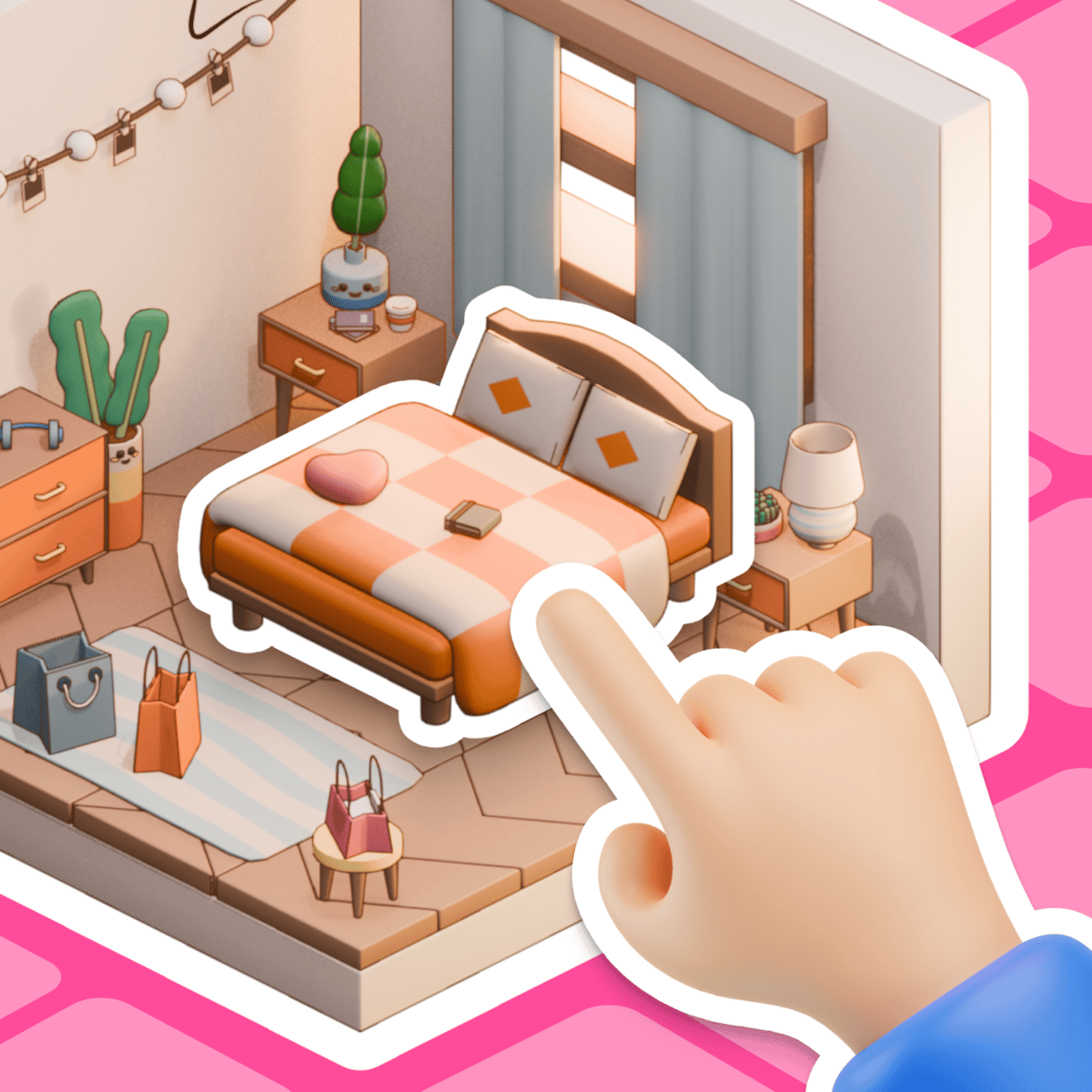
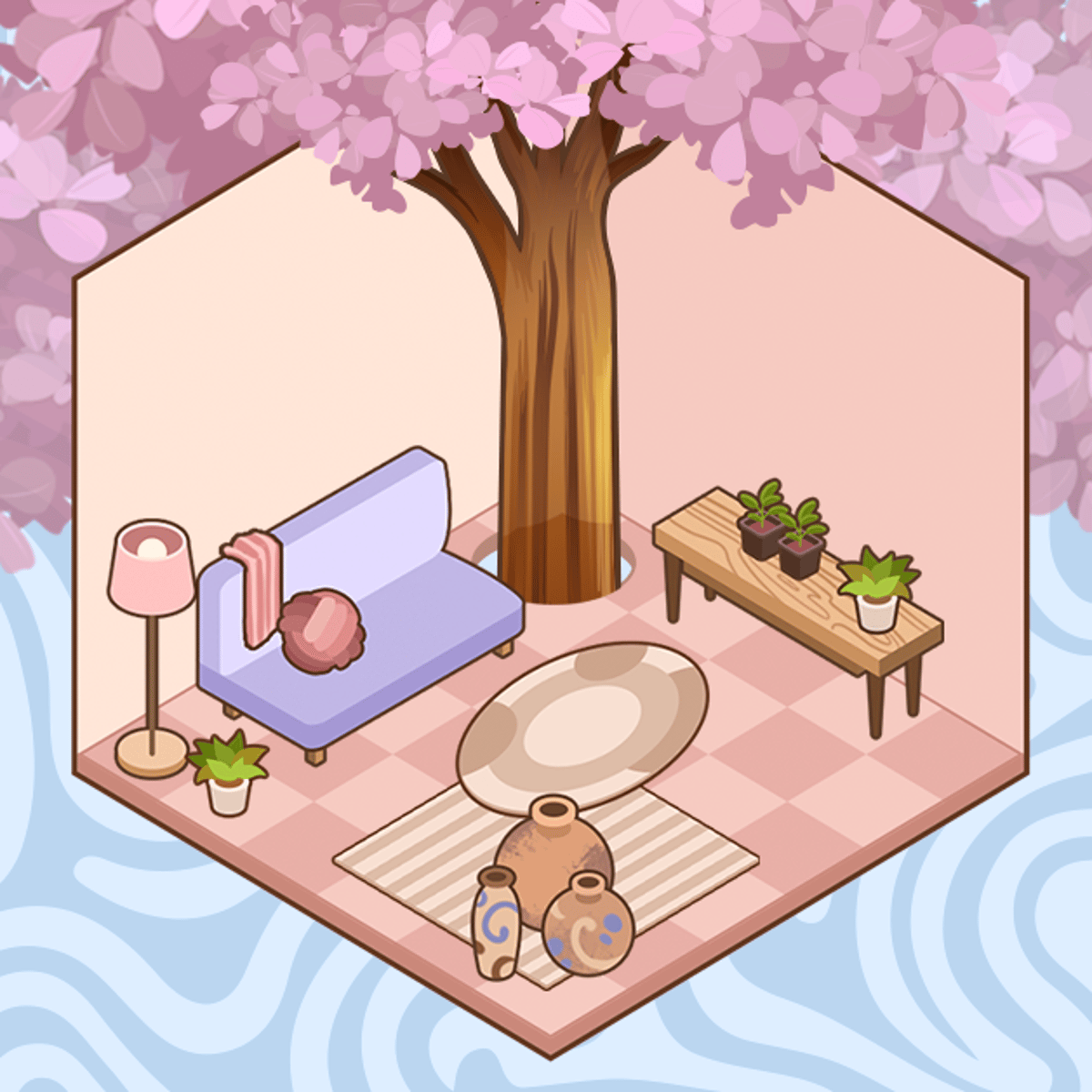
Every so often, you just need to shut everything out and move a virtual couch three inches to the left. That's the core appeal of My Cozy Home. Developed by WeLoPlay, this browser-based simulation gives you a blank canvas—a room, a house full of them—and a generous catalog of stylish furniture. Your task is simple: create a comfortable, beautiful space. There's no score to beat, no resources to manage. It's a digital dollhouse for adults, a creative outlet that’s ready the moment you need a quiet break.
The beauty is in how fast you can start. No lengthy tutorials. No locked items. You open the game, pick a room, and start placing things. This low barrier makes it perfect for a five-minute creative spurt or an hour-long deep dive into designing your perfect living room, bedroom, or kitchen.
How to Play
The goal is straightforward: take a bare, empty room and turn it into a place you’d actually want to live in. You do this by browsing and placing furniture, art, rugs, and other décor.
Controls:
The game uses a unified control scheme that works intuitively on any device.
- Desktop: Click an item in the side catalog to select it. Then click and drag it into the room. Clicking on a wall or floor surface opens a color picker for paint or wallpaper.
- Mobile & Tablet: The controls translate seamlessly to touch. Tap an item to pick it up, then drag and drop it. Tapping on surfaces accesses the same color picker.
There is no “win” screen. You simply build your home room by room, decision by decision. The game automatically saves your layouts, so you can always come back and rearrange that bookshelf if inspiration strikes later.
Features
My Cozy Home stays focused on its core mission: giving you creative tools without distraction.
- Expansive Furniture Catalog: A wide variety of items are available from the start, including sofas, beds, tables, shelves, plants, and artwork. The catalog receives occasional updates with new pieces.
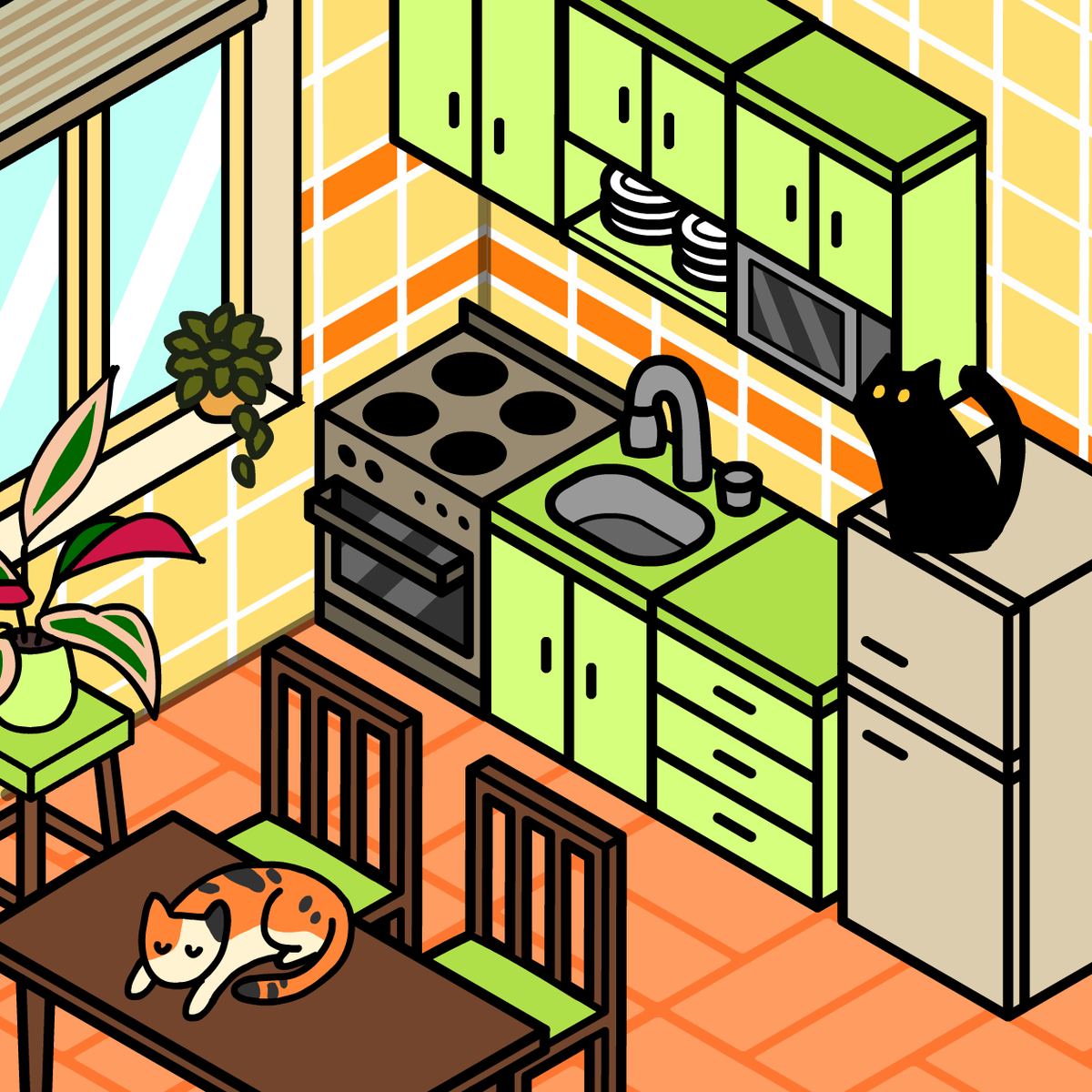
- Multiple Room Types: You can design bedrooms, living rooms, bathrooms, and kitchens. Each layout offers a different spatial challenge and inspiration.
- Simple Color Customization: A basic but effective tool lets you change wall and floor colors. Setting the overall tone with paint is a great first step before you even place a chair.
- No Pressure, No Currency: This is a key distinction. There’s no in-game money to earn, no premium unlocks. Every single furniture item is available from the moment you start. Your only limit is your own taste.
Tips and Strategies
Jumping in with a plan makes a huge difference. A great room is built, not randomly assembled.
- Start with the Big Stuff. Begin with the major pieces: the bed, the sofa, the dining table. These anchors define the room's layout and flow. Everything else—lamps, rugs, throw pillows—should work around them.
- Create Functional Zones. In a larger living room, don’t just scatter furniture. Define areas. Set up a conversation zone with sofas and a coffee table. Create a separate reading nook with a comfy chair and floor lamp. Intentional grouping feels more real.
- Embrace Negative Space. Resist the urge to fill every inch. A few well-chosen, well-placed items make a room feel calm and sophisticated. Clutter is the enemy of cozy.
- Use a Cohesive Color Palette. Pick two or three main colors and use them consistently. Your wall color is your base; let furniture, rugs, and art introduce complementary tones. This ties even mismatched items together.
- Check Your Angles. Remember to view the room from different perspectives. Something that looks balanced from straight-on might feel lopsided from the side. Rotate your view and assess.
Common Mistakes
New decorators often run into the same pitfalls, preventing their rooms from feeling truly finished.
The biggest misstep is ignoring the floor plan. It's easy to get excited and start dropping in pretty chairs and tables. But if you don't consider where the door is, how you move through the space, or where the windows fall, you’ll end up with a couch blocking a pathway or a dresser covering light. Always study the blank canvas first.
Another frequent error is style overload. Trying to mix a rustic farmhouse table with a sleek modern sofa and bohemian macramé in one room creates visual noise. Pick a lane. If you commit to a minimalist look, carry that through with clean lines and limited accessories.
Finally, players often forget the finishing touches. These are what sell the “cozy” factor. A floor lamp creates pools of warm light. Plants add life and softness. Art and books on shelves show personality. Without these layers, even the most expensive virtual furniture can leave a space feeling sterile and flat.
FAQ
Q: Is My Cozy Home completely free to play?
A: Yes. It’s entirely free to play in your web browser. There are no hidden costs, premium subscriptions, or locked furniture packs. Everything is available from the start.
Q: Can I save my progress?
A: Your rooms are saved automatically within your browser’s local storage. If you clear your browser data or switch to a different device, you will start over. There is no cross-device account or cloud save.
Q: Who developed My Cozy Home?
A: The game was created by WeLoPlay. They have a portfolio of other casual simulation and dress-up titles, including Anime Dress Up, Glam Girl: Dress Up and Makeover, and Nails DIY: Manicure Master.
Q: Are there any time limits or objectives?
A: No. There are no timers, scores, or quests. It is a pure sandbox. You decorate at your own pace for your own enjoyment, with no pressure to perform.
Q: My game isn’t loading. What can I do?
A: Since it’s a browser-based game, start with the basics. Refresh the page, clear your browser’s cache, and ensure your browser is up to date. On a mobile device, try switching between Wi-Fi and cellular data.
Sometimes, the best way to unwind is to do something tangible with your hands. My Cozy Home offers that same tactile satisfaction in a digital form—one click, drag, and perfectly placed lamp at a time.