

Color Artist
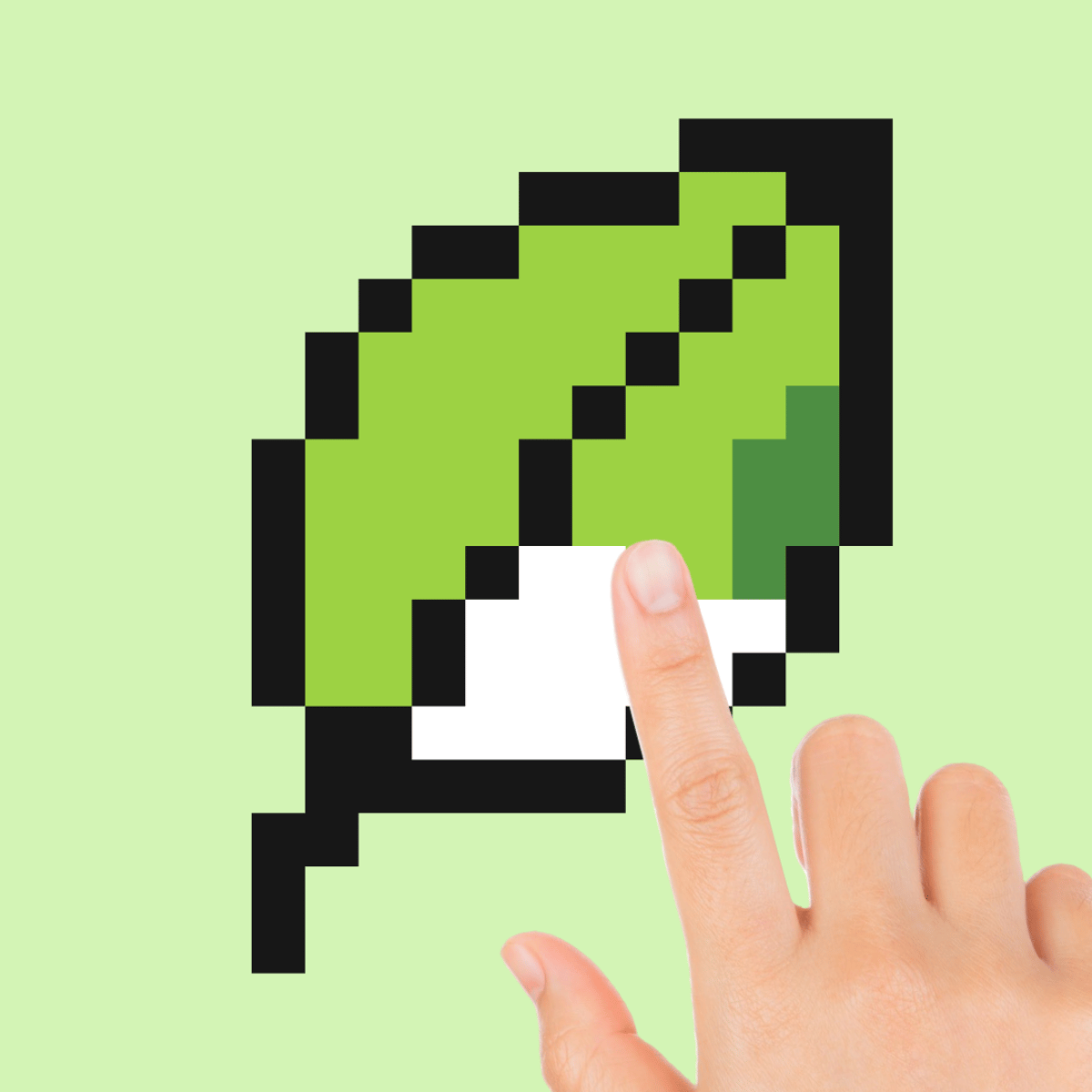
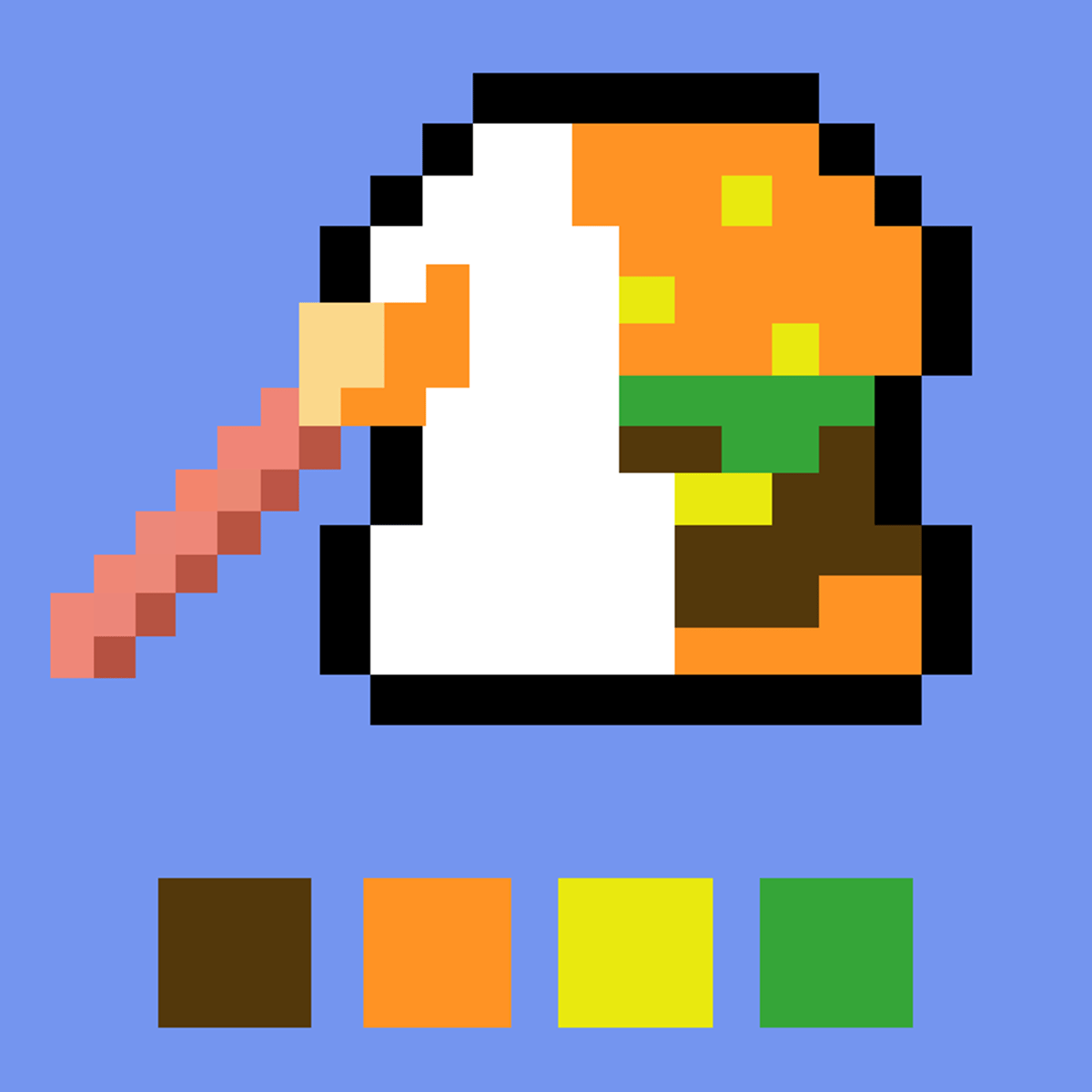
You know that feeling when you’re hunched over a paint-by-numbers book or filling in a digital coloring page for way longer than you planned? Color Artist takes that same satisfying loop and gives it a pixel-art twist. Instead of broad strokes, you place tiny colored squares one at a time, watching a blank grid turn into a cat, a slice of pizza, a princess, or something completely random. It’s mindless and oddly rewarding. You don’t need to be an artist—just patient and willing to lose track of time.
The variety keeps you coming back. Over 200 images to choose from, so you’re never stuck repeating the same picture unless you want to. Categories like animals, food, everyday objects, and fantasy themes mean there’s always something new. And if you can’t decide, there’s a random button that picks one for you—a nice touch when you’re feeling indecisive. The developers, The Good Guys, clearly understood that the core pleasure here is the act of coloring itself, not some complex scoring system. It’s a comfort game, pure and simple.
I didn’t expect to spend an hour on a pixelated cupcake, but here we are. The game respects your time—no timers, no pressure, no ads interrupting every thirty seconds. You just click, fill, and watch the picture come together. It’s almost meditative. And because it works on both desktop and mobile, you can pick it up during a coffee break or while lounging on the couch. That flexibility matters more than you’d think.
How to Play
The objective is straightforward: complete a pixel art image by coloring in all the numbered cells. Each cell corresponds to a specific color, and the numbers are small but readable. You start with a grid of gray squares, each marked with a number. Click (or tap) on a cell to fill it with the correct color. The game provides a color palette at the bottom of the screen, and the current color is highlighted. You can switch colors freely at any time.
On desktop, left-click a cell to apply the active color. If you want to fill a larger area, you can hold and drag—though there’s no true flood-fill tool, so you’ll be clicking individual cells. That’s part of the charm, honestly. It forces you to engage with every pixel. On mobile, tap the cell you want to color. The interface scales well, and the cells are large enough that you won’t accidentally tap the wrong one, even on a phone screen.
One thing to note: the game doesn’t penalize mistakes. If you color a cell with the wrong shade, just click it again with the correct color to overwrite it. There’s no undo button, but since you can always recolor, it’s not a big deal. The only real challenge is staying organized—especially on larger images with many colors. The palette scrolls horizontally, so you might need to swipe or use the mouse wheel to find the right shade.
Features
Color Artist doesn’t have traditional “game modes” like time attack or multiplayer, but it does offer a few smart features that make the experience smoother.
- Image Categories: Browse by theme—animals, food, fantasy, objects, and more. This helps when you’re in the mood for something specific, like a cute dog or a slice of cake.
- Random Selection: If you can’t decide, hit the random button. The game picks an image for you. It’s a small thing, but it removes decision paralysis.
- Progress Tracking: As you color, the game shows a percentage complete. It’s satisfying to watch that number climb, especially near the end when you’re filling in the last few cells.
- Zoom and Pan: On larger images, you can zoom in to see details or zoom out to get a sense of the whole picture. Panning is smooth on both desktop and mobile.
- No Time Limits: Take as long as you want. No score, no timer, no pressure. It’s a pure relaxation tool.
Tips and Strategies
You might think a coloring game doesn’t need strategy, but a little planning goes a long way. Here’s what I’ve learned after a few sessions.
Start with the largest areas first. When you open a new image, scan for the color that appears most frequently. Fill in those big blocks early. It gives you a sense of progress and makes the remaining cells feel less overwhelming. Plus, you’ll see the picture take shape faster.
Work from the edges inward. This is a classic puzzle trick. If you fill the border first, you create a frame for the rest of the image. It also helps you avoid accidentally coloring outside the lines—though in this game, there are no lines, just numbered cells. Still, starting at the edges gives you a visual anchor.
Use the zoom feature. On larger images, it’s easy to lose track of which cell you’re on. Zoom in to see the numbers clearly, especially when they’re small. On mobile, pinch-to-zoom works well. Don’t be shy about using it.
Group similar colors together. If you’re working on an image with multiple shades of the same color (like light blue, medium blue, dark blue), try to finish one shade before switching to the next. Constantly swapping colors slows you down and increases the chance of mistakes.
Take breaks. This sounds silly, but your eyes can get tired from staring at a grid of tiny numbers. If you feel your focus slipping, step away for a minute. The game will save your progress automatically (it seems to, anyway—I’ve never lost work by closing the tab).
Common Mistakes
New players often fall into a few traps. Here’s what to watch out for.
Misreading numbers. The numbers are small, and some look similar—like 3 and 8, or 6 and 9. Double-check before you click. A single wrong color can throw off the whole picture, especially if it’s a small area. You can fix it, but it’s annoying.
Ignoring the palette order. The colors in the palette aren’t always sorted by number. Sometimes they’re grouped by shade, sometimes randomly. Don’t assume the first color in the palette is number 1. Look at the actual number on the cell.
Trying to fill too fast. This isn’t a speed game. If you rush, you’ll make mistakes and have to go back. Slow down. Enjoy the process. The satisfaction comes from the finished image, not from finishing quickly.
Forgetting to zoom out. It’s easy to get lost in the details. Every now and then, zoom out to see the big picture. It helps you spot patterns and avoid coloring a whole section with the wrong shade.
Overlooking the random button. Some of the best images are the ones you wouldn’t have chosen yourself. If you always pick the same category, you’re missing out. Let the game surprise you.
FAQ
Can I play Color Artist offline?
No, it’s a browser game that requires an internet connection. You can play it on Poki or other sites, but you need to be online.
Is there a way to save my progress?
The game seems to save your progress automatically as long as you don’t clear your browser cache. If you close the tab and come back later, your unfinished image should still be there. I’ve tested this a few times and it worked.
How many images are there?
The game advertises over 200 images. I haven’t counted them all, but the selection is large enough that you won’t run out quickly. New images are added occasionally, too.
Can I play on a tablet?
Yes, it works on tablets as well as phones. The touch controls are responsive, and the interface adapts to the screen size. I played on an iPad and it felt natural.
Is there a way to see the finished image before I start?
Not exactly. You can see a small thumbnail of the completed picture when you select it, but it’s tiny. Part of the fun is the reveal as you color. If you want a preview, you can zoom out and look at the numbers—sometimes you can guess the image from the shapes.
---
Color Artist doesn’t try to be more than it is: a quiet, pixel-by-pixel coloring game that lets you unwind. It’s not competitive, it’s not flashy, and it doesn’t need to be. Sometimes you just want to fill in a grid and watch a picture appear. That’s enough.