


Vero Life - Dress Up & Decor
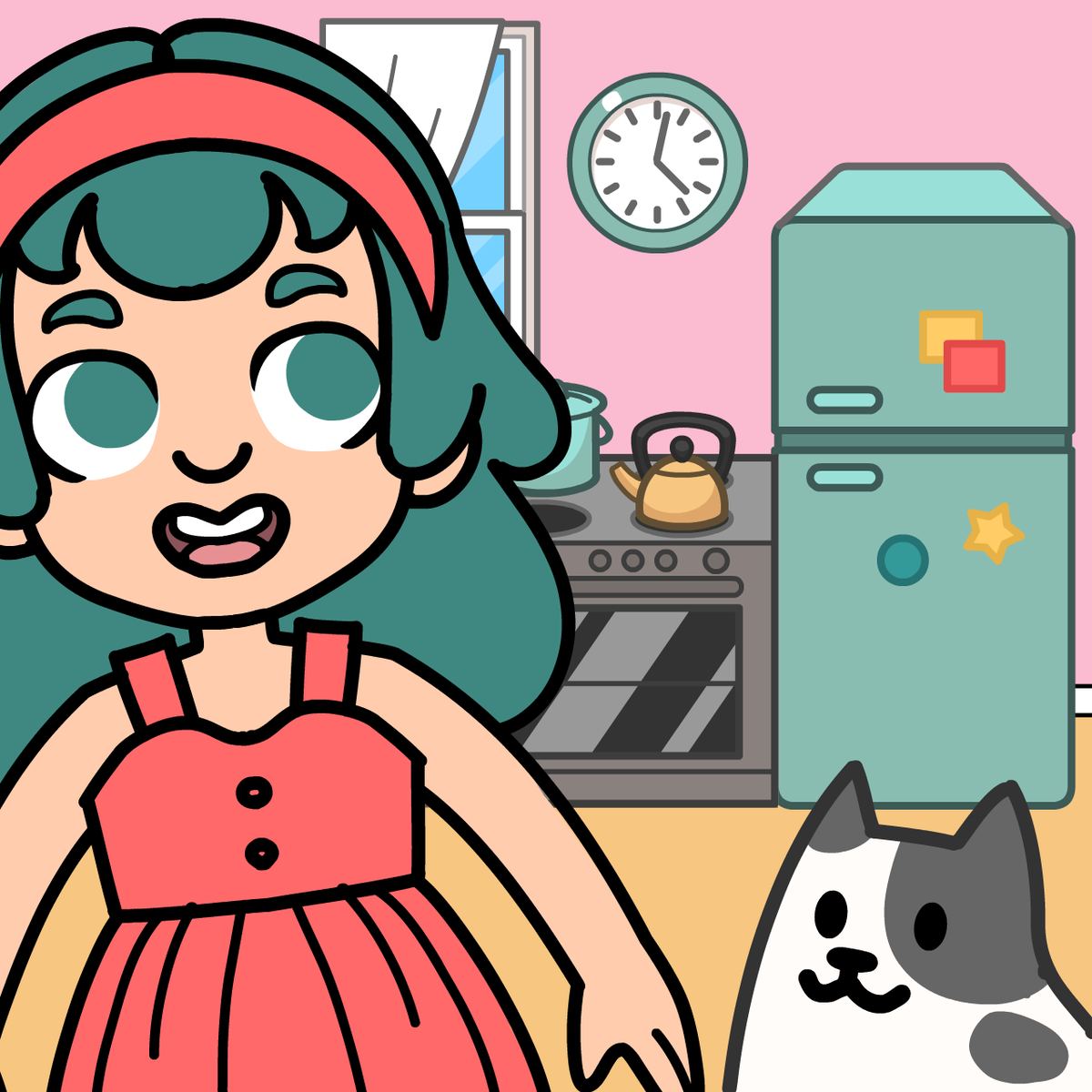
If you’ve ever spent way too long picking out an outfit for a night out, only to realize your room doesn’t match your vibe, you’ll understand why Vero Life - Dress Up & Decor works. It’s part fashion simulator, part interior design sandbox, and all about making a character that feels like yours. You dress them up, decorate their space, and tweak every little detail until it’s just right. No timers, no scores, no pressure—just you, a wardrobe, and a room that needs some personality.
The game comes from Entrevero Games, the same folks behind Cozy Room Design and Kawaii Dress-Up, and they clearly get the appeal of low-stakes creativity. Vero Life takes that formula and expands it: you’re not just picking a dress and calling it done. You’re choosing hairstyles, makeup, shoes, accessories, then moving on to furniture, wallpaper, lighting, and decorative knick-knacks. And you can pose your character in the finished room, which is oddly satisfying. It’s the kind of game you open when you want to unwind for ten minutes, and then suddenly an hour’s gone because you’re trying to decide between a floor lamp and a string of fairy lights.
How to Play
The core loop is simple: dress up your character, then decorate their home. There’s no story mode, no levels to beat—just a blank canvas and a ton of options. You start with a default character and a mostly empty room, and from there it’s all drag-and-drop.
On desktop (mouse): Click any clothing item or accessory to equip it; click again to remove. For furniture and decorations, click and hold to drag the item where you want it. A rotation button (usually a small circular arrow) lets you spin objects to face the right direction. To delete something, click the trash icon that appears when you select the item. You can also zoom in and out with the scroll wheel to see details or get a full-room view.
On mobile (touch): Same logic, but with taps and drags. Tap a clothing piece to put it on your character; tap again to take it off. Drag furniture by holding your finger on it and moving it around. Tap the rotation button to spin, and tap the trash icon to delete. The interface is designed for fingers, so buttons are big enough to hit without frustration. The game runs smoothly on both phones and tablets.
The inventory is organized into categories: hair, tops, bottoms, dresses, shoes, accessories, makeup, and a separate section for room items like beds, tables, chairs, rugs, wall art, and plants. Many items let you change their color—click or tap the color palette icon to cycle through options. This is where the game really opens up, because a plain white sofa can become mint green or dusty rose with one tap.
Features
Vero Life doesn’t have traditional game modes like “career” or “challenge,” but it does have a few distinct areas that function as modes in spirit.
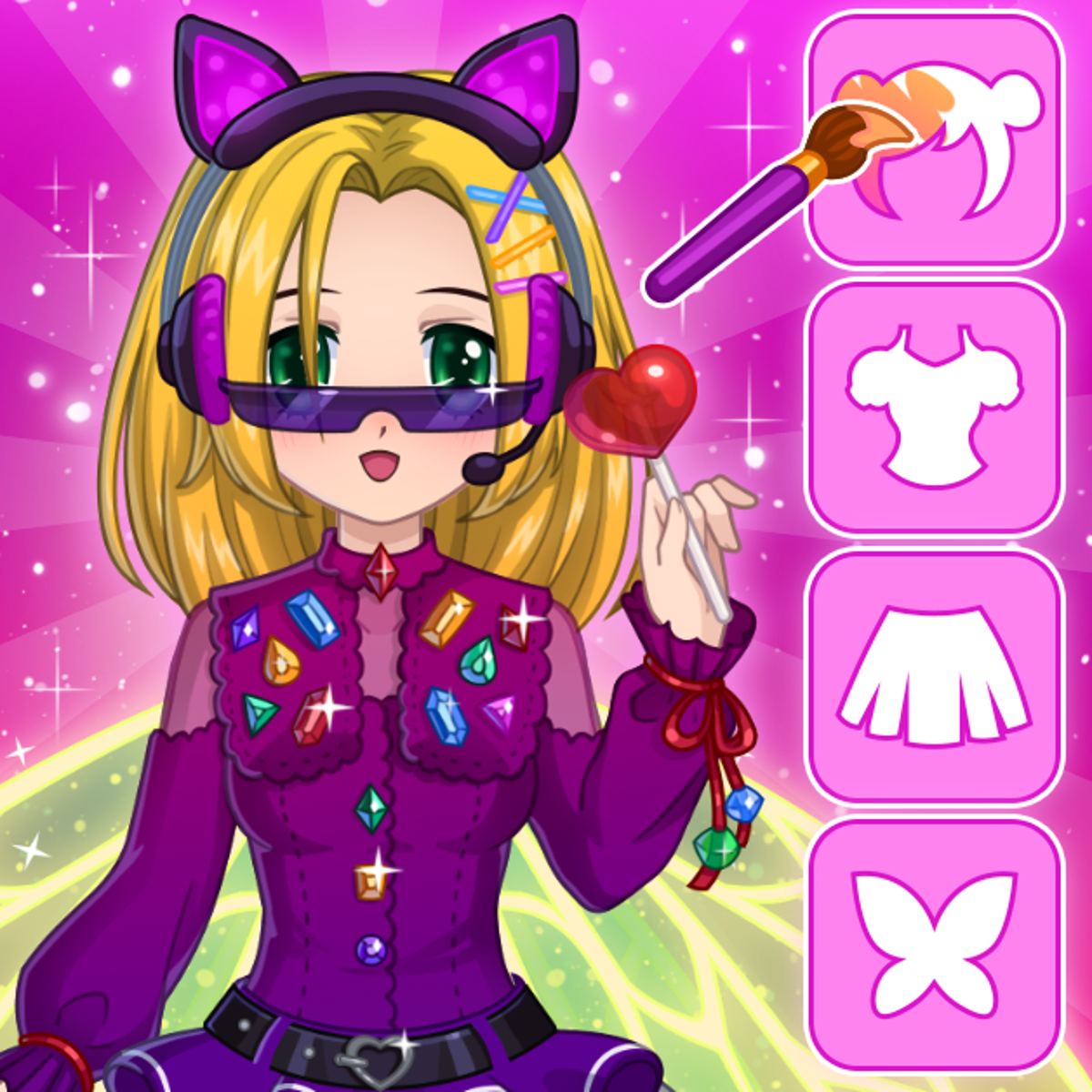
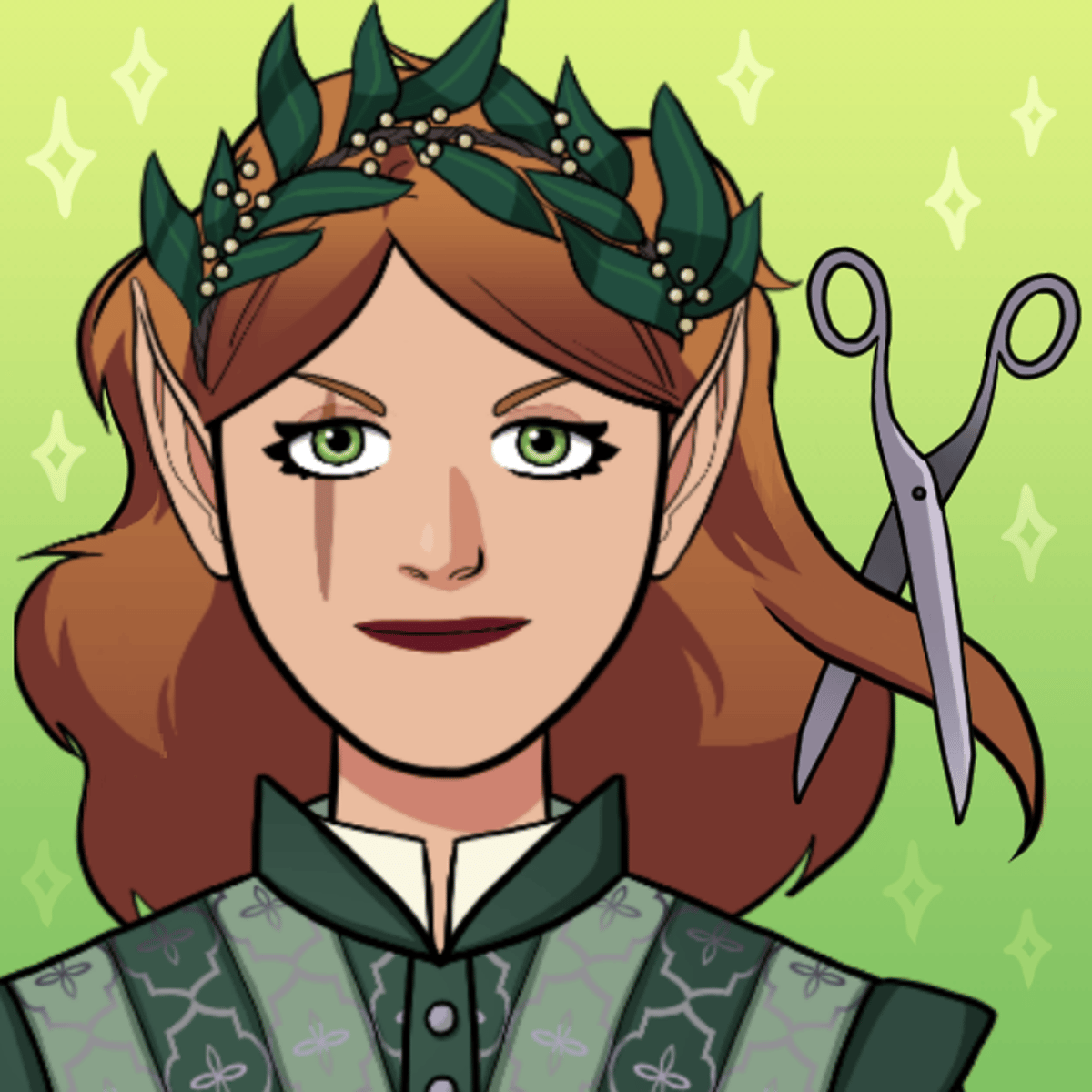
Dress-Up Studio: This is where you build your character’s look. The wardrobe is generous—dozens of hairstyles (from pixie cuts to long braids), a solid range of tops and bottoms, and enough dresses to fill a boutique. Makeup options include lipstick, eyeshadow, and blush, each with multiple shades. You can layer accessories like necklaces, hats, glasses, and bags. The character model is a simple, stylized figure, but the variety of combinations makes each creation feel distinct.
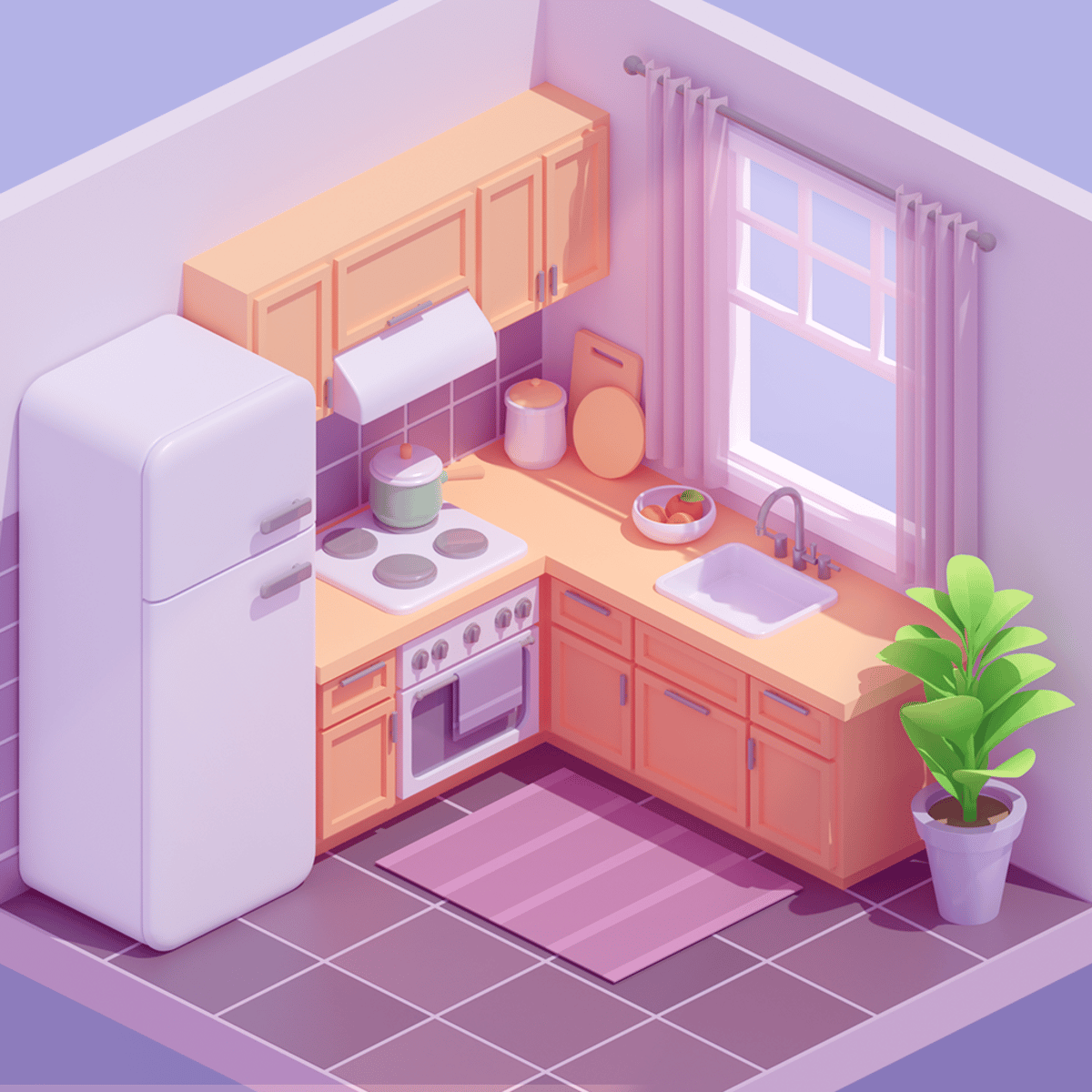
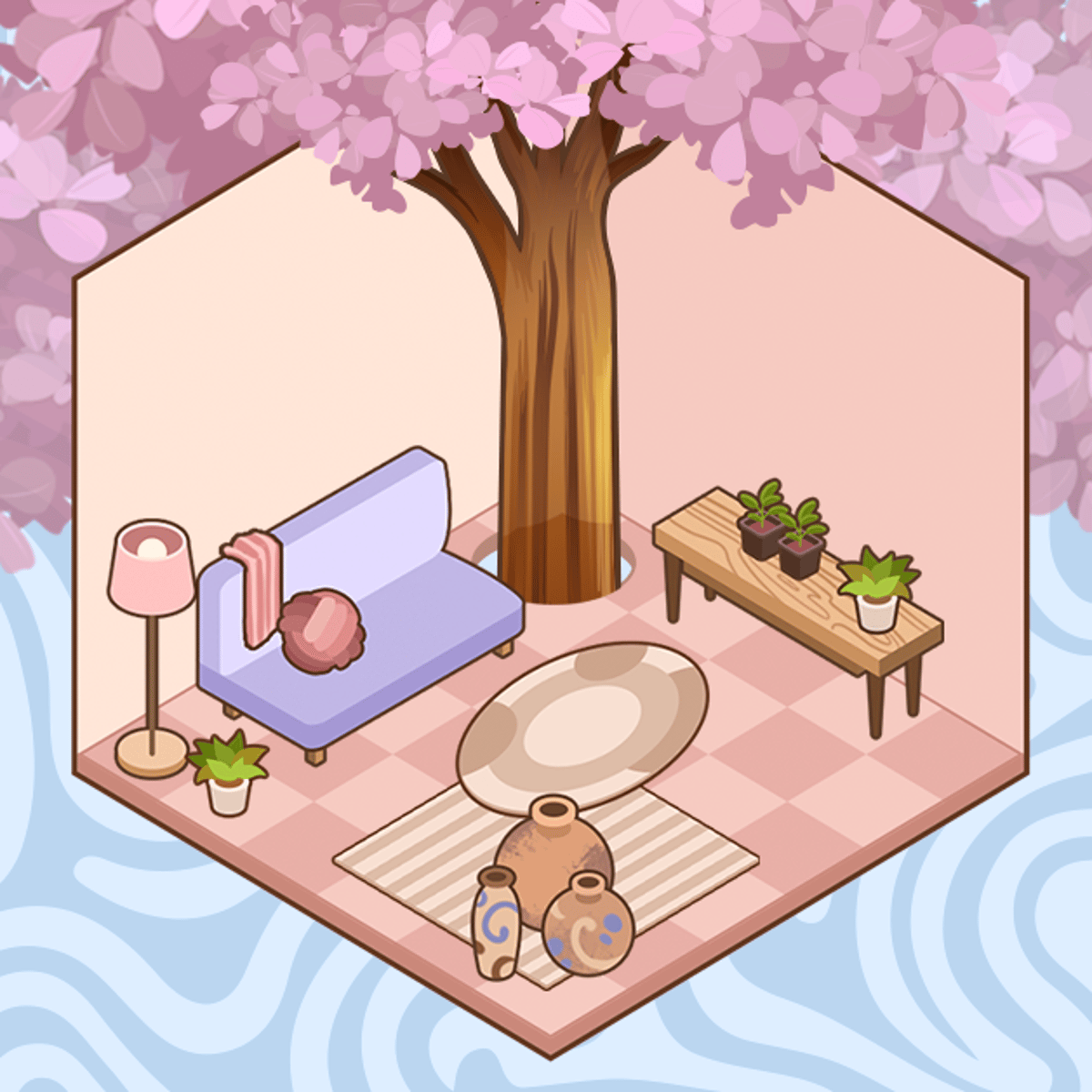
Room Decor: Once you’re happy with your outfit, you move to the room. The default space is a small, empty apartment with bare walls and a wooden floor. You can change the wallpaper (patterns, solid colors, even some with subtle textures) and the flooring. Then you start placing furniture. There are beds, sofas, chairs, tables, shelves, lamps, rugs, curtains, plants, wall art, and decorative objects like vases and books. Some items (like rugs) can be resized by dragging a corner handle. The rotation tool is essential for getting that angled desk or a sofa facing the right way.
Pose Mode: After you’ve dressed your character and set up the room, you can pose them. Click the pose button (a little figure icon) and choose from a handful of poses: standing, sitting, leaning, waving, etc. The character moves to the spot you place them and strikes the pose. This is great for taking screenshots or just seeing how your outfit looks in the environment. You can also move the character around the room after posing, so you can frame them perfectly in front of that new bookshelf.
Color Customization: This deserves its own mention because it’s what separates Vero Life from simpler dress-up games. Almost every clothing item and piece of furniture has a color picker. You can change the primary color, and sometimes secondary colors too. Want a red dress with black trim? Done. A blue sofa with yellow cushions? Easy. This system lets you coordinate outfits with room decor, or just go wild with clashing colors if that’s your thing.
Tips and Strategies
Vero Life isn’t hard, but a few tricks can make your creations look more polished and save you time.
- Start with the room’s color scheme before picking an outfit. It’s easier to match clothes to a room than the other way around. Pick a wallpaper you like, then choose furniture that complements it, and finally dress your character to fit that palette. Your final screenshots will look more cohesive.
- Use the color picker on furniture to create custom sets. The game gives you individual items, but you can make them look like a matching set by applying the same color to a bed, nightstand, and dresser. It takes a few extra taps but makes the room feel designed rather than random.
- Layer accessories thoughtfully. A hat, glasses, and a necklace can look great together, but too many accessories can clutter the character. Stick to two or three statement pieces. Also, some hairstyles clip through hats—if you see that, try a different hair or a smaller hat.
- Experiment with wall art placement. You can put multiple pieces on the same wall, and they don’t have to be aligned perfectly. Try creating a gallery wall with three small frames above a sofa. Use the rotation tool to tilt them slightly for a casual look.
- Save your favorite outfits and rooms. The game doesn’t have a built-in save system for multiple characters (as of the latest update), but you can take screenshots. Use your device’s screenshot function to capture your best work. Some players also use the pose mode to create a “portfolio” of their designs.
- Don’t ignore the floor. A plain wooden floor can look fine, but adding a rug instantly warms up the space. Rugs come in various sizes and patterns. Place one under the bed or in the center of the room to anchor the furniture arrangement.
Common Mistakes
New players often trip over the same things. Here’s what to watch out for.
- Forgetting to rotate furniture. A sofa placed facing a wall is useless. Always rotate items so they face into the room or toward other furniture. The rotation button is small—don’t miss it.
- Overcrowding the room. It’s tempting to place every piece of furniture you unlock, but a cluttered room looks messy and makes it hard to see your character. Leave some empty floor space. A room with a bed, a small table, a lamp, and a rug feels more realistic than one stuffed with six chairs and three bookshelves.
- Ignoring the color palette. If you just pick random colors, your outfit and room can clash badly. Even if you’re going for a maximalist look, try to stick to a limited palette (three to four colors max). The game gives you a lot of freedom, but a little restraint goes a long way.
- Not using the delete button. If you place an item and change your mind, don’t just drag it off-screen. Use the delete button to remove it cleanly. Dragging items off-screen can sometimes leave invisible objects that you can’t select again.
- Skipping the pose mode. The pose mode isn’t just for screenshots—it lets you see how your character interacts with the furniture. A character standing stiffly in the middle of the room looks unnatural. Pose them sitting on the sofa or leaning against the wall for a more lived-in feel.
FAQ
Can I save multiple characters or rooms?
As of the latest update, the game saves your current character and room automatically, but there’s no way to save multiple profiles. If you start a new look, you’ll overwrite the previous one. Take screenshots to keep a record of your designs.
Is Vero Life free to play?
Yes, the game is free on Poki and other browser platforms. There are no in-game purchases or ads that interrupt gameplay, though you might see occasional ads between sessions on some sites.
Does the game work on mobile?
Yes, it runs on both iOS and Android devices via mobile browsers. The touch controls are well-adapted, and the game doesn’t require a powerful phone. It also works on tablets.
How often does the game get new items?
The developer, Entrevero Games, has been updating the game regularly. New clothing items and furniture pieces have been added since the initial release in November 2024. Check back every few months for fresh content.
Can I play with friends or share my designs?
There’s no multiplayer or online sharing feature. The game is a solo experience. You can share screenshots manually on social media if you want to show off your creations.
---
Vero Life - Dress Up & Decor isn’t trying to reinvent the wheel. It’s a straightforward, relaxing dress-up and decoration game that gives you the tools to make something you like, without rushing you. The color customization is deeper than you’d expect, and the combination of fashion and interior design means you can spend hours tweaking one look. If you’re into games like Cozy Room Design or Kawaii Dress-Up, this one will feel familiar but bigger. Give it a try when you need a break from anything competitive or timed—sometimes the best games are the ones that let you do nothing but make things pretty.