Anime Dress Up
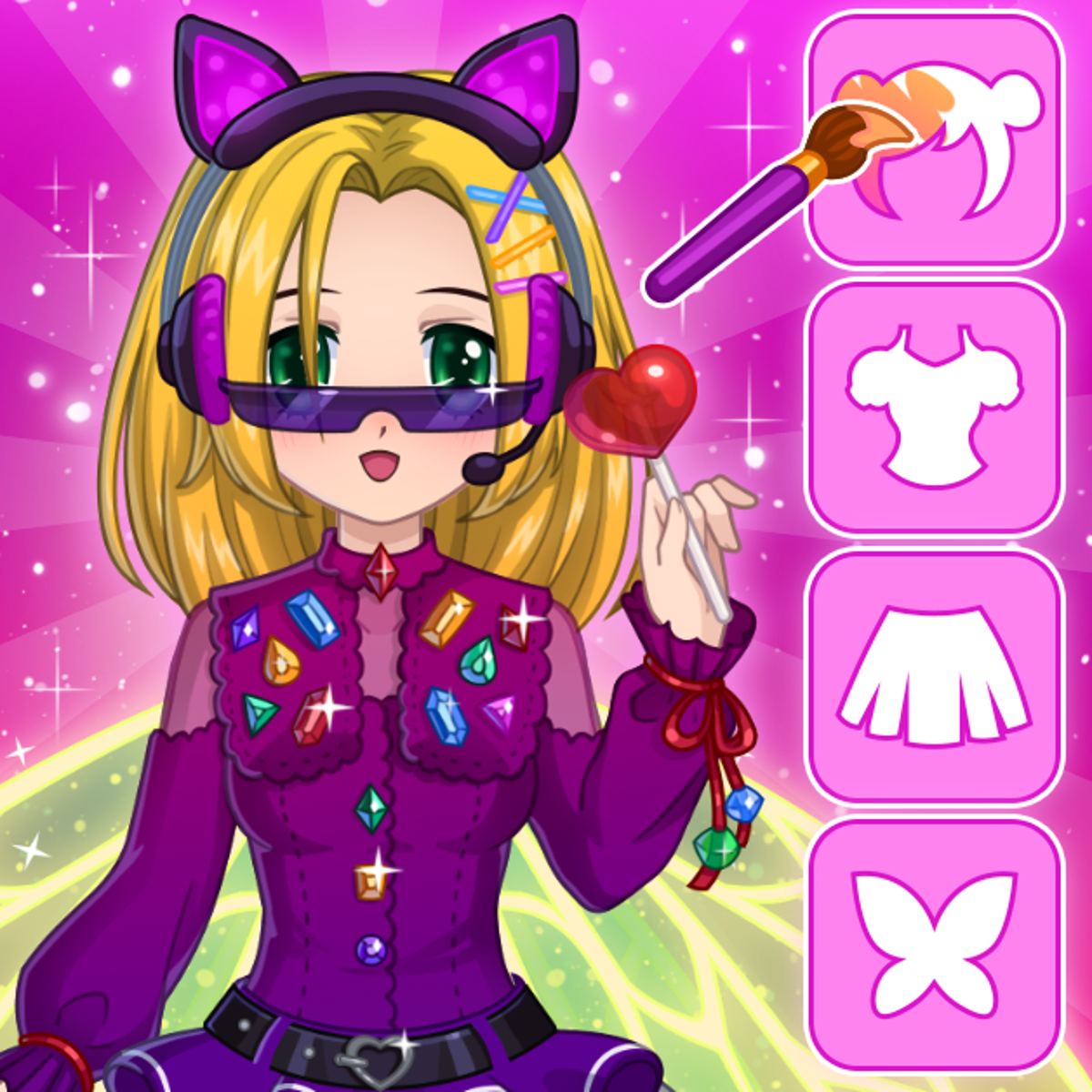
If you’ve ever lost an afternoon tweaking a hairstyle in an RPG character creator, you already know the appeal of Anime Dress Up. This isn’t about winning or losing—it’s about making a character that feels like yours. You pick the eyes, skin tone, hair, outfit, accessories, even wings or tails. Then you step back and decide if you’ve made an angel, a cat-eared rebel, or something completely unexpected.
It’s racked up over 390,000 likes on Poki, and that’s easy to see why. The game is fast, forgiving, and gives you surprising control for a browser-based dress-up. No downloads, no tutorials—you can mix a neon pink dress with dragon wings in about ten seconds. The whole thing lives in that “what if I tried this?” moment, and then actually trying it.
How to Play
The controls couldn’t be simpler. On desktop, click to select items and colors. On a phone or tablet, tap. That’s it. No drag-and-drop, no complicated menus—just a clean interface where you scroll and tap to apply.
You start with a blank character model, usually a female anime-style base. From there, you work through categories:
- Face: Eye shape, eye color, eyebrow style, mouth expression, blush, and skin tone.
- Hair: Dozens of hairstyles in different lengths and cuts, plus a full color wheel and gradient options.
- Outfit: Dresses, tops, skirts, pants, and full sets. Many pieces have multiple color variants or let you pick your own colors.
- Shoes & Accessories: Heels, boots, sneakers, plus earrings, necklaces, glasses, hats, and more.
- Extras: Wings (angel, demon, butterfly, etc.), tails (cat, fox, dragon), and sometimes magical effects like sparkles or auras.
You can also change the background and the character’s pose—that makes a big difference when you’re showing off your creation. The order doesn’t matter. Start with shoes and work up to the face if that’s your style.
Features
Anime Dress Up doesn’t have multiple game modes, but it offers a few distinct ways to engage.
Free Create Mode is the main experience. Every item is available from the start—no unlocking, no grinding. You just scroll and choose. Most players spend their time here, mixing and matching until a look clicks.
Randomize throws together a completely random outfit. Great for breaking out of a creative rut or just for laughs. Sometimes it generates something surprisingly coherent; other times you get a clown cat with a tiara and combat boots. Both outcomes are fun.
Save and Share isn’t built into the browser version, but you can take a screenshot on any device. Many players post their creations on social media or compare with friends. The game’s popularity on Poki means there’s a loose community sharing their best (and worst) designs in comments and forums.
There’s no story mode, no time limit, no scoring. The only goal is to make something you like.
Tips and Strategies
Since there’s no wrong way to dress up a character, “strategy” here is about getting the most out of the tools.
Start with the face. The expression and eye shape set the mood for the whole character. Pick a soft, smiling face and then try to give her a spiky punk outfit—it can look mismatched. Decide the vibe first: cute, cool, mysterious, playful. Build everything around that.
Use the color wheel, not just presets. Preset colors are fine, but the real magic happens with custom shades. A pale lavender dress with a slightly darker purple gradient on the skirt looks much more polished than a flat solid color. Same for hair: try a two-tone gradient (pink fading into orange) instead of a single hue.
Don’t forget the background. A lot of players spend twenty minutes perfecting an outfit and leave the default background, which washes out the character. Pick a background that contrasts with your main colors. Dark clothes? Go for a light or pastel background. All pastels? Try a dark or neon backdrop.
Layer accessories carefully. The game lets you stack multiple accessories—glasses, earrings, a choker, a hat, and wings all at once. That’s great, but too many items can look cluttered. A good rule: pick one statement piece (big wings, an elaborate hat, or a dramatic dress) and keep the rest simple.
Experiment with pose. The pose changes the silhouette and can make an outfit look completely different. A flowing dress looks better in a dynamic pose (one hand on the hip or a slight turn) than in a stiff standing pose. Try each pose with your outfit before settling.
Common Mistakes
Even in a simple dress-up game, new players trip over a few things.
Ignoring skin tone until the end. If you pick skin tone after choosing clothes and makeup, colors might clash. A very pale skin tone with a bright yellow dress can look washed out, while a darker skin tone might make certain lip colors disappear. Pick skin tone early, or at least check it before finalizing.
Overusing the same color. It’s tempting to make everything match—blue hair, blue eyes, blue dress, blue shoes. That usually ends up looking flat. Instead, use one dominant color and one or two accent colors. Blue dress with gold accessories and white hair, for instance.
Forgetting to check the back view. Some outfits have details on the back (a bow or a train) that you can’t see from the front. The game doesn’t have a rotate function, so you have to switch to a pose that shows the back. Otherwise you might miss that the dress has a huge butterfly-wing cutout you didn’t account for.
Not saving your work. The game doesn’t autosave. Close the tab or refresh, and you lose everything. Take a screenshot or use the in-game save feature (if available) before you navigate away.
Rushing through the face. The face is the first thing people notice, but many players click through eye and mouth options quickly to get to the clothes. Spend an extra minute on the face—it’s worth it.
FAQ
Can I play Anime Dress Up on my phone?
Yes. It works on both desktop and mobile browsers. On a phone, you tap instead of click, and the interface scales down to fit your screen. It’s a bit cramped on very small phones, but still fully playable.
Is it free?
Yes. No microtransactions, no ads that interrupt gameplay, no premium items locked behind a paywall. Everything is available from the start.
Can I save my character and come back later?
The browser version doesn’t have a cloud save feature. If you close the page, your character is gone. The best way to keep a design is to take a screenshot. Some players also use the “Print Screen” function or their phone’s screenshot button.
How do I change the background?
There’s a background button in the menu (usually a small icon that looks like a landscape). Click or tap it to cycle through a dozen or so backgrounds, from simple gradients to starry skies and cityscapes.
Are there male characters or outfits?
The base character is female, and most clothing options are feminine. There are a few unisex or androgynous items (like simple T-shirts and pants), but the game is clearly aimed at creating cute anime girls. If you want a male character, this isn’t the right game.
Why does my character look different from the screenshots?
The screenshots on the game page often show characters with carefully chosen color palettes and poses. You have the exact same items available—it’s just a matter of experimenting with combinations until you find one that clicks.
---
Anime Dress Up is the kind of game you open when you have five minutes and end up spending an hour. It doesn’t pretend to be anything more than a digital toy box, and that’s exactly why it works. The controls are instant, the options are generous, and the only pressure is the one you put on yourself to make something that makes you smile. Whether you’re building a pastel princess or a gothic dragon girl, the game lets you get there without any friction. And sometimes, that’s all you need.