Dungeons & Dress-Ups
Ever spent hours daydreaming about what your D&D character would actually look like, only to realize you can’t draw to save your life? Dungeons & Dress-Ups is the game you didn’t know you needed. It’s a pure, unapologetic character creator wrapped in a fantasy theme, and it does exactly one thing: let you build the hero of your imagination from the ground up. No combat, no quests, no inventory management. Just you, a blank canvas, and an absurd number of customization options.
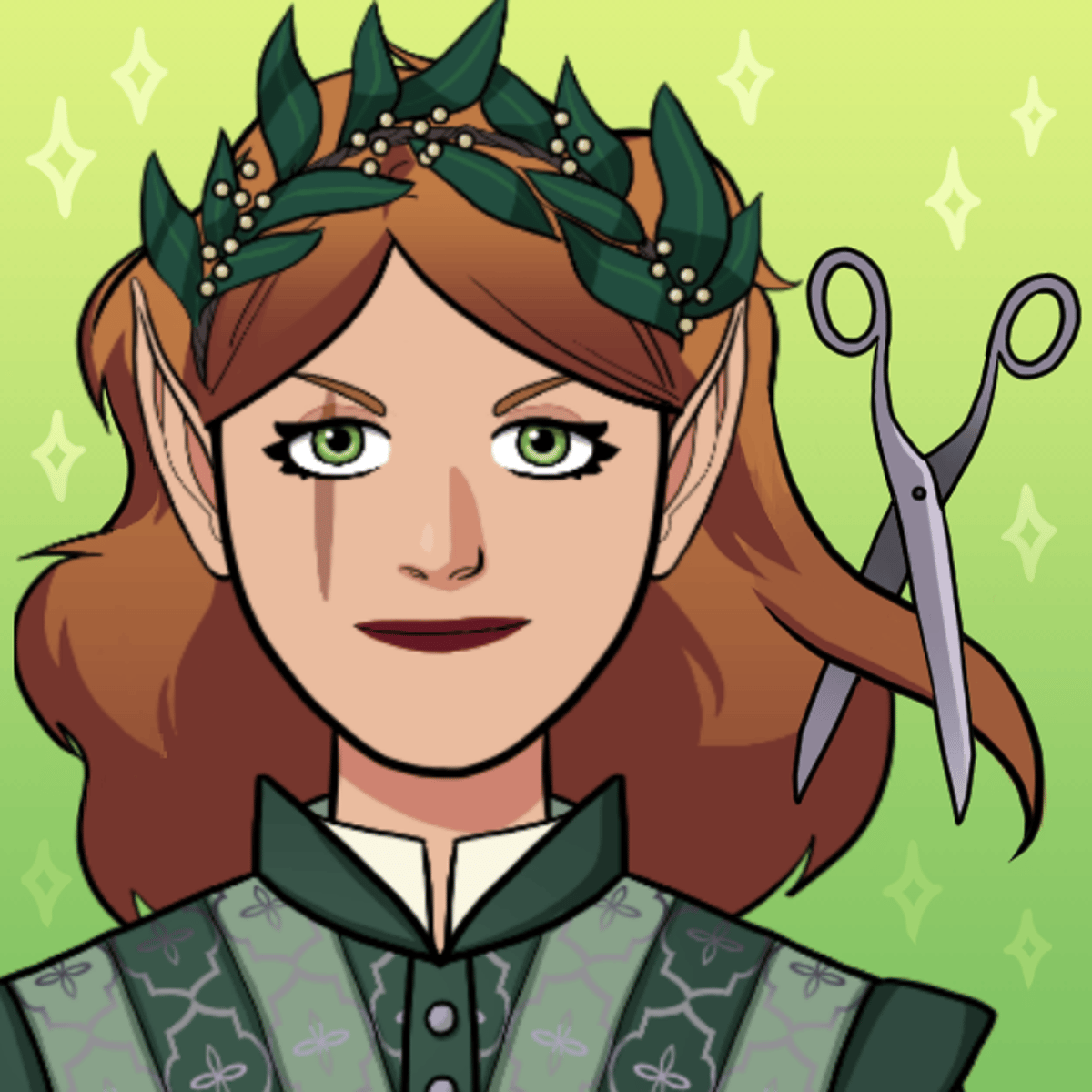
The hook is simple: you can be anyone. A scarred veteran with a crooked nose and a chip on his shoulder. A pink-haired orc archer who looks like she walked out of a punk concert. An elven princess more interested in fashion than diplomacy. The game doesn’t judge your choices—it gives you the tools and gets out of your way. That freedom keeps people coming back. You can knock out a character in five minutes or spend an hour tweaking the shade of a cloak. No pressure, no timer, no wrong answers.
Developed by Entrevero Games and released in 2022, Dungeons & Dress-Ups lives on Poki and works in any browser. It’s free, fast to load, and saves your creations directly to your device. If you’ve ever wanted a sandbox for fantasy character design without downloading software or fighting a complicated interface, this is it.
How to Play
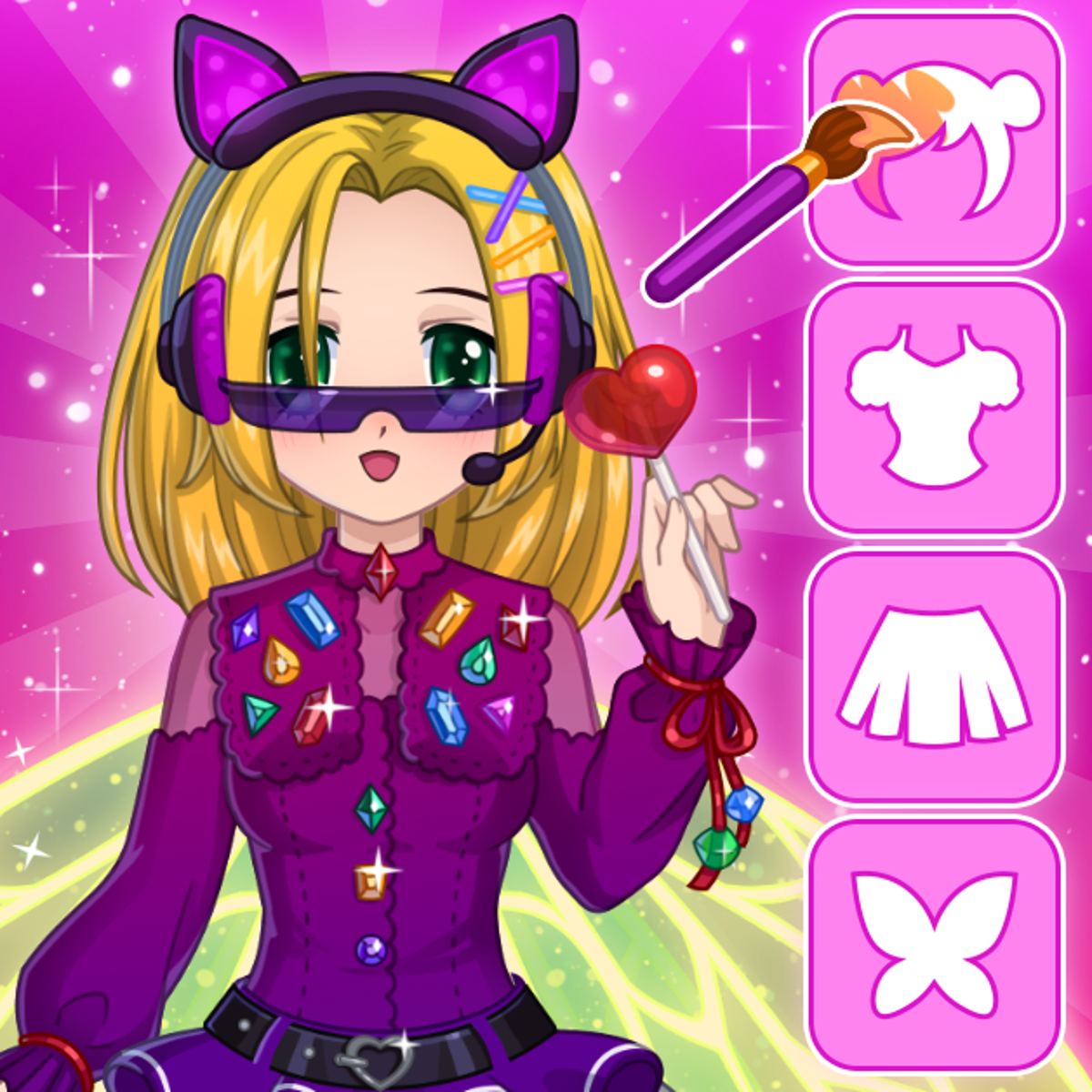
The objective is straightforward: create a character you like. No points, no levels, no fail states. You start with a blank humanoid figure and build outward using the panels on the right side of the screen.
Desktop controls: Click any item or color swatch to equip or unequip it. Clicking the same item again removes it. The top-left button randomizes your entire character—handy if you want a surprise starting point. The save button (bottom-left) downloads a PNG of your creation.
Mobile controls: Same logic, but with taps instead of clicks. The interface is touch-friendly, so you can drag through menus and tap to select. Everything works on phones and tablets without any special setup.
The game saves nothing automatically. If you want to keep a design, hit that save button before you move on. You can’t save multiple versions in-game—each save is a fresh image—so it helps to have a folder on your phone or computer where you stash your favorites.
Customization Options
This is where the game shines. The character creator covers most bases you’d expect from a fantasy dress-up game, with a few surprises.
- Skin: A solid range of human skin tones plus fantasy colors like green, blue, and purple. You can also adjust overall brightness and saturation.
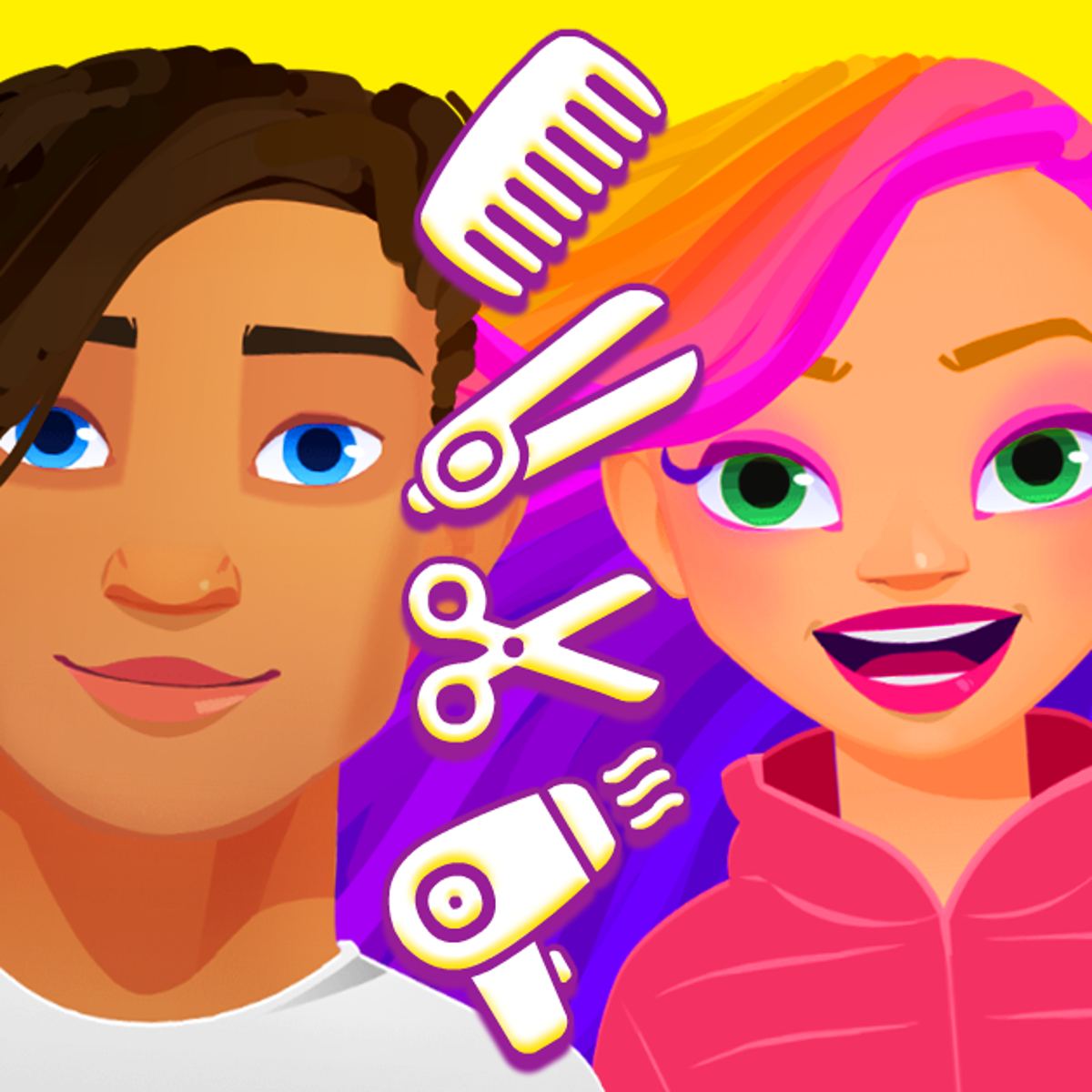
- Hair: Dozens of styles, from short crops to long flowing braids, with a full color wheel. Want a neon magenta bob? Go for it.
- Facial features: Eyes, eyebrows, noses, mouths, and even scars or face paint. You can give your character a snaggletooth or a dramatic beauty mark.
- Clothes: Tops, bottoms, dresses, robes, armor pieces, and accessories like belts and capes. Many items have multiple color zones, so you can mix and match.
- Weapons: Swords, bows, staffs, axes, and shields. They’re purely cosmetic, but they help sell the character concept.
- Backdrops: Several fantasy scenes—dungeon walls, forest glades, castle interiors, starry skies. The backdrop changes the mood of the portrait significantly.
The item count isn’t overwhelming, but the combinations are. The real depth comes from layering: you can wear a cape over armor, add a belt, throw on a necklace, and still have room for a weapon. The color picker is generous, so you’re not stuck with preset palettes.
Tips and Strategies
Even in a game with no win condition, there are ways to get more out of it.
Start with a concept. Before you click anything, decide who this character is. A grizzled mercenary? A fae trickster? A knight who’s also a florist? Having a mental image helps you make consistent choices. If you just start throwing on random items, you’ll end up with a mess.
Use the randomize button as a prompt. Hit it a few times and see if anything sparks an idea. The random generator sometimes makes surprisingly coherent combos. You can then tweak the result instead of starting from zero.
Pay attention to color harmony. The game gives you a lot of freedom, but that doesn’t mean you should use every color at once. Stick to two or three main tones and use the rest as accents. A character with a red cloak, red boots, and a red hat looks intentional. One with every color of the rainbow looks like a clown—unless that’s what you’re going for.
Don’t ignore the background. A good backdrop can elevate a decent design. A dark dungeon setting makes a bright character pop. A forest scene softens the edges. Try cycling through the backgrounds before you finalize your save.
Use layers to add depth. A plain tunic is fine, but adding a belt, a shoulder guard, and a necklace makes the character feel more lived-in. Small accessories do a lot of work.
Common Mistakes
New players often trip over a few things.
Forgetting to save. The game doesn’t autosave. If you close the tab or hit refresh, your work is gone. Get in the habit of saving early and often, especially after you’ve spent time on details.
Overcrowding the character. More items isn’t always better. A character wearing a helmet, a crown, goggles, a scarf, a cape, shoulder pads, and a belt can look busy and confusing. Sometimes less is more.
Ignoring skin and hair contrast. A pale character with white hair and a white outfit blends into the background. Dark skin with dark hair and dark clothes also gets lost. Make sure there’s enough contrast between the character’s features and their outfit.
Skipping the facial features. It’s tempting to jump straight to the clothes, but the face is what gives the character personality. Spend a few minutes on the eyes, eyebrows, and mouth. A simple expression change can turn a generic hero into someone memorable.
FAQ
Is this an actual dungeon crawler?
No. Despite the name, there’s no combat, exploration, or RPG mechanics. It’s a dress-up game with a fantasy theme. The title is a joke.
Can I play on my phone?
Yes. The game works on both desktop and mobile browsers. Tap controls are smooth, and the interface scales down nicely.
How do I save my character?
Click or tap the save button in the bottom-left corner of the screen. It will download a PNG image to your device. There’s no in-game gallery or cloud save.
Is it free?
Yes, completely free. No microtransactions, no ads that interrupt gameplay (though there may be ads on the site itself).
Who made this game?
Dungeons & Dress-Ups was developed by Entrevero Games, the same studio behind Bearsus, Kawaii Dress-Up, and Cozy Room Design.
Whether you’re sketching out a character for your next tabletop campaign, looking for profile picture ideas, or just want to mess around with fantasy fashion for half an hour, Dungeons & Dress-Ups delivers exactly what it promises. It’s a small, focused game that doesn’t try to be anything else. And sometimes that’s all you need.