Diamond Makeup
If you’ve ever spent an afternoon in front of a mirror trying to nail the perfect smoky eye, you’ll feel right at home in Diamond Makeup. This browser-based dress-up game trades real-life smudges and cotton swabs for a digital palette loaded with glitter, gemstones, and every shade of eyeshadow you can imagine. The premise is simple: take a blank-faced model and turn her into a walking jewel box. But the reason people keep coming back—over 49,000 ratings on Poki alone—is that the game actually lets you get creative without any pressure. There’s no timer, no score, no wrong answers. Just you, a face, and a frankly ridiculous amount of sparkle.
The developer, Ercin, understands that makeup games live or die on how satisfying the tools feel. Clicking on a lipstick tube or dragging a diamond-studded eyeliner across the screen is oddly tactile, even with a mouse or a finger. The colors pop, the animations are smooth, and the models react with little smiles or blinks as you work. It’s the kind of game you open when you have five minutes to kill and end up spending half an hour on because you just have to try that emerald green shadow with the gold highlight.
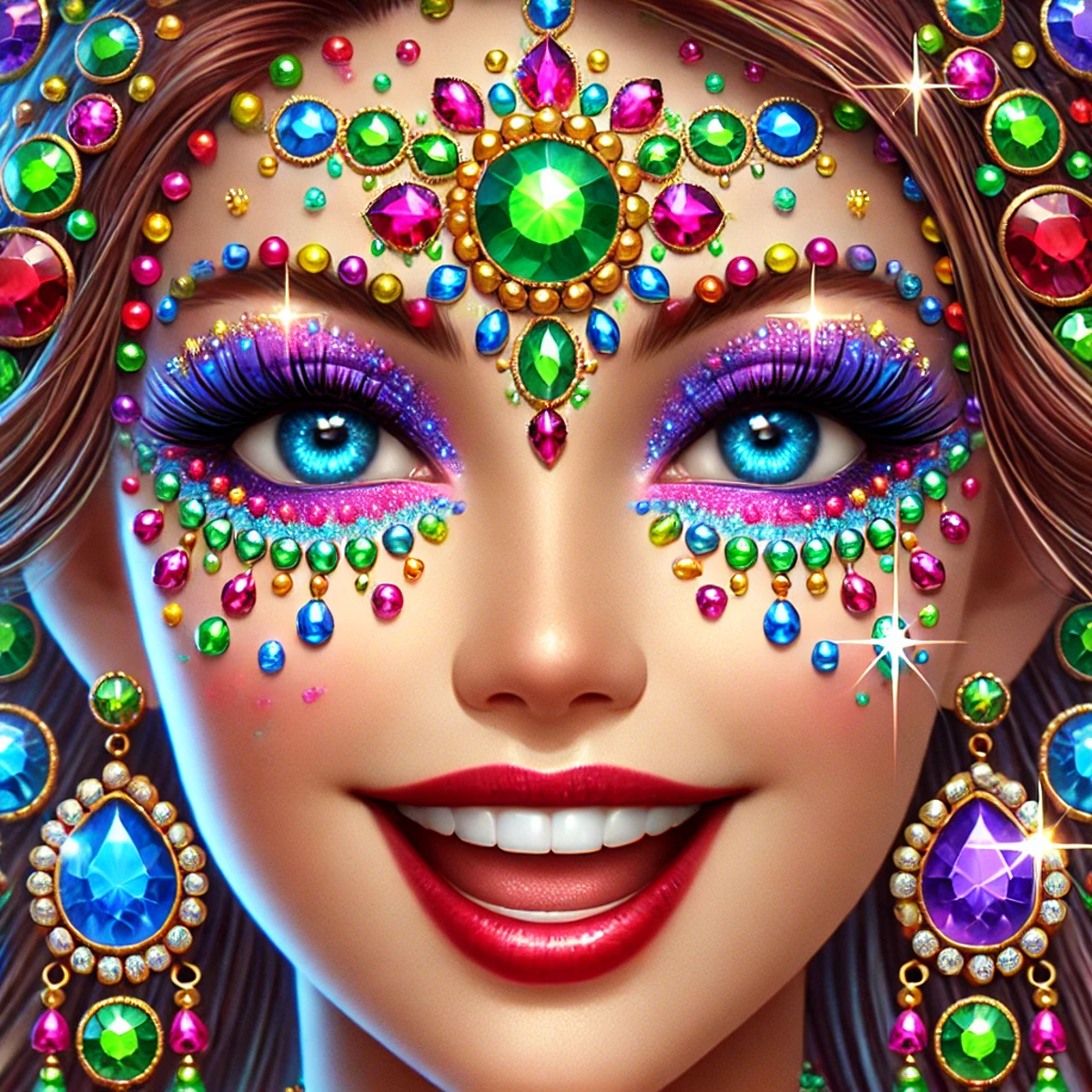
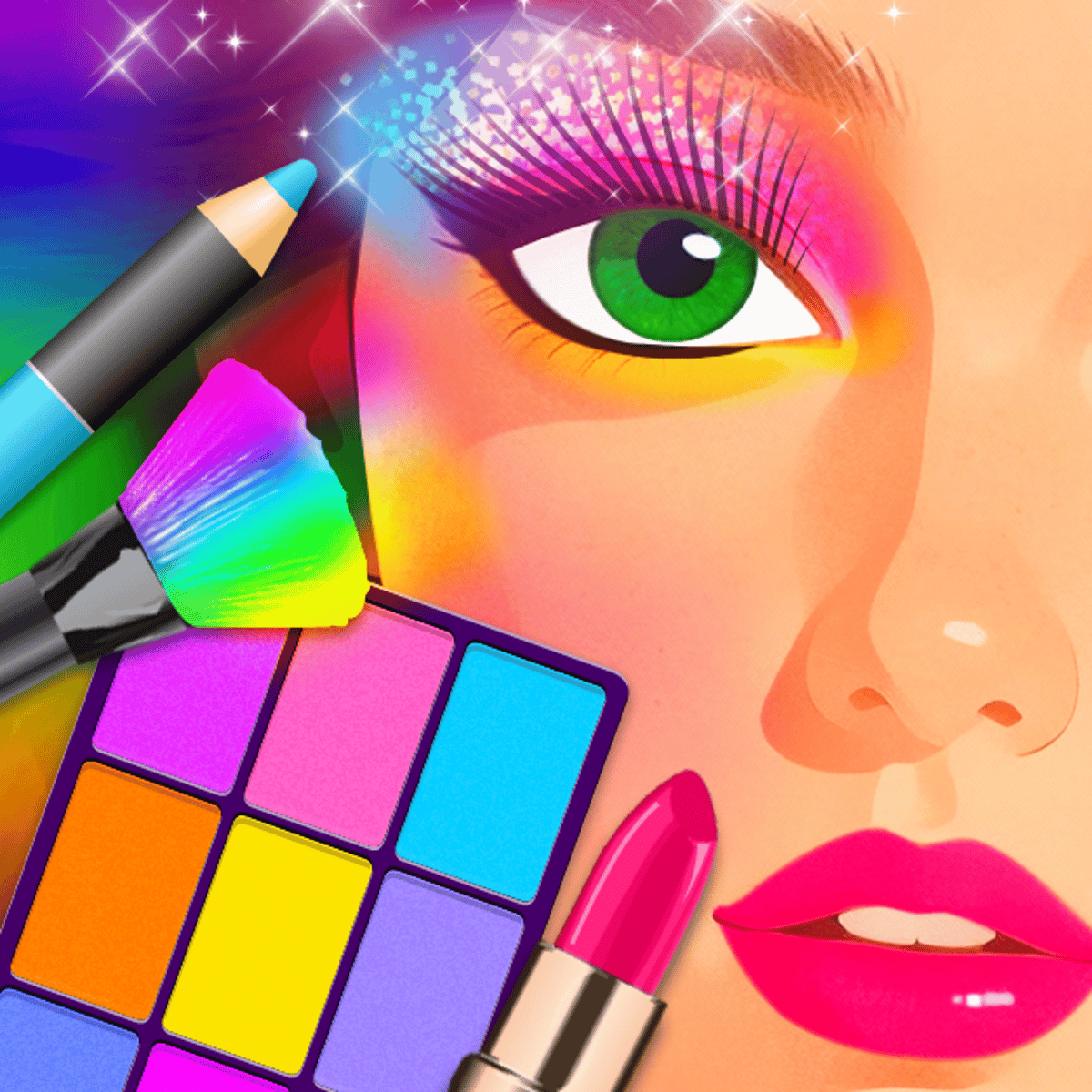
What sets Diamond Makeup apart from the endless sea of dress-up games is its focus on luxury and shine. The name isn’t just marketing fluff—diamonds are the core aesthetic. You’re not just applying makeup; you’re adorning the model with faceted gems that catch the light. It’s over-the-top in the best way, like a fashion editorial where the makeup artist decided to raid a jewelry store. If you’re the kind of person who loves watching makeup tutorials but can’t blend a crease to save your life, this game is your safe space.
How to Play
The controls are about as straightforward as they come. On desktop, you click with your mouse to select a product from the toolbar, then click again on the model’s face to apply it. On mobile, you tap instead. That’s it. No drag-and-drop, no tricky gestures—just point and click. The game is designed to be played one-handed, which means you can hold your phone in one hand and tap with the other while you’re waiting for the bus.
The objective is to create a finished makeup look that you’re happy with. There’s no win condition, no high score, and no opponent. You’re free to experiment as much as you want. The model starts with a clean, neutral face. Your job is to transform her using the tools provided. You can work in any order, skip steps, or redo sections as many times as you like. The only real “goal” is to make something that looks good to you.
Here’s a quick breakdown of the workflow:
- Choose a base. You start by selecting a skin tone and a base makeup layer—foundation, concealer, that sort of thing. The options are limited but enough to cover a decent range of tones.
- Work on the eyes. This is where the game shines. You’ll find dozens of eyeshadow palettes, eyeliners, mascaras, and even individual rhinestones to place around the eyes. You can layer colors, blend them (the game does the blending for you), and add as much sparkle as you want.
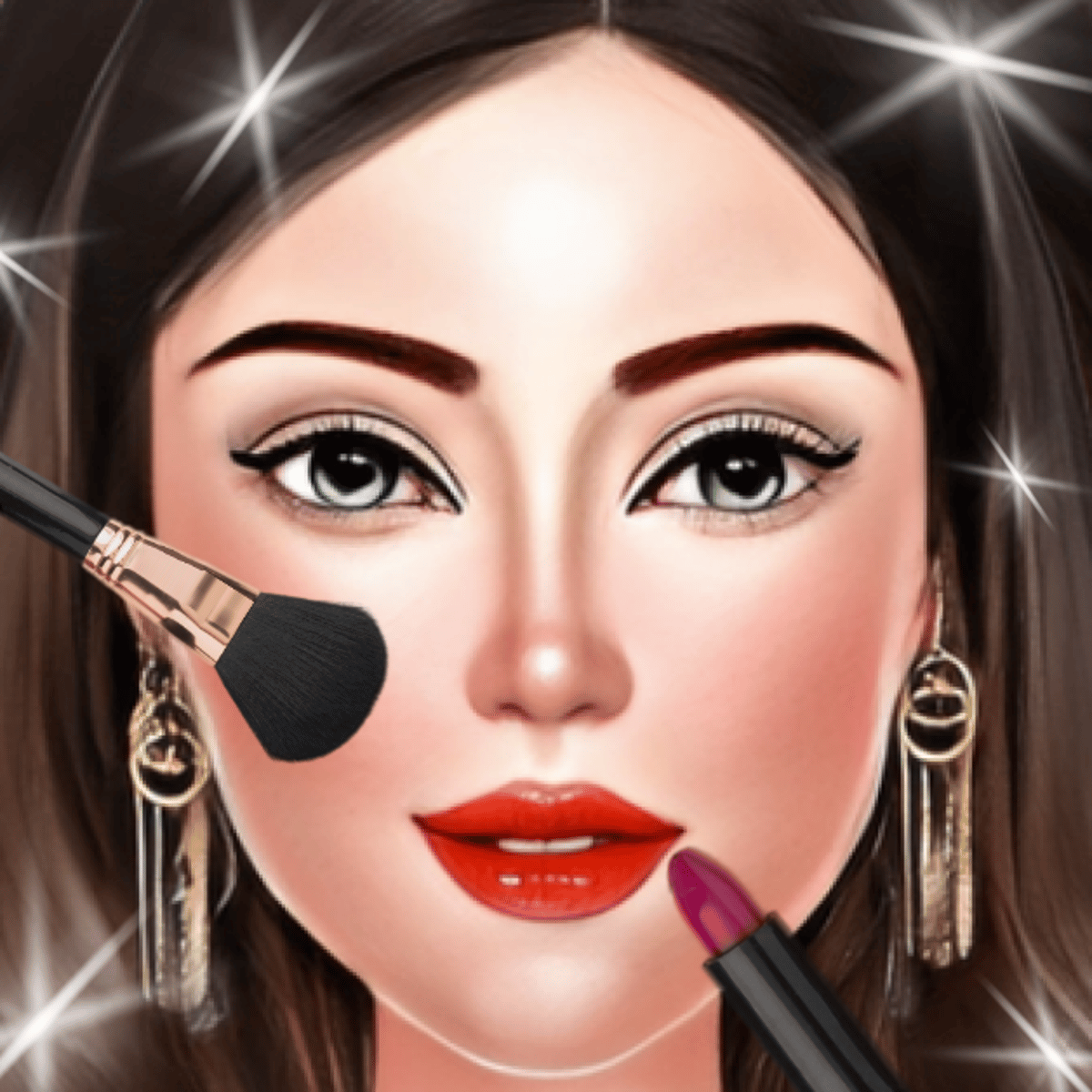
- Lips and cheeks. Pick a lipstick shade, a gloss, and a blush. The lip colors range from natural nudes to deep burgundies and, of course, glittery pinks.
- Add diamond accents. This is the signature feature. You can place small diamond-shaped gems on the face—on the cheekbones, the brow bone, the cupid’s bow, or anywhere else you fancy. They snap into place and reflect light as you move the model.
- Finish and save. When you’re done, you can take a “photo” of your creation. The game saves it locally, so you can show it off or just admire your work.
That’s the whole loop. It’s simple, but the variety of products and the freedom to layer them keep it from getting stale.
Features
Diamond Makeup doesn’t have traditional game modes like “timed challenge” or “story mode.” Instead, it offers a sandbox experience with a few thoughtful touches that elevate it above a basic dress-up game.
Extensive product library. There are over a hundred individual items to choose from, spread across categories like eyes, lips, cheeks, base, and accessories. Each category has multiple sub-options. For example, the eyes section includes eyeshadows (matte, shimmer, glitter), eyeliners (pencil, liquid, gel), mascaras, false lashes, and individual rhinestones. You’re not just picking a color; you’re picking a texture and a finish.
Layering system. You can apply multiple products on top of each other. Put down a matte shadow, then add a shimmer on top, then place a rhinestone in the center. The game handles the blending automatically, which means you don’t need to worry about brush strokes or blending edges. It’s a bit like using a digital airbrush—everything comes out smooth.
Diamond placement. The headline feature works exactly as advertised. You can click anywhere on the model’s face to place a diamond. They come in different sizes and colors (clear, pink, blue, gold). You can rotate them slightly by clicking again, and you can remove them just as easily. The diamonds catch the light and create a subtle sparkle effect that’s genuinely satisfying to watch.
Model rotation. You can rotate the model’s head to see your work from different angles. This is especially useful when placing diamonds on the cheekbones or near the hairline. The rotation is smooth and responsive, and it helps you catch any unevenness.
No ads during gameplay. This is a big one. The game loads with a short ad before you start, but once you’re in, there are no interruptions. You can play for as long as you want without a video popping up in the middle of your masterpiece.
Local save feature. Your finished looks are saved in the game’s gallery. You can revisit them later, delete them, or share them via screenshot. There’s no online gallery or social sharing built in, but you can always take a screenshot manually.
Tips and Strategies
Even though Diamond Makeup is a low-stakes game, a little strategy can help you create looks that feel polished rather than chaotic. Here are some tips I’ve picked up after a few sessions.
Start with the eyes. The eyes are the focal point of any makeup look, and they have the most options in this game. If you start with the eyes, you can build the rest of the face around them. Pick a color scheme for the eyes first—say, a warm gold and bronze—and then choose lip and cheek colors that complement it. It’s much harder to do it the other way around.
Use diamonds as accents, not a base. It’s tempting to cover the model’s face in diamonds because they look so pretty. But a face full of gems starts to look like a disco ball, and not in a good way. Place diamonds sparingly—one on each cheekbone, one on the brow bone, maybe one on the cupid’s bow. That’s usually enough to add sparkle without overwhelming the look.
Match undertones. The game gives you a few skin tone options, but the makeup colors don’t automatically adjust. If you choose a cool-toned foundation, stick with cool-toned eyeshadows and lipsticks (pinks, purples, silvers). Warm-toned skin looks better with golds, peaches, and browns. It’s a small detail, but it makes a huge difference in how cohesive the final look feels.
Experiment with layering. Don’t be afraid to put a glitter shadow over a matte one, or to add a gloss on top of a matte lip. The layering system is forgiving, and you can always undo if you don’t like the result. Some of my favorite looks came from layering a dark matte shadow with a bright shimmer on top—it creates depth without needing to blend manually.
Use the rotation tool. Before you finalize a look, rotate the model’s head to check for symmetry. It’s easy to place a diamond slightly higher on one cheek than the other, or to apply more eyeshadow on one eye. The rotation view helps you catch these imbalances. You can also use it to see how the diamonds catch the light from different angles.
Don’t skip the base. A lot of players jump straight to the eyes and lips, but a good base layer makes everything else look better. Apply foundation, concealer, and a bit of blush before you start on the eyes. It evens out the skin tone and gives you a clean canvas. The base options are limited, but they’re worth using.
Take breaks. This sounds silly for a browser game, but if you’ve been staring at the same face for twenty minutes, your eyes get tired. Step away for a minute, then come back with fresh eyes. You’ll notice things you missed—like that one stray rhinestone near the nose.
Common Mistakes
Even experienced dress-up players fall into a few traps. Here are the most common ones I’ve seen (and made myself).
Overloading with diamonds. I already mentioned this, but it bears repeating. Too many diamonds make the face look cluttered and unnatural. The game is called Diamond Makeup, not Diamond Face. Restraint is your friend.
Ignoring the eyebrows. The game includes eyebrow products, but many players skip them entirely. A face with perfectly done eyes and lips but blank brows looks unfinished. Even a light fill-in makes a difference. The eyebrow options are simple—just a few shades of pencil—but they add structure to the face.
Mismatched lip and eye colors. This is a classic mistake. A bold red lip with a bold blue eyeshadow can work, but it’s hard to pull off. Most of the time, it just looks like two different looks fighting each other. If you’re going for a dramatic eye, keep the lips neutral (nude or light pink). If you want a statement lip, keep the eyes simple (a wash of shimmer or a thin eyeliner).
Forgetting to blend. The game blends automatically, but only if you apply products in the right order. If you put a dark shadow on top of a light one, the dark one will dominate. To get a blended gradient, apply the lighter color first, then the darker color on the outer corner, and let the game do the rest. If you apply them in reverse, you’ll get a harsh line.
Skipping the cheeks. Blush and contour are easy to ignore, but they add dimension. A little blush on the apples of the cheeks makes the model look alive, not like a mannequin. Contour is optional, but a subtle shade under the cheekbones can define the face.
Not using the undo button. The game has an undo function, but it’s easy to forget about it. If you make a mistake, don’t panic—just undo the last step. You can undo multiple times, so you can backtrack as far as you need. There’s no penalty for undoing, so use it freely.
FAQ
Is Diamond Makeup free to play?
Yes, the game is completely free. You can play it in your browser on Poki without any payment. There are optional ads before the game starts, but no in-app purchases or paywalls.
Can I play on my phone?
Absolutely. The game works on both desktop and mobile devices. On a phone, you tap instead of click. The interface scales down nicely, though the toolbar can feel a bit cramped on very small screens. Rotating the model is a little trickier on mobile, but still doable.
How do I save my finished look?
When you’re happy with your creation, click the camera icon in the corner. The game will take a “photo” and save it to your local gallery. You can view your saved looks from the main menu. To share them, you’ll need to take a screenshot of the photo and share it manually.
Does the game have a time limit?
No. You can take as long as you want. There’s no timer, no score, and no pressure. It’s a pure sandbox experience.
Can I play other games by the same developer?
Yes. Ercin has created several other games, including SatisBox, Meme Madness, and Satisbox Builder. You can find them on Poki by searching for the developer’s name.
---
Diamond Makeup isn’t trying to reinvent the wheel. It’s a straightforward, well-executed dress-up game that knows exactly what its audience wants: a relaxing, creative outlet with a generous helping of sparkle. Whether you’re a makeup enthusiast or just someone who enjoys clicking on pretty things, it’s worth a few minutes of your time. Just don’t blame me if you lose track of an hour.