




O Mandala!
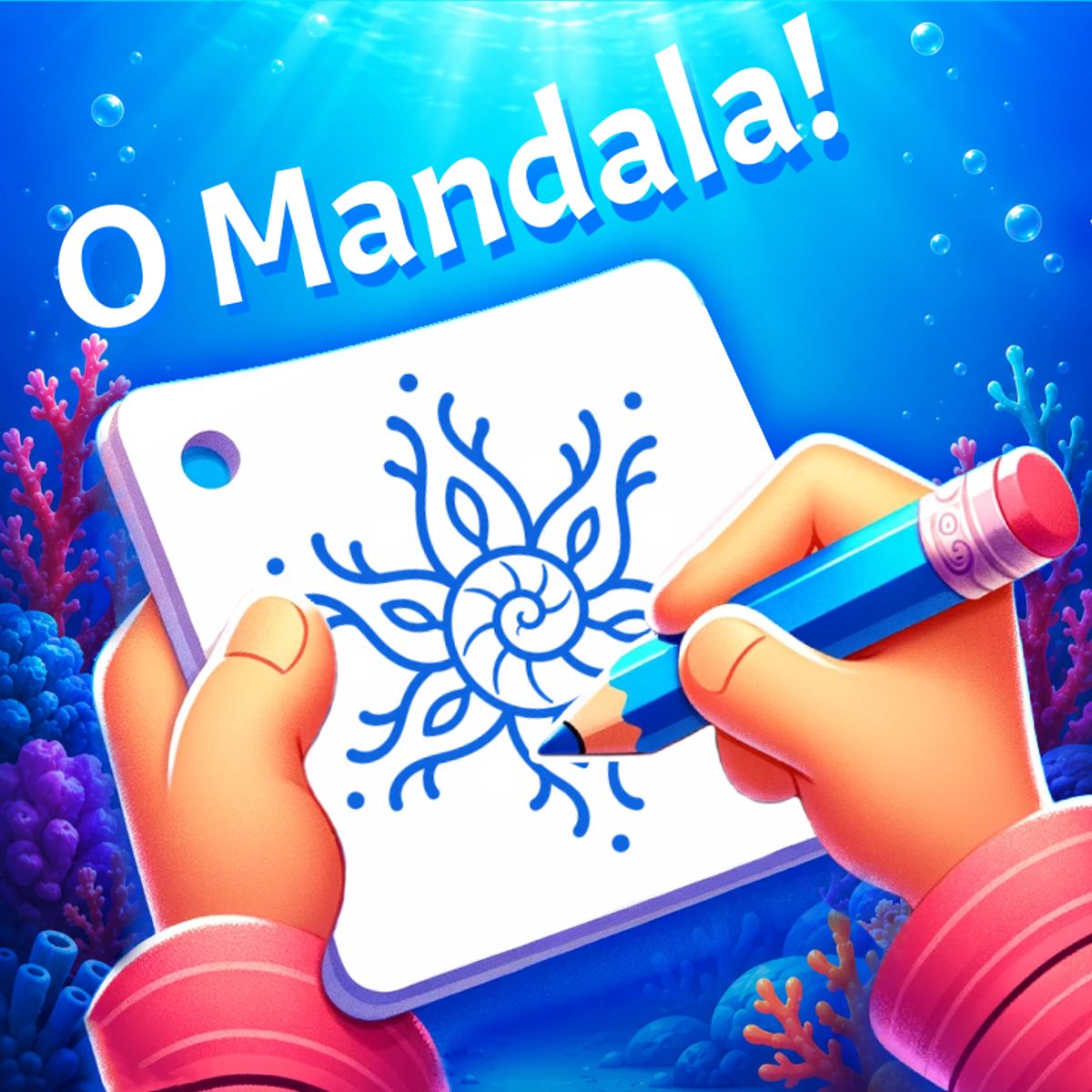
There’s something hypnotic about watching a single line you drew suddenly multiply into a perfect, mirrored pattern. That’s the core hook of O Mandala!, a casual drawing tool that turns simple scribbles into intricate, symmetrical art. It’s not a game in the traditional sense—no levels, no timer, no high score—but it’s the kind of thing you open during a coffee break and suddenly realize an hour has passed. The appeal is pure, meditative creativity.
The idea is straightforward: you draw on a canvas that reflects your strokes across multiple axes. By default, you might start with a few mirror lines, but you can crank that number all the way up to 100. Every curve, dot, or squiggle you make gets repeated in a kaleidoscopic dance. The result is that even a clumsy, half-hearted doodle can look like an elaborate mandala. That’s the magic—it makes you feel like a better artist than you probably are.
Developer Oleksandr Ostapenko clearly designed this as a stress-relief tool. There’s no wrong way to use it. You can pick from a range of brush sizes, colors, and pencil styles, then just let your hand wander. The game has been played over 72,000 times on Poki with a 4.5 rating, and it’s easy to see why. It’s one of those rare browser games that doesn’t demand anything from you except a few minutes of quiet focus.
How to Play
The objective is simple: create a symmetrical mandala design by drawing on a mirrored canvas. No goals, no enemies, no score. You just draw, and the game reflects your strokes automatically.
Desktop controls: Use your mouse. Click and drag to draw. That’s it. You can also right-click or use an on-screen button to undo your last stroke if you mess up. The interface is minimal—a toolbar on the side lets you adjust brush size, choose colors, and switch between different pencil types (like a fine tip or a thicker marker). To change the number of mirror axes, there’s a slider or a number input. Slide it up to 100 for a dense, complex pattern, or keep it low (like 4 or 6) for something more controlled.
Mobile controls: Works the same way, but with your finger. Tap and drag on the screen. The toolbar adapts to touch—buttons are big enough to press without frustration. The undo button is still there, and you can pinch to zoom? Actually, the game doesn’t support zoom in the version I played; the canvas stays fixed. But the drawing area is large enough for most phones. Just be careful not to accidentally tap the toolbar while drawing.
Pro tip: If you want a clean start, there’s a reset button that clears the canvas. No need to reload the page.
Features
O Mandala! doesn’t have multiple game modes, but it does have a few nice touches that make it more than a bare-bones doodle pad.
- Mirror axes (1–100): This is the main feature. The slider lets you dial in exactly how many times your stroke is reflected. At low numbers (like 2 or 4), you get simple symmetry, great for beginners. At high numbers (50+), the pattern becomes dense and almost fractal. It’s fun to experiment with different values mid-drawing.
- Brush variety: There are several brush sizes, from a tiny 1-pixel dot to a thick chunky marker. You also get different “pencil” styles—some are solid, some have a slight texture, and one mimics a felt-tip pen. The color picker is a standard wheel with plenty of shades.
- Undo button: Essential. You can step back through your last few strokes. No redo, unfortunately, so don’t get too trigger-happy with undo.
- No time pressure: This isn’t a feature you toggle; it’s the whole point. You can take as long as you want. The game doesn’t even have a pause button because there’s nothing to pause.
One thing that’s missing is a save or export function. You can’t download your mandala as an image from within the game. If you want to keep your work, you’ll need to take a screenshot manually. That’s a bit of a bummer, but for a free browser game, it’s not a dealbreaker.
Tips and Strategies
Even though O Mandala! is about relaxation, a little technique can help you create more satisfying designs. Here’s what I’ve learned from a few dozen sessions.
Start with a low axis count. If you jump straight to 100 axes, your first stroke will create a chaotic mess that’s hard to control. Begin with 4 or 6 axes. That gives you a nice flower-like symmetry without overwhelming you. Once you’re comfortable, slowly increase the number.
Use the smallest brush for fine details. The thick marker is fun for filling large areas, but the real magic happens with a tiny brush. Draw a small dot near the center, and it becomes a ring of dots. Draw a thin curved line, and it turns into a delicate petal pattern. The small brush gives you precision.
Layer your colors. Start with a light color as a base, then switch to a darker shade and draw over it. The mirror effect will create overlapping layers that look like complex shading. For example, draw a pale yellow circle, then a thin orange line inside it—suddenly you have a gradient effect.
Don’t be afraid to use the undo button. If a stroke looks off, undo it immediately. The game remembers your last few actions, so you can experiment without fear. I often draw a test line, see how it looks mirrored, and then undo if I don’t like it.
Try drawing from the center outward. Most mandalas look best when the pattern radiates from the middle. Start your strokes near the center of the canvas and let them extend outward. That creates a natural focal point.
Use the “pencil” style for texture. The default brush is smooth, but the pencil option adds a slight grain. It makes your mandala look hand-drawn rather than digital. I prefer it for organic, earthy designs.
Change the axis count mid-drawing. You don’t have to stick with one number. Start with 8 axes, draw a few lines, then bump it up to 16 and add more details. The new strokes will reflect at the higher count, while the old ones stay as they were. This creates a layered effect.
Common Mistakes
Even in a game this simple, new players trip over a few things.
Drawing too fast. The mirror effect amplifies every mistake. If you scribble quickly, you’ll end up with a tangled mess that’s hard to fix. Slow down. Let your hand move deliberately. The game rewards patience.
Using too many axes too soon. As I mentioned, 100 axes right out of the gate is overwhelming. Your first stroke becomes a dense web that’s almost impossible to add to. New players often do this, get frustrated, and reset. Start low.
Forgetting to change brush size. The default brush is medium, which is fine for general drawing, but if you want to add fine details or fill large areas, you need to switch. Many players just stick with one size and wonder why their mandala looks blocky.
Not using the undo button. Some people treat it like a real drawing and think they have to live with every stroke. No—undo is your friend. Use it liberally. The game doesn’t punish you for erasing.
Ignoring the center. If you draw only near the edges, your mandala will look like a ring with an empty middle. The most balanced designs start from the center. Make sure you put some strokes in the middle area.
FAQ
Is O Mandala! free to play?
Yes, it’s completely free. You can play it in your browser on Poki without any downloads or payments.
Can I play on my phone?
Absolutely. It works on both desktop and mobile browsers. The touch controls are smooth, and the interface adapts to smaller screens.
Who made this game?
It was created by Oleksandr Ostapenko. According to the Poki page, this is their first game on the platform.
How many mirror axes can I use?
You can set the number from 1 to 100. The slider lets you adjust it in real time, even while you’re drawing.
Can I save my mandala as an image?
The game doesn’t have a built-in save button. You’ll need to take a screenshot (Print Screen on desktop, or the screenshot function on your phone) if you want to keep your artwork.
##
O Mandala! is one of those rare browser games that doesn’t try to be anything other than what it is: a quiet, creative sandbox. It’s perfect for winding down after a long day or for killing a few minutes when you need a mental break. The mirror mechanic is simple but endlessly satisfying, and the lack of pressure makes it easy to lose yourself in the patterns. Give it a try—you might surprise yourself with what you can create.