Kawaii Dress-Up
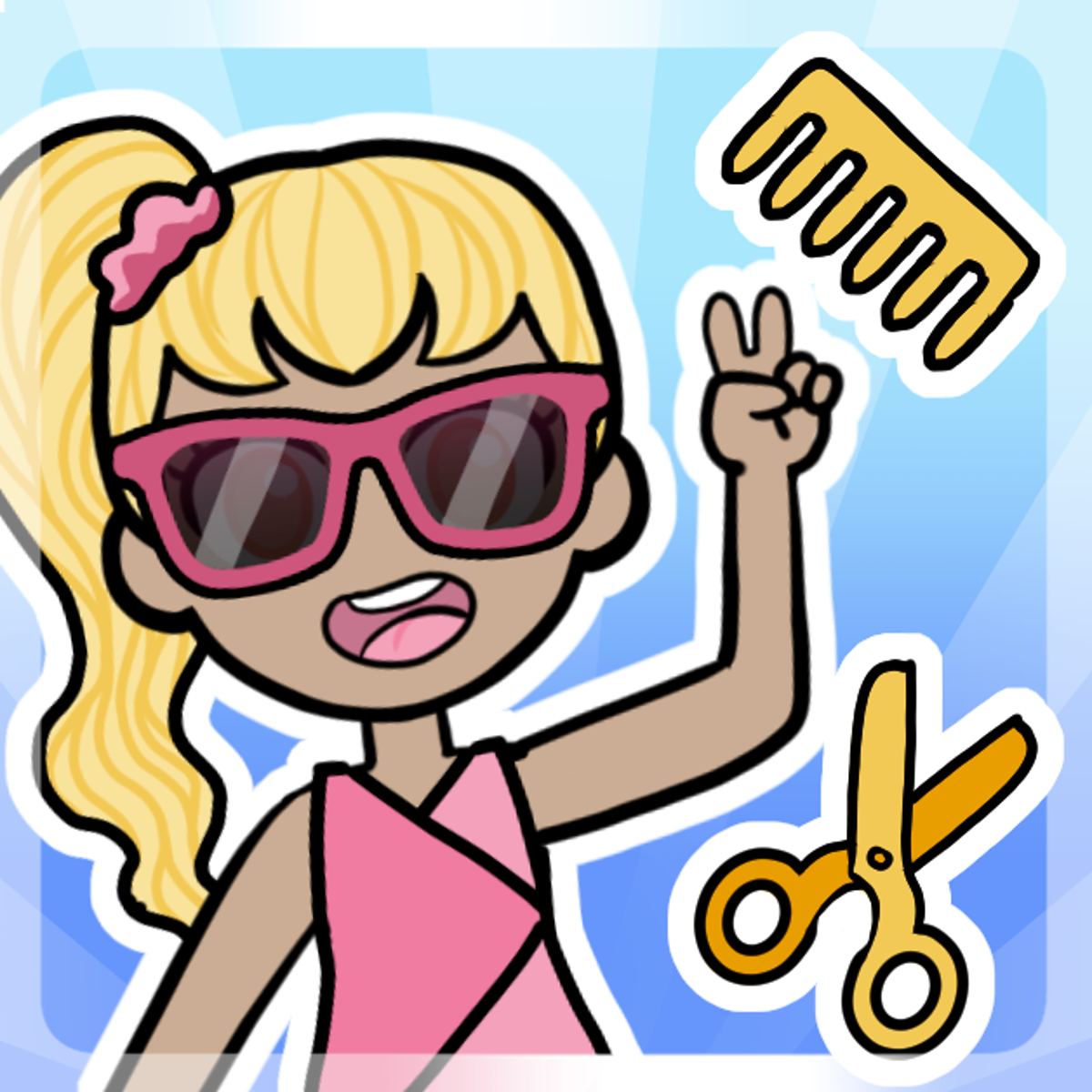
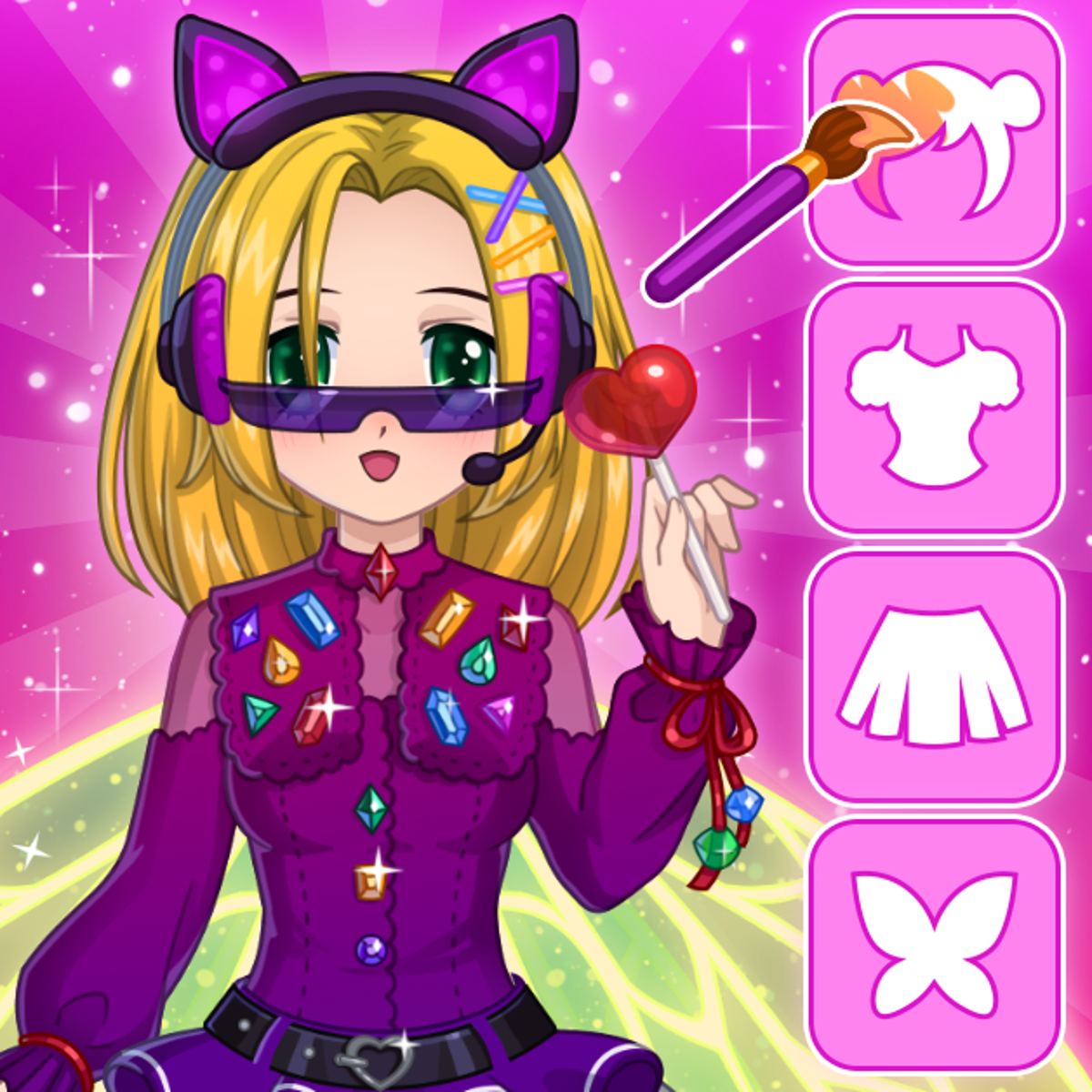
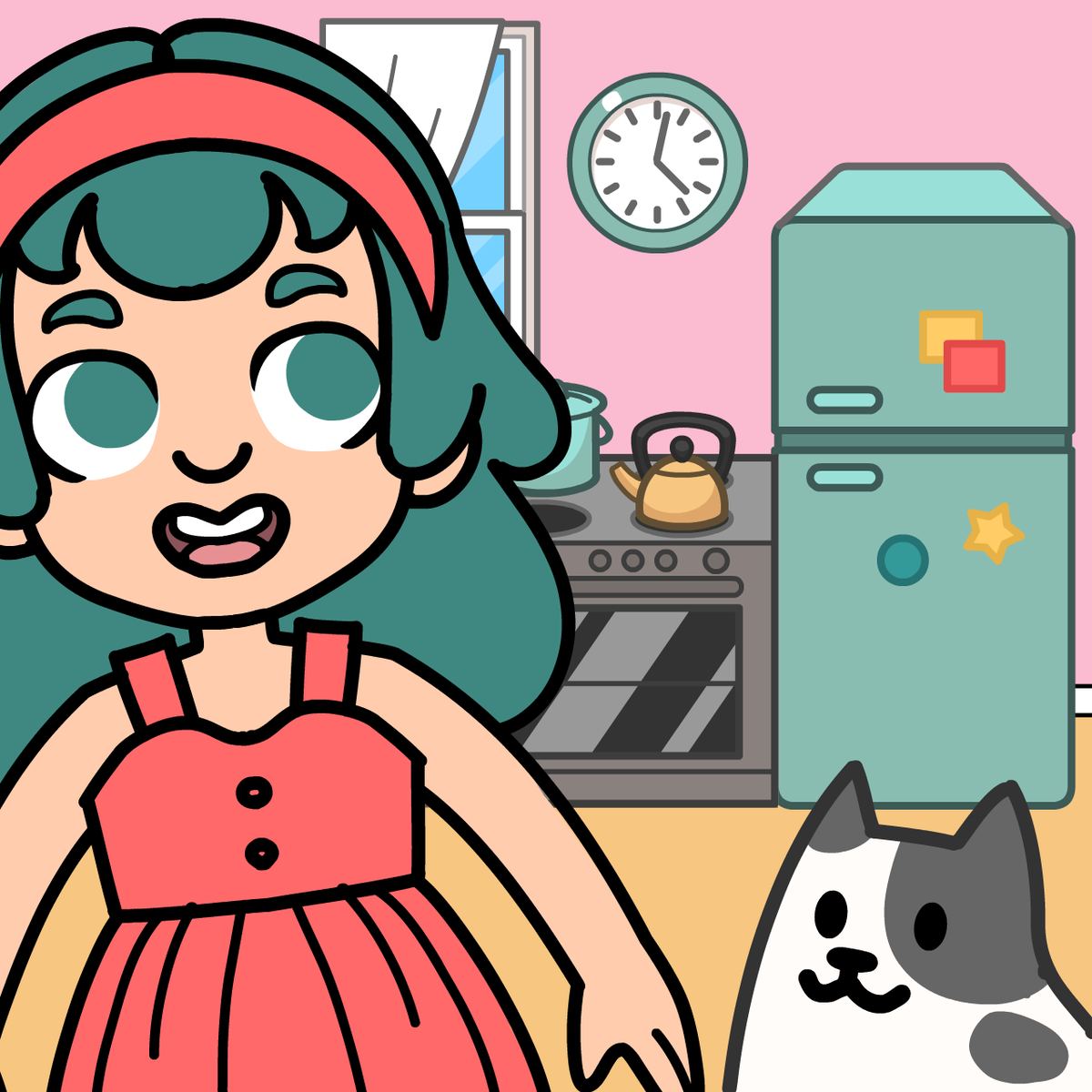
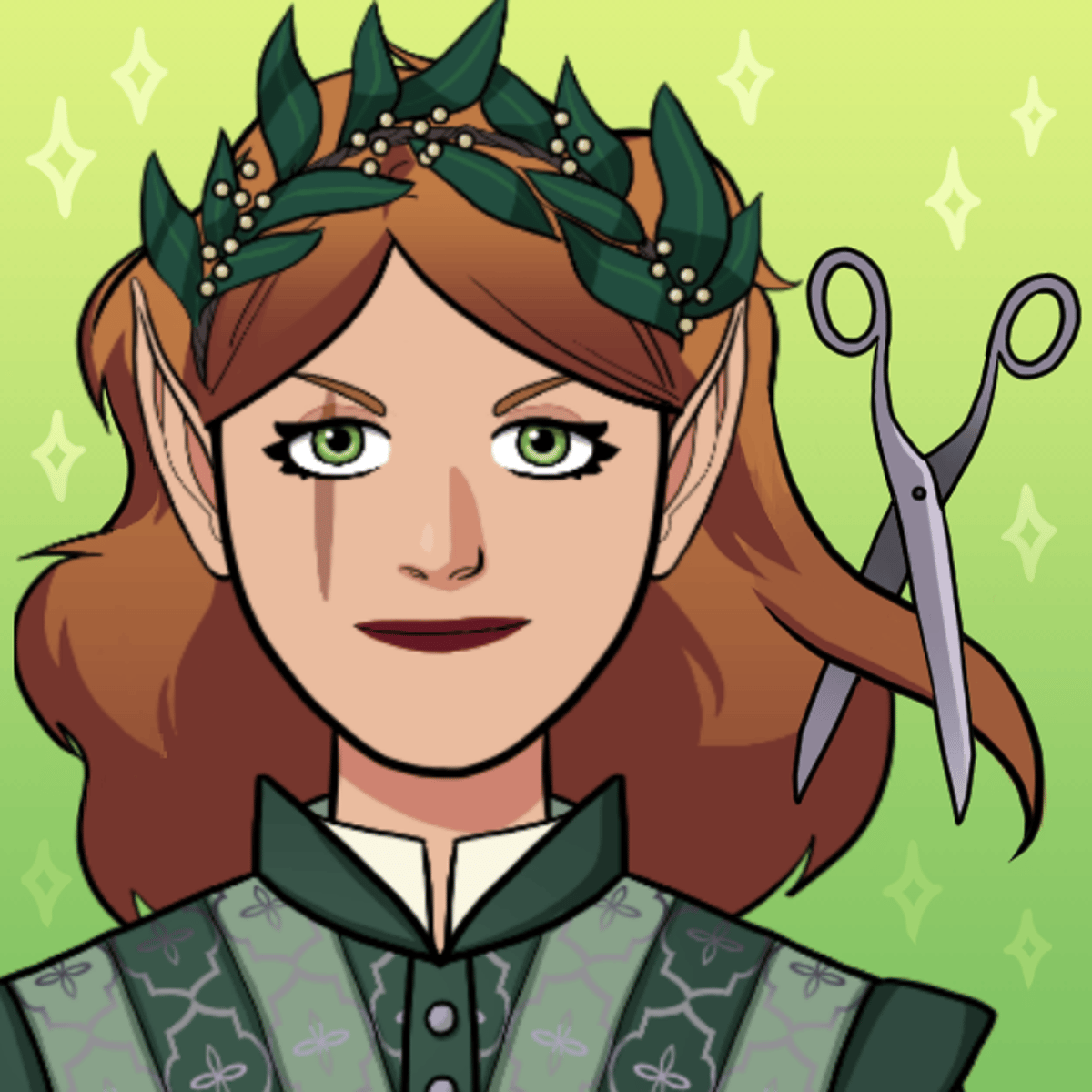
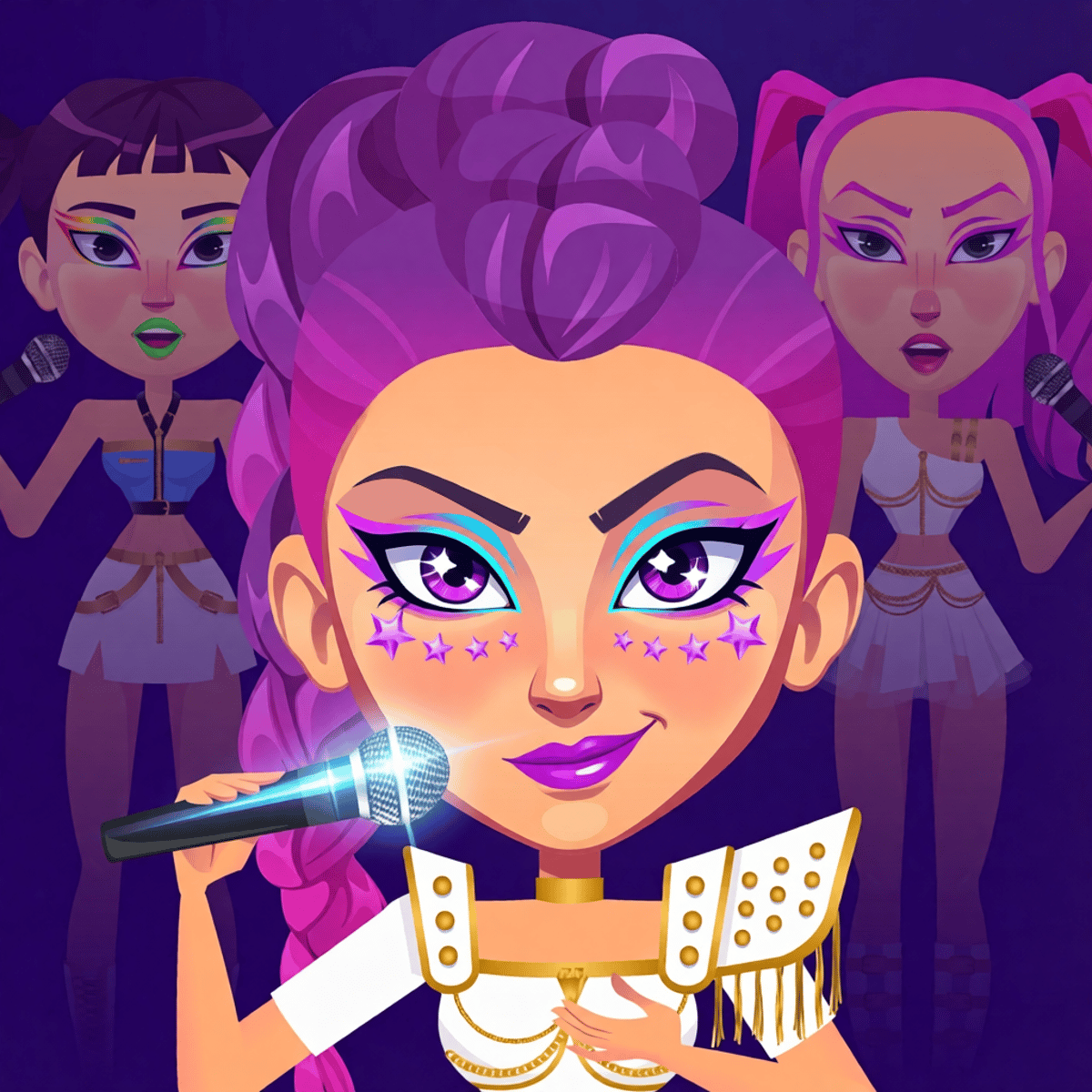
There’s a simple satisfaction in clicking together an outfit until it clicks just right. Kawaii Dress-Up, from developer Entrevero Games, hands you a blank character and a bottomless closet of possibilities. You pick skin tone, hair, eyes, clothes, accessories, even the patterns on the fabric. It’s like raiding a friend’s wardrobe, minus the yelling when you mix polka dots with plaid.
The game launched in December 2022 and keeps getting fresh updates—the latest landed in November 2024. Over half a million players have rated it, averaging a solid 4.5 stars. That’s no accident. Kawaii Dress-Up nails the simple joy of making something cute without pressure. No timer. No scoring. No “you failed because you chose the wrong hat.” Just you, a character, and an endless scroll of options.
If you’ve ever spent twenty minutes perfecting a character in an RPG only to barely see them, this is the game for you. It’s all dress-up, all the time.
How to Play
Controls couldn’t be simpler. On desktop, click. On mobile, tap. That’s it.
Load the game and you’ll see a character in the center, usually in a plain white top and bottom. Around the edges are category tabs: skin, hair, face, tops, bottoms, shoes, accessories, and more. Click any item to equip it. Click again to unequip. The character updates instantly, so you can see exactly how that oversized bow looks with those cat-eye glasses before committing.
A few handy buttons live in the corners:
- Randomize (top-left): Hit this when you’re out of ideas or just want a laugh. It throws together a completely random outfit. Sometimes a train wreck. Sometimes accidentally brilliant.
- Save (bottom of screen): Once you’re happy, tap the save button and your creation downloads as a PNG. No login, no account, no hassle.
On mobile, everything works the same. The interface scales nicely, so you’re not poking at tiny buttons. The game runs in portrait or landscape, but portrait feels more natural one-handed.
Features
Kawaii Dress-Up doesn’t have traditional “modes”—no career, no time attack, no multiplayer. But it has thoughtful touches that lift it above a simple paper-doll simulator.
Deep Customization
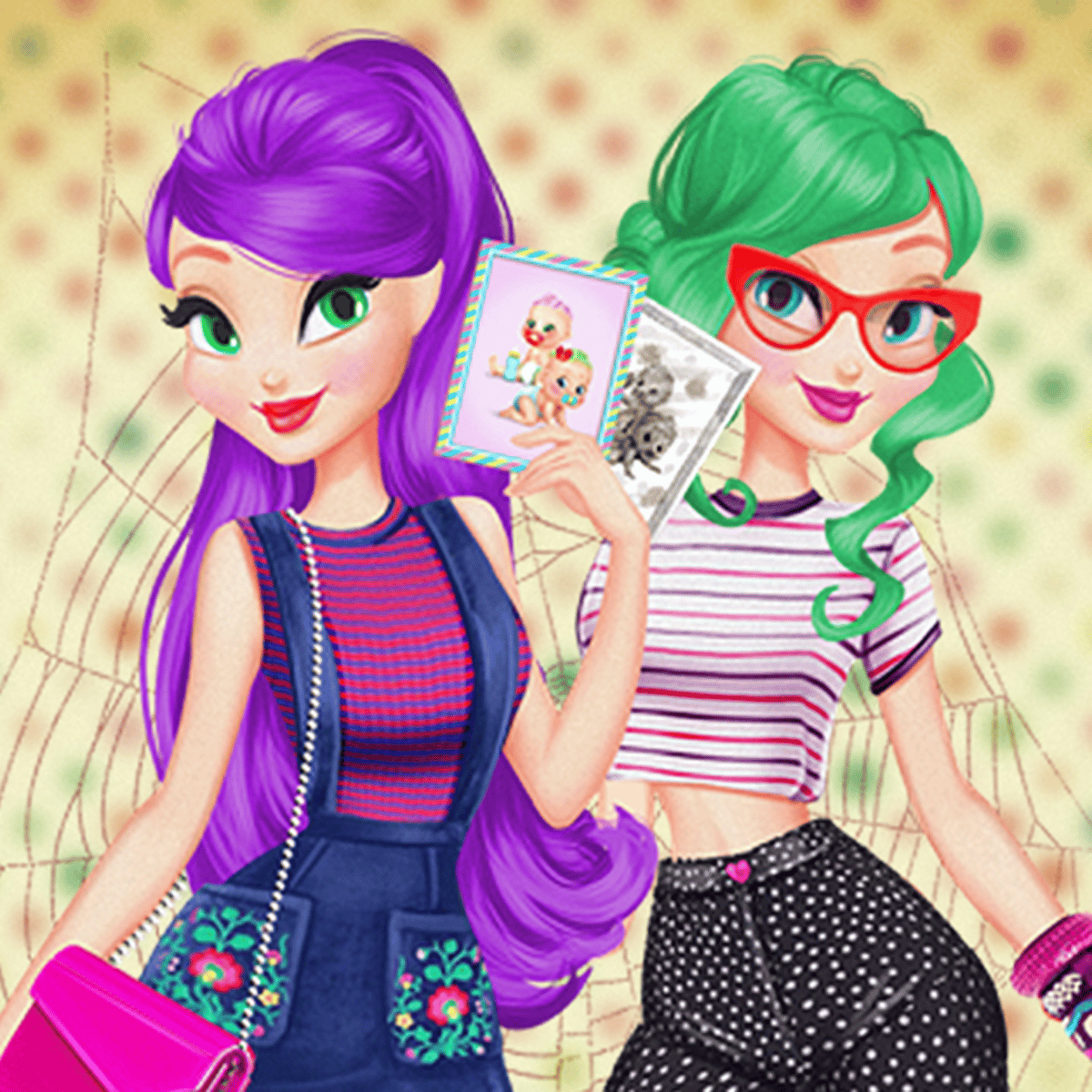
You can adjust way more than just clothes. Skin tones go from pale to deep brown and include fantasy colors like pastel pink and light blue. Hair styles range from short bobs to long twin-tails, and you can pick any color from a full palette. Same for eyes, eyebrows, even the little blush on the cheeks. Want a character with mint-green hair, golden eyes, and a sprinkle of freckles? Go for it.
Color and Pattern Picker
Most clothing items let you change their color and sometimes their pattern. That plain T-shirt? Make it striped, polka-dotted, or a solid shade of your choice. The pattern options aren’t huge—maybe a dozen—but enough to keep outfits from feeling identical. This is where the real creativity kicks in. Two players can start with the same dress and end up with completely different looks.
Randomize Button
Small feature, surprisingly fun. The randomize button doesn’t just slap on random clothes; it picks a coherent (or deliberately incoherent) combination of colors and accessories. Great for breaking out of a style rut. Sometimes I hit randomize five times in a row just to see what the game throws at me.
Save as PNG
No watermark, no fuss. The saved image is a clean, transparent-background PNG of your character. Use it as an avatar, share it on social media, or just keep a gallery of your best looks. A nice touch that a lot of dress-up games skip.
Tips and Strategies
Since the game is purely creative, “strategy” sounds silly. But there are ways to get more out of it.
Start with the face. A character’s expression and eye shape set the mood. Build the outfit first and you might end up with a mismatch. Pick the eyes, eyebrows, and mouth early, then build around them.
Use the color picker early. When you click a clothing item, you’ll often see a small color swatch next to it. Click that swatch to open a palette. Don’t settle for the default color—scroll through the options. A dress that looks meh in red might pop in mint or lavender.
Layer accessories carefully. The game lets you wear multiple accessories at once: glasses, headbands, necklaces, earrings, maybe a backpack. But too many can clutter the character. A good rule: pick one statement piece (big glasses, a huge bow) and keep the rest subtle. Unless you’re going for maximalist chaos, which is also valid.
Use the randomize button for inspiration. Stuck? Hit randomize a few times. You might hate the results, but you’ll probably spot one element—a hair color, a shoe style—that sparks an idea. Then tweak manually from there.
Save your favorites. The game doesn’t have an in-game gallery, so save your best creations to your device. After a while you’ll build up a little portfolio. Nice to look back and see how your taste has changed.
Common Mistakes
New players tend to stumble in a few predictable ways.
Ignoring the color picker. Default colors are fine, but often the most basic version. A lot of items look way better when you swap the color. Don’t assume the first shade you see is the only option.
Over-accessorizing. It’s tempting to pile on every hat, necklace, and pair of glasses the game offers. The result often looks like a character who fell into a costume shop. Less is usually more—at least until you’ve learned how to balance pieces.
Forgetting to save. You spend fifteen minutes crafting the perfect outfit, then accidentally refresh the page. Poof. Gone. The game doesn’t autosave. Get into the habit of hitting the save button as soon as you’re satisfied.
Not exploring all the categories. Some categories are hidden behind scroll arrows. If you only see five hair options, scroll sideways—there are usually more. Same for tops, bottoms, and shoes. The game has a decent amount of content, but you have to browse to find it.
FAQ
*Can I play Kawaii Dress-Up on my phone?*
Yes. It works on both desktop and mobile browsers. The controls adapt to touch, so you can tap to equip items and save your character.
Do I need to create an account?
No. There’s no login, no email, no registration. Just open the game and start dressing up.
Is the game free?
Yes. It’s free to play in your browser. No microtransactions or intrusive ads (some pop-ups may appear, but they’re not disruptive).
Can I share my creations?
Yes. When you save, the game downloads a PNG image. Share that file anywhere—social media, messaging apps, forums.
Does the game get updated?
Yes. Entrevero Games has released updates since the original launch in December 2022. The most recent update was in November 2024, which suggests the developer is still supporting it.
---
Kawaii Dress-Up isn’t trying to be the next big competitive game. It’s a quiet, creative space where you can spend ten minutes or an hour making characters that feel like yours. The controls are simple, the options are generous, and the lack of pressure makes it easy to come back to. If you’ve ever enjoyed flipping through a fashion magazine or doodling characters in a notebook, this game will feel like home.