


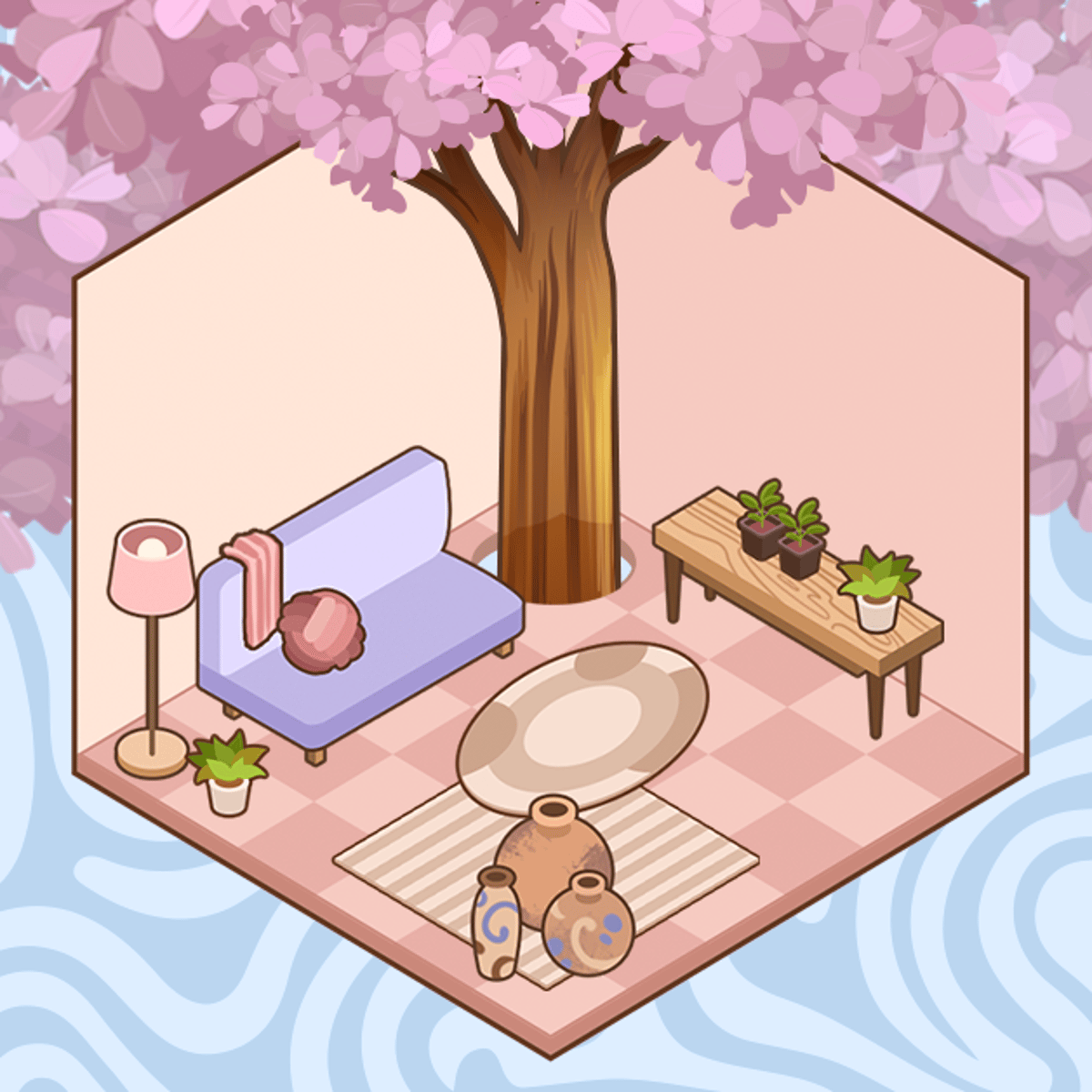





DIY Desk Designer
Ever spent way too long rearranging your actual desk, only to give up and shove everything into a drawer? This game might be your happy place. DIY Desk Designer is a cozy simulation where you build the workspace of your dreams, one click at a time. No dust, no cable management nightmares, no worrying about whether that monitor stand will actually fit. You just pick your pieces, place them, and watch a blank slab turn into something you’d actually want to sit at.
The variety keeps things fresh. You’re not stuck with the same boring beige desk every time. Each level gives you a new starting point, and you get to mix tabletops, gadgets, stationery, and little decorative touches until the whole thing feels right. It’s like playing with a dollhouse, but for adults who secretly want a better home office. And because there’s no timer or pressure, you can take your time or blast through a few designs in one sitting. The game respects your pace.
How to Play
The goal is simple: turn an empty desk into a fully furnished, aesthetically pleasing workspace. You start with a basic tabletop and a handful of items to place. From there, you choose colors, materials, and accessories. Want a sleek glass surface with a laptop and a succulent? Go for it. Prefer a warm wooden desk covered in cute sticky notes and a mug of pens? That works too.
Controls are straightforward. On desktop, you click with your mouse to select items and place them. On mobile, you tap. That’s it. No dragging or complicated gestures—just point and click. The game was clearly designed with touchscreens in mind, but it feels just as natural with a mouse. Everything snaps into place, so you don’t have to worry about pixel-perfect positioning.
You progress through levels, each one presenting a new desk layout and a set of items to unlock or use. Some levels might ask you to use specific colors or themes, but most of the time you’re free to experiment. The only real objective is to make a desk you like. The game doesn’t punish you for going off-script.
Features
DIY Desk Designer doesn’t have distinct “game modes” like a story mode versus free play. Instead, it’s a linear series of levels, each one a fresh canvas. But that’s fine, because the real feature is the customization depth.
- Mix and match tabletops. You can choose from different materials—wood, glass, marble, even some fun patterns. The texture and color change the whole vibe of the desk.
- Electronics galore. Laptops, monitors, keyboards, mice, speakers, lamps. You can arrange them however you like. Some items have multiple color options.
- Stationery and accessories. Pens, notebooks, sticky notes, paper clips, plants, mugs, photo frames. These small touches make the desk feel lived-in.
- Clean and clutter modes. You can keep things minimalist or go full maximalist. The game lets you place as many items as you want, so there’s no limit on creativity.
- Undo and redo. Made a mistake? Just click undo. It’s a small thing, but it saves a lot of frustration.
The game also has a pleasant, low-pressure soundtrack and soft visuals. Nothing flashy, just calm colors and gentle animations when you place an item. It’s the kind of game you play while listening to a podcast.
Tips and Strategies
You might think there’s no strategy in a decoration game, but trust me, a little planning goes a long way.
Start with the big pieces first. Place your monitor, laptop, or keyboard before you start adding tiny accessories. That way you know where your main work area is, and you can fill in the gaps later. If you put a mug down first, you might end up with your keyboard in an awkward spot.
Use color coordination, but don’t overdo it. A desk that’s all one color can look flat. A desk with too many colors looks chaotic. Pick two or three main colors and stick with them. For example, a white desk with black electronics and a single green plant. Or a warm wood desk with gold accents and a blue notebook. The game gives you enough options to make it work.
Pay attention to the level’s hints. Some levels have a suggested theme or a specific item they want you to use. You don’t have to follow it, but if you’re stuck, following the hint can help you unlock new items faster. The game rewards experimentation, but it also nudges you in a direction.
Don’t be afraid to leave empty space. A cluttered desk might look cozy in real life, but in this game, a little breathing room makes the design look cleaner. Leave some open tabletop area. It gives the eye a place to rest.
Replay levels you liked. Once you finish a level, you can go back and redesign it. This is great for trying out new items you unlocked later. Some of the best desks I made were on my second or third attempt.
Common Mistakes
New players often fall into a few traps. Here’s what to watch out for.
Overloading the desk. It’s tempting to place every item you have, but a desk that’s packed to the brim looks messy. Remember, real desks have empty space. Less is often more.
Ignoring the background. The desk doesn’t exist in a void. The game gives you a room background—sometimes a wall, sometimes a window. Try to match your desk style to the background. A neon pink desk might clash with a rustic brick wall. A little awareness of the environment goes a long way.
Forgetting to rotate items. Some items can be rotated. If you place a notebook and it’s facing the wrong way, you can spin it. New players sometimes miss this and end up with everything facing the same direction, which looks unnatural.
Rushing through levels. There’s no timer, so take your time. I’ve seen people click through a level in two minutes and then wonder why it doesn’t look good. Spend at least five minutes on each desk. Move things around. Try different combinations.
Not using the undo button. If you place something and it doesn’t look right, undo it immediately. Don’t try to work around a bad placement. It’s easier to start fresh than to fight with a layout that isn’t working.
FAQ
Is DIY Desk Designer free to play?
Yes, it’s free on Poki. No downloads, no hidden payments. You just open the browser and play.
Can I play on my phone?
Absolutely. The game works on both desktop and mobile. The controls are the same—tap to select and place. It runs smoothly on most phones.
How many levels are there?
The game has a decent number of levels, and more are added occasionally. You won’t run out of content quickly. Each level feels different because the starting desk and available items change.
Do I need to create an account?
No account required. Your progress is saved in your browser’s local storage, so as long as you don’t clear your cookies, you can pick up where you left off.
Can I share my desk designs?
There’s no built-in sharing feature, but you can always take a screenshot and post it wherever you like. The game doesn’t have a social component, which is fine—it’s a personal, relaxing experience.
Closing
DIY Desk Designer is one of those rare browser games that doesn’t try to be anything more than what it is: a quiet, creative space where you build something nice. Whether you’re a neat freak who loves organizing or someone who just wants to kill ten minutes with a satisfying click-and-place loop, it delivers. No stress, no competition, just you and a blank desk waiting to become your next favorite setup.