

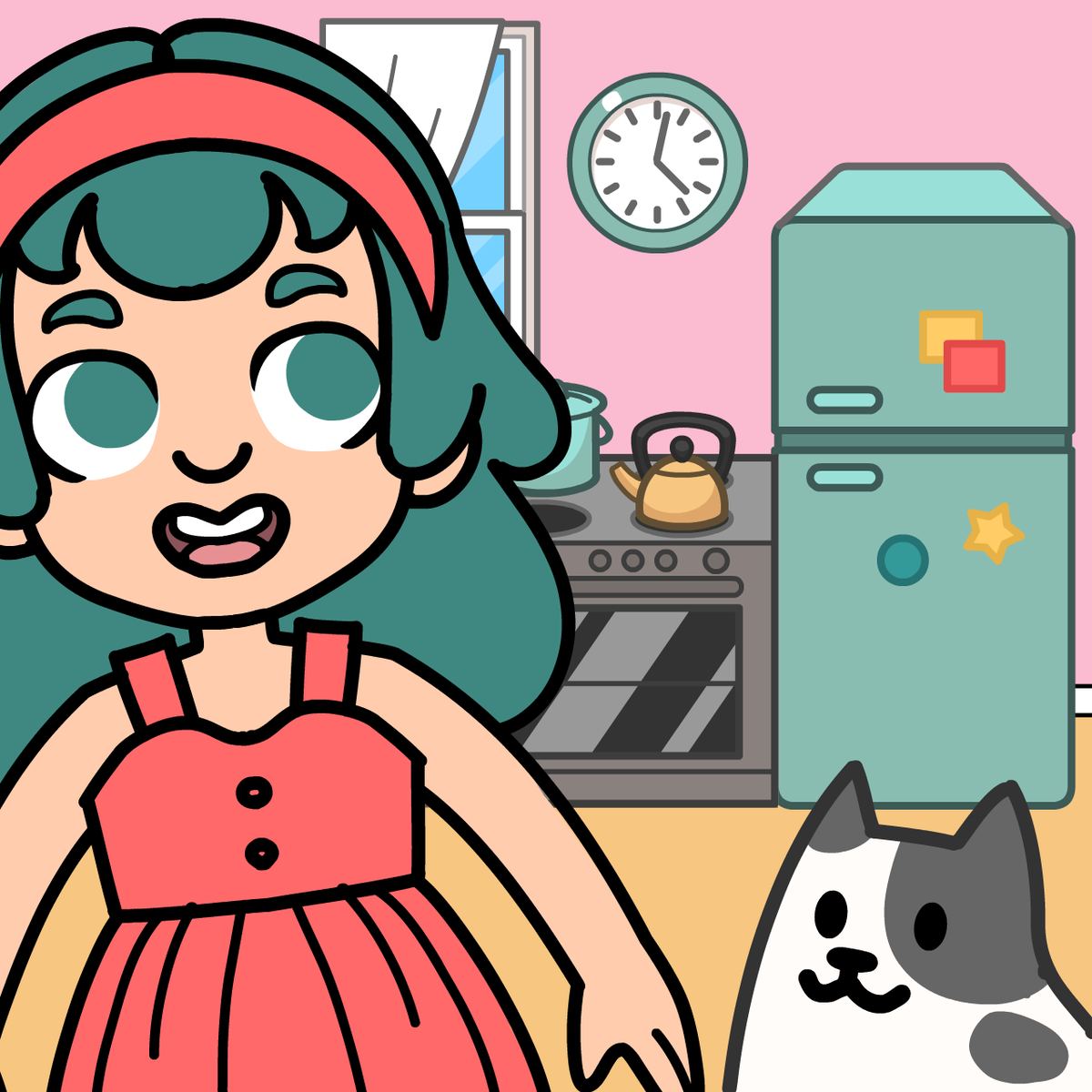








Life Choices 2: Life Simulator
There are plenty of life simulators out there, but the good ones make every tap or click feel like it matters. Life Choices 2: Life Simulator is one of those rare sequels that doesn’t coast on nostalgia—it expands the original idea and gives you more reasons to keep coming back. You land in Unicoville, a town full of oddballs and ordinary people, and your job is to guide them through their lives by making decisions for them. Sounds simple, but the game has a nasty habit of making you second-guess yourself.
The first Life Choices already had a decent following, but this sequel improves the visuals, introduces new characters, and weaves in storylines that go somewhere unexpected. It’s not just about picking the “nice” option and getting a happy ending. Sometimes the nice choice leads to trouble, and the selfish one pays off. That unpredictability keeps you hooked—you want to see what happens if you go left instead of right, or if you tell the truth instead of a white lie.
Each character has three main tasks or goals to complete. Once you finish all three for one resident, you move on to the next, but the game encourages you to revisit and try different paths. Secrets are buried in the dialogue, and hidden outcomes only show up if you make a specific sequence of choices. It respects your time but also rewards curiosity.
How to Play
The core loop is straightforward: you read a short scenario, then pick one of two or three options. Your choice determines what happens next, and the story branches from there. The objective for each character is to complete their three primary tasks—these are clearly marked, so you always know what you’re working toward. Along the way, you’ll run into side events that can affect the main tasks or unlock extra content.
Desktop controls: Just use your mouse. Click on a character to start their story, then click on the option you want. No keyboard shortcuts, no dragging—simple point-and-click.
Mobile controls: Tap the screen. Same logic—tap a character, then tap your chosen answer. The interface is designed for touch, so buttons are big enough that you won’t accidentally pick the wrong option on a phone. It runs smoothly on both Android and iOS browsers.
There’s no timer, no pressure to rush. You can take as long as you want to read the scenarios and weigh your options. The game autosaves after each major decision, so you can drop in and out without losing progress.
Features
Life Choices 2 isn’t a complex simulation with spreadsheets and resource management. It’s a narrative-driven experience, and the features reflect that.
Improved visuals. Compared to the first game, the character art is sharper and the backgrounds have more detail. Unicoville actually feels like a lived-in town now, not just a collection of static rooms.
New characters with deeper stories. The original had a handful of residents, but the sequel adds several more, each with a distinct personality and backstory. You’ll meet a stressed office manager, a mysterious new neighbor, a teenager with family drama, and others. Their stories interconnect in subtle ways—choices you make for one character might affect another’s scenario later.
Three main tasks per character. This gives each story a clear structure. You’re not wandering aimlessly; you know there’s a beginning, middle, and end for every resident. But the path to those endings can vary wildly based on your decisions.
Secrets and alternate endings. Not everything is spelled out. Some choices lead to hidden scenes or bonus endings that require specific combinations of decisions. It’s the kind of content that makes you want to replay a character’s story from scratch.
No ads interrupting the flow. The game is free on Poki, and while there are occasional ad breaks, they don’t pop up mid-choice. You usually get them between characters or after finishing a task, which is fair.
Tips and Strategies
- Don’t try to be a hero in every situation. Some characters are better off if you make a selfish or even mean choice. The game doesn’t punish you for being pragmatic. In fact, the most “moral” option sometimes leads to a dead end or a boring outcome.
- Pay attention to the character’s personality. The dialogue gives you hints about what they really want. A shy character might need encouragement, but a confident one might respond better to a challenge. If you ignore their traits, you’ll miss the best outcomes.
- Replay with different approaches. After you finish a character’s three tasks, go back and try the opposite choices. You’ll be surprised how much content you missed. The game tracks which endings you’ve seen, so it’s easy to see what’s left.
- Don’t rush through the text. The scenarios are short, but they often contain clues about future consequences. A seemingly unimportant detail in the first paragraph might explain why a later choice goes wrong.
- Focus on one character at a time. Jumping between multiple residents can make you forget the context of their stories. Stick with one until you’ve completed all three tasks, then move to the next.
- Use the autosave to experiment. If you’re curious about a risky choice, go ahead and make it. If it backfires, you can reload from the last checkpoint. There’s no penalty for trial and error.
Common Mistakes
Overthinking every choice. Some players spend minutes agonizing over two options that lead to similar outcomes. The game is designed so that most choices have meaningful but not life-ruining consequences. You don’t need to optimize everything. Just pick what feels right and see where it goes.
Assuming the “nice” option is always correct. This is the biggest trap. Life Choices 2 is not a morality lesson. Sometimes being too helpful enables bad behavior, and being honest (even if it hurts) leads to better long-term results. Don’t be afraid to be the bad guy occasionally.
Ignoring side events. Not every decision is tied to the three main tasks. Some side events appear randomly and seem optional, but they can unlock bonus scenes or give you items that help later. If you skip them, you might miss a key piece of the story.
Trying to please everyone. Each character has their own agenda. You can’t make all of them happy at the same time. Trying to do so often leads to a mediocre ending for everyone. Commit to a path and own the consequences.
Forgetting to save manually. The autosave is reliable, but if you want to keep a specific branch, use the manual save option (if available). It’s better to have a backup before a major decision.
FAQ
Is Life Choices 2: Life Simulator free to play?
Yes. It’s available for free on Poki and other browser game portals. No download or purchase required.
Can I play on mobile?
Absolutely. The game works on phones and tablets. Tap controls are smooth, and the interface scales well to smaller screens.
Do I need to play the first Life Choices to understand the sequel?
Not really. The sequel introduces new characters and a new setting (Unicoville). There are a few references to the original, but you won’t be lost. That said, if you enjoyed the second one, the first is worth checking out.
How many characters are there?
I don’t have an exact number, but there are at least eight distinct residents with their own storylines. More might be added in updates.
Does the game have multiple endings?
Yes. Each character has multiple possible endings based on your choices. Some endings are clearly better than others, but there’s no single “true” ending. The game encourages you to explore all of them.
How long does it take to finish everything?
If you play through each character once, you’re looking at about 2–3 hours. If you go for all endings and secrets, expect 5–6 hours or more.
---
Life Choices 2: Life Simulator is a solid pick for anyone who likes story-driven games without the commitment of a 50-hour RPG. It’s bite-sized, replayable, and surprisingly good at making you care about pixelated strangers. Give it a shot—you might find yourself reloading a save just to see what happens if you’re a little more reckless.