





Decor Life
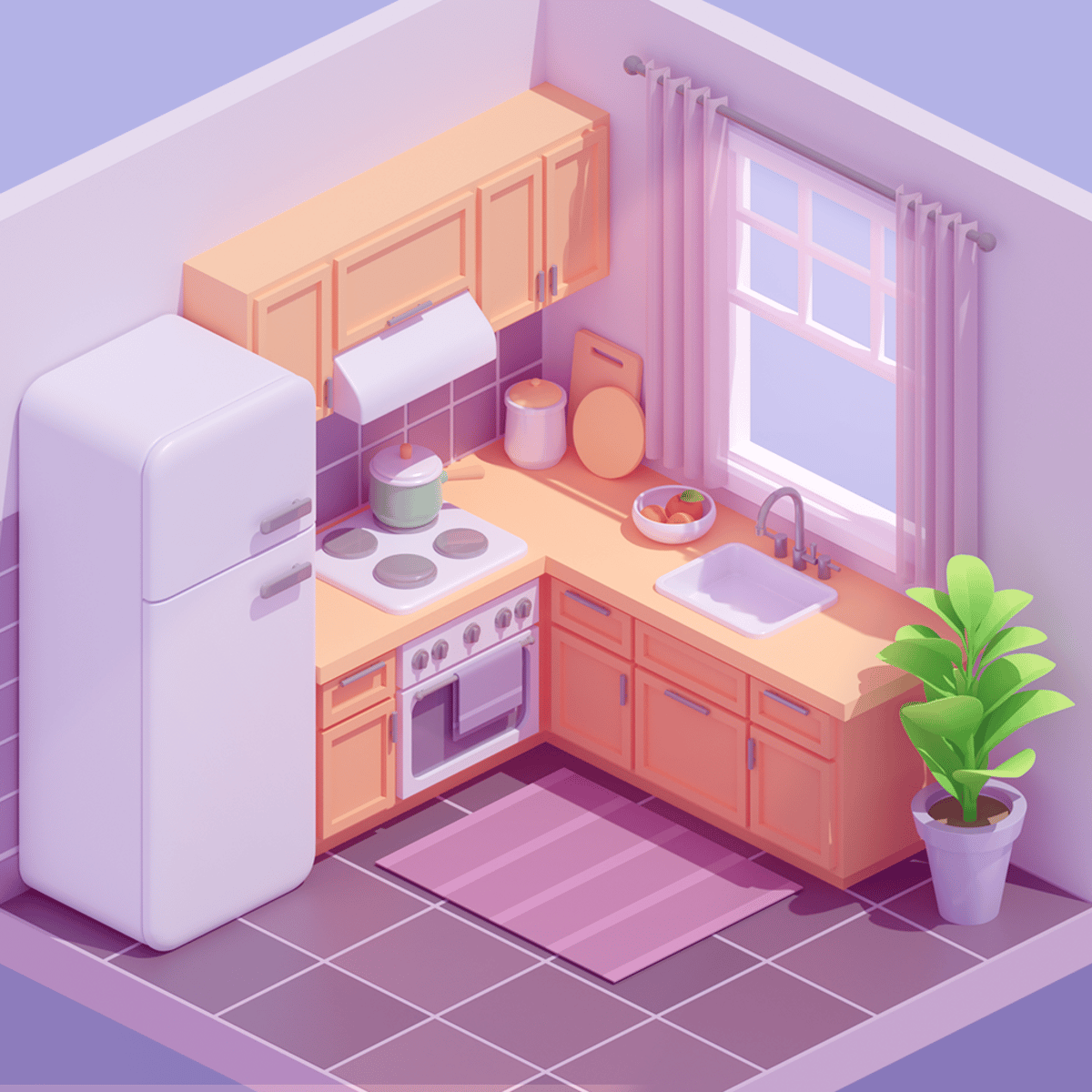
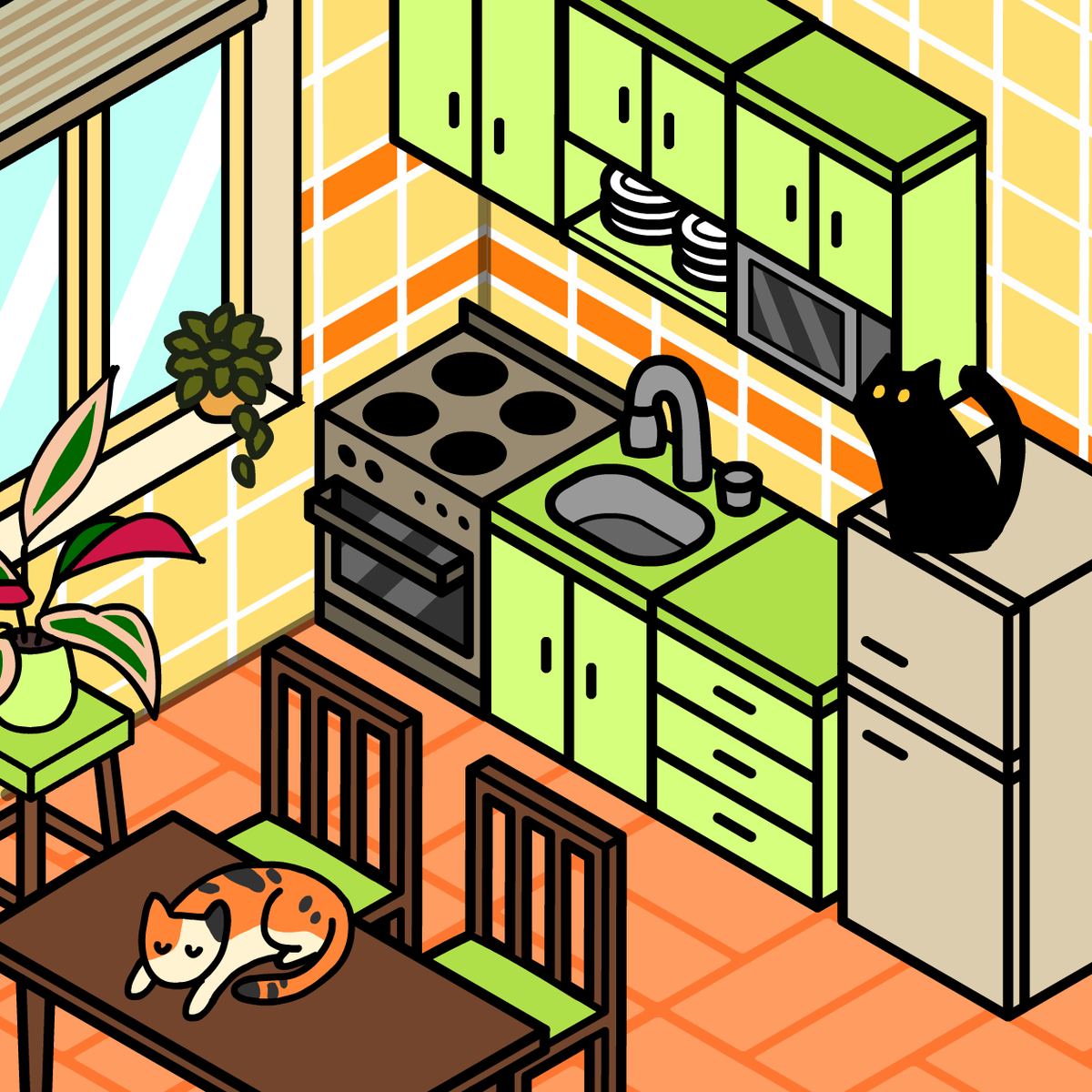
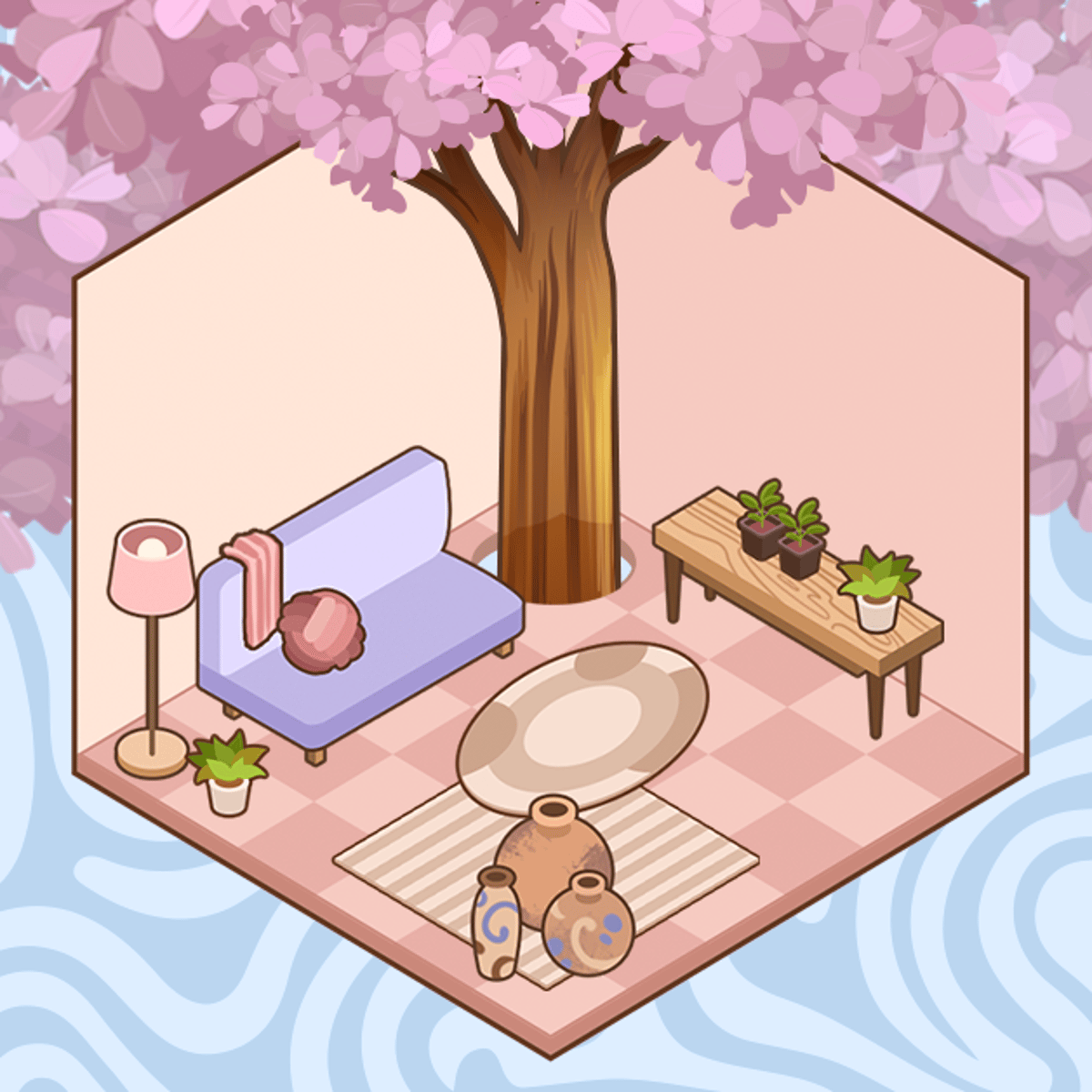
That urge to tackle a messy room and emerge with something beautiful is real. It’s probably why entire television networks run on watching people renovate houses. Decor Life, a browser-based puzzle game from SayGames, captures that exact feeling. You’re handed cluttered, chaotic virtual spaces and given one clear mission: make them look great. You’ll unpack boxes, arrange furniture, and style rooms until every element feels intentionally placed.
The hook is the low-stakes creativity. There’s no timer, no aggressive score chase. You just open the game, pick a room, and start deciding. Where should the couch go? Does that rug match the wallpaper? These small choices are oddly compelling. An hour can vanish before you notice. It scratches a creative itch you might not have known you had.
The game’s popularity backs this up. With well over 140,000 player ratings on Poki alone, it holds a strong 4.6 out of 5. That’s a lot of people repeatedly rearranging digital furniture on a random Tuesday. Once you start, the reason becomes obvious.
How to Play
Controls are straightforward. On desktop, use your mouse. Click objects to select them, drag furniture to place it, and use on-screen buttons to confirm choices or move forward. On mobile—phones and tablets—everything responds to touch. Tap to pick up, drag to position, swipe to browse available items.
Each level gives you a room in disarray. Your job is to methodically transform it. You often begin by unpacking boxes to see what’s inside. Then the actual design work starts. You’ll choose furniture placement, wall colors, decorative items, and flooring. The game presents your options clearly, and you select what you prefer.
Mostly, there’s no right or wrong answer. The game isn’t testing interior design knowledge. It’s an invitation to experiment and see how choices look together. Once you’re happy with a room, you move to the next. Progression is linear: finish one space, unlock the next, and make a new set of decisions.
The interface stays out of your way. Menus are clean. Item selections appear as simple choices or grids. You won’t fight awkward camera angles or dig through buried settings. SayGames built this for quick play sessions, and the controls reflect that.
Features
Decor Life’s strength is its focus. You get a steady stream of rooms to decorate, each distinct enough to stay interesting. Some are small—just a bedroom or a cozy kitchen. Others are larger projects with multiple zones to consider.
Item variety stands out. You’re not choosing between shades of beige. The game offers distinct furniture styles, color palettes, and decorative objects. One room might suggest a boho-chic vibe; another leans mid-century modern. You’ll see different flooring options, wall treatments, lighting, and small details like plants, books, and art. The combinations let you develop a stylistic thread across levels, even if the game doesn’t explicitly track it.
An unpacking mechanic is woven into many levels. Before you can design, you sometimes need to sort through boxes and organize items. This adds a satisfying organizational puzzle layer—almost a mini-game within the decorating. It breaks up the rhythm nicely so you’re not just clicking “place” repeatedly.
The game updates periodically with new content, giving returning players fresh rooms and items. It’s not a live-service title with seasonal events, but SayGames keeps the level library growing.
Tips and Strategies
Anchor the room with big pieces first. When facing an empty space and a pile of options, place the largest furniture—the bed, couch, or dining table—before anything else. Everything else revolves around those anchors. Starting with small decorative items often leads to awkward layouts where nothing fits right.
Mind color cohesion. The game gives you choices for a reason. When picking rugs or curtains, consider what you’ve already placed. A bright red rug under a pastel blue couch can look jarring. Matching or complementary tones almost always work better. You don’t need a color wheel—just ask if the pieces feel like they belong together.
Don’t rush the unpacking phases. When the game asks you to sort boxes, take your time. These sections aren’t timed, and rushing might mean missing items you’d actually prefer. The organizational puzzle is half the fun anyway.
Experiment with different styles. It’s tempting to recreate the same aesthetic every time, but the game rewards variety. Went minimalist last room? Try something cozier and layered next time. Different rooms have different moods, and playing into the intended atmosphere often yields the most satisfying results.
Use the “undo” instinctively. If something doesn’t look right, swap it. The game doesn’t punish you for changing your mind, so take advantage. Design is iterative, even in a browser game.
Common Mistakes
Over-decorating is a major trap. Just because you have twelve decorative items doesn’t mean all twelve should go in one room. Clutter looks worse than emptiness. Real interior design follows the same principle—sometimes an empty corner does more than another floor lamp.
Another misstep is ignoring a room’s purpose. A bedroom should feel restful. A kitchen should feel functional and warm. Players sometimes pick items based solely on flashiness without considering context. That neon accent piece might suit a game room but feels out of place in a nursery.
Some players rush through levels without seeing all their options. The game often presents several choices in sequence, and tapping quickly can mean missing the item that ties the whole room together. Slow down, review what’s available, and choose deliberately.
Don’t neglect walls and floors. It’s easy to focus solely on furniture and forget the backdrop sets the mood. Dark hardwood with cream walls creates a different atmosphere than white tile with mint green paint. Get the room’s bones right before obsessing over throw pillows.
FAQ
Is Decor Life free to play?
Yes, completely free. Play it directly in your browser on platforms like Poki—no downloads or account creation required.
Does it work on mobile?
Absolutely. Decor Life runs on both desktop and mobile browsers. Touch controls on phones and tablets work as well as mouse controls on a computer. No app download needed.
Is there a scoring system?
Not really. The game doesn’t grade your designs with stars or points. It’s about the personal satisfaction of completing a room. Some levels have a brief “reveal” moment showing off the finished space, but the game doesn’t judge your choices.
Who made Decor Life?
SayGames developed it. They’re the studio behind other popular browser games like My Perfect Hotel and the Johnny Trigger series. Decor Life fits their lineup of accessible, pick-up-and-play titles.
How many levels are there?
The game has a substantial number of rooms to decorate, and SayGames continues adding more over time. You’re unlikely to run out of spaces to design in one sitting—or even several.
Is it suitable for kids?
Definitely. Nothing in Decor Life should concern parents. It’s a clean, creative game about arranging furniture and picking colors. Younger kids might need help with item descriptions, but the visual design choices are intuitive for most ages.
---
Decor Life shows that you don’t need complex mechanics or high-stakes gameplay to make something engaging. Sometimes all it takes is an empty room and a good eye.