


Dwerg
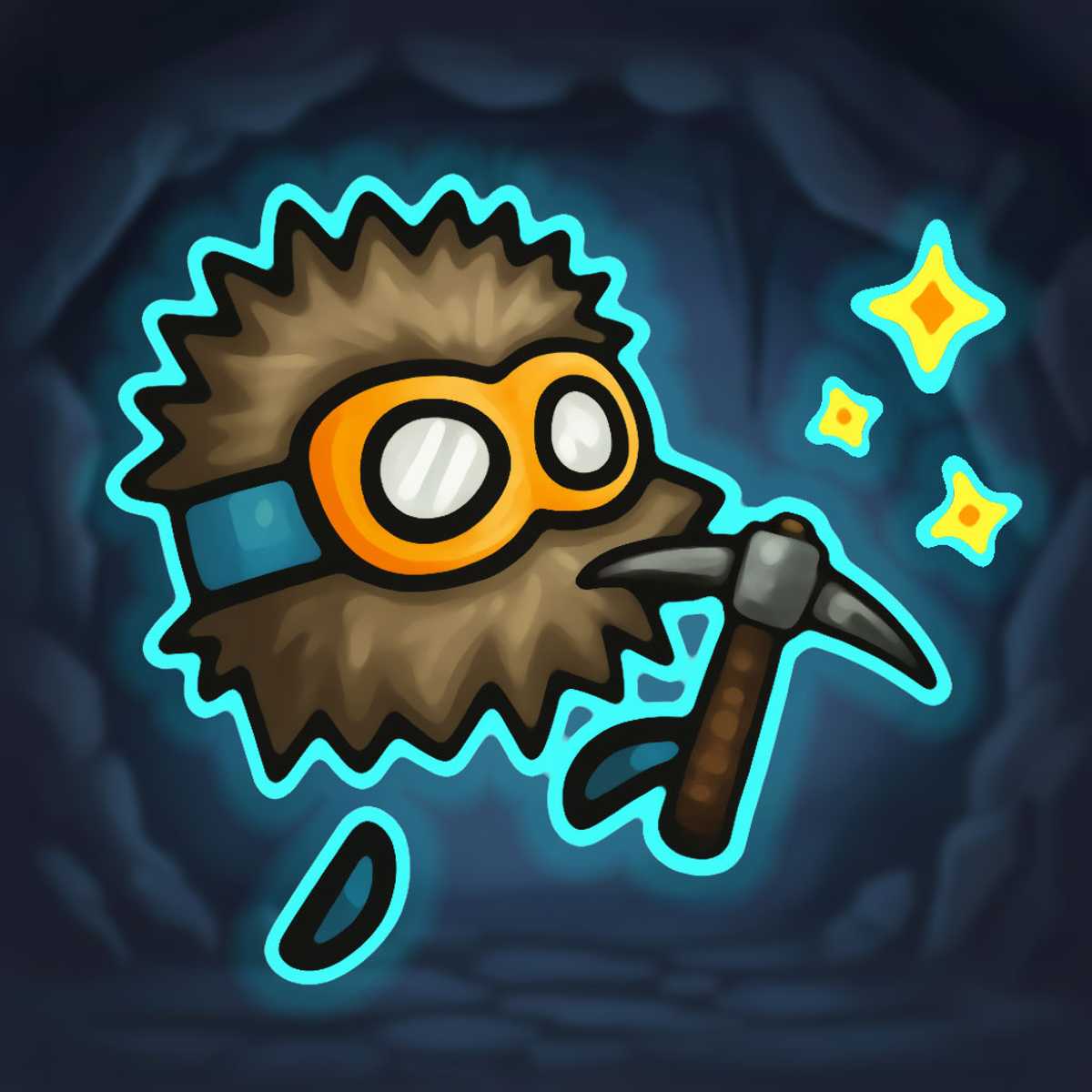
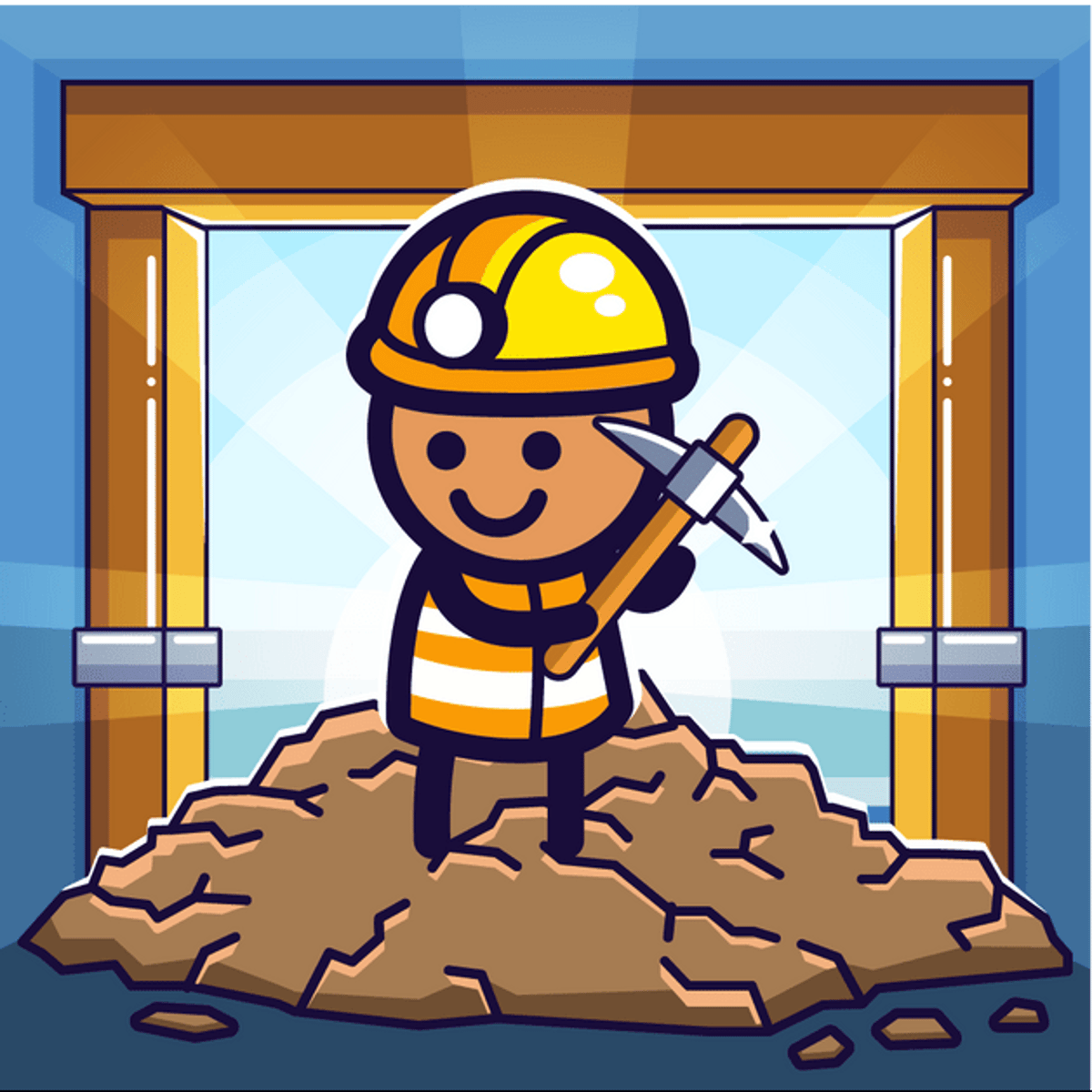
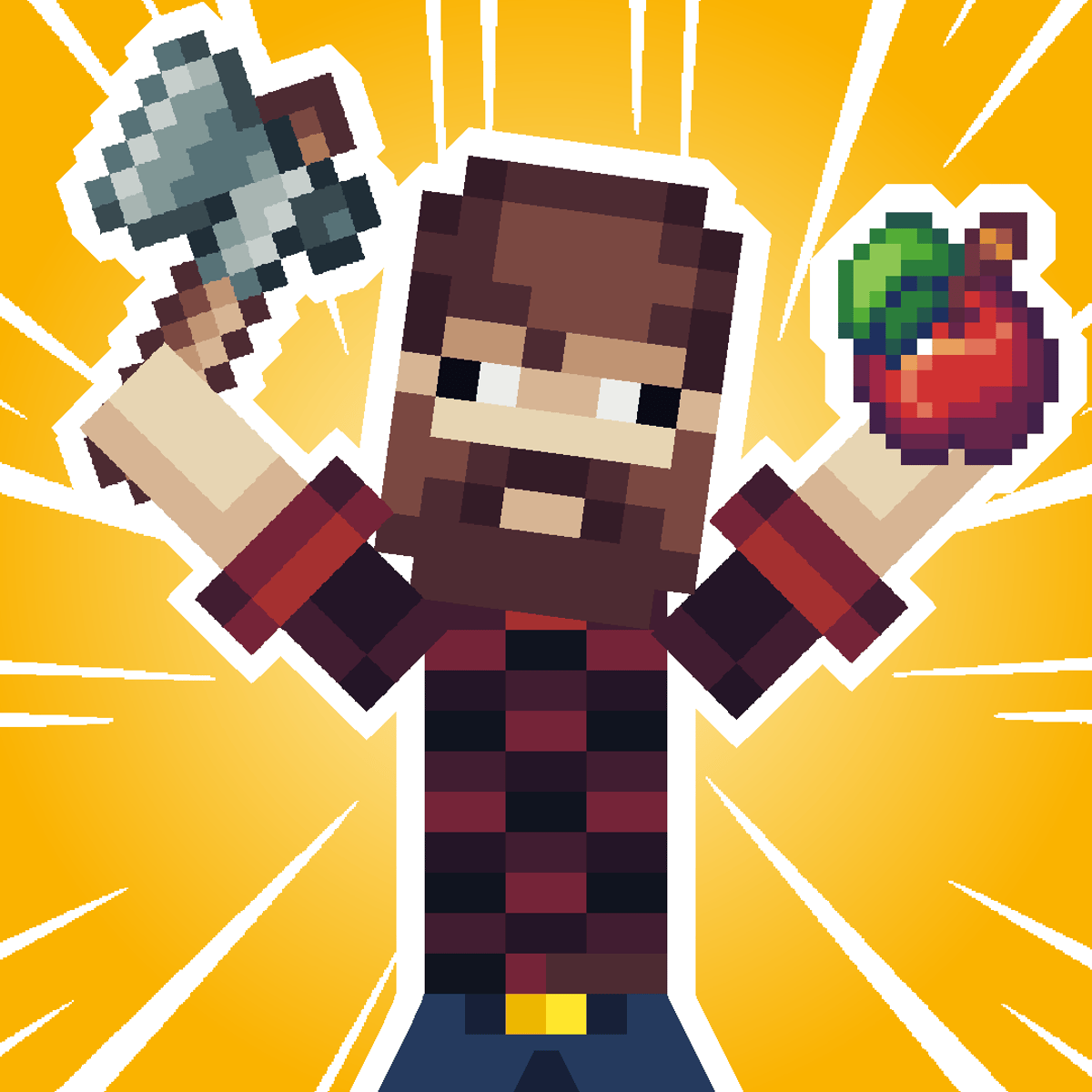
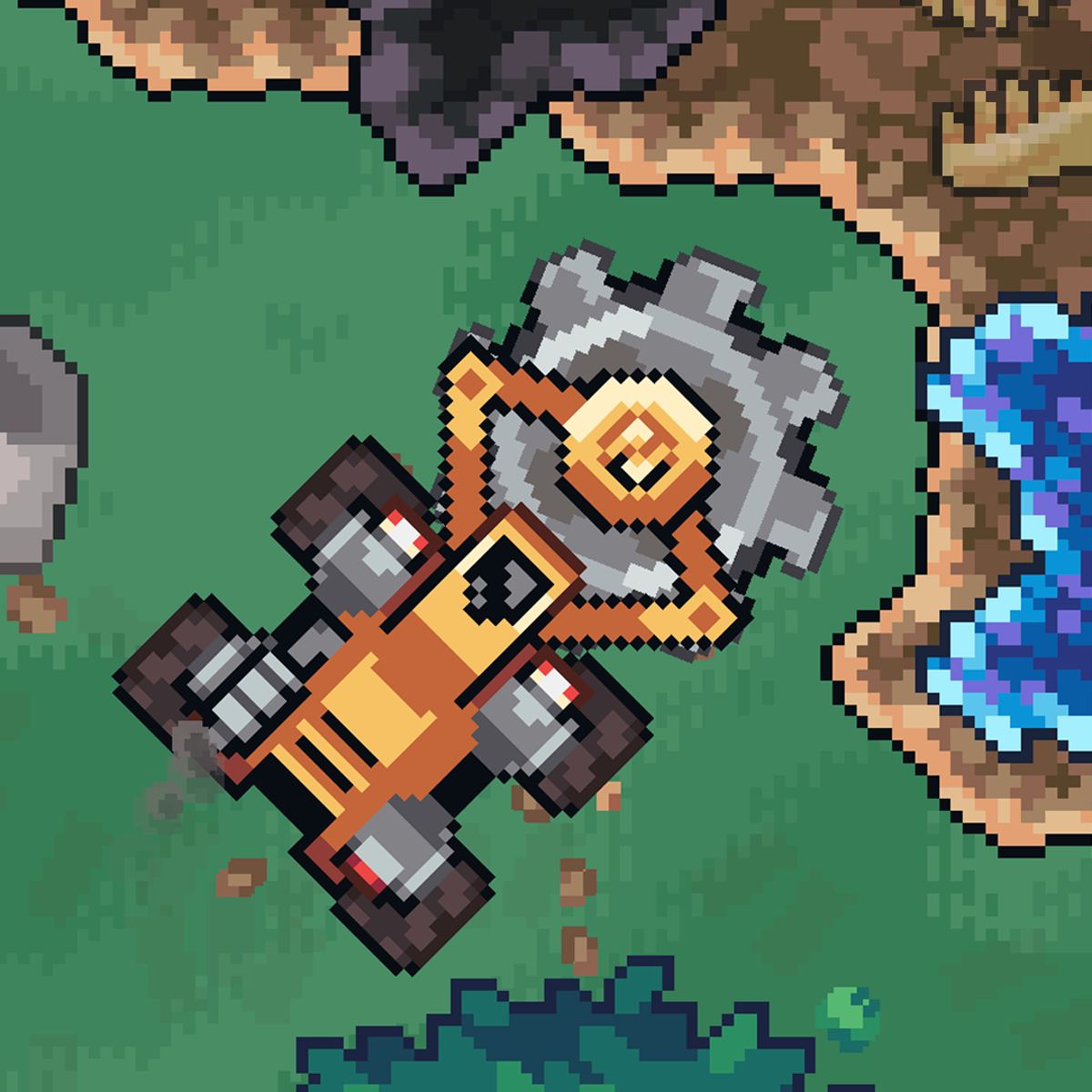
Ever wonder what it’s like to be a resourceful little dwarf stranded on a strange planet with nothing but a broken rocket and a whole lot of trees? Dwerg is exactly that. It’s a simulation game that drops you into a colorful, blocky world where your only goal is to fix your spaceship and get back home. But it’s not as simple as finding a mechanic. You’ll chop down forests, dig up gems, craft tools, and explore every corner of the map to gather the materials you need. Along the way, you might even pick up a few cute animal buddies to help out.
What makes Dwerg stick is how it blends the satisfaction of gathering and crafting with a gentle sense of exploration. It’s not a frantic survival game where you’re starving or freezing every five minutes. Instead, it’s a cozy, goal-driven adventure where you can take your time, figure out what you need, and work through a checklist of tasks. The world is small enough to feel manageable but big enough that you’ll keep finding new spots to dig or new resources to harvest. And the fact that you can play it on both desktop and mobile means you can chip away at your rocket repair during a coffee break or while lounging on the couch.
The developer, kokos.games, has a knack for making simple, satisfying browser games, and Dwerg is one of their best. It’s been updated as recently as November 2025, and it shows—the controls are tight, the interface is clean, and the progression feels rewarding. Whether you’re a veteran of crafting sims or someone who just wants to relax and build stuff, Dwerg has a way of pulling you in.
How to Play
The core loop is straightforward: move around, collect resources, craft items, and use those items to progress toward fixing your rocket. You start with nothing but your bare hands, so the first thing you’ll want to do is gather wood and stone to make basic tools. Once you have an axe and a pickaxe, you can start chopping trees and mining ore more efficiently. From there, you’ll unlock better tools, build workbenches, and eventually craft the components needed to repair your ship.
Controls:
- Desktop: Use W, A, S, D or the arrow keys to move your dwarf. No mouse clicking for movement—it’s all keyboard-based. Interact with objects by walking up to them and pressing the appropriate action button (usually spacebar or E key, depending on context). Crafting menus and inventory are accessed via on-screen buttons or keyboard shortcuts.
- Mobile: A virtual joystick appears on the left side of the screen for movement. Tap on objects to interact with them, and use the buttons on the right side to open your inventory or crafting menu. The mobile version is well-optimized; the joystick is responsive, and the interface scales nicely on tablets and phones.
Your objective is displayed in a simple quest log or a series of hints. You’ll start with something like “Chop 10 wood” and then “Build a wooden pickaxe.” As you complete tasks, new ones appear. There’s no strict time limit, so you can wander off and explore if you get distracted. The game guides you without holding your hand too much.
Features
Dwerg doesn’t have multiple game modes in the traditional sense—no “survival” vs. “creative” split—but it does have a few notable features that keep the gameplay interesting:
- Resource Gathering & Crafting: The heart of the game. You’ll collect wood, stone, iron, gems, and other materials. Each resource has a specific use, and you’ll need to combine them at crafting stations to make tools, building parts, and rocket components. The crafting tree is deep enough that you’ll always be working toward something new.
- Exploration: The map is divided into several biomes or areas. You start in a forest, but as you gather better tools, you can break through barriers and reach caves, mountains, and maybe even a desert. Each area has unique resources and sometimes hidden treasures.
- Companions: You can encounter small animals or creatures that will follow you and help with tasks. For example, a rabbit might help you gather berries, or a mole might dig up extra ore. They’re not essential, but they add a charming layer to the game.
- Progression System: As you repair parts of the rocket, the game gives you a sense of accomplishment. Each completed component feels like a milestone, and the final launch is a satisfying payoff.
There’s no multiplayer or leaderboard—this is a solo, single-player experience. But that’s fine; it’s the kind of game where you set your own pace.
Tips and Strategies
If you want to get your rocket fixed without wasting too much time, here are a few things I’ve learned from playing:
- Prioritize a pickaxe over an axe. You can break some rocks with your hands, but it’s painfully slow. A stone pickaxe lets you mine iron ore, which unlocks better tools and faster progress. Wood is everywhere, so you can always chop trees later.
- Don’t hoard everything. It’s tempting to keep every single gem you find, but some materials are only used for specific recipes. Check your crafting menu early to see what you actually need, and sell or discard excess resources if you’re running out of inventory space.
- Explore in a spiral pattern. Start near your crash site and work outward in a widening circle. That way you don’t miss any resource nodes or hidden caves. Mark spots where you see rare ore or blocked paths so you can come back with better tools.
- Craft a backpack upgrade as soon as possible. Your starting inventory is tiny. Look for the materials to make a larger bag—usually leather and cloth from animals or plants. More inventory means fewer trips back to base.
- Use your companions wisely. If you find a helper that gathers a specific resource, keep it near that resource type. For example, if you have a mole that digs ore, leave it in a cave while you go chop wood. They’ll keep working even when you’re not watching.
- Build a small base near the rocket. You don’t need a mansion, but having a workbench, a chest, and a bed (if the game has one) close to your ship saves a lot of running around. You’ll be coming back frequently to craft and store items.
Common Mistakes
New players often stumble in a few predictable ways. Here’s what to watch out for:
- Ignoring the crafting menu. Some players just run around gathering everything they see without checking what they actually need. You might end up with 50 pieces of wood when you really need iron ingots. Always keep an eye on the next required item.
- Wasting tools. Tools have durability. Don’t use your iron pickaxe to break soft stone if a stone pickaxe will do. Save your best tools for the toughest materials. Repair them when you can, or craft backups.
- Getting lost. The map isn’t huge, but without landmarks, it’s easy to wander in circles. Use the environment—a tall tree, a rock formation, your rocket—as reference points. Some players forget where their base is and waste time backtracking.
- Not upgrading tools early enough. Sticking with stone tools for too long makes everything slower. As soon as you have iron, upgrade your pickaxe and axe. The time saved adds up fast.
- Underestimating the value of exploration. If you hit a wall where you can’t find a certain resource, you probably haven’t explored enough. The game hides some materials behind breakable walls or in corners you might overlook. Be thorough.
FAQ
Q: Can I play Dwerg on my phone?
A: Yes. Dwerg works on both desktop and mobile devices. The mobile version uses a virtual joystick and touch controls, and it runs smoothly on most modern phones and tablets.
Q: How long does it take to finish the game?
A: That depends on how focused you are. A casual playthrough might take 3–5 hours, but if you take your time exploring and crafting everything, you could easily spend 8–10 hours. There’s no rush.
Q: Is there any combat in Dwerg?
A: Not really. You might encounter some hostile creatures (like spiders or wolves) in certain areas, but you can usually avoid them or scare them off. The game is more about gathering and building than fighting.
Q: Do I need to create an account to save my progress?
A: No. Dwerg saves your progress automatically in your browser’s local storage. As long as you don’t clear your browser data, you can pick up where you left off. On mobile, it saves similarly.
Q: Who made Dwerg?
A: The game was developed by kokos.games, the same team behind other browser games like Joyrider and Supernova. They specialize in simulation and adventure games that run directly in your browser.
---
Dwerg is one of those rare browser games that feels like a full-fledged indie title. It’s simple enough to pick up in a few minutes, but deep enough to keep you coming back until that rocket is ready to fly. Whether you’re a fan of crafting sims or just looking for a relaxing way to kill an afternoon, this little dwarf’s adventure is worth your time.