







Screw Jam Puzzle
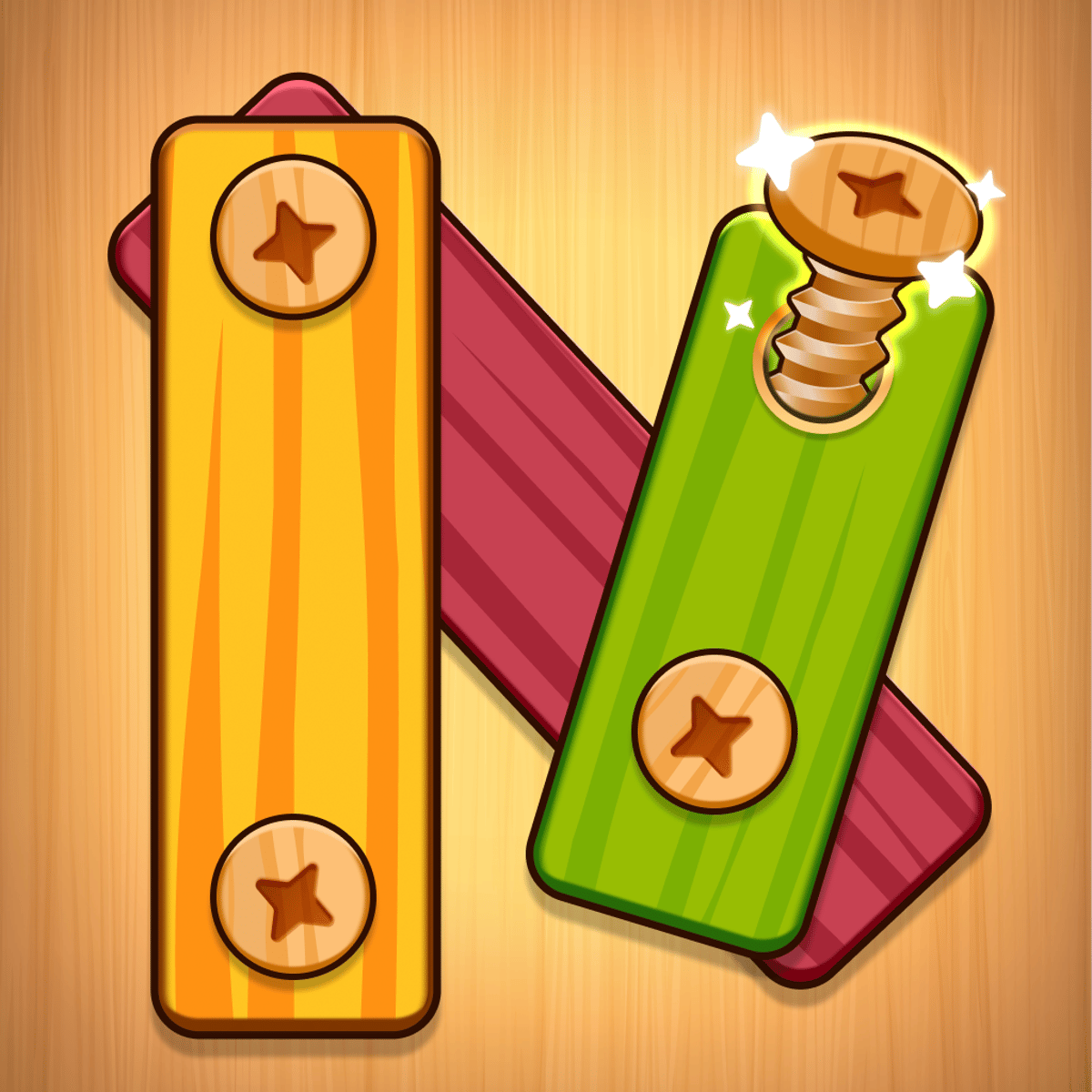
If you’ve ever stared at a tangle of screws and thought, “I could totally organize that,” then Screw Jam Puzzle will scratch that itch. It’s a deceptively simple game: you unscrew colorful bolts from a crowded board and match them to the correct toolbox. But here’s the catch—glass obstacles block your path, and you can only remove a screw if nothing is in its way. One wrong move and everything locks up. It’s part spatial puzzle, part color-sorting, and part “why did I just unscrew that one?”
What keeps people coming back isn’t just the satisfying click of a freed bolt. It’s the gradual progression. Each level you clear earns screws that let you build a little city of monuments. You start with a blank plot and end up with a skyline of your own making. It’s a quiet reward system that turns each puzzle win into a small victory. The game is free, runs in your browser, and works on phone and desktop alike. No downloads, no fuss—just you, a board full of bolts, and a growing sense of order.
How to Play
The objective is straightforward: clear the board of all screws by moving each one to the toolbox that matches its color. But you can’t just yank anything out. A screw can only be removed if it has a clear path—no other screws or glass panels blocking its head. It’s like a game of pick-up sticks, except the sticks are color-coded and the table is made of glass.
On desktop, you simply click the screw you want to remove. It flies into the matching toolbox automatically. On mobile, tap the screw instead. That’s it for controls. The challenge comes from figuring out which screw to click next. The game doesn’t let you undo a move, so every click commits you.
The board is a flat plane with screws arranged in rows and columns, sometimes overlapping. Glass panels appear as translucent barriers—they don’t break, but they block screws behind them. You have to unscrew the ones in front first. The toolboxes are usually at the edges, one per color. You’ll see red, blue, yellow, green, and occasionally purple or orange. The more colors, the more you have to keep track of.
There’s no timer, no lives, no pressure. You can sit and stare at the board as long as you like. That matters, because some levels demand real planning. The game is generous with hints—a small button that highlights a screw you can safely remove. But using it too often feels like cheating yourself out of the fun.
Features
Screw Jam Puzzle doesn’t have a bunch of modes, but it does have a solid campaign structure and a neat city-building reward system.
Level Progression – You start with a few screws and simple layouts. By level 20, you’re dealing with overlapping glass, six colors, and screws hiding behind panes. The difficulty ramps steadily but never feels unfair. Each level is a self-contained puzzle, and you can replay any cleared level to improve your efficiency (though the game doesn’t track time or moves).
City Building – Every screw you collect in a level is saved as a resource. Between puzzles, you can spend those screws to construct monuments, roads, fountains, and other urban decorations. It’s not a full city-builder—you can’t move buildings or manage traffic—but it’s a satisfying visual reward. You’re essentially building a diorama of landmarks, one screw at a time. The city doesn’t affect gameplay, but it gives you a reason to keep playing even when a level frustrates you.
Glass Obstacles – This is the main mechanic that sets Screw Jam Puzzle apart from other color-sorting games. Glass panels are semi-transparent and come in various shapes. They don’t break, so you have to work around them. Sometimes a single glass sheet covers half the board, forcing you to unscrew everything on the visible side before you can reach the rest. It’s a clever spatial constraint that makes you think in layers.
No Ads or Timers – The game is ad-supported, but ads only appear between levels, not during gameplay. There’s no energy system, no countdown, no waiting. You can play as fast or as slow as you want.
Tips and Strategies
After a few dozen levels, you start to see patterns. Here’s what works.
Scan for the free ones first. When a level loads, don’t click randomly. Look for screws that have nothing above or beside them—those are your safe starting points. They’re usually at the edges or on top of a pile. Remove them one by one until you expose the next layer.
Watch the glass. Glass panels are the main obstacle. A screw behind glass is completely unreachable until the glass is cleared. But you can’t clear glass directly. You have to unscrew every screw that is in front of the glass. That means you might need to remove a screw of a color you don’t yet need, just to open a path. It feels wasteful, but it’s necessary.
Don’t hoard one color. It’s tempting to remove all red screws first because they’re your favorite. But the board doesn’t care about your preferences. Sometimes you need to remove a blue screw to free up a red one that’s stuck. If you skip the blue, you’ll hit a dead end. Be flexible.
Use the hint button sparingly. The hint highlights a screw you can remove. It’s helpful when you’re truly stuck, but it often picks the most obvious move. You learn more by figuring out the logic yourself. Save hints for when you’ve stared at the board for two minutes and still have no clue.
Plan your city spending. The screws you earn from each level are limited. If you rush to build every monument, you might run out of screws to unlock later decorations. The city building is purely cosmetic, but it’s more satisfying to save up for the big landmarks (like the Eiffel Tower replica) than to scatter small fountains everywhere.
Replay levels for screws. Once you finish a level, you can replay it and earn the same screws again. If you’re short on resources for a monument, go back to an easy early level and farm it. There’s no penalty.
Common Mistakes
New players almost always make these errors. Avoid them and you’ll save yourself a lot of frustration.
Removing the wrong screw. You click a screw, it’s gone. But sometimes that screw was the only thing holding back a glass panel. Now you’ve trapped three other screws behind it. There’s no undo. Take a breath before every click.
Ignoring the color of the toolbox. The toolboxes are at the sides of the board. Each toolbox only accepts one color. If you remove a yellow screw but the yellow toolbox is behind a glass panel, you’ve just wasted that screw. You need to clear a path to the toolbox before you start sending screws that way. Always check where the matching toolbox is.
Forgetting about overlapping screws. Sometimes a screw sits directly on top of another. The top screw must be removed first, even if the bottom one is the color you need. It’s easy to miss because the top screw might be small or partially transparent. Look closely at the board from different angles—zoom in if your device allows it.
Panicking when the board looks full. A crowded board isn’t necessarily hard. Often there are many free screws you can remove in any order. The real trouble is when the board is sparse but every screw is blocked. Don’t be intimidated by density. Look for the easy pickings.
Not using the hint when truly stuck. Some players refuse to use hints out of pride. That’s fine, but if you’ve been stuck for five minutes, you’re not having fun. The hint is there to keep the game enjoyable. Use it.
FAQ
Can I play Screw Jam Puzzle on my phone?
Yes. The game works in any mobile browser. Just tap the screws instead of clicking. The interface scales well, though small screws can be tricky to tap accurately on a tiny screen. A tablet is ideal.
What happens if I make a wrong move and get stuck?
You can restart the level at any time. There’s no penalty for restarting. You lose the screws you collected in that attempt, but you don’t lose city progress. Restarting is often faster than trying to dig yourself out of a bad sequence.
Is there a time limit or score?
No timer, no score, no stars. The only measure of success is clearing the board. You can take as long as you want. This makes it a relaxing puzzle rather than a speed challenge.
How does the city building work exactly?
After each level, you earn screws. In the city menu, you can spend those screws to construct buildings and decorations. The city grows as you progress. You can’t place buildings freely—they appear in preset slots—but you can choose which monument to build next. It’s a simple visual reward system.
Are there any in-app purchases?
The game is free and ad-supported. You can watch optional ads to get extra screws or hints, but you never have to. Everything is achievable without spending money.
---
Screw Jam Puzzle doesn’t try to do anything revolutionary. It’s a well-polished, satisfying color-sorting puzzle with a clever glass mechanic and a cute city-building side project. The lack of timers and pressure makes it perfect for a coffee break or a winding-down session before bed. Just be careful where you click.