

Blocky Out
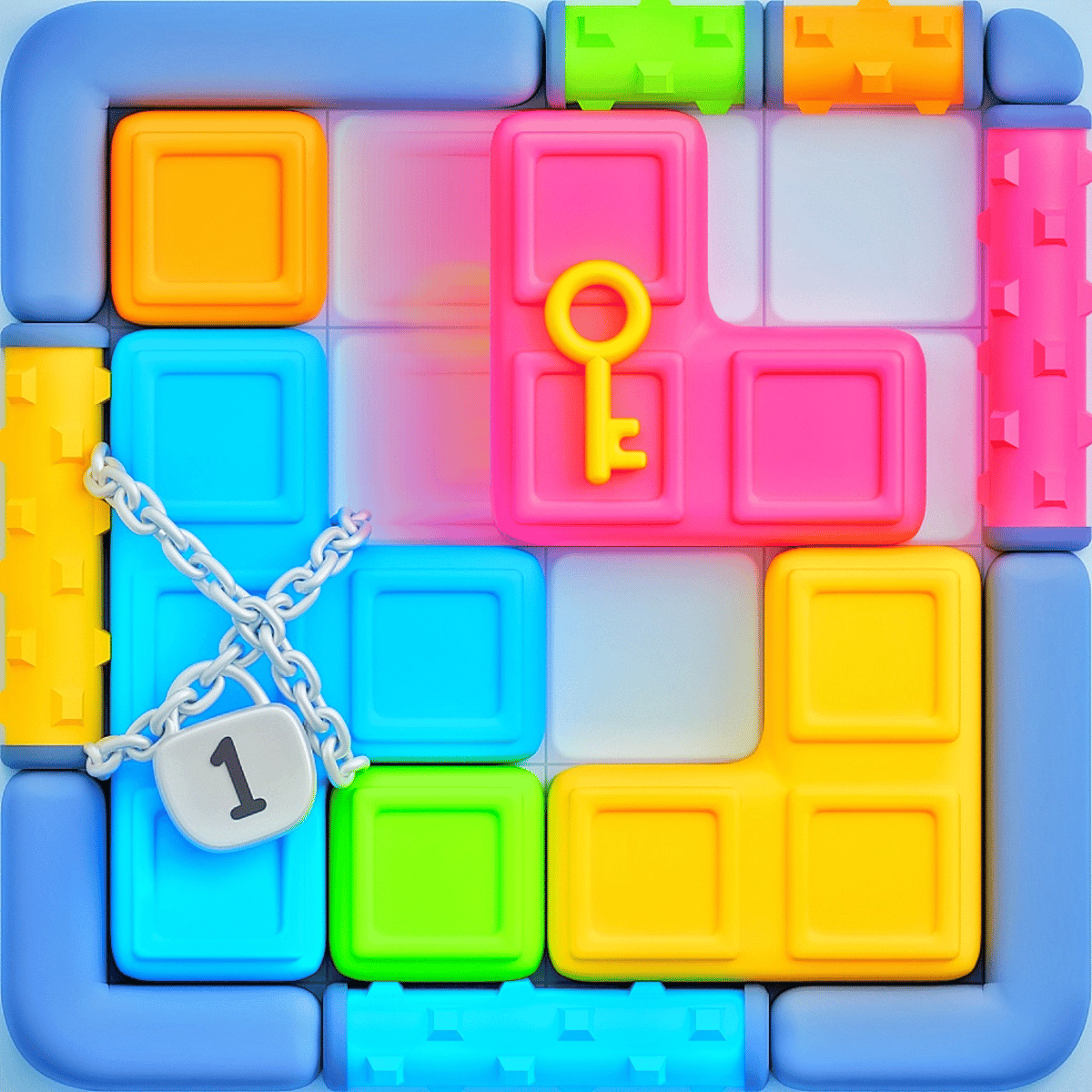
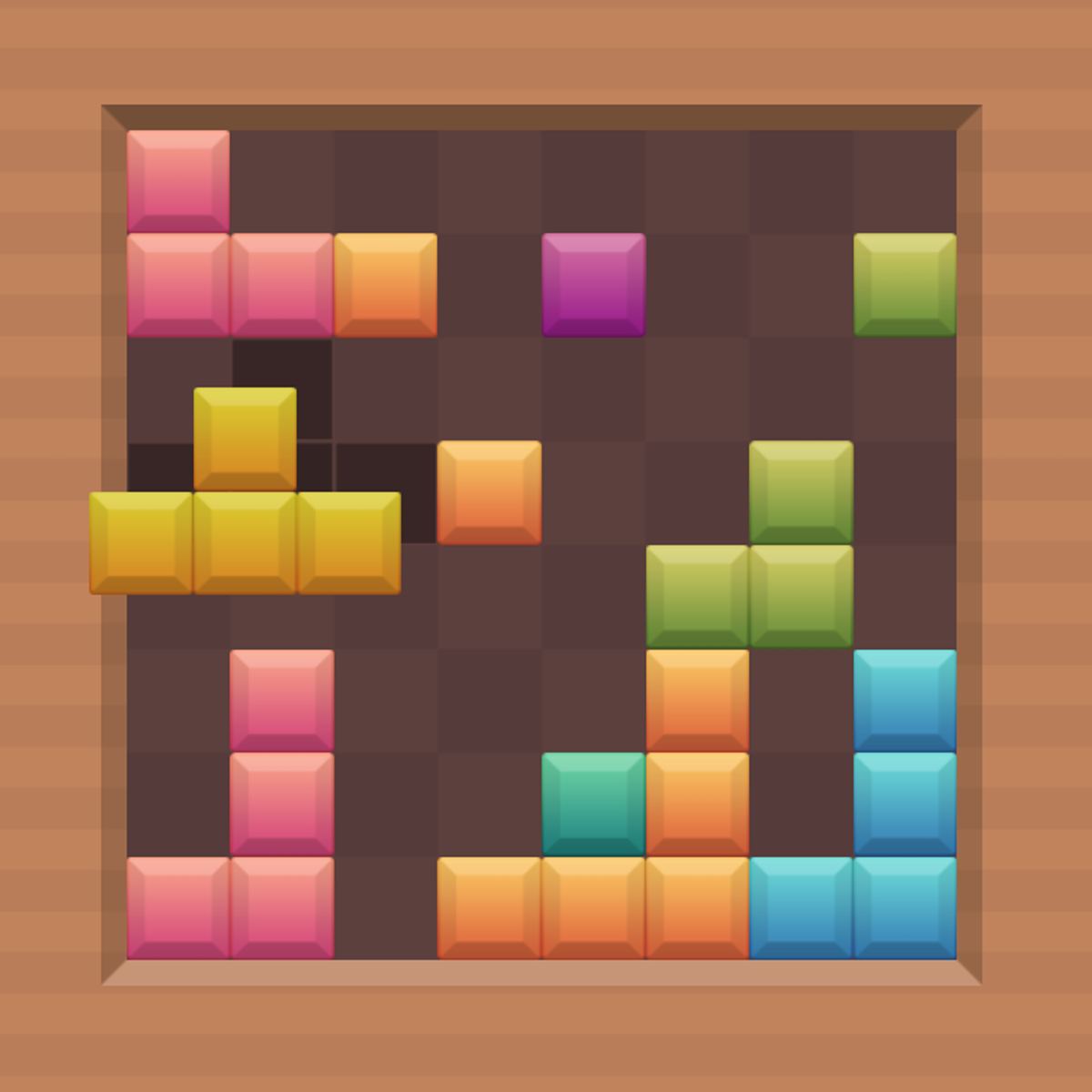
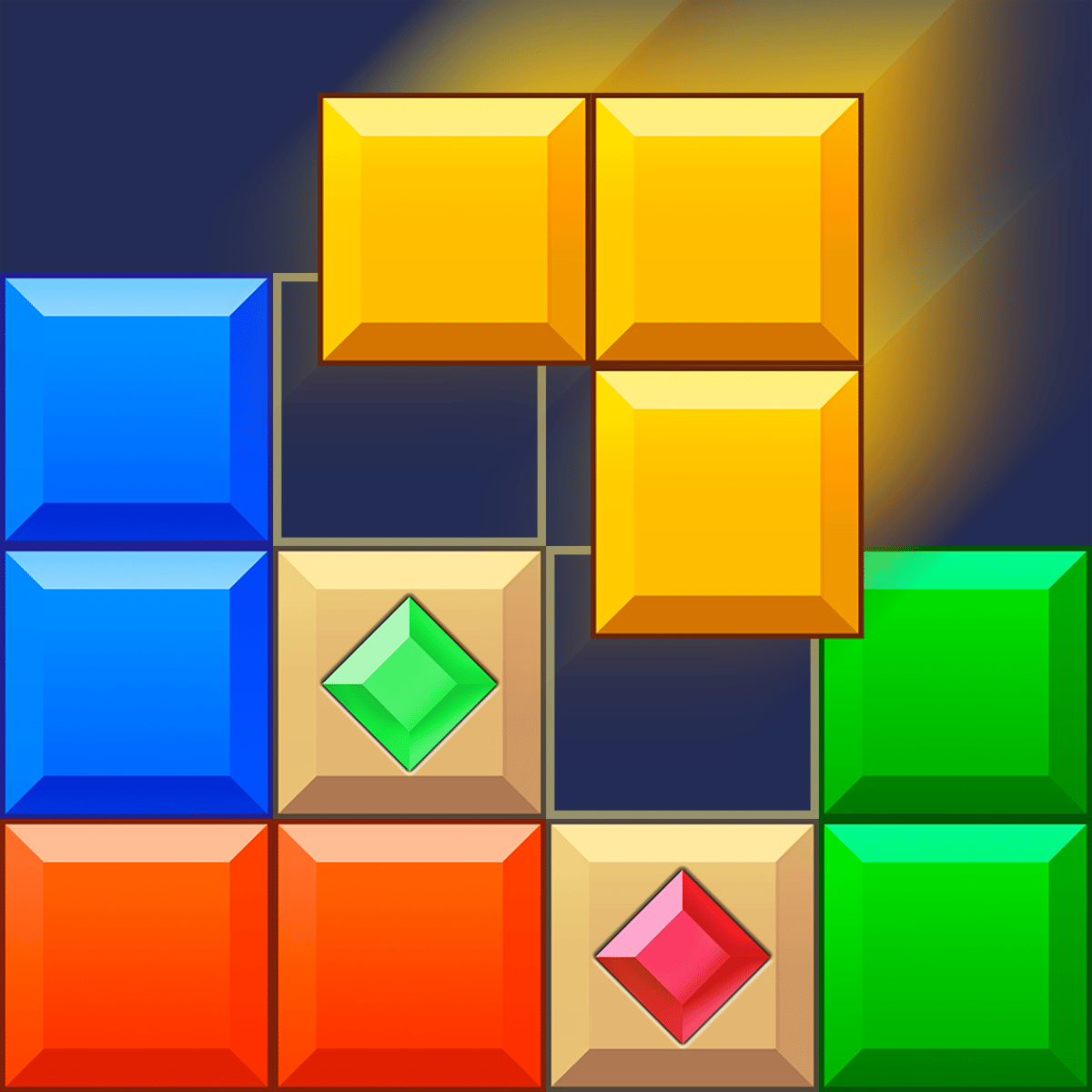
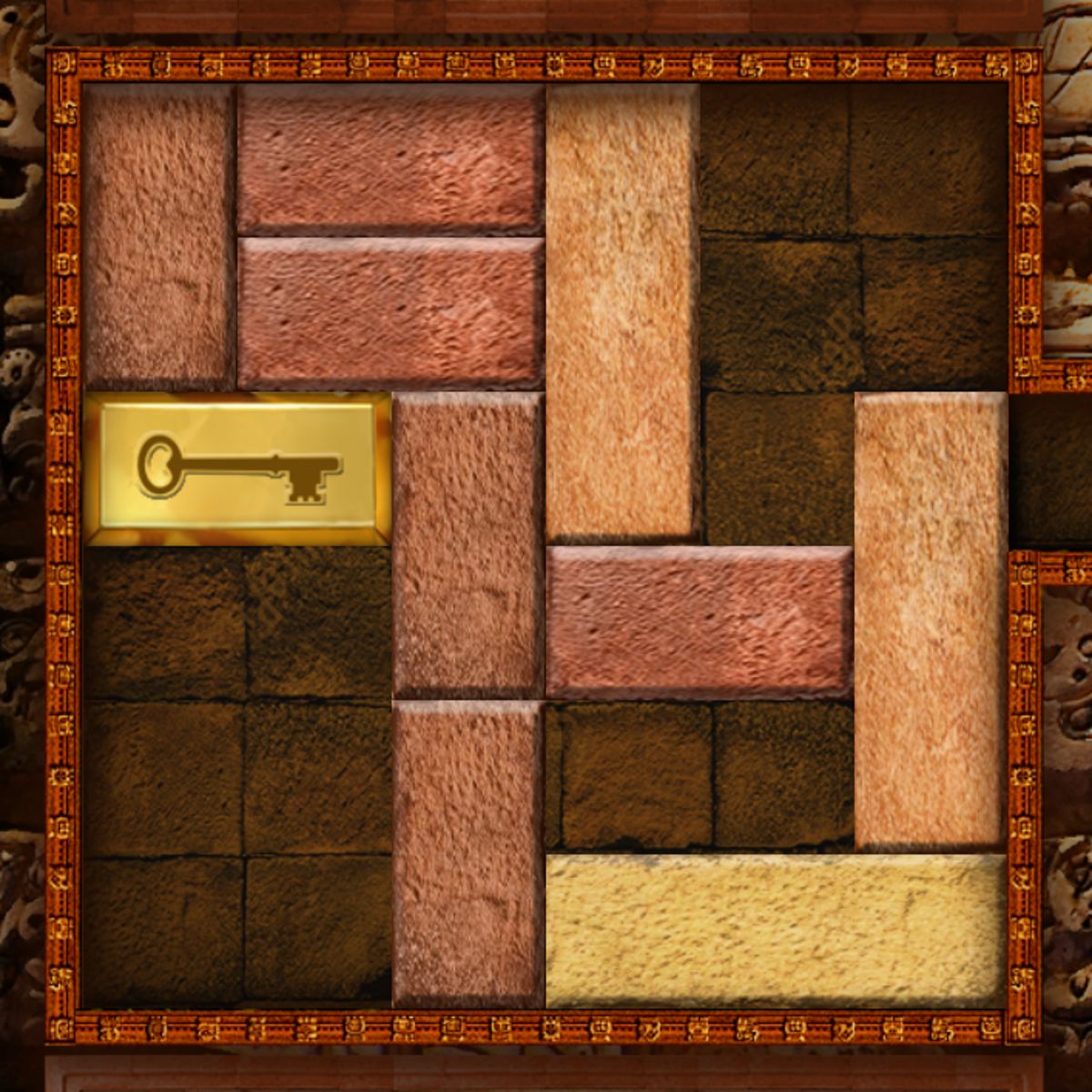
You know those puzzle games that look simple but quietly steal an hour of your life? Blocky Out is exactly that. On the surface, it’s a grid full of colorful wooden blocks, and your job is to slide them around until the red one can escape. But the moment you start dragging pieces, you realize there’s a satisfying layer of logic underneath. It’s not just about moving things — it’s about moving them in the right order, with the fewest slides possible.
I remember my first level. A handful of blocks, a clear path to the exit, and I solved it in about ten seconds. Felt good. By level twenty, I was staring at a tangled mess of blue, green, and yellow pieces, wondering how anything could ever get out. That’s when the game sinks its hooks in. Each puzzle is a tiny logic knot that you have to untie, one careful slide at a time. And when you finally clear the board, that little thump sound and the level-complete animation hit just right.
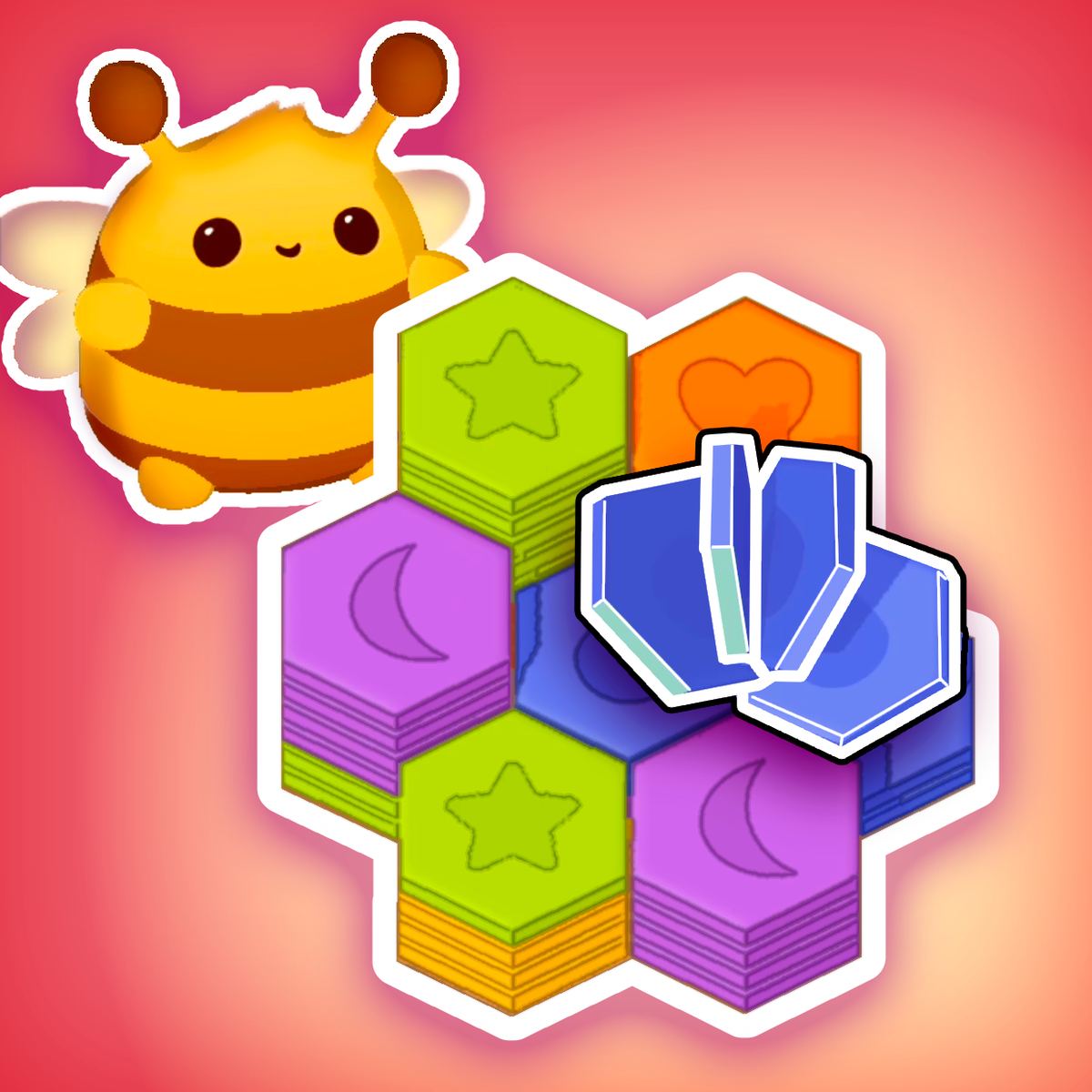
The game comes from Seal Unicorn Games, the same folks behind Hexellent and Fluffy Out, and it carries that same clean, polished feel. You can play it in a browser on desktop or mobile, and it loads fast — no waiting around. The art is bright without being obnoxious, and the sound effects are light and unobtrusive. But what really keeps you coming back is the puzzle design: each level feels like a tiny logic puzzle that you can solve with a bit of patience, and when you finally clear the board, it’s genuinely satisfying.
If you’ve ever played classic sliding puzzles or the old Block games from the early web, this will feel familiar — but it adds a twist. Each block has a color, and it can only pass through a door of the same color. That changes everything. You can’t just shove pieces around randomly; you have to plan a route that respects those color gates. It’s a small change that makes each level feel fresh, even after you’ve solved dozens.
How to Play
The objective is straightforward: get the red block to the exit. The exit is usually a red-colored opening on the edge of the grid. To do that, you need to slide other blocks out of the way. But you can’t just push them anywhere — each block can only move in one direction (either horizontally or vertically), and it will slide until it hits another block or the edge of the board. That’s the core mechanic, and it’s the same in every level.
On desktop, you click and hold a block, then drag it in the direction you want it to slide. Release, and it moves as far as it can. On mobile, it’s the same gesture: touch and hold, then slide your finger. The controls are responsive, and the game handles both input methods well. I’ve played on a phone and a laptop, and it felt equally natural on both.
There’s no undo button. That’s a deliberate choice. Every move is permanent — unless you reset the level, which you can do at any time. It adds a little tension. You learn to think before you slide. Resetting is quick, but you lose all progress on that puzzle, so you have to start from scratch. That’s fine for early levels, but later ones can take a while, so you really want to avoid sloppy moves.
There are also power-ups. If you get stuck, you can use a hint to see the next move, or a shuffle to rearrange the blocks randomly. These are limited, so use them wisely — they’re meant to save you from frustration, not to solve every level for you. I earned my first hint after clearing a few levels without any help. After that, I hoarded them like gold. They’re especially handy on the dense 7x7 grids that start appearing around level 60.
The game has a lot of levels — I haven’t counted exactly, but the progress bar suggests well over a hundred. They start easy, with just a few blocks and a clear path, but quickly ramp up. By level 30 or so, you’ll be staring at a dense grid and wondering how anything can move at all. That’s when the real fun begins.
Features
Blocky Out doesn’t have multiple game modes — it’s a single, long campaign of puzzles. But that’s fine, because the levels themselves offer enough variety. Here’s what makes it interesting:
- Color-matching doors: Each block has a color, and it can only exit through a door of the same color. This means you often need to clear a path for a yellow block before you can even think about the red one. It adds a layer of ordering that isn’t present in simpler sliding puzzles.
- Power-ups: Hints and shuffles are available. They’re earned through gameplay (I think you get a few for free, and then you can earn more by completing levels without using them). They’re not overpowered — a hint just highlights the next block you should move, but you still have to figure out the rest.
- Clean interface: No ads interrupting mid-puzzle. There’s a small banner at the bottom on the web version, but it doesn’t get in the way. The menu is simple: play, settings, and a level select screen.
- No timer, no pressure: You can take as long as you want on each level. There’s no star rating or move counter that penalizes you. That makes it a chill experience — you can put it down and come back later without losing progress.
Level Design and Progression
The puzzles aren’t just randomly generated — they feel handcrafted. Early levels introduce one color door at a time, then gradually combine them. Around level 40, you start seeing blocks that are longer than one cell — 2x1 and 3x1 pieces that take up more space and are harder to maneuver. That’s when the spatial reasoning kicks in. You have to think about how a long block can rotate (it can’t, but you can slide it end-to-end) and how to create enough room for it to pass through a door.
One thing I appreciate is that the game never throws a completely unfair puzzle at you. Even the hardest levels have a solution that’s reachable with enough patience. The difficulty curve is smooth: you learn a new concept, practice it for a few levels, then the game introduces another twist. For example, after you’ve mastered single-color doors, you start seeing two-color doors that require two different blocks to pass through in sequence. That really makes you plan ahead.
I’d have liked a “random level” mode or a daily challenge, but the campaign is long enough that you won’t run out of content anytime soon. There’s also no leaderboard or speedrun mode, which is fine — this is a game for relaxing, not for competition.
Tips and Strategies
After playing through a good chunk of the game, I’ve picked up a few tricks that save time and frustration. Here’s what works:
1. Look for the red block’s direct path first. Before you move anything, trace the shortest route from the red block to the exit. Then check which blocks are blocking that path. Those are your priority targets. Sometimes you only need to move one or two pieces to clear a straight line, but other times you’ll need to shift half the board.
2. Work backward from the exit. It’s often easier to figure out what needs to be in place last and then work backward. For example, if the red block needs to slide right to reach the exit, then the space directly to its right must be empty. That means any block currently in that space has to be moved somewhere else. That block, in turn, needs a clear path to its destination. Thinking backward helps you see the chain of moves.
3. Don’t move blocks unless you have a reason. It’s tempting to start sliding things around just to see what happens, but that often makes the puzzle harder. Every move should have a purpose: either clearing a path for the red block, or clearing a path for another block that needs to move first. If you’re not sure, pause and look at the whole board.
4. Use the color doors to your advantage. Remember that a block can only pass through a door of its own color. That means if you see a yellow door, you need to get a yellow block to it — but that yellow block might be trapped behind other blocks. Plan your sequence: sometimes you need to free a blue block first, so it can move out of the way, so that a green block can slide into position, and so on.
5. Save power-ups for hard levels. Early levels are easy enough that you shouldn’t need hints. Save them for the later stages where the grid is dense and the solution isn’t obvious. Also, if you use a hint, pay attention to why that move is correct — you’ll learn the logic for future puzzles.
6. Take a break if you’re stuck. This sounds obvious, but it works. Step away for a few minutes, and when you come back, the solution often jumps out at you. The brain works on problems in the background.
A Concrete Example
Let me walk you through a typical mid-game puzzle. Imagine a 6x6 grid. The red block is in the bottom-left corner, and the exit is a red door at the top-center. Between them, there’s a yellow door in the middle of the left wall, and a blue door near the top-right. The red block is blocked by a yellow 2x1 horizontal piece and a blue 1x1. You can’t move the yellow piece because it’s trapped against the wall. So you first need to move a blue block from somewhere else to open the blue door, which allows the yellow piece to slide into a new position, freeing the path for red. That kind of chain reaction is common.
In this scenario, I’d start by checking which blocks can move immediately. The blue 1x1 in the top-right can slide down one step — that’s useless. The yellow 2x1 can’t move at all because it’s pinned. The red block can’t move because the yellow piece is in the way. So I look for a block that’s free: maybe a green block in the center that can slide left. That green block, when moved, opens a space for the blue block to slide into, which then allows the yellow piece to move. That’s the kind of domino effect you have to spot.
Common Mistakes
New players tend to fall into the same traps. Here are the ones I see most often:
Moving blocks into corners. If you slide a block into a corner, you might not be able to get it out again. Always leave yourself an escape route. Before you move a block, think: “Will I be able to move it again later?” If the answer is no, don’t put it there.
Ignoring the color doors. A lot of people start sliding blocks without checking which doors are which. Then they get a block to the exit, only to realize it’s the wrong color. Always check the door color before moving a block toward it.
Overusing the shuffle power-up. The shuffle randomizes all blocks, which can sometimes help, but it can also make things worse. I’ve seen players hit shuffle repeatedly, hoping for a lucky arrangement. That almost never works. Use shuffle only as a last resort, and only after you’ve exhausted logical approaches.
Not looking at the whole board. It’s easy to focus on the red block and forget about the other pieces. But often, the key to solving a level is moving a block that seems unrelated — because it’s blocking the path of another block that’s blocking the path. Step back and scan the entire grid.
Rushing. There’s no timer, so there’s no reason to hurry. Take your time. The game rewards careful planning, not speed. If you find yourself making random moves, stop and think.
Forgetting that blocks slide all the way. A common blunder is thinking you can nudge a block just one cell. You can’t. Once you start dragging, the block will slide until it hits something. That means if you only need it to move two cells, but there’s a gap of four cells, it’ll go all the way and potentially get stuck somewhere else. You have to account for that final position.
FAQ
Q: Is Blocky Out free to play?
A: Yes, it’s completely free in your browser. There are no paywalls or premium levels. You might see ads on the page, but they don’t interrupt gameplay.
Q: Can I play on my phone?
A: Absolutely. It works on both desktop and mobile. The controls are touch-friendly, and the interface scales well on smaller screens.
Q: How many levels are there?
A: I don’t have an exact number, but it’s well over 100. The level select screen shows a long grid, and new levels unlock as you progress. It’ll keep you busy for a while.
Q: Does the game save my progress?
A: Yes, it auto-saves after each level. You can close the browser and come back to where you left off. No need to log in or create an account.
Q: What happens if I get stuck?
A: You can use a hint or shuffle power-up. Hints show you the next correct move, and shuffles rearrange the board. Both are limited, but you can earn more by completing levels without using them.
Q: Is there a time limit or move count?
A: No. You can take as long as you want, and you can make as many moves as you need. It’s purely about solving the puzzle, not about speed.
Q: Who made Blocky Out?
A: It was developed by Seal Unicorn Games. They also made Hexellent, Fluffy Out, Dual Cat, and a few other puzzle games. Their style is consistent: clean graphics, simple controls, and clever level design. If you like Blocky Out, you’ll probably enjoy their other titles too.
Q: Are there any difficulty spikes?
A: A few levels around the 50s and 80s felt noticeably harder than the ones around them. But nothing that felt unfair. If you hit a wall, try the “work backward” strategy or take a break.
Q: Can I play with a keyboard?
A: Not that I’ve seen. It’s mouse or touch only. That’s fine for a puzzle game, but if you prefer keyboard shortcuts, you’re out of luck.
---
Blocky Out is one of those games that doesn’t try to be flashy — it just works. The puzzles are well-crafted, the difficulty curve is smooth, and the color-door mechanic adds just enough complexity to keep things interesting. If you’re looking for a brain teaser you can play in short bursts or long sessions, give it a try. Just don’t blame me when you lose track of time.