



Brainrot Merge
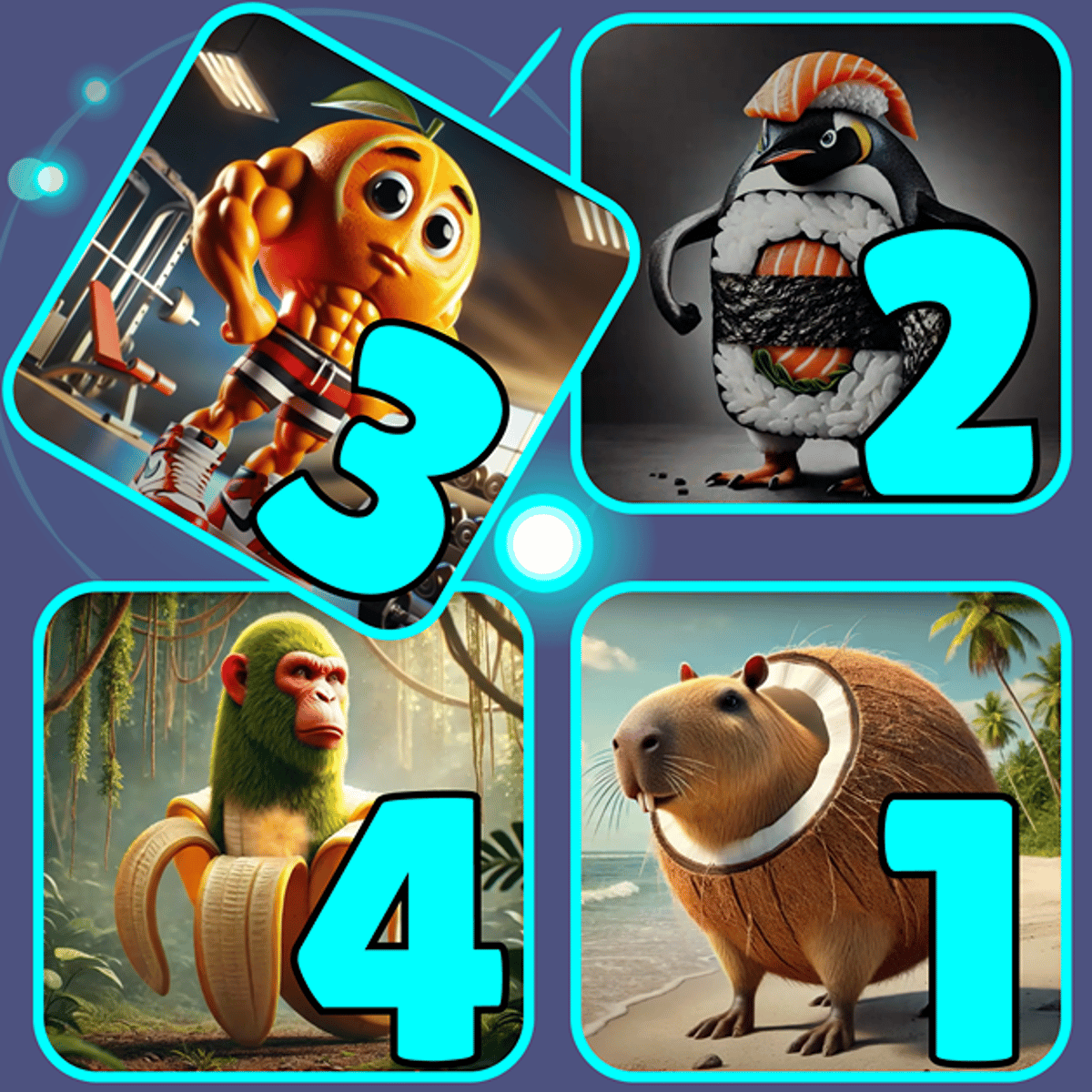
You’ve probably seen the memes: Skibidi Toilet, the weird dancing banana, that smug-looking cat. Brainrot Merge takes those absurd, brain-melting characters and turns them into a genuinely clever puzzle game. It looks silly on the surface, but the core loop is clean. Drag identical tiles together, they merge into something new, and you try not to let the board fill up. Simple? Then you start chasing combos, and suddenly you’ve been playing for an hour trying to unlock that one elusive meme you haven’t seen yet.
The game starts you off with a basic tile: a ballerina cappuccino. Yes, that’s a thing. From there, every merge brings you closer to the next ridiculous character. The appeal isn’t just the satisfaction of matching things—it’s the payoff of seeing what weird creation pops out next. Playrea’s developers clearly enjoyed designing these, and it shows. Each new unlock feels like a little reward for thinking ahead.
The tension keeps me coming back. The board is small, and new tiles keep appearing. You have to decide where to place each one, knowing that one bad move can clog everything up. It’s a spatial puzzle wrapped in meme aesthetics, and that combination works better than you’d expect.
How to Play
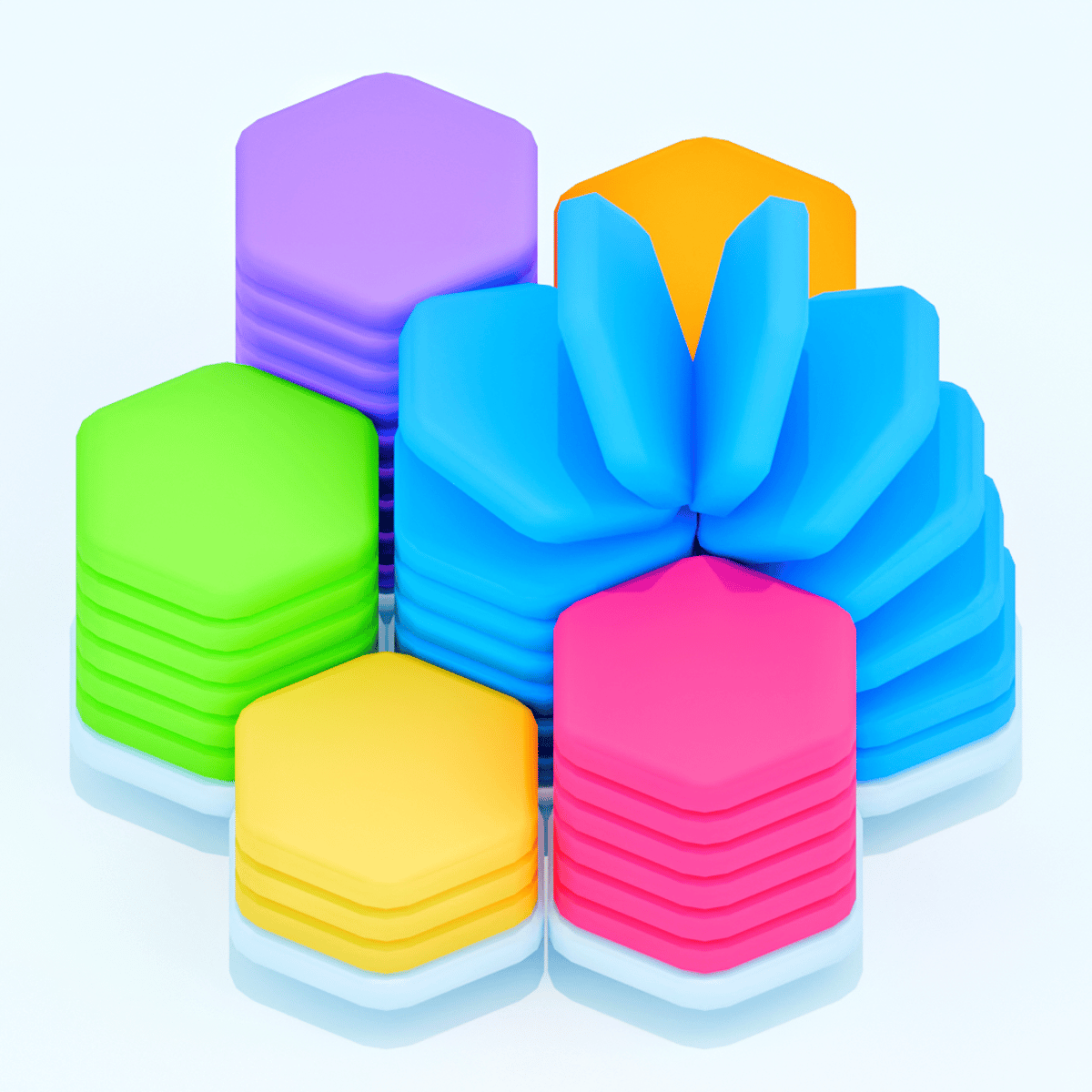
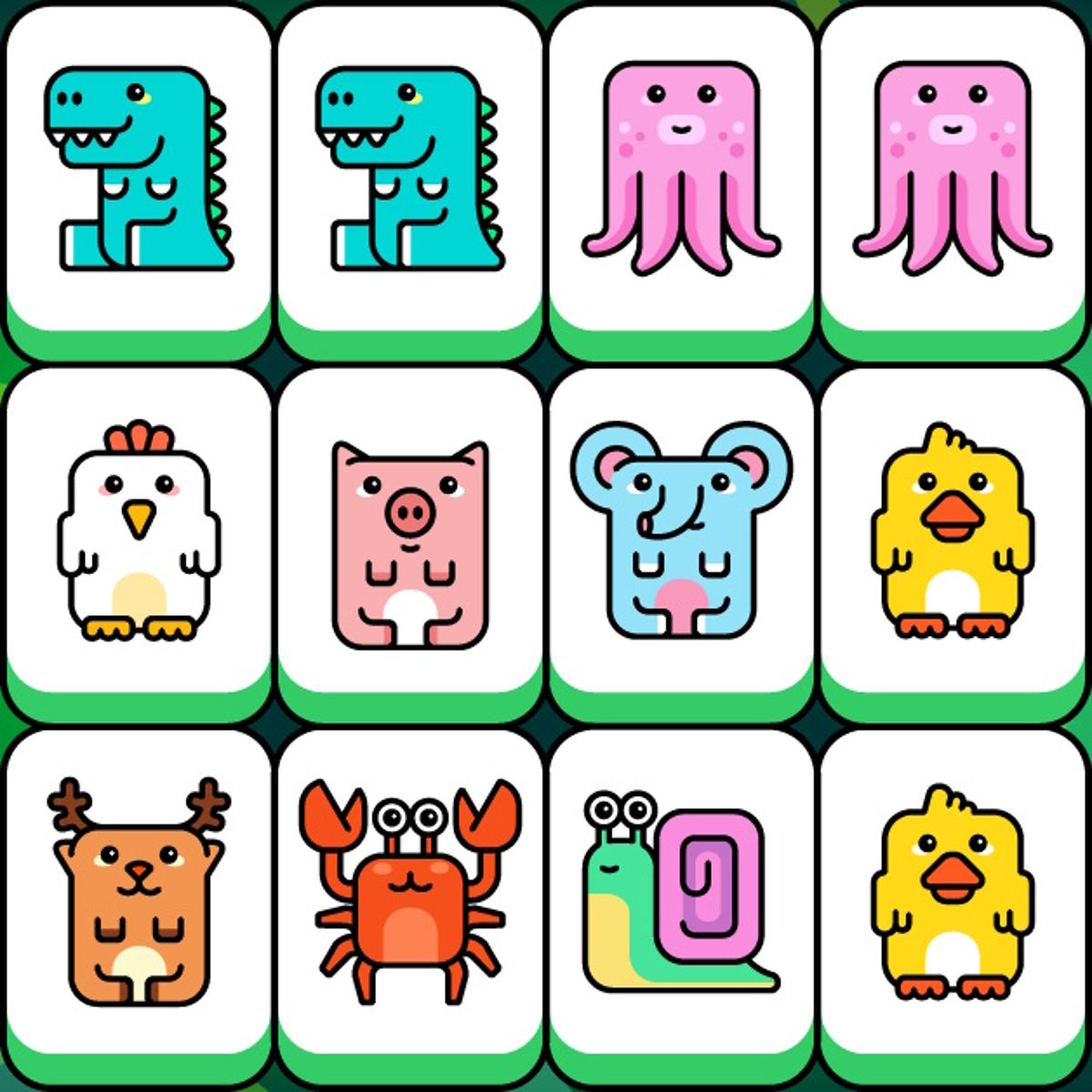
The objective is straightforward: merge identical tiles to create higher-level characters and clear space on the board. You win by unlocking every character in the collection, but in practice, each session is about surviving as long as possible while making progress toward that goal.
On desktop – Click and hold a tile to pick it up, then drag it to an empty spot or onto a matching tile. Release to place it. If you drop it on a tile of the same type, they merge into one new tile. The game runs on a grid, so you need to think about where things will land. There’s no undo button, so every move matters.
On mobile – Same idea, but with touch. Tap and drag a tile to move it. The controls feel smooth on a phone, though your fingers might obscure the board on a small screen. A tablet is better if you have one, but it works fine on a phone too.
New tiles appear at the bottom of the board after each merge or after a few seconds if you’re idle. You can’t control which tile comes next, so you have to adapt. The game doesn’t rush you, but if the board fills up, it’s game over. That’s the only failure condition.
One thing that isn’t immediately obvious: you can also merge tiles already on the board by dragging them onto each other, not just the new ones that appear. That’s how you chain combos. If you merge two tiles and the resulting tile lands next to another identical tile, they’ll auto-merge. This can clear multiple rows in one move if you set it up right.
Features
Brainrot Merge doesn’t have multiple game modes—it’s a single endless-ish puzzle with a collection goal. But the features that matter are:
- Character collection – Dozens of meme characters to unlock, each with its own goofy design. The game tracks which ones you’ve found, and there’s a real sense of progression as you fill in the gaps.
- Combo system – Merging three or more tiles in a chain creates a satisfying explosion effect and clears more space. Learning to set up combos is the key to high scores.
- No timers or pressure – You can take as long as you want on each move. It’s a thinking game, not a speed game.
- Cross-platform saves – If you log in with an account (optional), your progress carries over between desktop and mobile. Nice touch.
There’s no energy system, no ads that interrupt your gameplay (only optional ones for extra moves if you lose), and no pay-to-win nonsense. It’s a clean, free experience.
Tips and Strategies
After a few dozen games, I’ve picked up some tricks that make a real difference.
Plan two moves ahead. Before you place a tile, look at what else is on the board. If you drop a tile now, where will the next one go? Can you create a chain reaction? Often, it’s better to wait a few seconds and let the board settle rather than rushing to merge the first pair you see.
Keep your highest-value tiles together. The rare characters are worth more points, but they’re also harder to merge because you need two of them. If you spread them out, you’ll run out of space. Keep them in one corner or along one edge so you can combine them when a match appears.
Don’t merge everything immediately. Sometimes it’s smarter to leave two identical tiles separate for a while. Merging them creates a new tile that might be harder to match. If you’re close to unlocking a new character, check the collection list first. Maybe you only need one more of a certain type, and merging two of them would waste that progress.
Use the edges for “parking.” When you get a tile you can’t use right away, put it in a corner. That keeps the center of the board open for combos. The edges are less valuable for chains, so they’re good for storage.
Watch for auto-merge opportunities. If you merge two tiles and the result lands next to an identical tile, they’ll merge again automatically. That’s a free chain. Try to set this up by placing tiles so that the result of a merge will land adjacent to another match.
Prioritize clearing the bottom row. New tiles appear at the bottom. If that row fills up, you’re in trouble. Keep it as empty as possible. If you have to merge something, do it near the bottom so the resulting tile doesn’t block incoming ones.
Common Mistakes
Even experienced puzzle players fall into these traps.
Merging too fast. The biggest mistake is grabbing the first pair you see without checking the board. You might merge two tiles that you actually needed to keep separate for a future combo. Take a breath. Look at the whole board.
Ignoring the collection. Early on, I merged everything without caring what I was making. Then I realized I was stuck because I needed a specific low-level character that I’d already merged away. Check the collection tab often. It tells you what you’re missing and what you need to combine to get it.
Filling the center first. New players tend to place tiles in the middle because it feels natural. Don’t. The center is prime real estate for chaining combos. Push tiles to the sides and keep the middle open.
Forgetting that you can move existing tiles. Sometimes you get stuck because you think you can only move the new tile. Nope. You can drag any tile on the board to a new spot. If the board is cluttered, reorganize it. Move a tile out of the way, merge something else, then bring it back.
Overlooking the “undo” (sort of). There’s no undo button, but if you pick up a tile and don’t place it, the game cancels the move. So you can “preview” where a tile would go by holding it over a spot, and if it doesn’t look right, just drag it back to its original position before releasing. That’s a free look-ahead.
FAQ
Is Brainrot Merge free to play?
Yes, it’s completely free on Poki. No hidden costs. You can watch an optional ad to get extra moves if you run out, but you never have to.
Can I play on my phone?
Yes. It works on both desktop and mobile browsers. The controls are touch-friendly on phones and tablets.
How do I get combos?
Place a tile so that after merging, the new tile lands next to an identical one. That triggers an automatic second merge. You can chain three or four in a row if you plan carefully.
How many characters are there?
I don’t have an exact number—the collection keeps expanding with updates. As of late 2025, there are well over 30, and more are added periodically.
What happens when the board fills up?
Game over. You’ll see your score and which characters you unlocked. You can restart immediately. There’s no penalty, and you keep any characters you’ve already discovered (progress is saved).
---
Brainrot Merge doesn’t take itself seriously, but it rewards careful thinking. Easy to pick up, hard to stop playing, and full of those “just one more round” moments. If you’re tired of competitive shooters or endless runners, this is a low-pressure way to exercise your brain while laughing at the absurdity of internet culture. Give it a try—you might find yourself obsessed with unlocking that one meme you’ve been missing.