Fashion Legends
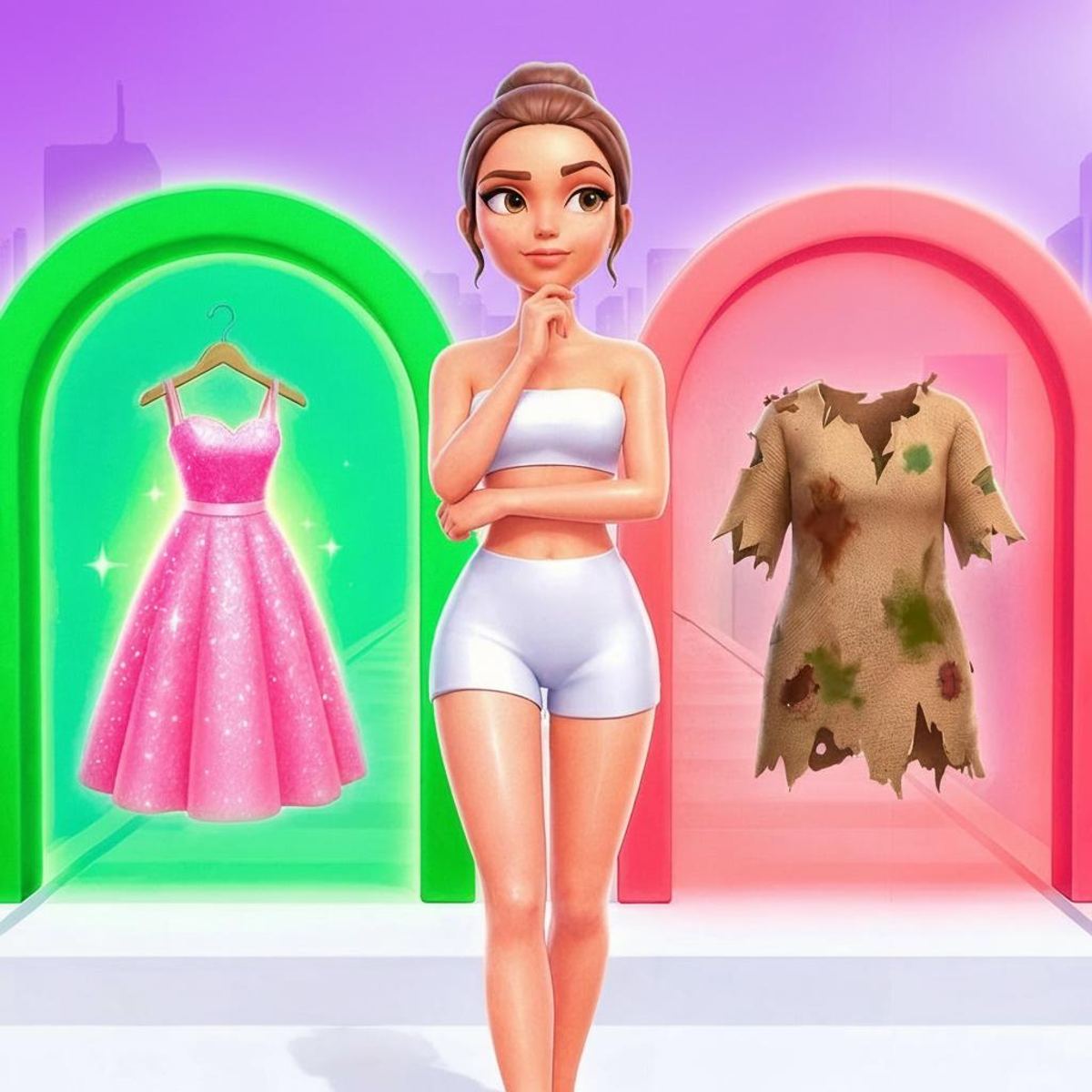
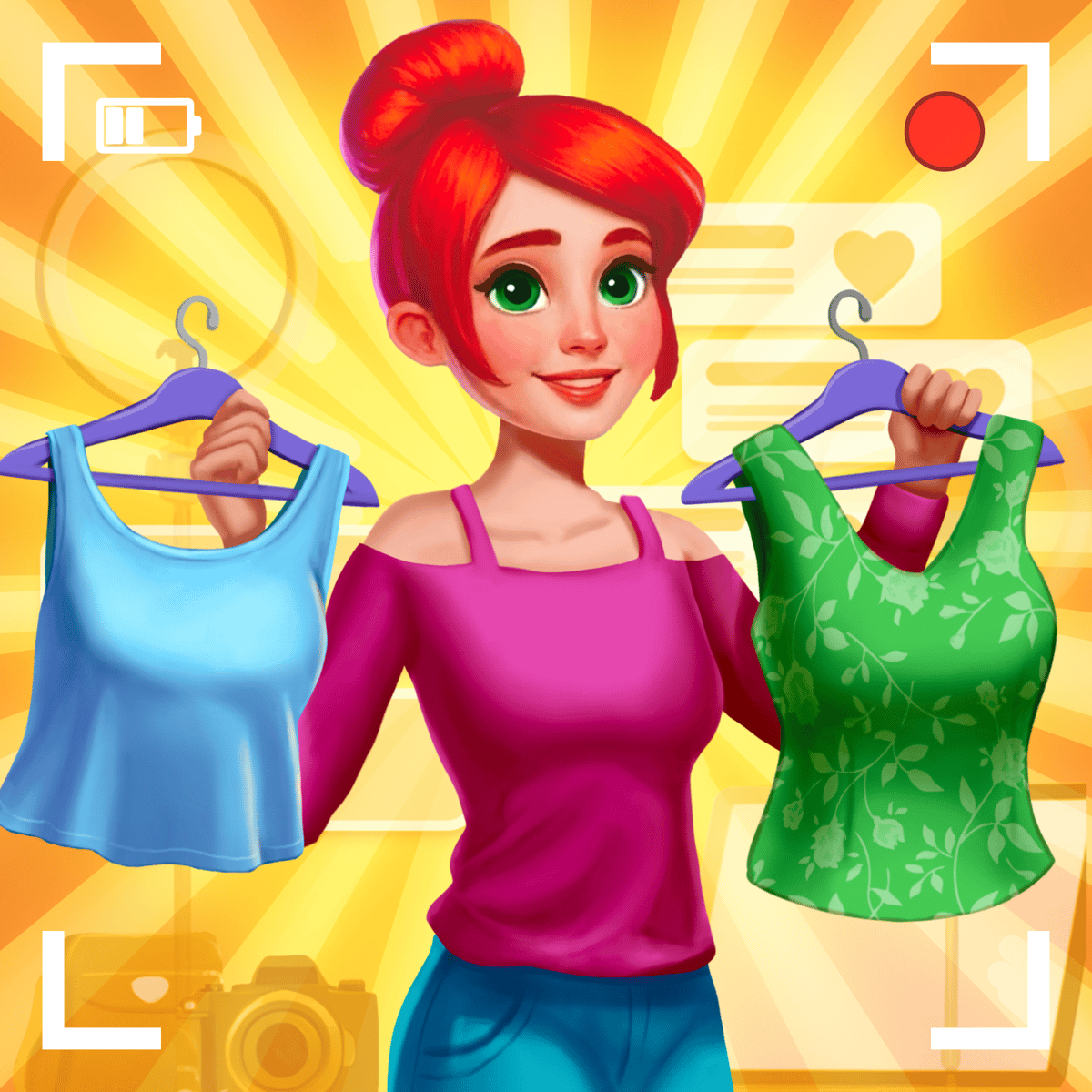
Fashion Legends is a browser game that sounds simple enough—you walk down a runway, grab clothes, and try to match a theme—but it’ll keep you playing longer than you’d expect. It blends dress-up, endless runner, and scoring challenge into one package, and it works because collecting outfits while dodging the wrong ones feels genuinely tense. You’re not just picking a pretty dress; you’re making split-second calls on whether that sparkly top fits the “Princess” theme or if you should leave it for the next rack.
The game comes from Jungle Tavern, the same studio behind Count Control Legends and Neon Challenge Legends, and it has that same talent for turning a straightforward idea into something you keep coming back to. The runway stretches ahead, littered with clothing items, gems, and the occasional distraction. A small icon at the top of the screen tells you what look you’re supposed to build—maybe “Movie Star” or “Pajama Party”—and you have to grab the right pieces while ignoring everything else. Miss too many correct items or grab too many wrong ones, and your score tanks. It’s addictive in that “just one more run” way, and the unlockable themes and skins give you a reason to keep playing even after you’ve seen the basic loop.
How to Play
The core objective is straightforward: walk down the runway, collect clothing that matches the current theme, and avoid picking up stuff that doesn’t fit. The theme changes every few seconds, so you have to stay alert. You also want to grab as many gems as possible along the way—they’re your currency for upgrades and unlocks.
Desktop controls: Use the A and D keys or the left and right arrow keys to move your character sideways. That’s it. You don’t jump, you don’t attack—you just steer left and right to line up with the items you want. The character walks forward automatically, so your only job is to dodge the wrong clothes and snatch the right ones.
Mobile controls: Drag left or right on the screen to move your character. Same principle, but your finger does the steering. The game runs smoothly on phones and tablets, and the touch controls feel responsive—no weird lag or missed inputs. Just be careful not to cover the theme indicator with your thumb.
The runway is divided into lanes, but it’s not a strict grid. Items appear in clusters, and you’ll need to weave between them. Sometimes the correct items are on the far left while gems are on the far right, forcing you to choose. That’s where the strategy comes in.
Features
Fashion Legends doesn’t have multiple game modes in the traditional sense—there’s no “Time Attack” or “Endless” toggle—but it does have a few systems that keep things interesting.
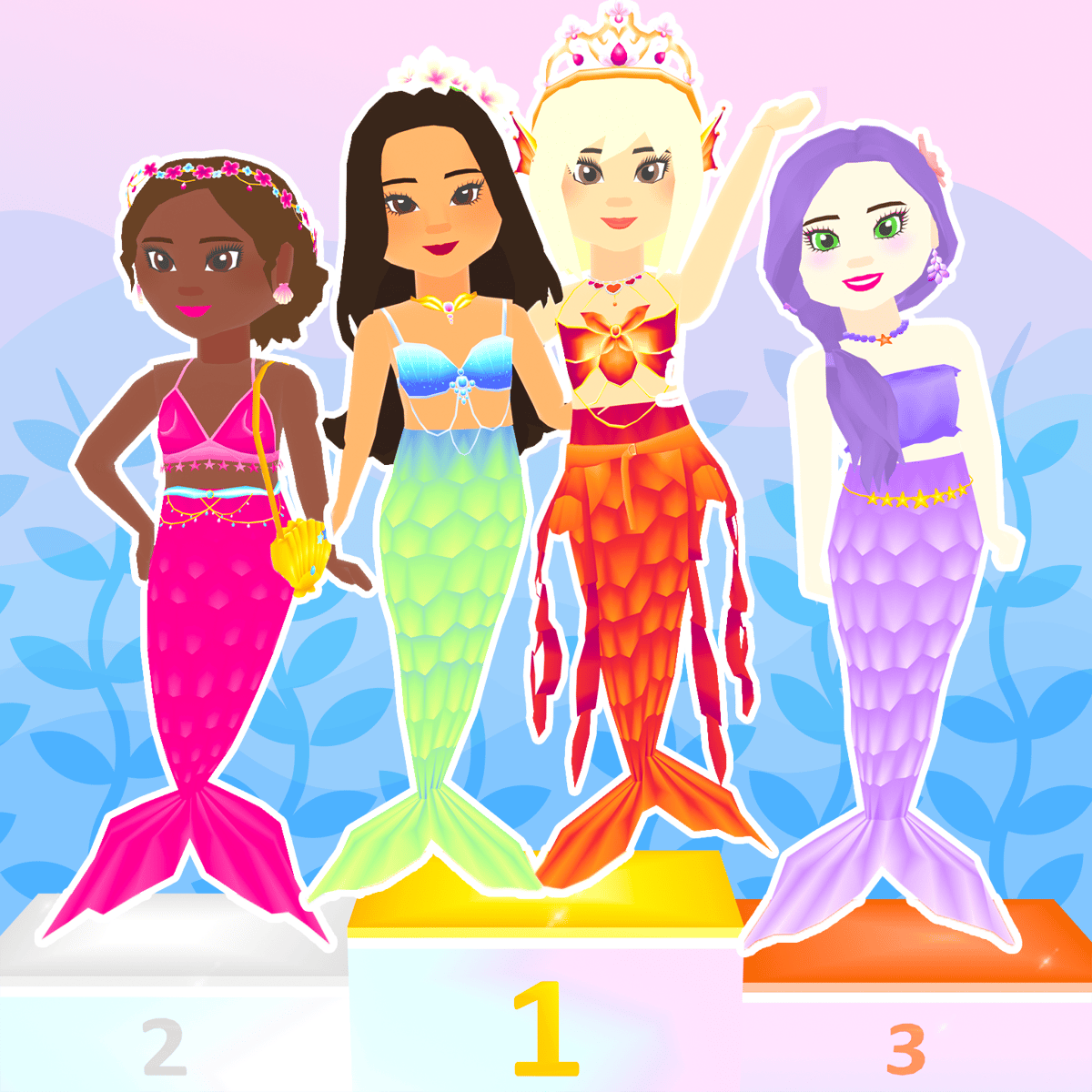
Themes and skins: As you play, you unlock new themes (like “Princess,” “Superhero,” “Duck,” and more) and new character skins. Each theme changes the visual style of the runway and the types of clothes that appear. The Duck theme, for example, replaces elegant gowns with yellow feathers and webbed feet. It’s silly, but it works.
Upgrades: Between runs, you can spend gems on permanent upgrades. These include things like extra time before the theme changes, a magnet that pulls in nearby gems, or a bonus multiplier for consecutive correct picks. The upgrades aren’t cheap, so you’ll need to grind a bit, but they make a noticeable difference.
Scoring and leaderboards: Your final score depends on how many correct items you collected, how many gems you grabbed, and how many mistakes you made. There’s a local leaderboard, but no online one that I could see—so it’s more about beating your own high score than competing with strangers.
Tips and Strategies
- Prioritize the theme, not the gems. It’s tempting to chase every shiny gem you see, but if you miss a correct clothing item because you swerved for a gem, you’ll lose points. Gems are important for upgrades, but a single run’s gem haul won’t make or break you. Focus on the clothes first.
- Learn the item shapes. Each clothing type has a distinct silhouette. A dress looks different from a top, and accessories are smaller. Once you recognize the shapes, you can grab items without even reading the label. This speeds up your reaction time significantly.
- Don’t panic when the theme changes. The game gives you a brief grace period—maybe half a second—before it starts counting new items. Use that moment to scan the runway ahead and plan your path. If you see a cluster of wrong items coming, steer to the edge early.
- Upgrade the “Theme Timer” first. The default time between theme changes is tight. Extending it even a little gives you more breathing room and lets you collect more correct items per theme. It’s the most impactful early upgrade.
- Play on mobile if you want precision. The drag controls let you make micro-adjustments that are harder with keyboard keys. On desktop, the character moves in fixed increments, which can cause you to overshoot. Mobile feels more fluid.
- Ignore the “Duck” theme until you’ve unlocked everything else. The Duck theme is fun, but the items are harder to distinguish from each other because they’re all yellow and fluffy. Stick to the more visually distinct themes for high scores.
Common Mistakes
- Grabbing everything in sight. New players often treat the runway like a buffet and try to collect every item. That’s a fast way to tank your score because wrong items deduct points. You have to be selective.
- Staying in the middle lane. The middle feels safe, but it’s actually the worst position because items come at you from all angles. You’re better off sticking to one side and only moving when you see something you need.
- Ignoring the theme indicator. It’s a small icon in the top corner, and it’s easy to forget about it when you’re focused on the runway. But if you don’t check it regularly, you’ll grab the wrong stuff. Glance at it every few seconds.
- Spending gems on cosmetic skins before upgrades. Skins are cool, but they don’t help your score. Save your gems for the permanent upgrades first. You can buy skins later when you’re swimming in gems.
- Playing too aggressively. You don’t need to collect every single correct item. If you miss one, it’s okay. Trying to dive across the runway for a single dress often makes you miss two or three other items. Stay calm and pick your battles.
FAQ
Q: Is Fashion Legends free to play?
A: Yes, it’s completely free on Poki. No in-app purchases or paywalls. You earn gems through gameplay and spend them on upgrades and skins.
Q: Can I play it on my phone?
A: Absolutely. It works on both desktop and mobile browsers. The touch controls are well-implemented, so it feels natural on a phone or tablet.
Q: How do I unlock new themes?
A: Themes unlock as you reach certain score thresholds. You don’t need to do anything special—just keep playing and hitting higher scores. The game will notify you when a new theme becomes available.
Q: What happens if I grab a wrong item?
A: You lose points and the item disappears. There’s no way to undo it, so try to avoid them. The penalty isn’t huge, but repeated mistakes will ruin your run.
Q: Is there an ending?
A: Not really. The runway keeps going until you make too many mistakes or the timer runs out (if there is one—it’s not clearly stated). It’s more of a high-score chaser than a game with a final boss. You play until you fail, then try again.
---
Fashion Legends doesn’t reinvent the wheel, but it doesn’t need to. It takes a familiar genre—dress-up—and adds a layer of real-time decision-making that makes it feel fresh. The controls are simple, the art is colorful, and the loop of “one more run” is strong. If you’ve got ten minutes to kill and you want something that won’t fry your brain, this is a solid pick. Just don’t blame me when you’re still playing an hour later.