

G-Switch 4
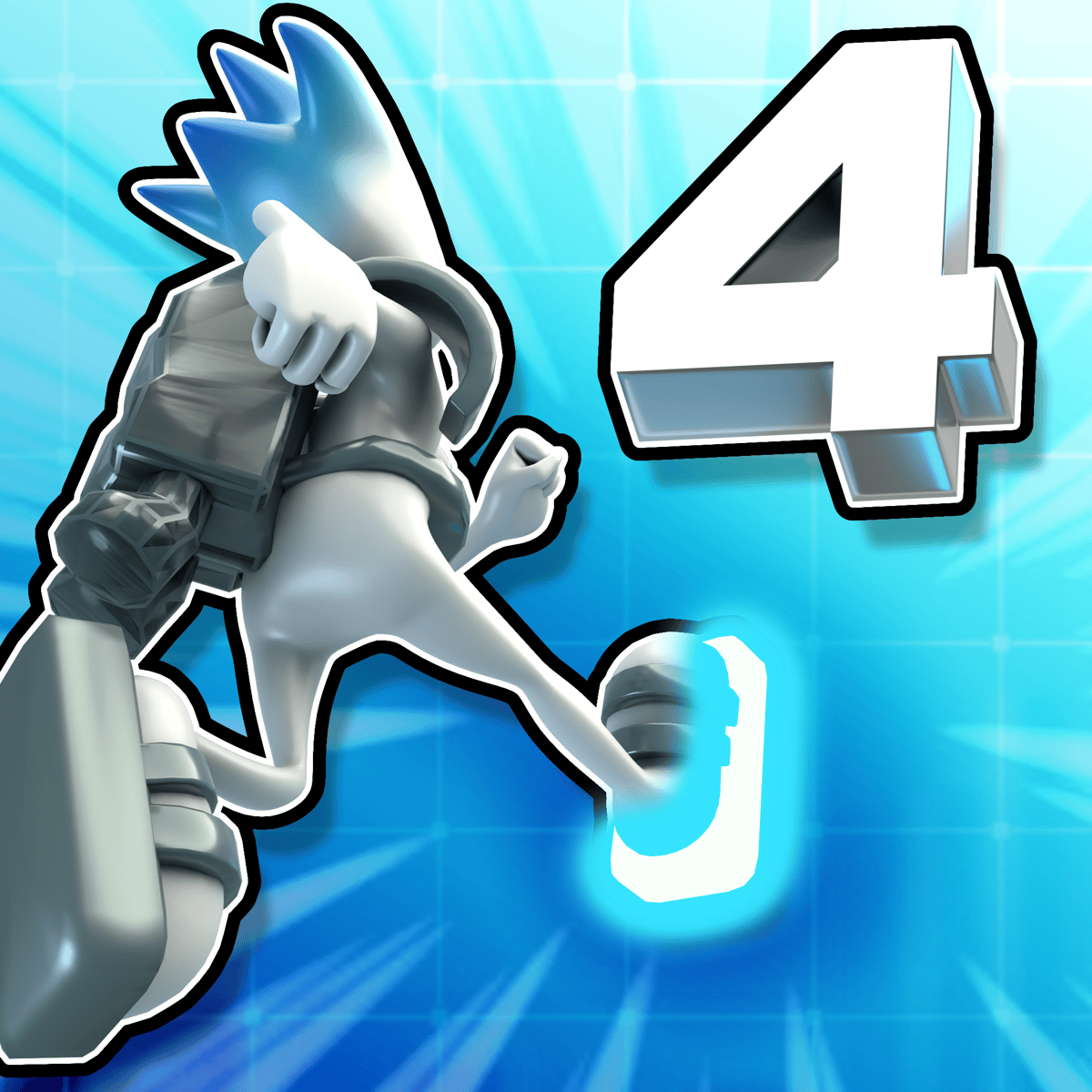
Ever played a platformer where the floor suddenly becomes the ceiling and your reflexes have to catch up in a split second? That’s the core of G-Switch 4. It’s the fourth entry in Serius Games’ gravity-flipping runner series, and it feels simple at first—tap to flip, run to the right—but then spikes, gaps, and moving walls start coming at you from both above and below. The twist: you control which way is “down,” and you only get one button.
The single-player campaign is solid, but what keeps people coming back is the local multiplayer. Up to seven friends can crowd around one keyboard, each trying to survive the same insane obstacle course. Then there’s the level editor, which turns the game into a nearly endless supply of user-made levels. You can build your own gauntlet, share it, and play what other people have cooked up. That’s a lot of mileage for a free browser game.
How to Play
The core loop is straightforward: your character runs automatically to the right. You don’t control left or right movement—only the direction of gravity. Tap or press any key, and the world flips. If you were running on the floor, you’re now running on the ceiling. If you were upside down, you snap back to normal. The goal is to reach the finish flag without touching a spike, falling into a pit, or getting crushed by a moving block.
Desktop controls: Click the left mouse button, or press any key on the keyboard. Any key works—spacebar, Z, even Q. Just hit something.
Mobile controls: Tap anywhere on the screen. The game is fully playable on phones and tablets, and the touch response is snappy enough that you won’t feel at a disadvantage compared to keyboard players.
The trick is that obstacles are placed on both the floor and the ceiling. A row of spikes might be on the ground, so you flip to the ceiling to avoid them—but then a block slides along the ceiling, so you have to flip back. The rhythm of flipping is everything. You’re not just reacting; you’re learning the pattern of each level.
Game Modes and Features
G-Switch 4 doesn’t overload you with modes. It keeps things focused, and that’s a good thing.
Single-player campaign: A series of levels that introduce new obstacle types gradually. Early stages are gentle—a few spikes, a simple gap. Later levels add moving platforms, crushers, and sections where you have to flip multiple times in quick succession. There’s no story to speak of, but the progression feels natural. You’ll die a lot, but respawns are instant, so you’re back in the action within a second.
Local multiplayer (up to 8 players): This is where the game really comes alive. Everyone plays on the same screen, using the same keyboard. Player 1 uses one key, Player 2 uses another, and so on. The game assigns keys automatically, but you can remap them in the settings. The chaos is real—when eight people are all flipping gravity at different times, it’s hard to keep track of your own character, let alone everyone else’s. The last one standing wins each round. It’s perfect for a party or a classroom.
Level editor: This feature gives the game longevity. You can build your own courses from scratch, placing platforms, spikes, moving blocks, and finish lines. The editor is simple to use—click to place, drag to move, delete with a button. Once you’re done, you can upload your level for others to play. There’s also a browser where you can search and rate community levels. Some of them are brutally hard, some are clever, and some are just trollish. That’s the fun of it.
Practice mode: Before you tackle a level in multiplayer or speedrun it, you can practice any level you’ve unlocked. No pressure, no opponents—just you and the course.
Tips and Strategies
- Flip early, not late. Most new players wait until they’re right on top of a spike before flipping. That’s usually too late. Flip a little ahead of the obstacle, so you have time to adjust your landing. The character doesn’t change direction instantly—there’s a tiny animation, and you need to account for that.
- Learn the rhythm of each level. The best players don’t react to every spike; they memorize the sequence. After a few runs, you’ll know exactly when to flip. Think of each level as a song with a beat, and your flips are the drum hits.
- Use the same key every time. It sounds obvious, but if you’re using a keyboard, pick one key (like the spacebar) and stick with it. Muscle memory builds faster when you’re not switching between Z and Enter.
- In multiplayer, watch other players’ characters. You can learn a lot by seeing where someone else flips. If they die at a certain spot, you know to flip earlier or later. Also, you can sometimes bait opponents into flipping into a trap by flipping yourself at a safe moment—they might copy you and hit a spike.
- For the level editor, start simple. Don’t try to build a three-minute marathon level right away. Make a short, tight course with one or two tricky flips. Test it yourself multiple times. If you can’t beat your own level, neither can anyone else.
- Use practice mode to grind hard sections. If you keep dying at the same moving block, practice that section in isolation (if the editor allows it) or just replay the level until you nail that part. The game doesn’t punish you for retrying.
Common Mistakes
- Over-flipping. Some players panic and start flipping every half second, even when there’s no obstacle. This makes you unpredictable and often lands you right into a spike. Only flip when you need to. Stay calm.
- Ignoring the ceiling. New players focus on the floor because that’s where they start. But half the obstacles are on the ceiling. Always scan both surfaces. A gap in the floor might mean you need to stay on the ceiling for a while.
- Holding down the key. The flip is triggered on key press, not release. If you hold the key down, you won’t flip again until you release and press again. Some players mash the key, which can cause double flips. Tap, don’t hold.
- Not using the level editor. A lot of people play through the campaign and then stop. The editor is where the game gets its replay value. Even if you don’t want to build, play other people’s levels. There are some real gems.
- Playing multiplayer without remapping keys. The default key assignments can be awkward if you’re used to WASD or arrow keys. Take 30 seconds to set your own key in the options. It makes a difference.
FAQ
Can I play G-Switch 4 alone, or is it only multiplayer?
You can absolutely play solo. The single-player campaign has dozens of levels, and you can also play community-made levels by yourself. Multiplayer is optional.
How many players can play on one computer?
Up to eight players locally, all on the same keyboard. Each player needs their own key. It gets crowded, but that’s part of the fun.
Is there an online multiplayer mode?
No. G-Switch 4 is local multiplayer only. There’s no online matchmaking. If you want to play with friends remotely, you’d need to use something like Parsec or share your screen.
Does the level editor work on mobile?
The editor is available on mobile, but it’s easier to use on a desktop with a mouse. On a phone, placing blocks precisely can be fiddly. You can still play community levels on mobile just fine.
Is G-Switch 4 free?
Yes, it’s free to play in your browser. No downloads, no payments. There are no ads that interrupt gameplay, though you might see some on the site itself.
---
G-Switch 4 doesn’t try to do anything fancy. It takes a one-button concept and wrings every drop of fun out of it with tight controls, a generous level editor, and chaotic multiplayer. Whether you’re grinding through the campaign or laughing with friends as everyone flips into a spike pit, it’s the kind of game that’s easy to pick up and hard to put down.