





I Am Hall Security
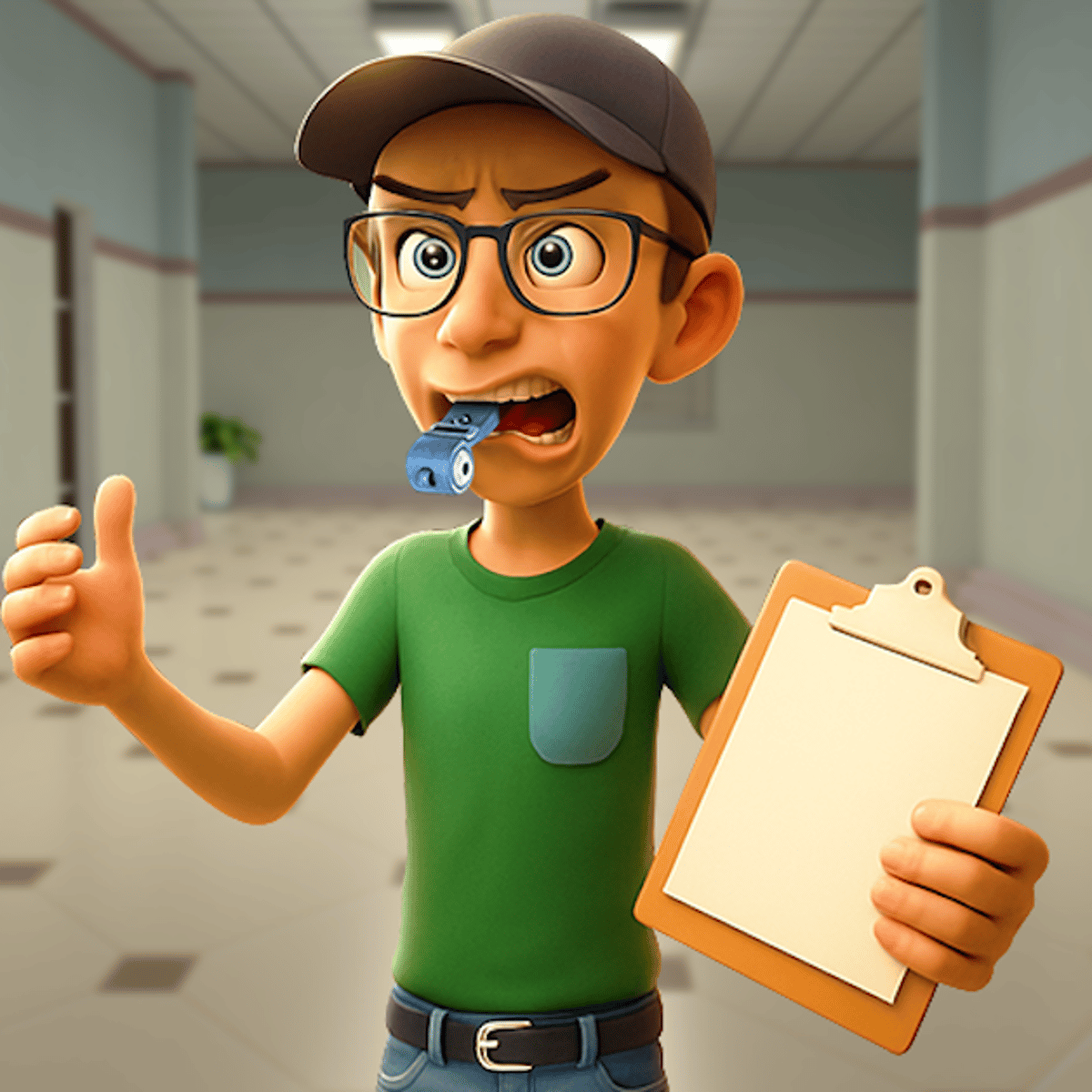
You’re a new hall monitor at a school that’s barely holding it together. Students smuggle contraband, teachers zone out at their desks, and weird stuff keeps happening in the hallways. Your job? Wield a metal detector, check backpacks, and decide who gets a warning and who gets hauled to the principal’s office. That’s the setup for I Am Hall Security, a 3D simulation game from developer GeniGames that’s been racking up plays since September 2025.
The premise is simple, but the chaos escalates fast. One minute you’re scanning a kid for phones, the next you’re chasing a troublemaker hiding in a locker. The game throws curveballs: lazy teachers who need motivating, students who lie about their IDs, and random events that keep you on your toes. With a 3.8 out of 5 rating from over 71,000 votes, it’s a solid time-waster with enough variety to hold your attention for an hour or two.
The hook is the power trip. You play judge and jury in a school where rules get broken constantly. The 3D visuals look decent for a browser game, and the controls are straightforward. Whether you’re on a desktop or a phone, you can jump in, start scanning, and feel like the ultimate authority figure. It’s not deep—and it doesn’t need to be. It’s the kind of game you play when you want something low-stakes but engaging.
How to Play
Your objective is simple: keep the school safe and orderly. Patrol the hallways, scan students with your metal detector, check their belongings, and either let them pass or arrest them. You also deal with troublemakers who run around causing chaos, and occasionally you’ll need to interact with teachers who aren’t doing their jobs.
Desktop controls: Use your mouse to click on students, items, and buttons. When you need to scan someone, click the “Scan” button that pops up. To interact with objects like doors or lockers, click the corresponding prompt. Keyboard shortcuts are minimal—mostly pressing the spacebar or a letter key when a prompt appears. The game tells you exactly what to press, so you don’t need to memorize anything.
Mobile controls: Tap the screen to select. The interface scales well for phones and tablets. Buttons are bigger, and prompts are easy to reach with your thumb. You don’t need a keyboard—just tap, scan, and decide. The game runs smoothly on both iOS and Android browsers, though older phones might lag during busier moments.
The gameplay loop is repetitive but satisfying. Students walk by in a line, you scan them, you decide their fate. Catch someone with a weapon or contraband and you arrest them. If they’re clean, you let them go. Then troublemakers start appearing—kids who run away, hide, or cause distractions. You have to chase them down. The difficulty ramps up as more students show up and the chaos intensifies.
Features
I Am Hall Security isn’t packed with modes, but it has a few features that keep it from feeling like a one-note job.
- 3D School Environment: The game gives you a first-person view of the hallways, lockers, and classrooms. It’s not photorealistic, but it’s colorful and clear enough to tell what’s happening. You can look around by moving your mouse or swiping on mobile, which helps you spot troublemakers before they get too far.
- Random Events: Not every shift is the same. Sometimes a fire alarm goes off, or a student fakes a medical emergency. You have to react quickly—ignore the wrong thing and your score drops. These events break up the monotony and force you to think on your feet.
- Progression System: As you play, you earn points for good arrests and lose points for mistakes. The game doesn’t have traditional levels, but the difficulty increases over time. More students, faster walkers, sneakier troublemakers. You’ll feel yourself getting better as you learn to spot the liars.
- Simple but Responsive Controls: The click-or-tap interface is intuitive. The game tells you exactly what to do next, so you never feel lost. It’s perfect for quick sessions—five minutes or an hour, your choice.
There’s no story mode or character customization. You’re just a hall monitor, and that’s fine. The game knows what it is and doesn’t overcomplicate things.
Tips and Strategies
You’ll learn the basics in five minutes, but mastering I Am Hall Security takes a little practice. Here’s what works for me.
Prioritize troublemakers. When a kid starts running, drop whatever you’re doing and chase them. They cause the most chaos, and if you let them go, more students will start acting up. Catch them fast and the rest of the shift stays manageable.
Watch the body language. Students who are about to cause trouble often glance around nervously or walk faster than everyone else. If someone looks shifty, scan them twice. Sometimes the first scan misses something.
Don’t be trigger-happy with arrests. If you arrest a clean student, you lose points. That might not seem like a big deal, but it adds up. When in doubt, let them pass. You can always scan them again later if they come back around.
Use the environment. Troublemakers hide in lockers, behind doors, or in classrooms. If you lose sight of one, check the nearest hiding spot. The game usually gives you a visual clue—a locker that’s slightly open, a door that’s ajar.
Keep an eye on teachers. Sometimes a teacher is just sitting there, not teaching. You can interact with them to get them back to work. If you ignore lazy teachers, students will start misbehaving more. It’s a small thing, but it makes a difference.
Mobile players: hold your phone steady. The scanning animation requires precise taps. If your phone shakes, you might hit the wrong button. Rest your device on a table or use both hands.
Common Mistakes
New players tend to fall into a few traps. Here’s what to avoid.
Scanning too slowly. You have a line of students, and if you take too long, they start getting impatient. Some will try to cut in line or run off. Speed up your scans—click the scan button as soon as the prompt appears, then make your decision quickly. Hesitation is your enemy.
Ignoring the mini-map. The game has a small map that shows where troublemakers are. I’ve seen people not even look at it. Glance at it every few seconds. It’s a huge help for spotting runners before they’re out of sight.
Arresting the wrong student. It’s easy to click on the wrong kid when things get busy. The game highlights whoever you’re targeting, so double-check before you hit the arrest button. One wrong arrest and you’re losing points.
Forgetting to scan backpacks. Some students hide items in their bags. The metal detector only alerts you to metal, but contraband can be anything. If a student looks suspicious, scan their backpack separately—the game gives you that option. I’ve missed plenty of items by assuming a clean body scan meant a clean student.
Not using the pause button. If you need a breather, pause the game. It stops the chaos and lets you think. There’s no penalty for pausing. Use it when the screen gets crowded.
FAQ
Can I play I Am Hall Security on my phone?
Yes, it works on both desktop and mobile browsers. The controls adapt to touch, and the game runs well on most modern phones and tablets.
Is the game free?
Yes, it’s free to play online. There are no hidden paywalls or microtransactions that I’ve seen. You just open the page and start playing.
How long is a typical game session?
Sessions can last anywhere from a few minutes to half an hour, depending on how fast the difficulty ramps up. There’s no set end—you play until you decide to stop or make too many mistakes.
Does the game save my progress?
No, there’s no save feature. Each session starts fresh. The score resets when you leave the page. That’s part of the charm—it’s a pick-up-and-play game.
What happens if I arrest an innocent student?
You lose points and get a warning. If you do it too many times, the game might end early. It’s a penalty system, not a game-over, but it hurts your final score.
##
I Am Hall Security won’t change your life, but it’s a solid way to kill twenty minutes. The power fantasy of being the one in charge, the quick decisions, the occasional laugh at a student’s ridiculous excuse—it all adds up to a game that knows exactly what it is. If you’ve ever wanted to play hall monitor without actually having to deal with teenagers, this is your chance.