
Mad Skills Motocross 2
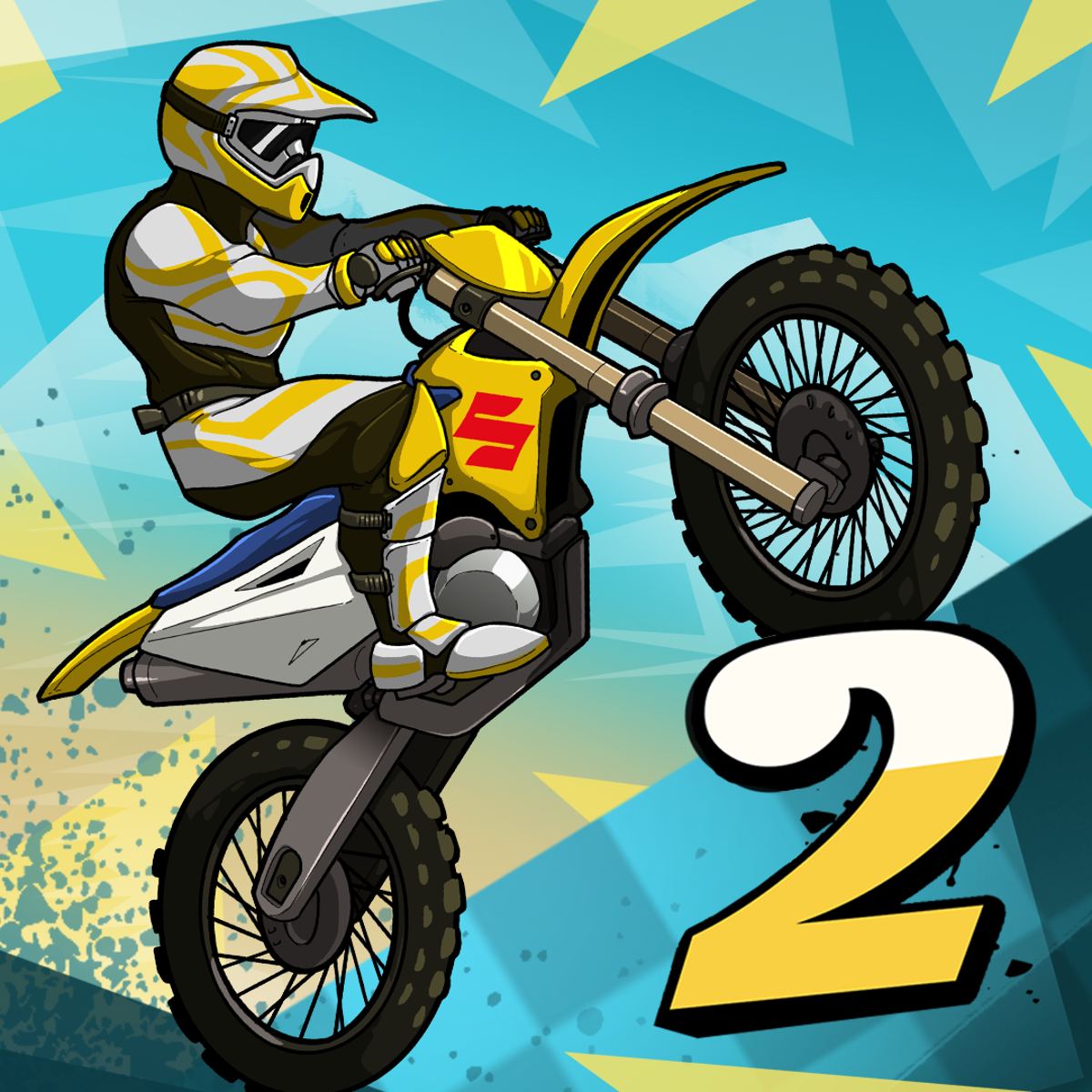
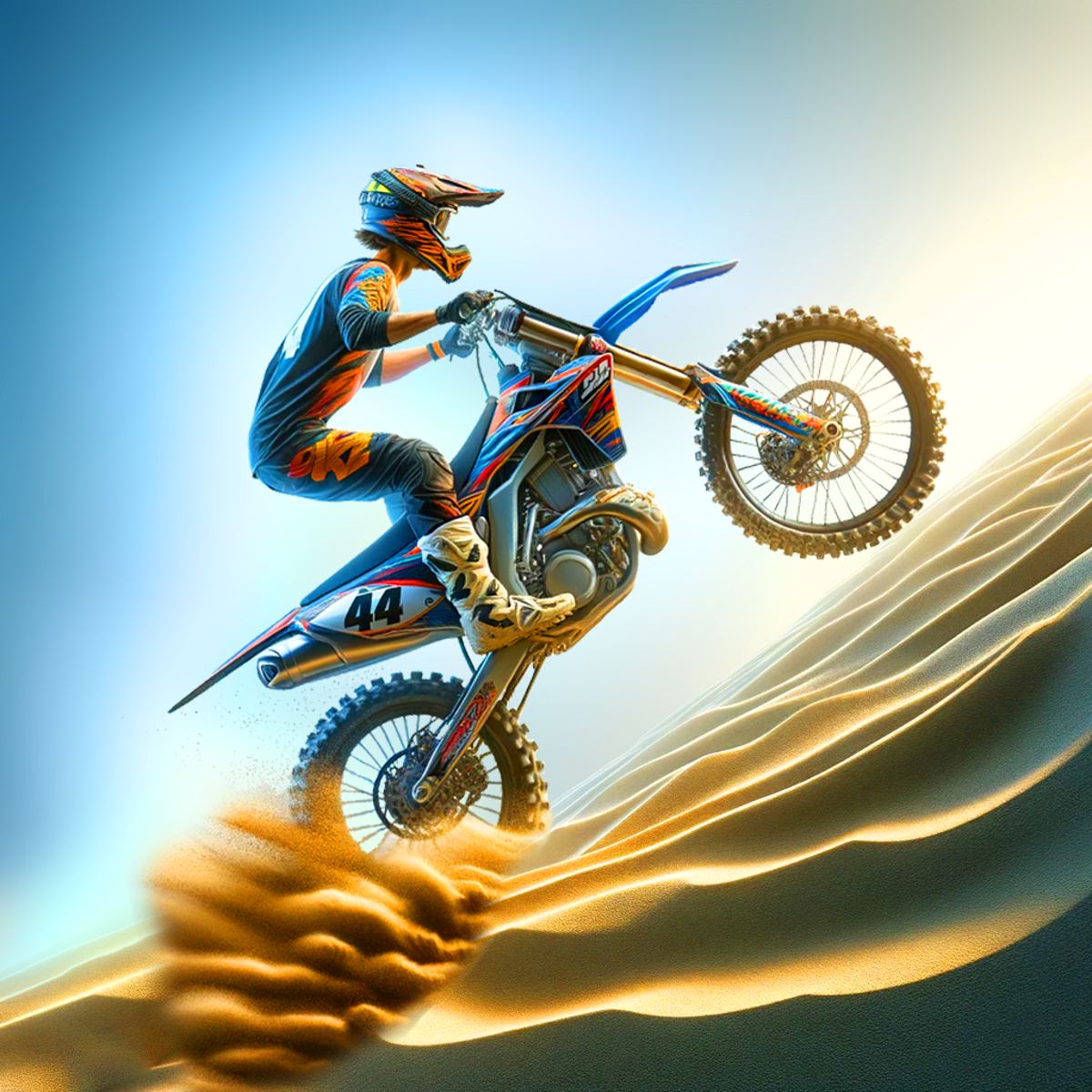
You know that feeling—spending an afternoon trying to land a perfect double backflip on a dirt bike, only to eat ramp. Mad Skills Motocross 2 is that game. Fast, punishing, weirdly addictive. It’s a side-scrolling racer where you control a rider through obstacle-packed tracks, racing AI opponents or real players online. The physics are twitchy enough that every mistake feels like your fault, and the upgrade system gives you a reason to keep grinding even after you’ve memorized every jump.
What keeps people coming back isn’t just the racing. It’s the constant tension between speed and control. You can blast through a section at full throttle, but one bad landing sends your rider flying. The game rewards patience and precision, not just mashing the gas. And because each track is short—usually under a minute—you can easily tell yourself “just one more try” about twenty times before you realize it’s 2 AM.
How to Play
The goal is simple: reach the finish line before your opponents. But between you and the checkered flag are steep hills, massive gaps, and sharp turns that demand careful bike handling. You’re not just steering left and right; you’re managing your rider’s weight, your bike’s angle in the air, and your speed through every corner.
Desktop controls:
- Accelerate: W, Up Arrow, or Spacebar
- Brake/Reverse: S or Down Arrow
- Lean forward / back in the air: A / D or Left / Right Arrow
On a keyboard, the Spacebar is your best friend for quick acceleration out of a turn. Use W if you want a more natural feel for throttle control. The lean keys are critical—you’ll use them to tilt the bike forward for speed on downhills or backward to prevent nose-diving off jumps.
Mobile controls:
On a phone or tablet, the controls are touch-based. Tap the right side of the screen to accelerate, the left side to brake. To lean in the air, swipe forward or backward. It’s a bit less precise than a keyboard, but the game was clearly designed with mobile in mind. The touch response is snappy, and after a few races you’ll get used to the swipe gestures.
Core mechanics:
The bike has a physics model that reacts to terrain. If you land with the front wheel too low, you’ll flip forward and crash. If you land too flat, you’ll bounce and lose speed. The trick is to land with the rear wheel first, then let the front wheel settle. That gives you a smoother transition into your next acceleration.
You can also perform flips—front flips and backflips—by leaning in the air. These aren’t just for show. A well-timed backflip can help you rotate the bike to land correctly after a big jump. But doing a flip for style points without considering the landing is a quick way to eat dirt.
Game Modes and Features
Mad Skills Motocross 2 offers a few distinct ways to play, though the core experience is the same across all of them.
Career Mode
This is the main single-player campaign. You start with a basic bike and race through a series of events, each with multiple tracks. Winning races earns you coins and experience points. Coins are used to buy upgrades and new bikes. Experience points unlock new events and higher difficulty levels. The AI opponents get smarter as you progress—they’ll take tighter lines and make fewer mistakes. Career mode is where you’ll spend most of your time learning the tracks and refining your technique.
Multiplayer
You can race against other players in real time. The matchmaking is quick, and you’ll often be matched with opponents of similar skill. Multiplayer races are tense because one small error can drop you from first to last. The game uses a simple ranking system, so winning consistently will move you up the leaderboard. There’s also a ghost mode where you race against the best times of other players, which is great for practicing specific sections.
Time Trial
If you just want to focus on your own performance, time trial mode lets you run any unlocked track without opponents. Your best time is saved, and you can compare it to global leaderboards. This is the best mode for practicing tricky jumps and finding the fastest line through a course.
Customization
You can change the look of your bike and rider. Paint jobs, helmet designs, and wheel colors are available. None of these affect performance, but it’s a nice way to make your rider stand out in multiplayer. The customization options are unlocked through achievements and by spending coins.
Upgrades
This is where the game’s progression really shines. You can upgrade four aspects of your bike: engine, suspension, tires, and brakes. Each upgrade level costs more coins than the last. Engine upgrades increase top speed and acceleration. Suspension improves your bike’s stability on landings. Tires give you better grip on different surfaces. Brakes let you slow down faster, which is crucial for tight turns. You don’t have to upgrade everything equally—some players prefer to max out engine and suspension first, while others invest in brakes for better cornering.
Tips and Strategies
After a few hours of play, you’ll notice patterns in how the tracks are designed. Here’s what works.
Preload jumps. Right before you hit a ramp, lean back slightly. This compresses the suspension and gives you a higher, more controlled launch. If you lean forward, you’ll get a lower trajectory that might not clear the gap.
Land on the rear wheel. As mentioned, landing with the front wheel first almost always ends in a crash. Aim to touch down with the rear wheel, then let the front wheel drop. This keeps your speed up and prevents the bike from bouncing.
Use the brake. It’s tempting to hold the accelerator the whole race, but braking is essential. Before a sharp turn, tap the brake to slow down just enough to make the corner without sliding out. On steep downhills, braking prevents you from launching off the edge uncontrollably.
Learn the rhythm of each track. Many tracks have a natural flow—a series of jumps and turns that repeat. Once you memorize the pattern, you can anticipate when to lean and when to brake. Watch the track ahead, not just your bike.
Upgrade strategically. Don’t spread your coins evenly. Pick one or two areas to focus on. If you’re struggling with landings, upgrade suspension first. If you keep losing races because opponents pull away on straight sections, upgrade engine. Tires are less critical early on but become important on tracks with loose dirt or wet surfaces.
Watch your rider’s position. In the air, you can lean forward or backward to adjust the bike’s angle. But on the ground, leaning forward helps you accelerate faster, while leaning backward helps you pop wheelies over small bumps. Use this to your advantage on flat sections.
Common Mistakes
New players tend to make the same errors over and over. Here are the biggest ones to avoid.
Over-rotating in the air. It’s easy to get carried away and do a full 360 when you only needed a 180. If you hold the lean button too long, you’ll overshoot the landing angle. Tap the button instead of holding it, and release early.
Not braking before tight turns. You see a sharp corner and think you can drift through it. In this game, drifting isn’t really a thing. You have to slow down. If you enter a turn at full speed, you’ll either slide out or hit the wall. Brake early, then accelerate out.
Ignoring the upgrade screen. Some players jump straight into career mode and never upgrade their bike. Then they wonder why they can’t keep up with the AI. Spend your coins. Even a small engine upgrade makes a noticeable difference.
Rushing the start. The race begins with a countdown. If you accelerate too early, you get a false start penalty that slows you down. Wait for the green light. A perfect start gives you a small speed boost.
Sticking to one bike. The game offers several bikes with different stats. Some are faster but harder to control, others are more stable but slower. Try different bikes to see which fits your style. Don’t get attached to the starter bike.
FAQ
Is Mad Skills Motocross 2 free to play?
Yes, the game is free to play in your browser and on mobile. There are optional ads and in-app purchases for coins, but you can earn coins through normal gameplay without spending money.
Can I play offline?
The single-player career mode works offline once the game is loaded. Multiplayer and leaderboards require an internet connection.
How do I unlock new bikes?
New bikes become available as you progress through career mode and reach certain experience levels. You can also buy some bikes directly with coins.
What’s the difference between the mobile and desktop versions?
The core gameplay is identical. The mobile version uses touch controls, while the desktop version uses keyboard. The graphics and track designs are the same. Some players find the desktop version easier for precise leaning, but it’s a matter of preference.
Why do I keep crashing on landings?
Most likely you’re landing with the front wheel first. Try leaning back just before you touch down. Also check your suspension upgrade—better suspension absorbs rough landings.
---
Mad Skills Motocross 2 doesn’t try to be a realistic simulation. It’s an arcade racer that knows exactly what it wants to be: fast, challenging, and easy to pick up but hard to master. Whether you’re grinding through career mode or battling friends in multiplayer, the game respects your time with short races and quick restarts. Just don’t blame us when you lose an hour to “one more try.”