
Thung Wars
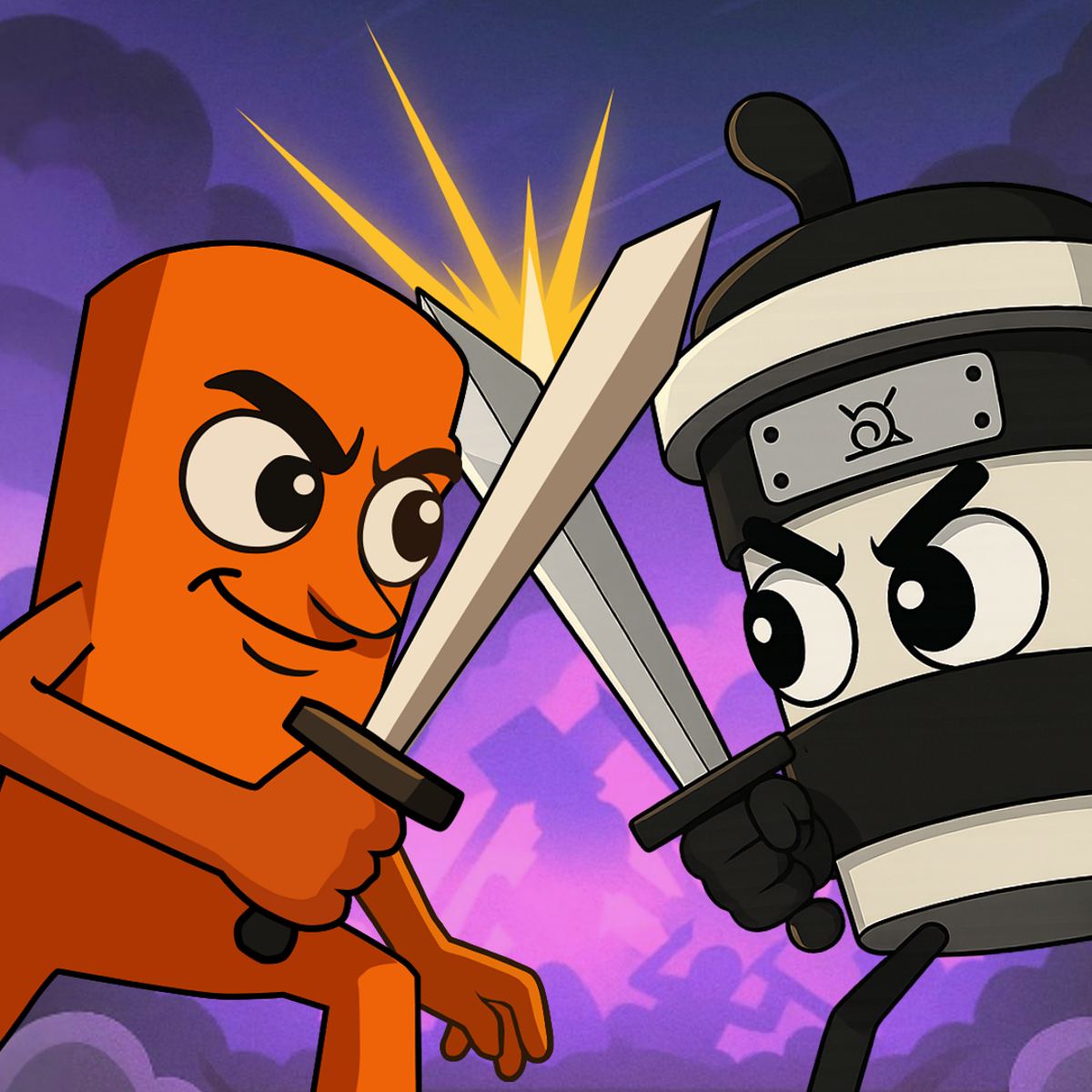
You’ve probably seen half the cast of Thung Wars in memes over the past couple of years. This tower defense game doesn’t take itself seriously—it throws absurd, brainrot characters like “Tung Tung Tung Sahur” and “Tralalero Tralala” onto a battlefield and asks you to out-strategize your opponent. The result is chaotic, silly, and surprisingly addictive.
What keeps me coming back is how the game balances meme humor with actual tactical depth. You’re not just clicking for laughs—you have to think about unit placement, upgrade timing, and countering what your enemy is throwing at you. The art style is deliberately goofy (think low-effort meme edits come to life), and the sound effects are ridiculous in the best way. It’s the kind of game that makes you grin even when you lose.
Developed by Peynir Games (the same folks behind Car Parking School), Thung Wars launched in November 2025 and has already been updated several times—the latest patch landed in May 2026. It’s free to play in your browser, works on both desktop and mobile, and you don’t need to download anything. Just click, and you’re in.
How to Play
Objective: protect your base while destroying your opponent’s base. You deploy units from a roster of meme characters, each with unique attack patterns, health, and special abilities. Resources trickle in over time (or from defeating enemy units), which you spend on summoning more troops or upgrading existing ones.
On desktop, you control everything with the mouse. Click a unit card at the bottom of the screen to select it, then click the battlefield where you want to place it. You can also click your base or towers to upgrade them. Point-and-click, no keyboard shortcuts needed.
On mobile (phone or tablet), you tap instead of click. The interface scales well—unit cards become larger touch targets, and you tap the battlefield to deploy. I’ve played a few rounds on a phone and didn’t feel cramped. The game auto-pauses when you lift your finger? No, actually it doesn’t pause—so be ready to tap fast when things get hectic.
There’s no tutorial popup that explains everything, so you learn by doing. The first couple of matches are basically “throw stuff and see what works.” That’s fine—the game is forgiving at the start, and you’ll quickly get a feel for which characters are good at rushing and which are better for defense.
Game Modes
As of the latest update, Thung Wars has two main modes:
Versus Mode – The bread and butter. You face off against either an AI opponent or another real player in a one-on-one match. The AI has three difficulty levels: Easy, Medium, and Hard. Easy is almost too simple—you can win by just spamming the cheapest unit. Hard, on the other hand, will punish you if you don’t mix up your strategy. Real-player matchmaking works fine; I rarely wait more than ten seconds to find an opponent.
Survival Mode – A wave-based mode where you defend against endless hordes of enemy units. Your goal is to last as long as possible. Upgrades carry over between waves, and you can buy new units between waves. There’s no opponent base to destroy here—it’s pure defense. This mode is great for testing unit combos without the pressure of a human opponent.
I’d like to see a campaign or a challenge mode added in a future update, but for a free browser game, the two modes offer enough variety to keep you busy for a while.
Tips and Strategies
Here’s what I’ve learned after about twenty hours of play:
- Don’t spam the cheapest unit. The “Tung Tung Tung Sahur” unit costs almost nothing and comes out fast, but it has low health and damage. A swarm of them can overwhelm a slow-starting opponent, but against anyone who builds a decent defense, they just feed the enemy’s resource gain. Use them only for early pressure, then transition to beefier units.
- Upgrade your base first. Your base generates resources over time, and upgrading it increases the rate. In the first thirty seconds of a match, invest in a base upgrade rather than a new unit. It pays off within a minute. I lost my first five matches because I ignored this.
- Learn the counters. “Ballerina Cappuccina” is a fast melee unit that dodges projectiles—great against ranged attackers. “Tralalero Tralala” is a slow, tanky unit with area damage—good against groups but vulnerable to single-target high-damage units like the sniper meme character. Experiment in Survival Mode to see what beats what.
- Save your special ability. Each base has a special ability (like a temporary damage boost or a heal) that charges over time. Don’t use it the moment it’s ready. Wait for a critical moment—when your opponent sends a big push, or when you’re about to break through their front line. Timing matters more than raw power.
- Watch the replay. After a loss, the game offers a quick replay of the last ten seconds. Watch it. You’ll often see exactly where you misplayed—maybe you deployed too late, or you wasted resources on a unit that got countered instantly. I improved a lot once I started watching those replays.
Common Mistakes
New players tend to make the same errors. Here are the ones I see most often:
- Overcommitting to one lane. The battlefield has two lanes (left and right). Some players pour all their units into one lane, hoping to overwhelm the enemy. A smart opponent will just defend that lane with a couple of strong units and then rush the other lane. Spread your forces.
- Ignoring upgrades after mid-game. Early on, upgrading your base and a few key units is smart. But some players keep upgrading the same unit all game, even when that unit is getting hard-countered. It’s okay to sell a unit (you get partial refund) and switch tactics.
- Not using the pause button. In single-player modes, you can pause the game. Use it to think. I’ve seen people panic-click units into bad positions because they felt rushed. Take a breath.
- Forgetting to defend your own base. It sounds obvious, but when you’re focused on attacking, you might leave your base undefended. The AI loves to sneak a fast unit past your army. Always keep at least one defender near your base.
FAQ
Is Thung Wars free to play?
Yes. It’s completely free in your browser—no downloads, no in-app purchases that I’ve seen. There are no ads during gameplay either, which is nice.
Can I play against my friends?
Not directly through the game’s matchmaking, as far as I can tell. There’s no private lobby option yet. You can both queue at the same time and hope to get matched, but that’s unreliable. The developer might add friend matches later.
What devices support Thung Wars?
It runs on desktop browsers (Chrome, Firefox, Edge) and on mobile browsers (iOS Safari, Android Chrome). I tested it on an iPhone 12 and an Android tablet—both worked smoothly, though the tablet felt better due to the larger screen.
How long does a typical match last?
Versus matches usually last 3–7 minutes. Survival mode can go much longer—I’ve had runs that lasted twenty minutes before I was overwhelmed.
Will my progress save if I close the browser?
Your game data is saved locally (cookies/local storage). If you clear your browser cache, you’ll lose your progress. There’s no account system yet, so keep that in mind.
Final Thoughts
Thung Wars isn’t trying to be the next Clash Royale or Bloons TD. It’s a goofy, fast-paced tower defense game that leans into internet culture without feeling forced. The memes are current, the gameplay is solid, and the price is right. If you’ve got ten minutes to kill and want something that makes you laugh while also making you think, give it a shot. Just don’t blame me when you’re still playing an hour later.