




Going Up Rooftop
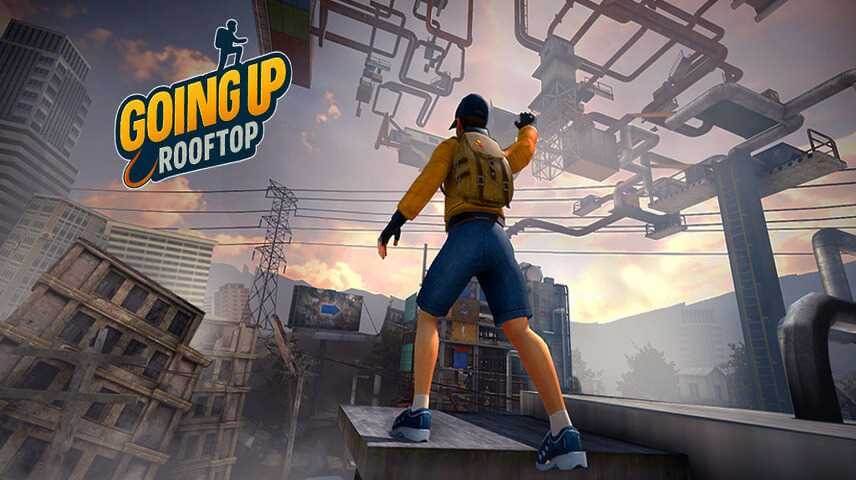
Running across rooftops in a video game just feels right. Maybe it’s the height, the risk of a bad jump sending you into pixelated oblivion, or the way your brain lights up when you chain a wall climb into a perfectly timed leap. Going Up Rooftop taps into that feeling and doesn’t let go. It’s a parkour adventure that takes you from one precarious rooftop to the next, and the only rule is don’t fall.
GeniGames made this one—a developer that knows how to make movement feel good. You sprint, flip, and climb your way upward through what feels like an endless city skyline. Each roof is a new puzzle of gaps, walls, and ledges. The controls are tight, the camera follows every spin, and the difficulty curve is steep enough that you’ll keep retrying a level just to nail one tricky wall run. Simple in concept, but the execution makes it addictive.
What keeps people coming back is the flow. When you hit a rhythm—jump, flip, grab a wall, climb, leap again—the game almost feels like a dance. One wrong press and you’re falling, but when it clicks, you feel like an absolute daredevil. And because each level is short, it’s easy to say “one more try” about twenty times in a row.
How to Play
The objective is straightforward: reach the top of each rooftop course without falling. You start at the bottom and work your way up by jumping between platforms, climbing walls, and sometimes flipping through the air to land on a narrow ledge. The game doesn’t hold your hand, so you’ll need to learn the physics quickly.
Desktop controls:
- Movement: W, A, S, D or arrow keys.
- Camera: Move your mouse to look around.
Keep the camera angled so you can see where you’re jumping. The default view is behind your character, but you can adjust it freely. Wall climbing happens automatically when you run into a wall and press forward, but timing matters—you can’t just hold W and hope.
Mobile controls:
On a phone or tablet, controls are touch-based. A virtual joystick on the left handles movement; swipe or drag on the right side to rotate the camera. It works well enough, though precise jumps feel trickier on a small screen. The game adapts to your device, so you can pick it up on a tablet for a better view.
The core loop is simple: run, jump, climb, don’t die. But each level introduces new layouts. Some rooftops are close together, requiring short hops. Others have huge gaps that force you to run and jump at the last second. Walls appear at different angles, and you’ll need to judge when to start climbing versus when to jump off and grab a higher ledge. The game rewards patience as much as speed.
Features
Going Up Rooftop doesn’t have multiple game modes, but it doesn’t need them. The single adventure mode is a long series of increasingly difficult levels. Each one is a fresh layout, so you never feel like you’re repeating the same rooftop twice. Difficulty ramps up naturally: early levels let you get a feel for the controls, and later ones demand precise timing and quick camera adjustments.
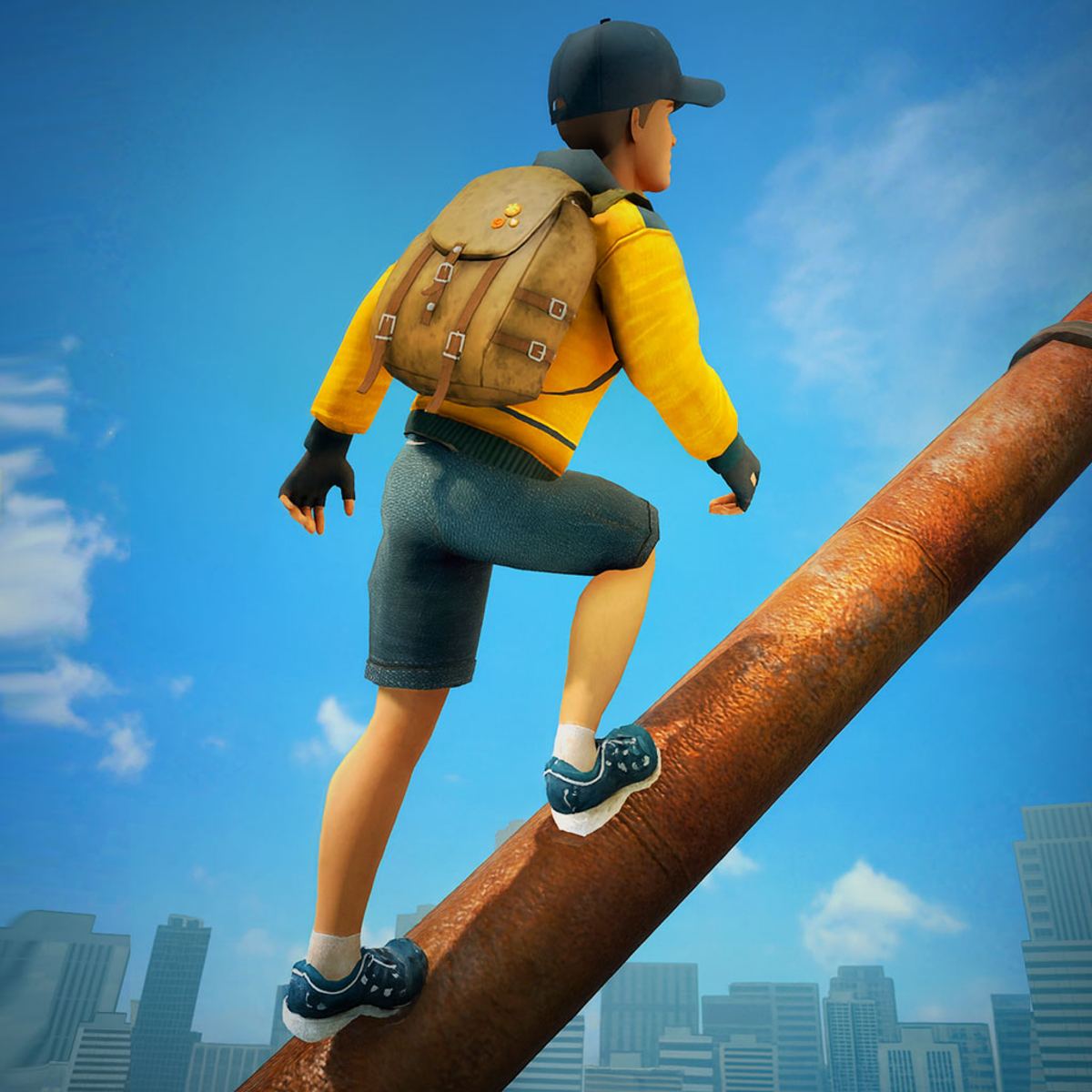
The movement system is the real star. Your character can perform flips and spins in the air—not just for show, they help adjust your landing angle. Wall climbing is smooth and responsive; you can run up a vertical surface and then push off backward to reach a distant platform. The physics feel weighty enough that every jump has consequence, but not so heavy that the game becomes sluggish.
There’s also a subtle visual progression. As you climb higher, the background changes from low-rise buildings to towering skyscrapers. The color palette shifts from warm sunset tones to cooler night blues, giving each set of levels a distinct mood. It’s a small touch, but it makes the climb feel like a journey.
The game is free to play on Poki, with no paywalls or ads that interrupt your runs. You can play it on a computer, a phone, or a tablet. The mobile version is identical in content, just with adapted controls.
Tips and Strategies
- Look before you leap. It sounds obvious, but many players jump blindly. Use the mouse to pan the camera and see where the next platform is. A quick glance can save you from a short fall.
- Don’t always sprint. Running at full speed feels great, but it makes your jumps harder to control. Slow down when you’re approaching a narrow ledge or a wall you need to climb. You can always speed up on the straightaways.
- Use wall climbs to recover. If you miss a jump but hit a wall, don’t panic. Press toward the wall and you’ll climb it. From the top, you can often reach the platform you missed. This works best if the wall is tall enough.
- Flips are for style, but they also help. Doing a flip in the air changes your character’s rotation. If you’re about to overshoot a landing, a quick flip can bring your feet down sooner. Practice them in the early levels so they become second nature.
- Learn the rhythm of each level. The best players don’t think about individual jumps; they flow through the whole course. After a few tries, you’ll internalize the sequence. Use that knowledge to chain moves together without hesitation.
- Adjust your camera angle before a difficult jump. If you’re about to make a long leap, tilt the camera slightly downward so you can see the landing spot. If you keep the camera too high, you might misjudge the distance.
Common Mistakes
- Overshooting platforms. It’s the number one reason new players fall. They hold the run button and jump too early, sailing past the ledge. The fix is simple: wait until you’re almost at the edge before jumping, and don’t hold forward the whole time.
- Ignoring the camera. On desktop, the mouse controls the view, but many players forget to use it. They try to jump with a fixed camera and miss because they can’t see the gap properly. Make it a habit to move the camera as you run.
- Panic pressing when falling. When you slip off a ledge, the instinct is to spam jump or move keys. That usually makes things worse. Instead, try to steer yourself toward a wall. If you hit it, you can climb back up. If not, accept the fall and restart.
- Forgetting that wall climbing has limits. You can’t climb forever. Your character will slide down if the wall is too high or if you don’t have enough momentum. Plan your climbs so you reach a ledge before you lose grip.
- Rushing the first few levels. Some players breeze through early rooftops and then hit a wall when the difficulty spikes. Take the time to master the basics—timing, camera control, wall climbing—before you tackle the later stages. It pays off.
FAQ
Is Going Up Rooftop free to play?
Yes. You can play it for free on Poki, both on desktop and mobile. There are no hidden costs.
What platforms is it available on?
The game runs in a browser on PC and Mac. It also works on mobile devices like phones and tablets, with touch controls.
Who developed the game?
GeniGames created Going Up Rooftop. They’ve made several other browser games, including Perfect Landing, Plane Pilot and Bot Crash Combat Arena.
How do I control the camera on a phone?
On mobile, you drag your finger on the right side of the screen to rotate the view. The left side controls movement. It takes a little practice, but it works.
Does the game have an ending?
Yes, there are multiple levels that increase in difficulty. The final rooftops are quite challenging, so expect to retry them a few times.
Can I play with a controller?
The browser version supports keyboard and mouse. Controller support isn’t mentioned, but you might be able to map keys through third-party software.
Why does my character sometimes not grab a wall?
You need to be moving toward the wall and press the forward key just as you make contact. If you’re falling straight down, you won’t grab it. Approach walls at an angle for the best chance.
If you’re looking for a parkour game that respects your time and actually makes you feel like you’re soaring above a city, Going Up Rooftop delivers. It’s tight, it’s fair, and it’s the kind of game you’ll keep coming back to until you’ve conquered every rooftop. Just remember to look before you leap.