



Heads Arena: Soccer All Stars
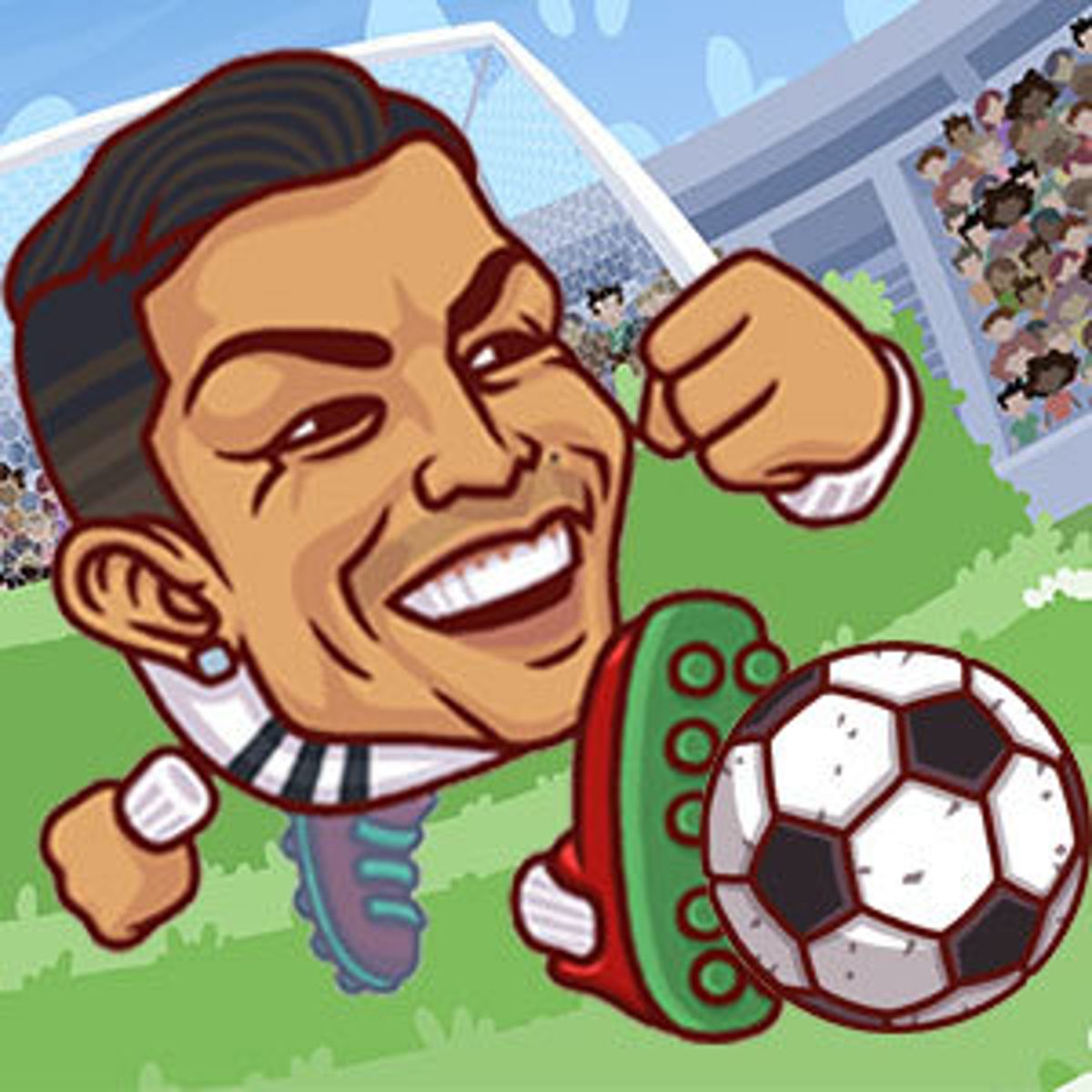
You’ve probably played a dozen soccer browser games that feel like they were coded in an afternoon. Heads Arena: Soccer All Stars isn’t one of them. Developed by Poki Studios and released in early 2019, it’s stuck around for a reason. Fast, chaotic, and rewarding—it actually pays to learn its quirks instead of just mashing buttons. The oversized cartoon heads on the players give the game its name, but underneath that goofy look is arcade soccer with surprisingly tight ball physics and matches that rarely stretch past a couple of minutes.
What keeps people coming back is the mix of simplicity and unpredictability. You control one player at a time, but the ball bounces off walls, your teammate might accidentally score an own goal, and power-ups occasionally rain down to flip the momentum. It’s the kind of game you open in a browser tab while waiting for something else, then lose three matches in a row because you refused to close the tab. The two-player local mode is especially dangerous for friendships.
How to Play
The objective is straightforward: score more goals than your opponent before time runs out. Each match lasts 90 seconds by default, though some modes tweak that. You control a single player on a small indoor field with walls. No offsides, no fouls, no throw-ins. Just kick the ball into the net.
Controls on Desktop
- Move: Arrow keys or WASD.
- Kick / Shoot: Spacebar. Hold it down for a stronger shot.
- Switch Player (if playing 2v2 with a CPU teammate): Press Q or E to swap control to the nearest teammate. This is critical—your AI partner isn’t always smart, so you’ll often need to take over.
The spacebar is your only action button. There’s no separate pass button; you just kick in the direction you’re facing. That means positioning matters a lot. If you’re facing your own goal and hit spacebar, you’re likely scoring an own goal. Learn to angle your player before kicking.
Controls on Mobile
Touch controls are simple: a virtual joystick on the left side of the screen for movement, and a kick button on the right. The joystick is responsive enough, but the lack of a pass button means you’ll rely on the same directional kick mechanic. On a phone, the smaller screen can make it harder to see incoming opponents, so you’ll want to keep the camera zoomed out if possible (the game does this automatically, but sometimes it feels too close).
The Kick Mechanic
The kick isn’t just “press to shoot.” Hold the button longer to charge a more powerful kick. A fully charged shot sends the ball rocketing across the field, but it also gives the opponent time to close in. Tap quickly for a short pass or a light tap toward the goal. The ball also retains spin based on your movement direction when you kick—if you’re running diagonally, the ball will curve slightly. It’s not exaggerated, but it’s enough to matter in tight angles.
Game Modes
The game offers a few distinct ways to play, and they’re not all created equal.
Quick Match (1v1)
This is the standard mode. You against a CPU opponent or a local friend. The CPU difficulty scales with your performance, but it’s never unfair—just annoying when the AI pulls off a perfect wall bounce. 1v1 is the best way to learn the basics because you only have yourself to blame.
2v2 Mode
You and a CPU teammate against two opponents. This is where the “switch player” button becomes essential. Your AI teammate tends to chase the ball mindlessly, leaving the goal wide open. You’ll often need to switch to the defender and manually cover the net. The 2v2 mode is more chaotic and more fun with a second human player, but the AI partner can be a liability.
Tournament Mode
A bracket-style competition where you play several matches in a row. You start with a few teams to choose from, and winning advances you to the next round. The tournament mode is the closest thing to a career mode, though there’s no real progression beyond winning the trophy. It’s good for practicing under pressure because each match matters—if you lose, you’re out.
Two-Player Local
This is the mode that sells the game. Two players on the same keyboard (or same screen on mobile) go head-to-head. Player 1 uses WASD + Space, Player 2 uses Arrow keys + Enter or a separate kick key (usually Numpad 0 or something customizable). The screen splits into a shared view, so you can see each other’s movements. It’s chaotic and hilarious, especially when both players try to score at the same time and the ball just pinballs between them.
Practice Mode
A no-pressure mode where you can shoot at an empty goal or against a stationary defender. Useful for testing how the ball reacts off walls and how much power you need for different distances. Most players skip it, but the ones who don’t tend to win more.
Features Worth Mentioning
- Wall bounces: The ball bounces off the walls realistically. You can bank shots off the side wall to curve around a defender, or use the back wall to center a pass to yourself. Good players use walls constantly.
- Power-ups: Occasionally, a glowing icon appears on the field. Grabbing it gives you a temporary boost—faster speed, a stronger kick, or a multi-ball effect where the ball splits into three for a few seconds. Power-ups are random, so don’t rely on them, but they can turn a losing game around.
- Player customization: You can change your character’s skin color, hair, and jersey. It’s purely cosmetic, but it helps you spot your player in the 2v2 chaos.
- No stamina or fatigue: Players never tire. That means you can sprint the entire match, which is both a blessing and a curse—it makes the game faster but also means positioning mistakes are punished instantly because you can’t rely on the opponent slowing down.
- Cross-platform support: Works on desktop and mobile browsers. Progress doesn’t sync (there’s no account system), but you can pick up and play anywhere.
Tips and Strategies
After a few dozen matches, you’ll notice patterns. Here’s what separates a decent player from someone who just kicks and hopes.
1. Use the Walls
The most underused mechanic is the wall pass. Instead of dribbling directly toward the goal, kick the ball at a 45-degree angle toward the side wall. It will bounce off and land in front of your teammate or, if you time it right, in front of yourself after you run past the defender. This is especially effective in 2v2 because the AI opponents don’t anticipate bounces well.
2. Don’t Always Charge Your Shot
A full-power shot is loud and fast, but it also gives the goalkeeper more time to react because the ball travels in a straight line. Sometimes a light tap into the corner is harder to save. Practice tapping the kick button quickly to produce a low, slow roller that slides past the keeper’s dive.
3. Position Yourself Between the Ball and Your Goal
On defense, the most important thing is to not let the opponent shoot from a good angle. Stay between the ball and the goal, but don’t charge directly at the ball holder—if you do, they can just kick past you. Instead, cut off the passing lanes and force them to the sideline. In 2v2, switch to the defender manually and cover the center.
4. Learn the Goalkeeper’s Patterns
The AI goalkeeper is decent but predictable. It always dives toward the ball’s trajectory, but it has a slight delay. If you shoot from close range, the keeper usually can’t react in time. From long range, the keeper will save most shots unless you aim for the top corners. The top corners are the sweet spot—hard to reach and the keeper’s dive is slower upward.
5. Sprint Sparingly
Sprinting (holding a movement key) makes you faster, but it also makes your turning radius wider. In a small field, that can cause you to overshoot the ball. Tap sprint only when you need to close a gap or chase a loose ball. Otherwise, move at normal speed to maintain control.
6. Use the Switch Player Button in 2v2
I can’t stress this enough. Your AI teammate will often stand still or run away from the ball. If you see an opponent about to take a shot, switch to the nearest defender and block the shot manually. The switch button is Q or E on desktop; on mobile, there’s a small icon to tap. Use it every few seconds.
7. Aim for the Near Post
When you’re one-on-one with the keeper, aim for the near post (the side you’re closest to). The keeper tends to cheat toward the far post, leaving the near side slightly open. A quick tap shot to the near post is a high-percentage goal.
Common Mistakes
Even experienced players fall into these traps. Here’s what to avoid.
1. Kicking the Ball Away Without Looking
The most common mistake: you get the ball, panic, and kick it straight ahead. Nine times out of ten, that kicks it directly to an opponent. Instead, take a second to look at the minimap (top corner) or glance at where your teammates are. If there’s no clear pass, dribble sideways or backward.
2. Overcommitting on Defense
When you control a defender, it’s tempting to chase the ball carrier everywhere. That leaves the rest of the field wide open. Stay disciplined. Don’t rush out of position unless you’re sure you can win the ball. A well-timed tackle (just running into the ball carrier) can dispossess them, but if you miss, you’re out of the play.
3. Ignoring the Power-Up
Some players treat power-ups as a distraction. They’re not. A speed boost can let you outrun the entire defense. A multi-ball power-up creates chaos that often leads to a goal. If you see a power-up near you, grab it. Even if you don’t need it, deny it to the opponent.
4. Forgetting to Switch Players
In 2v2, many players control one player the whole match and never switch. That leaves the AI to defend the goal, which is a disaster. Switch constantly. Ideally, you should control the player closest to the ball, but also switch to a defender when the ball is near your goal.
5. Not Using the Back Wall
The back wall (behind the goal) can be your best friend. If you’re near the goal line and the angle is tight, kick the ball backward off the back wall. It will bounce out in front of the goal, often past the keeper. This is a trick shot that works surprisingly often.
6. Holding the Kick Button Too Long
Charging a kick gives power, but it also slows you down while you’re charging. If you’re in a crowd, you’ll get tackled before you release. Learn to tap-kick quickly in traffic and only charge when you have space.
FAQ
Q: Can I play Heads Arena: Soccer All Stars with a friend online?
A: No, the game does not support online multiplayer. You can play local two-player on the same keyboard or mobile device, but there’s no way to play against someone over the internet.
Q: How do I change my player’s appearance?
A: On the main menu, look for a “Customize” button (it looks like a shirt icon). You can change skin color, hair style, and jersey color. These changes only apply to your local profile—there’s no account system.
Q: Is there a way to turn off power-ups?
A: No, power-ups are always enabled in all modes. They appear randomly, roughly once every 30 seconds. If you want a pure soccer experience without power-ups, this game probably isn’t for you.
Q: Why does my teammate sometimes stand still?
A: The AI is not very smart. It has a few basic behaviors, but it often gets stuck or doesn’t react to loose balls. That’s why switching players manually is so important. The game is really designed for 1v1 or 2v2 with two human players.
Q: The game runs slowly on my phone. Can I lower the graphics?
A: There are no graphics settings in the game. If it’s lagging, try closing other browser tabs or playing on a desktop. The game is lightweight, but older mobile devices may struggle with the 3D rendering.
Final Thoughts
Heads Arena: Soccer All Stars is a solid browser game that doesn’t pretend to be a simulation. It’s arcade soccer with a good sense of physics, chaotic multiplayer, and enough depth to keep you coming back for “one more match.” The lack of online multiplayer is a bummer, but if you have a friend sitting next to you, it’s one of the best two-player browser games out there. The controls are simple enough to pick up in seconds, but the wall bounces and power-ups add layers that reward practice. Give it a try, and try not to blame your teammate too much—you can always switch to them and do it yourself.