




Stickman Crazy Box
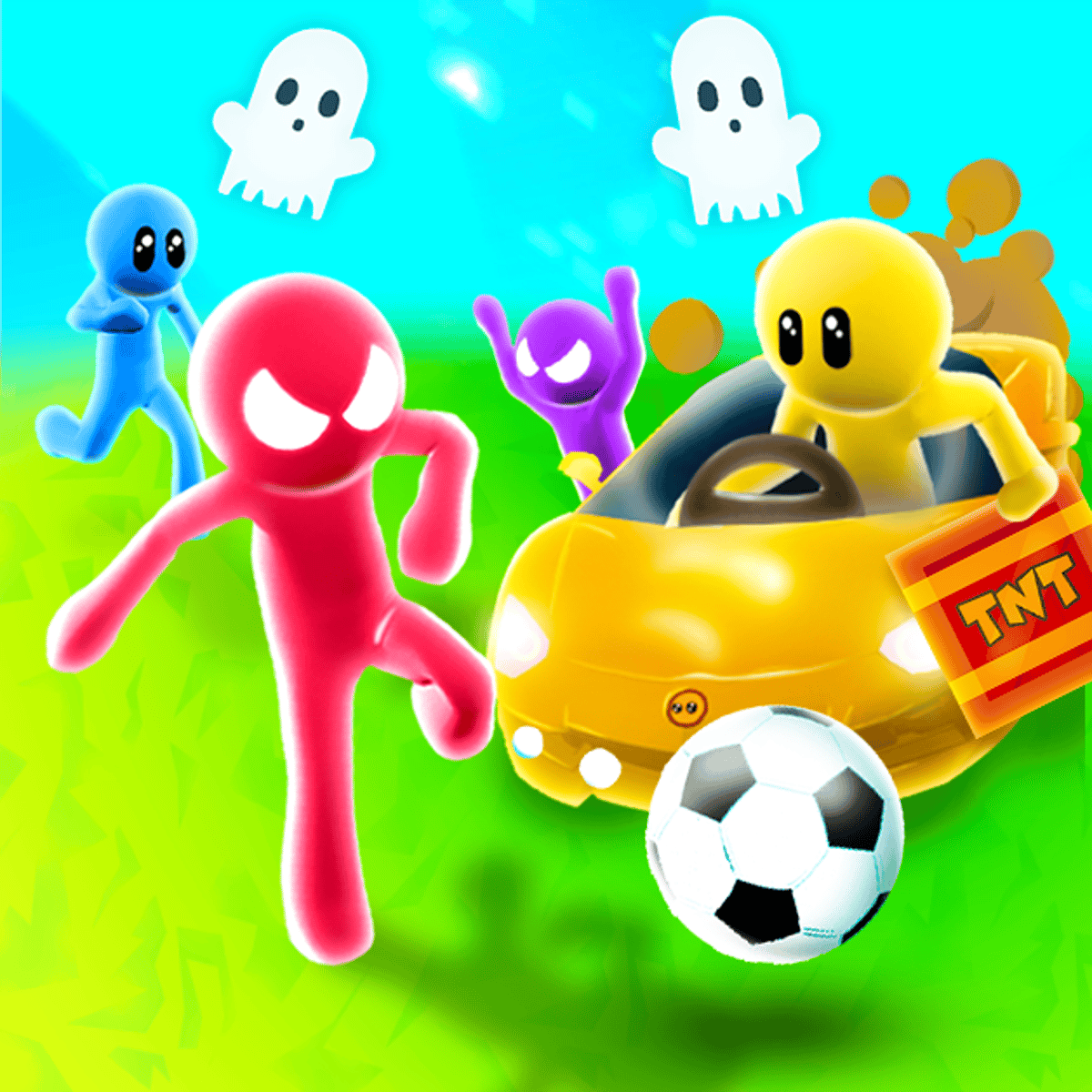
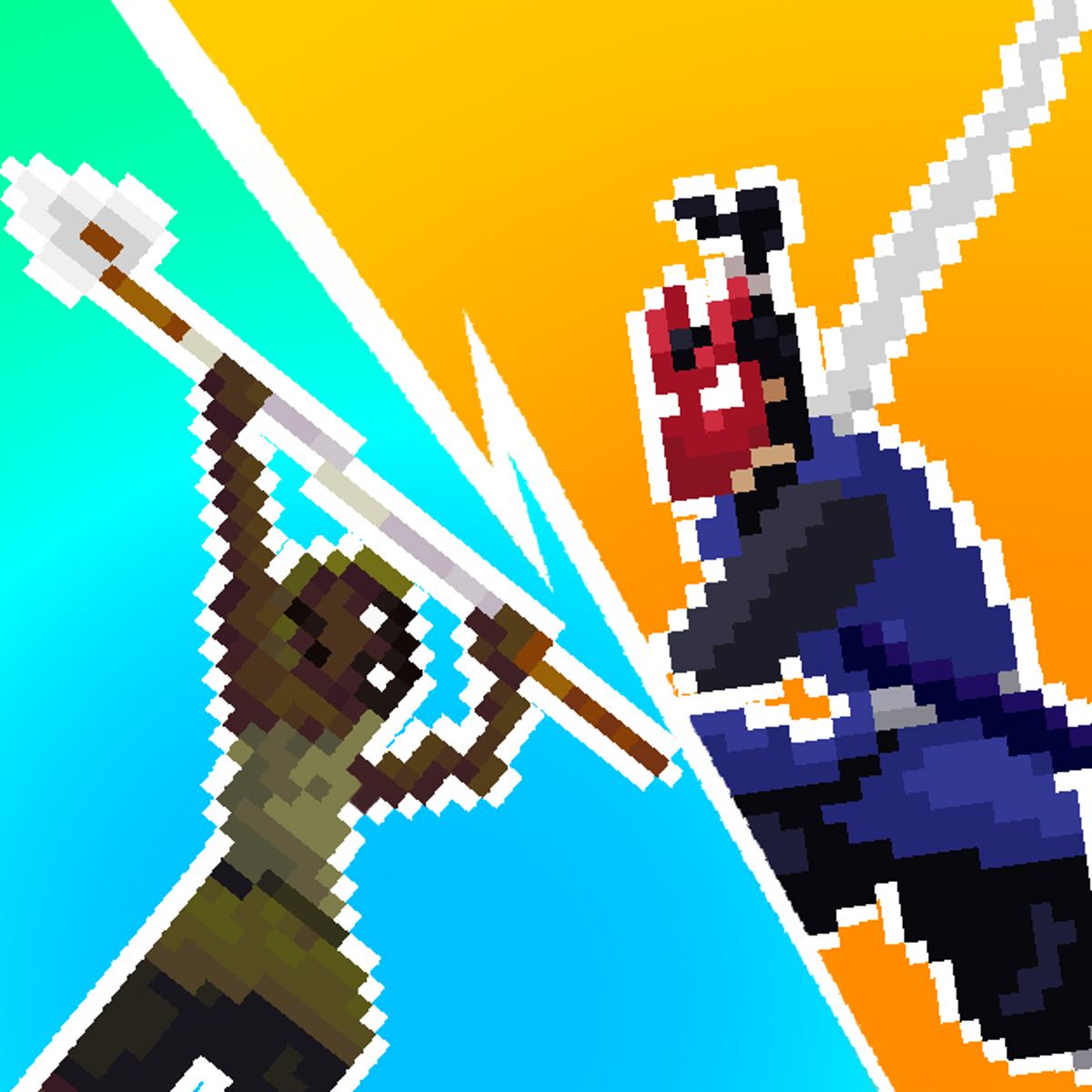
Ever wanted a single game that feels like twenty different arcade cabinets crammed into one browser tab? Stickman Crazy Box is exactly that. It’s a collection of mini-games starring the usual stick figures, but the variety keeps pulling you back. One round you’re dodging saw blades, the next you’re racing a friend in a footrace, and then you’re suddenly in a slap-fight over a crown. It’s chaotic, fast, and never gives you time to get bored.
The developer, Art Industries, clearly knows that stickman games live or die by their responsiveness and variety. Stickman Crazy Box delivers on both. The controls are tight enough that losing feels like your own fault, not the game’s. With support for up to four players locally, it’s the kind of game you load up when friends are over and you need something silly to compete in without a long setup. No accounts, no downloads—just pick a mode and go.
What makes it stick is the sense of progression. You unlock skins and accessories as you play, so even if you lose a bunch of mini-games, you’re still earning something. It’s a small hook, but it works. You start as a plain stickman and end up looking like a samurai with a top hat, which is exactly the kind of dumb fun that keeps you clicking “next game.”
How to Play
The core of Stickman Crazy Box is simple: you play a series of short mini-games, each with its own objective, and try to come out on top. Whether solo or with friends, the goal is usually to win the most rounds and rack up the highest score.
Controls
The game supports up to four players on the same device, so the keyboard gets divided up. Here’s how it works:
- Player 1: W, A, S, D
- Player 2: Arrow keys (Up, Down, Left, Right)
- Player 3: I, J, K, L
- Player 4: T, F, G, H
Each mini-game uses the same movement keys, but the action changes. Sometimes you’re running to grab an item, sometimes you’re dodging hazards, sometimes you’re trying to push other players off a platform. The controls don’t change, so you can jump into any game without re-learning buttons.
Mobile and Touch
On a phone or tablet, the controls switch to touch. You get virtual buttons on the screen—usually a joystick on the left and a few action buttons on the right. It’s not as precise as a keyboard, but for the simpler mini-games it works fine. The game is playable on both desktop and mobile, but if you’re playing with friends locally, you’ll want everyone on the same computer for the best experience.
Game Modes
There are two main ways to play:
- Quick Game: Jump straight into a random mini-game. Great for when you have a minute or two and just want to mess around. You can also pick a specific game from the menu once you’ve unlocked it.
- Tournament Mode: A series of mini-games strung together. Each player competes in every round, and points accumulate. At the end, the game declares a winner. This is the main way to play with friends, since it gives everyone a fair shot across multiple games.
There’s no online multiplayer—everything is local. That means you’ll need to share a screen, but honestly, that’s part of the fun. The yelling and laughing happen in the same room.
Tips and Strategies
You can’t master all twenty mini-games overnight, but a few general principles will help you win more often.
- Learn the rhythm of each game. Many mini-games are about timing, not speed. For example, in games where you have to jump over obstacles, watch the pattern for a second before moving. Reacting immediately often gets you killed.
- Stay unpredictable against human opponents. In games where you can push or block other players, don’t just run straight at them. Fake left, then go right. Most players panic and mash buttons, so a little patience goes a long way.
- Use the environment. Some mini-games have walls, spikes, or moving platforms. Don’t just focus on other players—pay attention to what’s around you. Getting knocked into a pit is a common way to lose, and it’s almost always avoidable if you keep an eye on your surroundings.
- Grind for cosmetics. The unlockable skins aren’t just for show—they give you a sense of progression that keeps the game from feeling repetitive. If you’re stuck on a particular mini-game, switch to Quick Game and try a different one. You’ll earn points either way.
- Tournament mode is the real test. Quick Game is fine for practice, but the pressure of a tournament changes things. You have to be consistent across multiple games, not just good at one. Use Quick Game to find your weak spots, then practice those specific mini-games.
Common Mistakes
Even experienced players fall into these traps. Avoid them and you’ll win more rounds.
- Button mashing. In games that require precise movement, mashing keys makes you less responsive. You’ll overshoot jumps, run into hazards, and generally look like you’re having a seizure. Take a breath and move deliberately.
- Ignoring the other players. In solo play, you only have to worry about the game itself. But in multiplayer, other players are often the biggest threat. Don’t tunnel-vision on the objective—watch what your opponents are doing and react accordingly.
- Sticking to one mini-game. It’s tempting to only play the games you’re good at, but variety is the point. If you always pick the same one, you’ll miss out on the full experience, and you won’t improve your overall skills.
- Playing on mobile without adjusting. Touch controls are less precise. If you’re on a phone, expect to lose a few rounds to input lag or mis-taps. Don’t get frustrated—it’s the nature of the platform. Stick to keyboard when you can.
- Forgetting the controls for players 3 and 4. If you’re hosting a four-player session, make sure everyone knows which keys they’re using. Nothing kills the mood faster than someone hitting the wrong button and blaming the game.
FAQ
Can I play Stickman Crazy Box online with friends?
No, the game only supports local multiplayer. All players must be on the same device. There’s no online matchmaking or private lobbies.
Is there a way to save my progress or skins?
Your unlocked skins and accessories are saved in your browser’s local storage. If you clear your cache or switch devices, you’ll lose them. There’s no cloud save or account system.
How many mini-games are there?
The game includes 20 different mini-games. Some are unlocked from the start, and others become available as you play more rounds.
Does the game work on phones?
Yes, it works on mobile browsers with touch controls. It’s a bit less responsive than on desktop, but it’s fully playable.
Is Stickman Crazy Box free?
Yes, it’s completely free to play in your browser. There are no microtransactions or ads that interrupt gameplay—just the occasional banner on the site.
---
Stickman Crazy Box doesn’t try to be anything more than a fun, chaotic collection of mini-games. It’s the kind of game you pull up for a quick break or a party with friends, and it delivers exactly what it promises: twenty different ways to make a stickman fall over. The controls are simple, the variety is solid, and the unlockable cosmetics give you a reason to keep playing. If you’ve got a keyboard and a few minutes to kill, it’s worth a look.