

Penalty Kicks
Penalty Kicks proves you don’t need a console or a giant controller to feel the pressure of a shootout. It’s a browser-based penalty simulator from Codethislab, the same studio behind a bunch of other clean, pick-up-and-play sports titles. You step up to the spot, choose your direction, set your power, and try to beat the keeper. Each attempt takes about ten seconds, but it stays fresh. Whether you’ve got five minutes between meetings or a whole afternoon to kill, the rhythm of aiming, shooting, and either celebrating or slamming your desk is tough to put down.
The mechanics feel tight for a free browser game. The keeper reacts realistically—he’ll dive early if you telegraph your shot, or he’ll stay planted if you blast it straight down the middle. You can curve the ball, chip it, or just smash it as hard as you can. Because each round is short, you can play a full match against the AI or a friend in just a couple of minutes. It’s the kind of game where you tell yourself “one more try” and suddenly it’s an hour later.
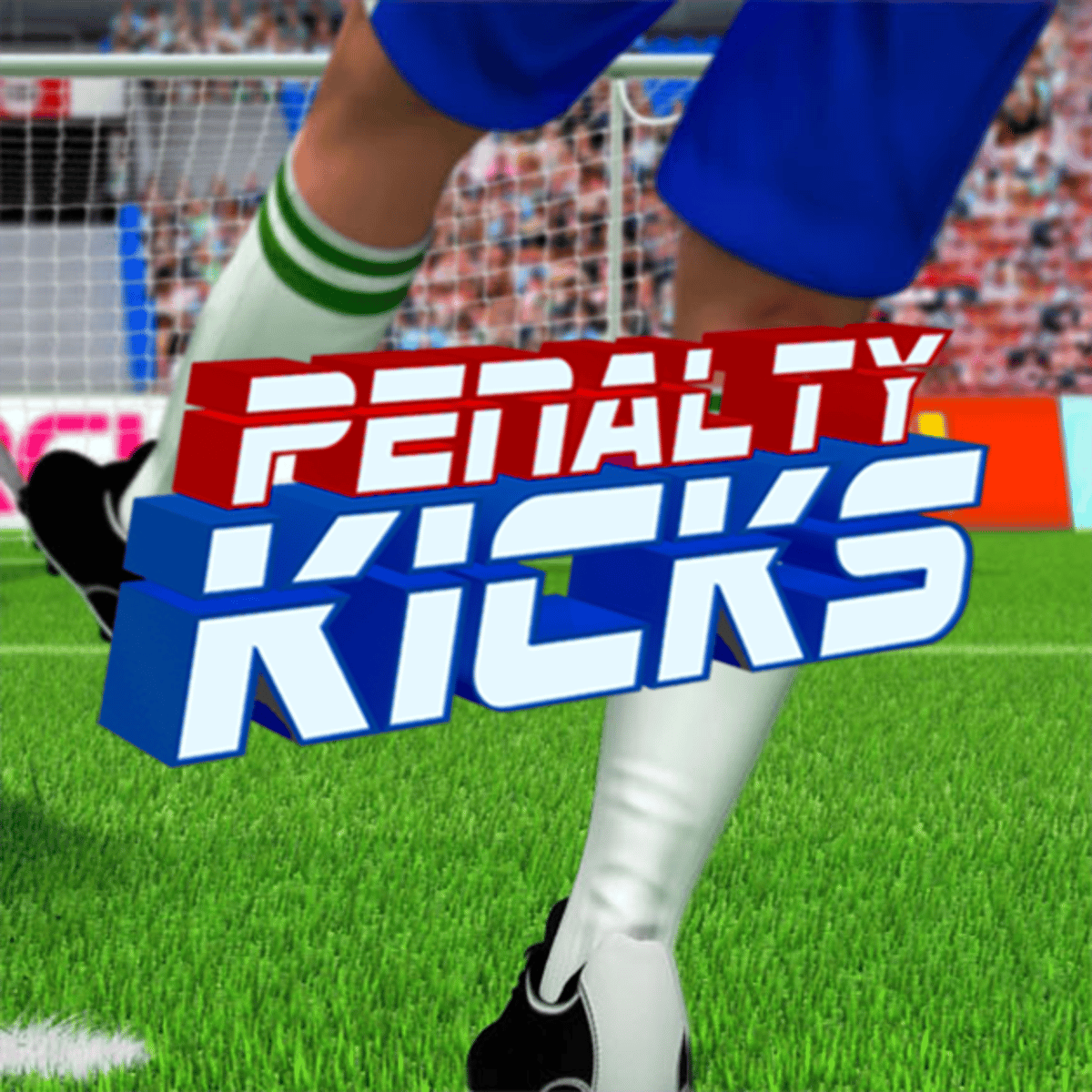
The visuals are simple but clean: a green pitch, a goal, a keeper in bright kit, and a ball that actually feels like it has weight. No flashy cutscenes, no commentary, no loot boxes. Just you, the ball, and the net. That straightforwardness is exactly why people keep coming back.
How to Play
The objective is straightforward: score more penalties than your opponent over a set number of rounds. In the standard mode, you get five kicks each, then sudden death if it’s tied. You take turns—first you shoot, then you defend, then back to shooting.
Desktop controls: Use your mouse. Click and drag to aim—pull back to set power, then release to shoot. The farther you drag, the harder the shot. You can also add curve by moving the mouse left or right just before releasing. To defend, click on the spot you want your keeper to dive. Timing matters: if you dive too early, the ball might go the other way; too late and you’ll just watch it sail past.
Mobile controls: Same idea, but with touch. Swipe from the ball to aim and set power. The sensitivity feels good on phones—you don’t need a stylus or a giant screen. Defending is a single tap where you want the keeper to go.
There’s no tutorial, but you’ll figure it out after two shots. The game throws you straight into a match, which I prefer. No hand-holding, just trial and error.
Game Modes
Penalty Kicks offers two main ways to play:
Penalty Challenge – This is the core mode. You go head-to-head against the AI (or a local friend) in a shootout. You can choose between a quick 3-round match or the full 5-round regulation. The AI gets progressively harder the more you win, but even at the highest difficulty, it never feels unfair—it just reads your patterns better.
World Soccer Champions – A tournament-style mode where you pick a national team and play through a bracket. Each match is a shootout, and you need to win three or four in a row to lift the trophy. The opponents have different styles: some keepers rush early, others stay deep. It adds a bit of variety without overcomplicating things.
There’s also a local two-player option, perfect for passing the phone back and forth. No online multiplayer, but the local mode works great for quick trash-talk sessions.
Tips and Strategies
After a hundred or so kicks, you start noticing patterns. Here’s what actually works:
Mix up your placement. If you shoot top-left three times in a row, the keeper will start cheating that way. Alternate between low corners, high corners, and the occasional middle shot. The middle is risky—if the keeper stays put, you look silly—but it’s a great surprise when they’ve been diving every time.
Watch the keeper’s feet. The AI keeper has a tiny tell: he shifts his weight slightly before diving. If you pay attention, you can see which way he’s leaning and shoot the other way. It’s subtle, but once you spot it, you’ll score way more.
Don’t always go full power. A hard shot is satisfying, but it’s also easier to miss. A well-placed medium shot into the side netting is just as effective and way more consistent. Save the rocket for when you need a morale boost.
Curve is your friend. A slight curve can take the ball just inside the post, even if your initial aim looks a little wide. Practice curving both left and right so you can hit both corners without being predictable.
On defense, don’t dive too early. Wait until the ball is kicked, then react. The keeper’s dive speed is fast enough to reach most shots if you time it right. The exception is when you’re playing against someone who always shoots the same way—then you can guess early and look like a hero.
Common Mistakes
New players tend to fall into the same traps:
Always shooting the same corner. It’s the easiest habit to form, and the AI will punish you for it after two rounds. Even if you score, the keeper will start cheating that way.
Overpowering the shot. Dragging the power bar all the way back sends the ball into row Z. A gentle tap into the corner is often more effective than a thunderbolt that sails over the bar.
Not watching the keeper on defense. Some players stare at the ball and guess randomly. Instead, watch the shooter’s body angle and the ball’s initial trajectory. You can often react in time.
Diving the same way every time. Just like shooting, if you always dive left, the AI will notice and shoot right. Mix it up.
Forgetting about the chip shot. You can lob the ball straight down the middle if you aim high and use very little power. It’s a great option when the keeper dives early, but it’s easy to mess up the timing.
FAQ
Can I play Penalty Kicks on my phone?
Yes. It works on both iOS and Android browsers. The touch controls are smooth and responsive.
Is there a multiplayer mode?
Only local two-player on the same device. No online matchmaking, but you can take turns with a friend.
How do I curve the ball?
On desktop, move your mouse left or right just before releasing the shot. On mobile, swipe in the direction you want the ball to curve. It takes a little practice, but you’ll get the hang of it.
What’s the highest difficulty?
The AI gets harder the more you win in Penalty Challenge. After about ten consecutive wins, the keeper becomes very good at reading your shots. You’ll need to be unpredictable.
Is the game free?
Yes, completely free. No ads that interrupt gameplay (just occasional banners around the page), and no pay-to-win mechanics.
---
Penalty Kicks doesn’t try to be anything more than a simple, well-made penalty shootout. You can teach a kid how to play in ten seconds, then spend an hour trying to beat them. If you’ve ever enjoyed the tension of a real penalty kick—the silence, the run-up, the split-second decision—this browser version captures that feeling remarkably well. Give it a shot. Just don’t blame me when you’re still playing forty-five minutes later.