





Cat Pizza
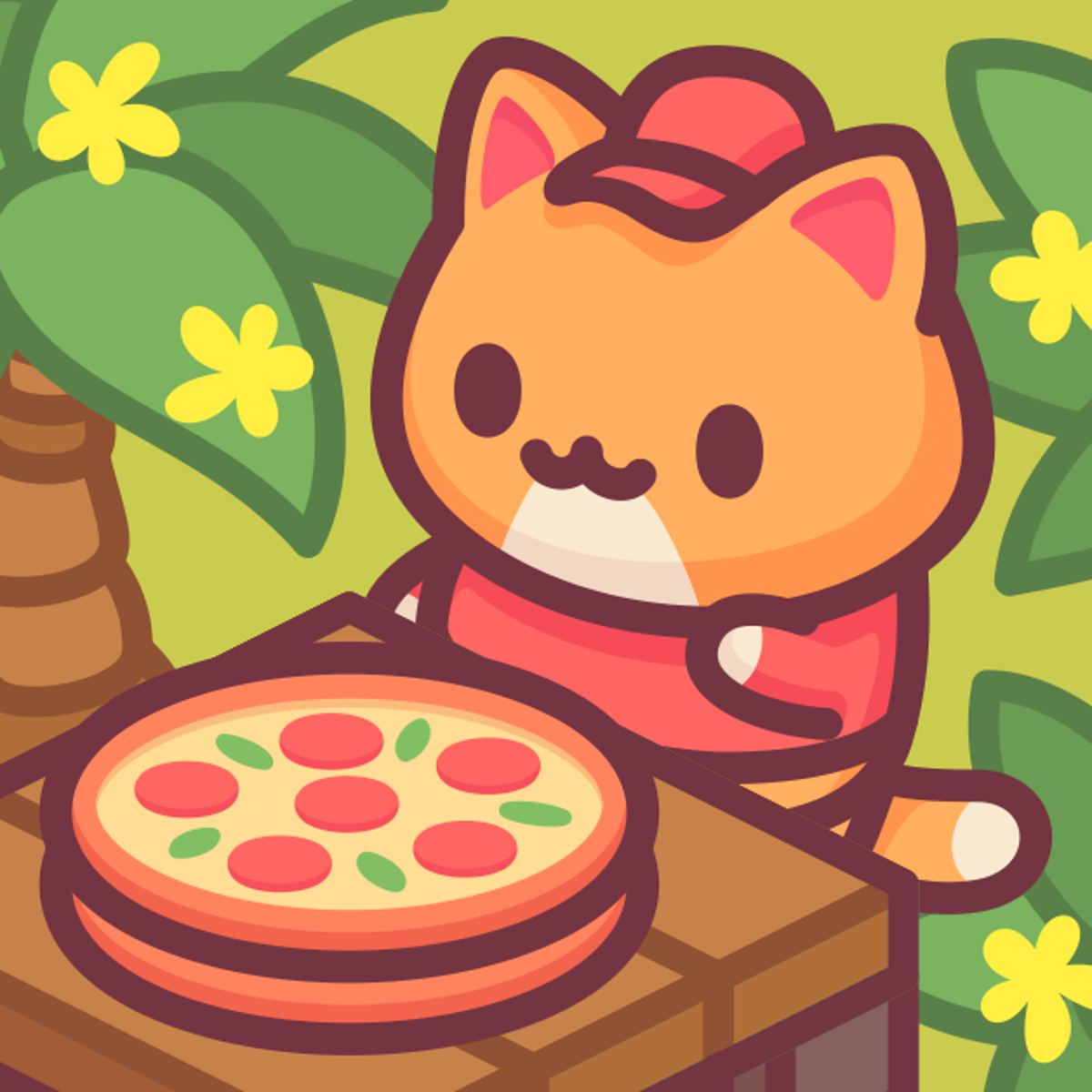
Running a tiny pizza shop staffed entirely by cats shouldn’t work, but somehow it does. Cat Pizza, from Cosmonautic Games, puts you in the paws of a feline entrepreneur who believes the world needs more pizza made by cats. You take orders, assemble toppings (no actual dough-tossing—just button presses), and serve a steady line of whiskered customers. It’s a cozy management sim that asks little more than a willingness to keep moving and a soft spot for cartoon cats.
The loop is tight: the pace is relaxed without being dull, and every upgrade feels like it matters. You start with a small shop, a few tables, and maybe two recipes. As tips and cash roll in, you buy new tables, expand the menu, and eventually turn your humble joint into the hottest cat café in town. The graphics are bright and cheerful, the cats are cute in that slightly goofy way, and the whole thing runs smoothly in a browser tab. It’s the kind of game you open during a coffee break and suddenly it’s an hour later.
How to Play
Your goal is straightforward: run a pizza restaurant. Cat customers walk in, sit at tables, and expect to be served. You take their order, head to the kitchen, assemble the pizza (usually by dragging or selecting toppings, then baking), and bring it back. After they eat, you clear the table so the next customer can sit. Every successful order earns coins, and faster service means better tips.
On desktop, you move your cat character with the WASD keys or the arrow keys. No jumping or combat—just walking between stations. On mobile, a virtual joystick appears on the left side of the screen, and you tap buttons or drag ingredients with your finger. The controls are responsive on both platforms, though I found the mobile version slightly more fiddly when trying to grab precise ingredients quickly.
The core actions are simple: approach a customer to see their order (usually a specific pizza type), go to the prep counter, select the right dough, sauce, cheese, and toppings, then slide it into the oven. Wait a few seconds, grab the finished pizza, and deliver it to the customer’s table. Then clean the table and repeat. It’s a cycle, but the game keeps it fresh by introducing new recipes, more customers, and bigger spaces as you progress.
Features
Cat Pizza doesn’t have separate game modes—it’s a single, continuous campaign of sorts—but it does have several systems that evolve as you play.
Upgrade system: You earn coins to spend on various upgrades. New tables let you serve more customers at once. Kitchen upgrades speed up baking or improve ingredient capacity. You can also buy decorative items that don’t affect gameplay but make the place look nicer. The upgrade tree is linear but satisfying; each purchase feels like a real step forward.
Recipe unlocks: At the start you can only make a basic cheese pizza. Soon you’ll unlock pepperoni, then veggie, then more exotic combinations. Each new recipe adds variety and sometimes a higher price tag, meaning more profit per order.
Customer variety: The cats come in different colors and patterns, and some seem more patient than others. A few might leave if you take too long. It’s a small touch, but it keeps you on your toes.
Shop expansion: Eventually you can buy extra rooms or expand the floor plan, adding more tables and kitchen space. This is where the game starts to feel like a real tycoon experience.
Tips and Strategies
The game is forgiving, but if you want to maximize earnings and avoid frustration, here’s what I’ve learned from playing.
Focus on tables first. More tables mean more customers at once, which means more orders and more money. It’s tempting to upgrade the oven or buy fancy decorations, but until you can seat four or five cats simultaneously, your income will be slow. I usually buy two extra tables before touching anything else.
Keep your kitchen organized. The prep area can get crowded with multiple orders going. Learn the layout: know where the dough, sauce, cheese, and toppings are. On mobile, it’s easy to accidentally grab the wrong ingredient, so take an extra second to aim. On desktop, you can move faster with practice.
Prioritize speed over perfection. You don’t get bonus points for making the pizza look pretty—just get the right toppings on and bake it. Don’t waste time rearranging slices or double-checking. If a customer orders pepperoni, throw pepperoni on and move on.
Watch for impatient customers. Some cats have a timer above their head. If it runs out, they leave angry, and you earn nothing. When you see a timer getting low, drop everything and serve that customer first, even if it means letting another order wait. One lost customer is better than two.
Save up for the big upgrades. The most expensive upgrades (like a full kitchen expansion or a new room) cost a lot, but they dramatically increase your earning potential. Don’t blow your cash on small decorative items early on. Hoard your coins until you can afford the game-changing purchases.
Use the idle moments. When there’s a lull between customers, clean tables immediately. A clean table attracts new customers faster. Also, you can pre-stock ingredients if the game allows—sometimes you can queue up a pizza before the customer even sits.
Common Mistakes
New players often trip over the same hurdles. Here’s what to avoid.
Taking too many orders at once. It’s easy to grab orders from every table as soon as they sit, but if you’re not fast enough, you’ll end up with a pile of unfinished pizzas and angry cats. Learn your capacity. Start with one or two orders, serve them, then take more.
Neglecting table cleaning. A dirty table stays empty. Some players rush to serve the next customer and forget to wipe down the table after the previous one leaves. Always clean immediately—it’s a quick action that keeps the flow going.
Spending on decorations too early. The game offers cute wall art, new countertops, and other cosmetic items. They do nothing for your efficiency. I’ve seen players blow their first thousand coins on a neon sign and then struggle to afford a second table. Resist the urge until you have a solid income.
Ignoring the recipe list. Each new recipe has different ingredients. If you unlock a new pizza but don’t remember what goes on it, you’ll waste time checking. Take a mental note (or a real one) of the ingredient combos. After a few tries, they become automatic.
Staying in one spot. Some players stand near the oven waiting for pizzas to bake. That’s wasted time. While the pizza is in the oven, go clean a table, take a new order, or prep the next pizza. Keep moving.
FAQ
How do I move my cat?
On a computer, use the W, A, S, D keys or the arrow keys. On a phone or tablet, drag the virtual joystick that appears on the left side of the screen.
Is Cat Pizza free to play?
Yes, it’s completely free in your browser on Poki. There are no paywalls or required purchases.
Can I play on mobile?
Absolutely. It works on both phones and tablets, with touch controls that are well adapted for the small screen.
How do I unlock new recipes?
You earn money by serving customers. When you have enough coins, you can buy new recipes from the upgrade menu. They appear in order, so you’ll unlock the basic ones first.
What happens if a customer waits too long?
A timer appears above their head. If it runs out, they leave without paying, and you lose potential income. Try to serve customers before the timer expires.
---
Cat Pizza isn’t trying to reinvent the management sim wheel. It’s a focused, charming little game that does one thing well: make you feel like a busy cat chef in a world that loves pizza. The controls are solid, the progression is satisfying, and the whole thing has a warm, low-pressure vibe. It’s perfect for short sessions or longer stretches if you get hooked. Go ahead—your furry customers are waiting.