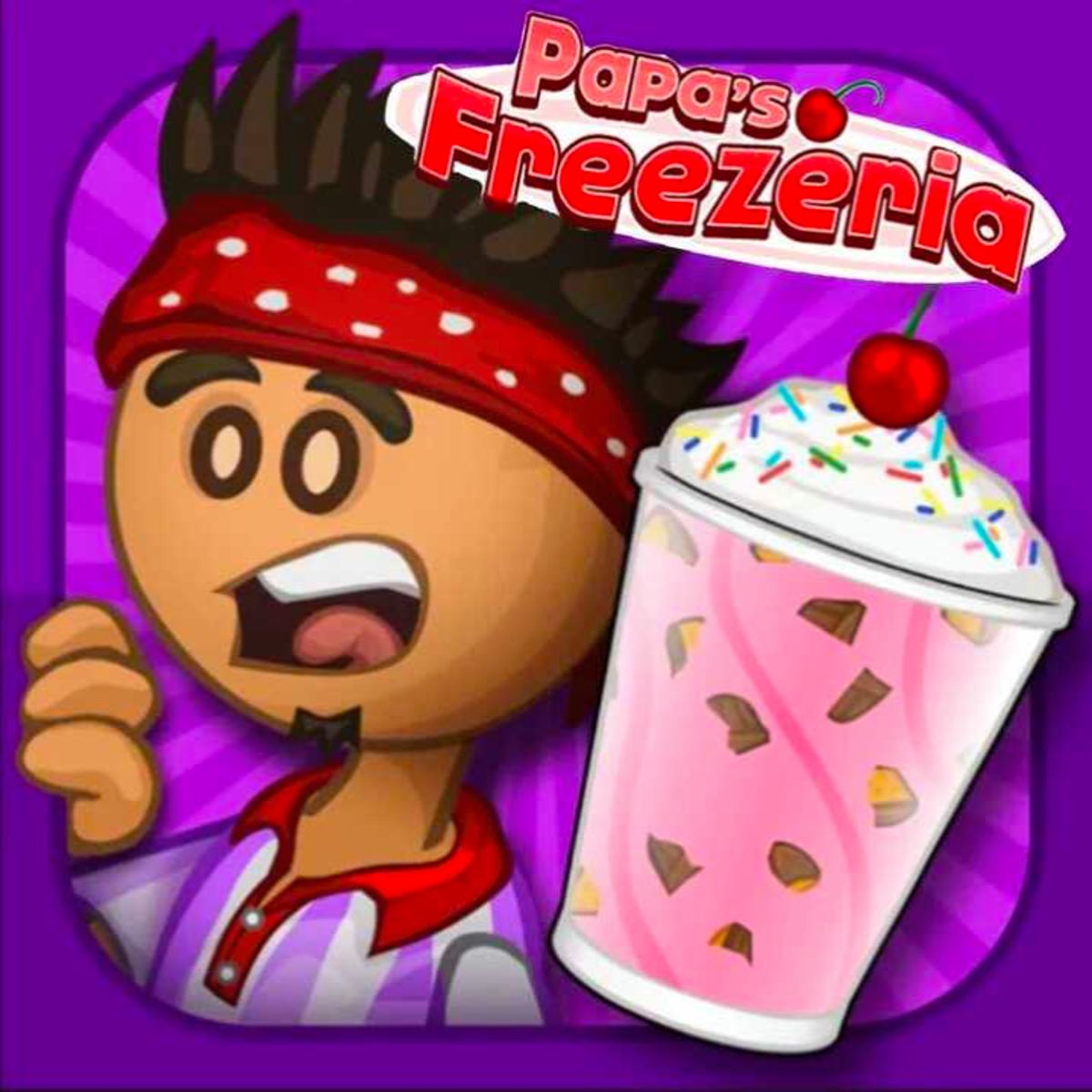


Papa's Freezeria
Papa's Freezeria is one of those browser games that eats up entire afternoons without you noticing. You run a frozen dessert shop while Papa Louie is away, taking orders, mixing shakes, and piling on toppings. It sounds simple, and it is—at first. But the game has a rhythm that hooks you, and before long you're obsessing over perfect scores and trying to unlock every single ingredient.
What makes it stick is the way it layers small challenges. You start with basic orders: a single scoop, maybe some sprinkles. Then the customers get pickier, the rush hours get busier, and suddenly you're juggling three stations while a grumpy tourist taps their foot. It's not a deep game, but it's satisfying in a way few time-management sims pull off. You build your shop, learn the flow, and get just a little bit better every shift.
How to Play
The core loop is straightforward. A customer walks in, places an order, and you build their sundae or shake across three stations: the Build Station, the Mix Station, and the Freeze Station. Each station has its own timing and mechanics.
On desktop, you use the mouse for everything. Click to select ingredients, drag them onto the cup or cone, and click again to place. The left mouse button does all the work—no keyboard shortcuts to memorize. You click to pour syrup, add cherries, start the mixer. It's point-and-click, but speed matters. The faster you move, the more customers you serve, and the bigger your tips.
On mobile, the controls are touch-based. Tap and drag ingredients just like you would with a mouse. The interface scales down reasonably well, though the buttons can feel a bit small on a phone screen. Tablets are much more comfortable. The game was originally built for desktop, so mobile works but isn't quite as snappy.
Your goal each day is to serve as many customers as possible without making mistakes. Every order has a specific combination of ice cream flavors, syrups, mix-ins, and toppings. Miss a step or add the wrong thing, and the customer will notice. You get a score at the end of each order based on accuracy and speed, and that score determines your tip. Tips are your main source of income, so you want to nail every order.
Between days, you can spend your earnings on upgrades. You can buy new ingredients (more flavors, more toppings), improve your equipment (faster mixers, bigger freezers), or decorate the shop. Decorations don't affect gameplay, but they unlock achievements and make the place look less like a white box.
Tips and Strategies
The game rewards efficiency, not just accuracy. Here's what actually helps:
Learn the order of operations. Every station has a fixed sequence. At the Build Station, you add the cup or cone first, then the ice cream, then the syrup, then the mix-ins. If you try to add syrup before the ice cream, the game won't let you. Memorize the order so you're not fumbling.
Use the "hold" feature. When you pick up an ingredient, you can hold it over the cup without dropping it. This lets you queue up actions. For example, grab the ice cream scoop, hold it over the cup, then click to drop. Then immediately grab the syrup. You can chain actions this way and shave off fractions of a second. Over a full shift, those fractions add up.
Prioritize the Mix Station. The mixer takes a few seconds to run, and you can't do anything else while it's going. So start the mix as soon as you've added the mix-ins, then switch to another customer's order while it runs. Don't stand there watching it spin.
Watch the freeze timer. The Freeze Station has a bar that fills up. If you let it overfill, the sundae gets too hard and the customer complains. If you underfill, it's too runny. Aim for the middle of the bar. The sweet spot is roughly 70-80% full. You'll get a feel for it after a few orders.
Serve in batches. Don't run one order all the way through before starting the next. Instead, build two or three cups in a row, then mix them, then freeze them. This minimizes idle time at each station. Just make sure you don't mix up which cup belongs to which customer.
Spend your money on speed upgrades first. Faster mixers and freezers directly increase your throughput. New flavors are fun, but they don't help you serve more customers. Prioritize equipment upgrades until you're comfortable with the pace, then branch out.
Check the customer's patience. Each customer has a patience meter that drains slowly. If it empties, they leave. You can see it above their head. If you're struggling, focus on the customers with the lowest patience first. The ones with full patience can wait a bit longer.
Common Mistakes
New players tend to make the same errors. Here are the big ones:
Rushing the build order. It's easy to click too fast and add a topping before the ice cream, or forget the syrup entirely. Slow down just a little. One wrong ingredient means you have to start over, which costs more time than being careful.
Ignoring the customer's face. The game gives you visual feedback. If a customer looks unhappy, you probably messed up. Check their expression after you serve them. If they're frowning, you missed something. You can sometimes catch the mistake before they leave.
Overfilling the freeze station. The freeze bar is tempting to max out, but that's a mistake. The perfect fill is around three-quarters. Anything past that and you get a penalty. It's better to underfill slightly than overfill.
Not using the trash can. If you mess up an order, you can trash it and start over. Some players try to salvage a bad cup by adding more stuff, but that never works. Just toss it and rebuild. The time loss is minimal compared to serving a wrong order.
Buying decorations too early. The shop looks bare, I know. But decorations don't help you earn money. They're purely cosmetic. Wait until you have a comfortable cash buffer before spending on wallpapers and countertops.
FAQ
Can I play Papa's Freezeria on my phone?
Yes. The game works on both iOS and Android browsers. The touch controls are a bit cramped on small screens, but it's playable. Tablets are better.
Is Papa's Freezeria free?
Yes. You can play it in your browser without paying anything. There are no microtransactions or ads that interrupt gameplay. It's a straightforward free game.
How many levels are there?
There isn't a fixed number of levels. The game has a day-by-day structure, and you can keep playing indefinitely. New ingredients and customers unlock as you progress, but there's no final "win" screen. You just keep improving your shop.
What's the difference between Papa's Freezeria and Papa's Scooperia?
Papa's Scooperia is the sequel. It adds cookies as a base option and has more complex build mechanics. Freezeria is simpler and a better starting point if you're new to the series.
Why do some customers leave even when I serve them fast?
If a customer leaves, it's usually because you made a mistake in their order. Check the recipe carefully. Even one wrong topping can trigger a walkout. Speed alone doesn't guarantee satisfaction.
---
Papa's Freezeria doesn't try to be revolutionary. It's a well-made time-management game that knows exactly what it wants to be. The controls are clean, the progression is satisfying, and there's a quiet pleasure in getting your workflow just right. If you've got twenty minutes to kill, it's easy to lose yourself in the rhythm of building sundaes and chasing that perfect shift.