

Kigurumi Dress Up
Ever wanted to throw your virtual self into a giant cat onesie and call it a day? Kigurumi Dress Up gets it. Built by WeLoPlay, this browser-based dress-up game gives you a wardrobe packed with cozy animal kigurumi—those full-body pajama suits that look like cartoon creatures—and asks for just one thing: make it adorable.
It scratches the same itch that has you watching fashion haul videos late at night. There’s no score, no timer, no pressure. Just you, a character on screen, and a huge pile of onesies, accessories, hairstyles, and extras like tails and wings to play with. It’s the kind of thing you open “just to look,” then realize half an hour has passed while you debate bunny ears versus a bear hood.
The draw is the sheer number of combinations. You’re not picking one complete outfit—you’re layering pieces from different sets, mixing kawaii animal themes with streetwear-style bags, playing with eye makeup, and finishing with hats that range from sensible to completely wild. The result always feels personal, which is oddly rewarding.
How to Play
The loop here is simple. Your character stands center-screen, with clothing and accessory categories around the edges or in scrollable menus. Click or tap any item to put it on. The character updates right away, so you see how it works with what you’ve already picked.
Desktop controls use just the mouse. Browse categories by clicking icons or arrows. Select an item with a click. To remove something, click it again or choose a blank option in that category. No keyboard shortcuts, no dragging—just point and click.
Mobile controls work the same way with taps. The interface shifts for smaller screens, so you might swipe through options in a category instead of seeing them all at once. It’s designed to avoid cramped layouts, even on a phone. Items load fast, and switching categories is smooth.
There’s no hidden save button, no sign-up required, and nothing locked behind a paywall. You open the game and start styling immediately. That easy access is a huge part of its charm—it’s something you can hand to a non-gamer, and they’ll get it in seconds.
Features
Kigurumi Dress Up stays focused. Here’s what you get:
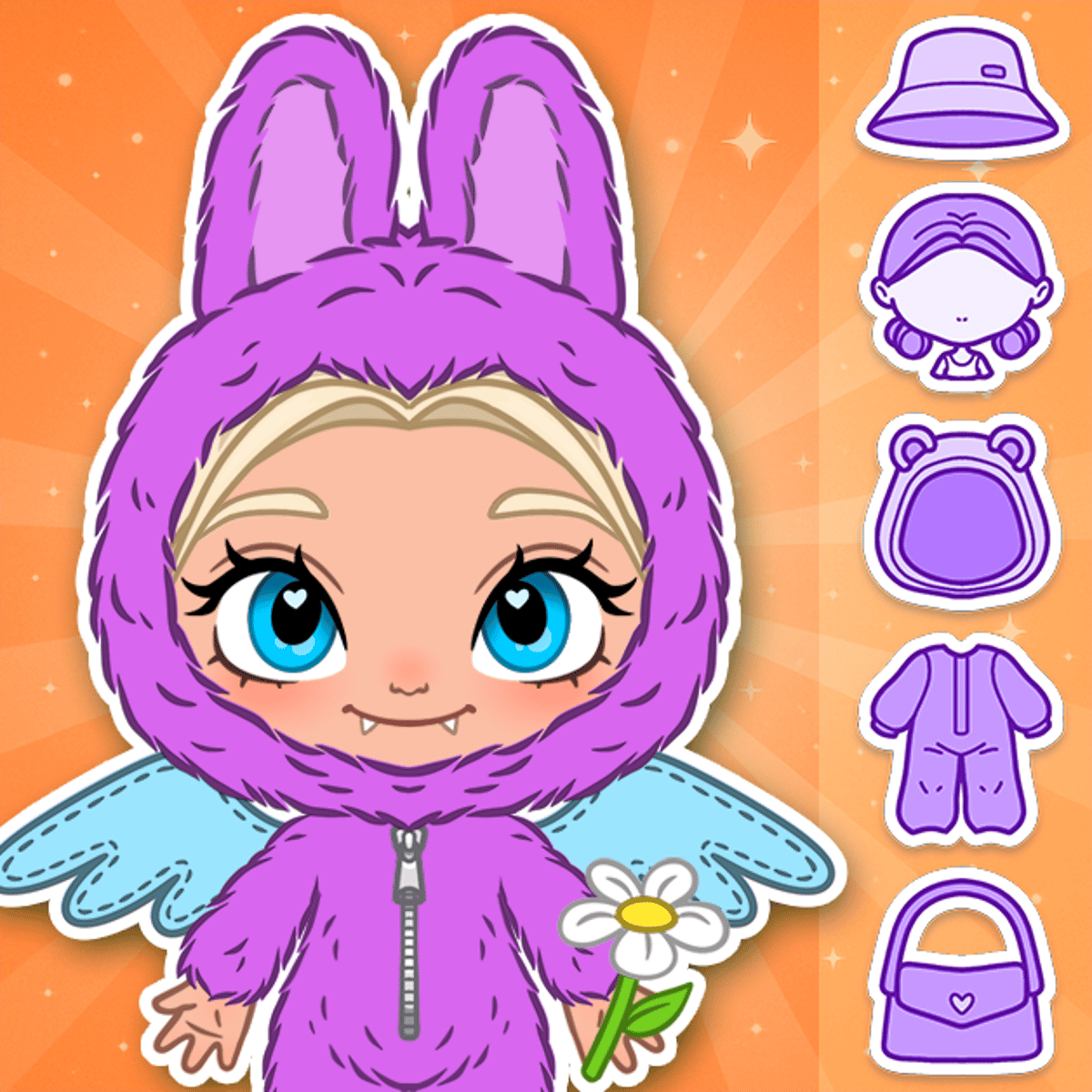
Kigurumi onesies are the base of every look. These aren’t plain pajamas—each is made to resemble a specific animal, with hoods shaped like heads, paw gloves, and themed colors. You’ll find cats, bears, bunnies, and more fanciful designs that dip into pure fantasy.
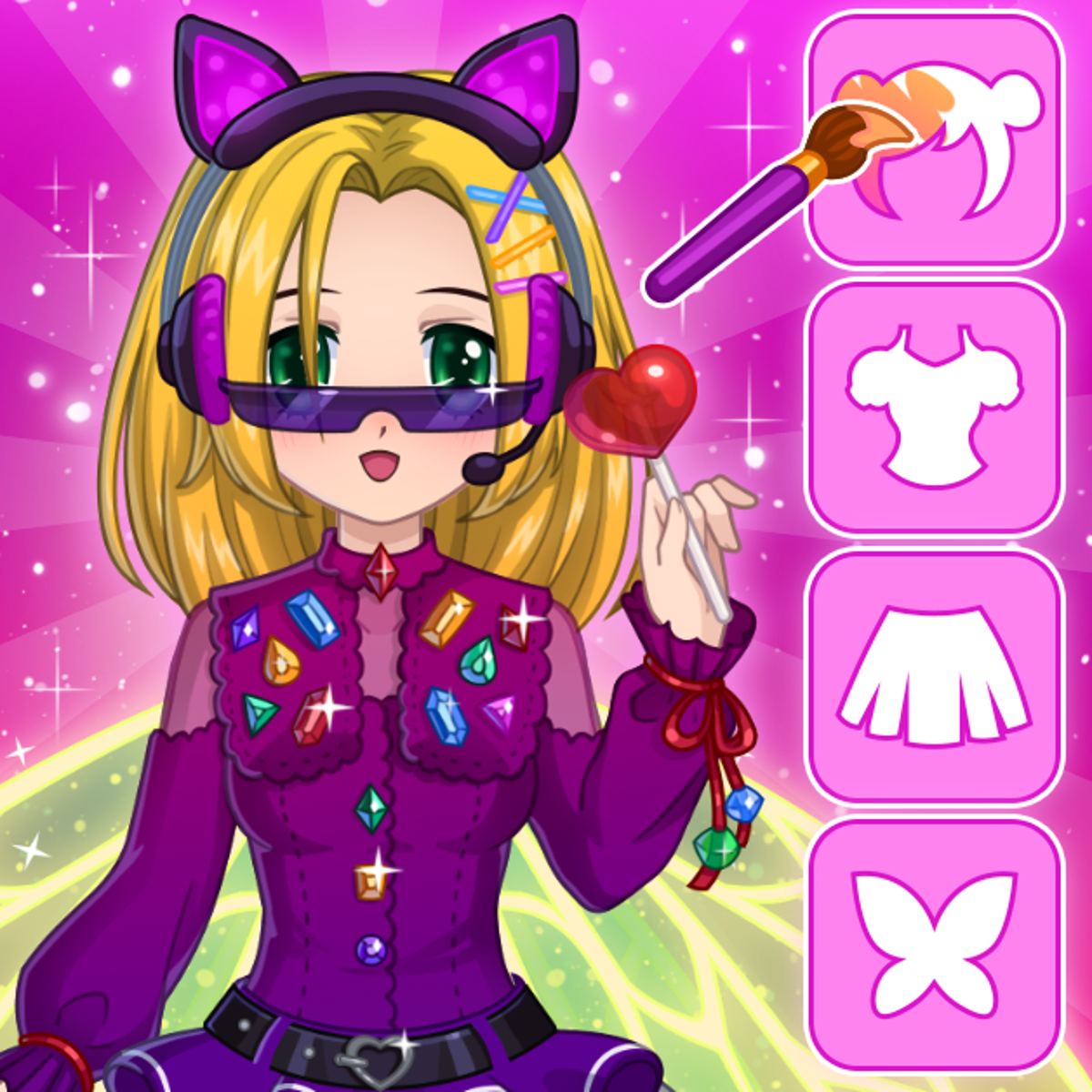
Hairstyles and eye makeup let you change the character’s face and hair separate from the outfit. This is where a lot of personality sneaks in. The same kigurumi can feel totally different with messy bedhead or twin braids.
Accessories cover hats, bags, and other bits. Some are subtle—a beanie, a small backpack. Others make a statement, like giant bows or themed headbands. Then there are the playful additions: tails and wings that attach to the outfit, adding shape in ways most dress-up games don’t.
Mix-and-match freedom is the highlight. You’re not stuck with preset outfits. Every slot can be filled on its own, so you can mix a panda kigurumi with angel wings and a messenger bag if that’s your thing. The game doesn’t care.
There aren’t different game modes in the usual sense—no story, no challenges, no competitions. This is a pure creative sandbox. Some might miss having goals or unlockables, but the upside is everything’s open from the start, keeping the focus on experimentation.
Tips and Strategies
Dress-up games don’t have “strategies” like a strategy game does, but there’s a knack to putting a look together that actually works. Here’s what I’ve learned:
Start with the kigurumi and build around it. The onesie is always the biggest visual element, so pick one that sets your color scheme and theme before touching accessories. Trying to match a onesie to a hat you already chose tends to be frustrating.
Use contrast with accessories. If your kigurumi is a warm-toned orange fox, try cool-colored accessories—a blue bag, silver earrings. Matching every piece to the exact same shade can flatten an outfit. A little visual tension helps.
Think about the silhouette. Tails and wings change the character’s shape a lot. For a sleek, minimal look, skip the extras. For something more dramatic, pile them on. It’s like composing a picture, not just filling slots.
Hairstyle matters more than you’d think. A bold, full hairstyle can anchor an outfit, while a simple one lets the kigurumi shine. Spend time in the hair section—it’s easy to skim over, but it frames everything else.
Don’t be afraid to get weird. The game rewards creativity over coordination. Some of the best looks break the rules—a pastel bunny kigurumi with chunky gothic boots, for example. The items are meant to be expressive, so lean into that.
Common Mistakes
New players often hit the same snags.
Over-accessorizing is the biggest. When every category has fun stuff, it’s tempting to fill every slot. But piling on every hat, bag, tail, wing, and accessory usually makes visual noise, not a cohesive look. Sometimes the best outfit leaves a category or two empty.
Ignoring the background and pose. Some outfits look different based on how the character stands on screen. What seems balanced in one pose might feel off in another. Step back and look at the whole picture before you finish.
Picking items first, then building a theme. This often leads to a look that feels like five outfits stitched together. Having a rough idea—“cozy bedtime bear” or “playful neon cat”—before you start gives you a filter for what fits and what doesn’t.
Scrolling through items too fast. There are more pieces than you might expect, and some of the best accessories are deeper in the menus. Slow down, browse carefully, and check everything before deciding.
FAQ
Is Kigurumi Dress Up free to play?
Yes, it’s completely free. You can play it in your browser without downloading or making an account.
Does it work on phones and tablets?
It does. The game runs on both desktop and mobile browsers. The interface adjusts for touch—taps replace clicks, and category browsing fits smaller screens.
Can I save my outfits?
The game is built for session play, not persistent saving. You create looks while you play, but there’s no gallery or wardrobe to keep them long-term. To save a design, take a screenshot.
Who made Kigurumi Dress Up?
WeLoPlay developed it. They’ve made other dress-up and lifestyle games, including Anime Dress Up, Glam Girl: Dress Up and Makeover, and My Cozy Home.
Are there any locked or premium items?
No. All clothing and accessories are available the moment you open the game. There’s no premium currency, no unlock grind, and no ads interrupting your styling.
Is it only for girls?
The game is tagged in girls and beauty categories, but kigurumi onesies are for everyone. Anyone who enjoys creative dress-up will have a good time with it. The cozy animal look isn’t gated by anything.
---
Kigurumi Dress Up doesn’t pretend to be anything more than it is—a charming, easy-to-pick-up creative tool built around a very specific aesthetic. And honestly, that’s exactly why it works.