





Pack a bag
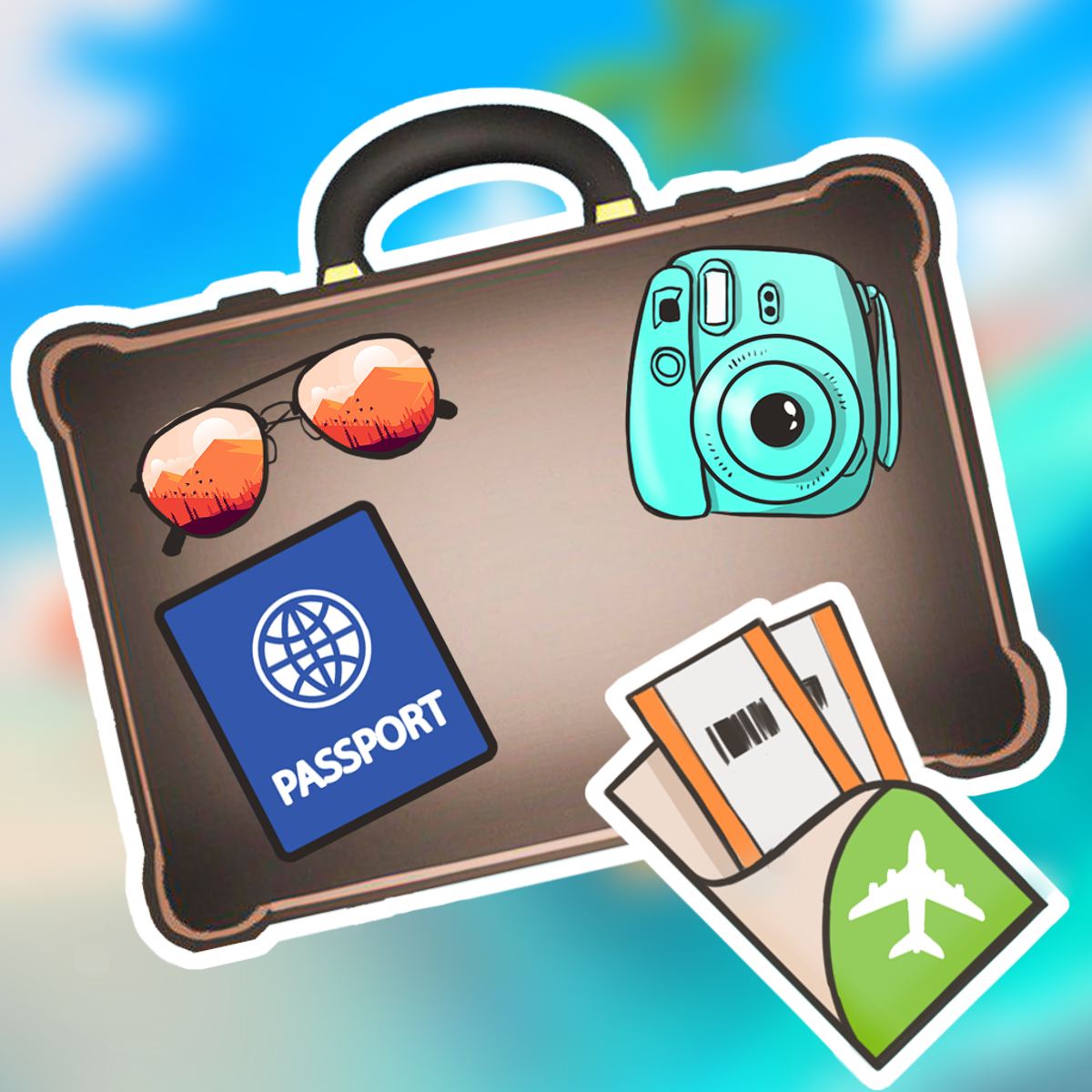
You’re standing in your bedroom, staring at an open suitcase and a pile of clothes that somehow multiplied while you weren’t looking. That hoodie alone could fill half the bag. Your sneakers are stubbornly wide, and you still haven’t figured out where the toiletries go. Now imagine that same stress, but with no real consequences and a satisfying snap when everything finally fits. That’s exactly what Pack a bag delivers.
Developed by Tuki Tuki Games and released in December 2023, this puzzle game strips travel prep down to its most essential challenge: fitting objects into a confined space. No time limits, no score multipliers, no power-ups. Just you, a suitcase, and an ever-growing pile of items that need to be packed before you can move on. It sounds simple, but the spatial reasoning required gets surprisingly tricky as the levels progress. The game has earned a solid 4.1 rating from over sixteen thousand votes on Poki, and for good reason. It’s the kind of puzzle that makes you feel clever when you succeed and quietly frustrated when you don’t—in the best way possible.
What keeps people coming back is the pure satisfaction of that final click when the lid closes flush. No bulging seams, no items left out. The game rewards careful planning and a good eye for geometry, but it never punishes you harshly for mistakes. You can always undo, retry, or take a hint. It’s casual enough to play during a coffee break but demanding enough that you’ll occasionally lose track of time. If you’ve ever enjoyed Tetris, puzzle games about organizing, or just the mild thrill of making a suitcase look like a magic trick, Pack a Bag is worth your time.
How to Play
The objective is straightforward: drag every item from the pile into the suitcase so that the lid can close. Once you’ve placed all items, a button appears to confirm that the bag is packed. If everything fits, you pass the level. If something is sticking out or you’ve left an item on the floor, you’ll have to rearrange.
Desktop Controls
On a computer, you use the mouse to click and hold an item, then drag it into the suitcase area. Releasing the mouse button places the item wherever you drop it. You can also click on an already placed item to pick it up again and move it to a new position. There is no rotation mechanic built into the game—items have a fixed orientation, which makes spatial planning even more important. You cannot flip a shoe sideways or turn a book on its edge. What you see is what you get.
Mobile Controls
On a phone or tablet, the controls are exactly the same but touch-based. Tap and hold an item, drag it into the suitcase, and release. The game responds well to touch, and the interface scales properly for smaller screens. I’d recommend playing on a tablet if you have one, simply because the items are easier to see and manipulate. But the phone version works fine for quick sessions.
The Interface
At the top of the screen, you’ll see a row of items that need to be packed. Below that is the suitcase, shown from a top-down perspective. The suitcase shape changes from level to level—sometimes it’s a rectangle, sometimes a square, and occasionally an odd shape like a duffel bag or a backpack. The items vary too: clothes, shoes, toiletries, electronics, books, snacks, and random travel odds and ends. A progress bar or item counter isn’t necessary because you can always see exactly what’s left.
If you get stuck, there are two safety nets. First, you can click the hint button (a lightbulb icon) to get a suggestion. The hint usually highlights an item that should be placed next, but it doesn’t tell you exactly where. Second, you can remove an item from the suitcase by dragging it back to the pile. This is useful when you realize you’ve packed yourself into a corner.
Features
Pack a Bag doesn’t try to reinvent the puzzle genre. It sticks to a core mechanic and executes it well. Here’s what you get:
- Level-based progression: The game has dozens of levels, each with a unique set of items and a suitcase of a specific size and shape. Early levels are forgiving—maybe three or four items that fit easily. Later levels throw ten or more items at you, some with awkward dimensions that require careful nesting.
- No time pressure: You can take as long as you want on each level. There’s no timer, no move counter, no star rating. Either you pack everything or you don’t. This makes the game relaxing even when it’s challenging.
- Hint system: The hint is not a cheat—it’s more like a nudge. It helps when you’re staring at the screen and can’t see where to start. You can use it as often as you like, but there’s no penalty for using it.
- Undo and remove: You can pick up any placed item and move it elsewhere, or drag it back to the pile to remove it entirely. This flexibility means you never have to restart a level just because you made one bad placement.
- Free to play: The game is available for free on Poki, both on desktop and mobile. No ads pop up during gameplay—at least not in the version I played—and there are no microtransactions. It’s a straightforward, complete experience.
- Clean visual style: The graphics are simple and colorful. Items are drawn in a flat, cartoonish style that makes them easy to distinguish. The suitcase has a soft, satisfying animation when it closes. Nothing fancy, but everything works.
Tips and Strategies
After playing through a fair number of levels, I picked up a few tricks that make packing much smoother. These aren’t cheats—just smart habits that save you from frustration.
Start with the biggest items
This is the golden rule of any packing puzzle. Place the largest items first—things like a laptop, a pair of boots, a thick sweater. They take up the most space and have the least flexibility in where they can go. Once they’re in, you’ll see the remaining space more clearly. Smaller items can then fill the gaps. If you start with socks and a phone charger, you might find that the boots simply don’t fit anywhere.
Use the edges and corners
The suitcase is a bounded area, and the edges are your friends. Line up rectangular items along the sides of the bag. This creates a clean, continuous wall of packed goods and leaves the center for irregular shapes. Corners are especially valuable for items that have a natural L-shape or odd protrusions. For example, a hair dryer with a cord can be tucked into a corner so the cord doesn’t waste space in the middle.
Leave no gap too small
Even a tiny gap can be filled. After you’ve placed the major items, look for slivers of empty space. A toothbrush, a pair of sunglasses, or a small makeup pouch can often slide into these gaps. Don’t ignore them—they add up. If you leave a 1-inch strip along one side, that’s wasted space that could hold two or three small items.
Rotate items in your mind
Even though you can’t physically rotate items in the game, you can mentally rotate them before you drag. Look at the shape of an item and imagine how it would fit in different orientations. Because the game doesn’t allow rotation, you have to accept the orientation it gives you. That means you need to plan around the fixed shape. If a shirt is presented horizontally, you can’t turn it vertically. So think ahead about which orientation works best for the space you have.
Use the remove feature freely
Don’t be afraid to take everything out and start over. Sometimes you get halfway through a level and realize your initial approach won’t work. Instead of struggling, just drag all items back to the pile and try a different strategy. The game doesn’t punish you for this. It’s actually faster than trying to salvage a bad layout.
Watch the lid
After you think everything is packed, the game shows a preview of the suitcase closing. If anything sticks out, the lid won’t shut. Pay attention to the height of items. Some items are taller than others—a bottle of shampoo might be higher than a folded t-shirt. If you place a tall item near the edge, the lid might not close even if the item is technically inside. Keep tall items in the center or in a spot where the lid can still close flat.
Take a break if you’re stuck
Some levels are genuinely tough. If you’ve been staring at the screen for ten minutes and nothing clicks, walk away for a bit. Come back with fresh eyes. I’ve solved several levels just by stepping away and then seeing the solution immediately upon returning. The brain works on problems in the background.
Common Mistakes
Even experienced puzzle players make these errors. Recognizing them early will save you time.
Packing items in the order they appear. The game presents items in a row at the top, but that order is arbitrary. Don’t feel like you have to pack them left to right. Pick and choose based on size and shape. Packing the first item just because it’s first often leads to a poor layout.
Overlooking small items until the end. This sounds counterintuitive because I just said to start with big items, but the mistake is forgetting that small items exist. You might place all the big items perfectly, then realize you have no room for the tiny tube of toothpaste that’s still in the pile. Leave a little space—or pack the small items first in the gaps you know will remain.
Assuming the suitcase is perfectly rectangular. Many suitcases in the game have cutouts, curves, or irregular edges. A duffel bag might be narrower at the top. A backpack might have a curved bottom. Treat each suitcase as a unique shape, not a generic rectangle. Look at the outline before you start placing anything.
Not using the hint early enough. Some players treat hints as a last resort, like looking up the answer to a crossword clue. But hints in Pack a Bag are subtle. They don’t give away the whole solution. Using a hint after your first attempt fails can give you a new direction without spoiling the puzzle. Don’t be proud—use it.
Trying to force items into impossible spots. If an item doesn’t seem to fit, it probably doesn’t. The game’s collision detection is accurate. You can’t overlap items or squeeze them into a space that’s too small. If you keep trying to jam a book into a gap that’s obviously too narrow, you’re wasting time. Move on and try a different arrangement.
Ignoring the lid height. This is the most common mistake in the game. You might pack everything flat, but then the lid won’t close because a bottle or a hairdryer is too tall. Always imagine the third dimension, even though the game is shown from above. Items have different heights, and the suitcase has a maximum height. If you stack too many tall items, the lid won’t shut. Keep tall items separate and place them where they won’t overlap in height.
FAQ
Is Pack a Bag free to play?
Yes, it’s completely free on Poki. You don’t need to download anything or create an account. Just open the page and start playing.
Can I play on my phone?
Absolutely. The game works on both desktop and mobile browsers. The touch controls are smooth, and the interface adjusts to smaller screens. It’s a great time-waster on a commute.
How many levels are there?
I don’t have an exact number, but there are well over fifty levels. The difficulty ramps up gradually, and new item types appear as you progress. The game receives updates occasionally, so the level count may increase.
Is there a time limit?
No. You can take as long as you want on each level. There’s no score, no timer, no pressure. It’s purely about solving the spatial puzzle.
What happens if I can’t solve a level?
You can use the hint button for a suggestion, or you can remove items and try a different arrangement. If you’re truly stuck, you can skip the level—though I don’t recall a skip button in the version I played. The game is designed so that every level is solvable with patience.
Can I rotate items?
No, the game does not allow you to rotate items. They come in a fixed orientation. This is part of the challenge—you have to work with what you’re given.
##
Pack a Bag is one of those rare browser games that manages to be both relaxing and mentally engaging. It doesn’t try to overwhelm you with flashy graphics or complicated mechanics. It just gives you a suitcase, some stuff, and a quiet challenge. Whether you’re killing five minutes or half an hour, it’s a satisfying way to test your spatial thinking. And hey, you might even pick up some real-world packing skills along the way. Just don’t blame me if you start looking at your own closet differently.