
4 Pics 1 Word
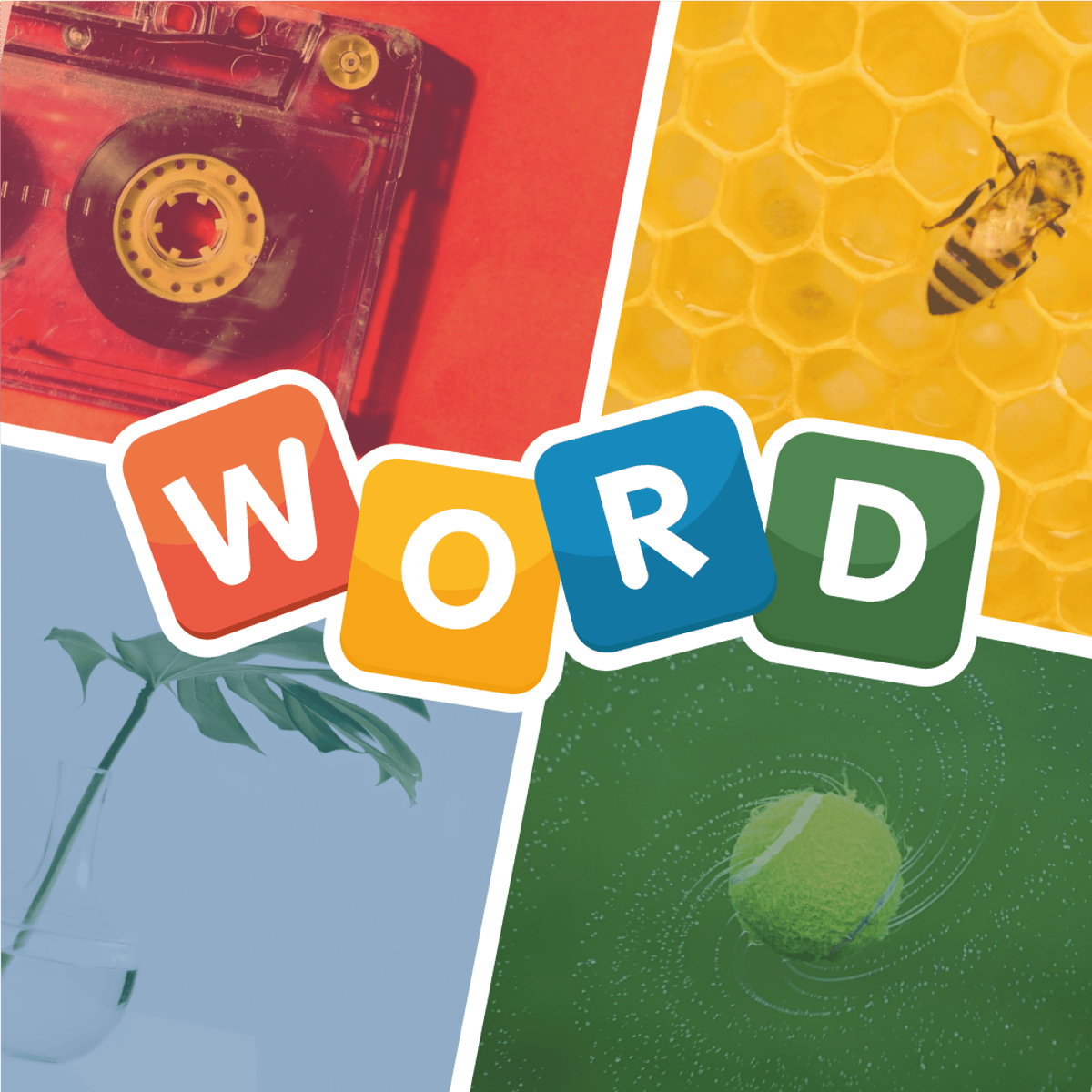
Some puzzle games hook you with flashy graphics or complex mechanics. Others, like 4 Pics 1 Word, take the opposite approach: strip everything down to a single, deceptively simple question. You’re shown four images that seem totally unrelated at first—a clock, a tree, a calendar, a man yawning. What’s the connection? Usually one word—in this case, “time.” Then you get a jumble of letters and have to spell the word.
It sounds easy, and sometimes it is. That’s the trick. The moment you solve one puzzle, you’re already scanning the next set of four pictures, trying to spot the link before you’ve even finished celebrating. Created by Unico Studio and released in October 2020, 4 Pics 1 Word has been updated regularly—the latest update was June 2024. It holds a solid 3.7 rating from over 7,700 players on Poki. The game’s appeal isn’t about high scores or timed pressure. It’s about that satisfying “aha” moment when it all clicks.
How to Play
The objective is straightforward: look at four pictures and figure out the single word that ties them together. You get a row of blank spaces representing the number of letters in the answer, plus a bank of jumbled letters below. Select the correct letters in the right order to fill in the blanks.
On desktop: Use your mouse to click the letters you want. Clicking a selected letter again removes it. You can also click and drag letters into the answer slots. The interface is clean and responsive—no lag, no fuss.
On mobile (phone or tablet): The game works the same way, but you tap the letters instead of clicking. The touch controls are well calibrated; even on a small screen, you won’t accidentally tap the wrong letter. The layout adjusts automatically, so the letter bank stays accessible whether you’re holding the device in portrait or landscape.
Hints: If you get stuck, look for the hint button—usually a lightbulb icon. Each hint removes one wrong letter from the bank or reveals a letter in the answer, depending on the version. You start with a small number of free hints, and you can earn more by watching short video ads or by purchasing them with in-game coins (which you also earn by solving puzzles).
The game saves your progress automatically, so you can close the browser or switch apps and come back later without losing your place.
Features
4 Pics 1 Word doesn’t have multiple game modes—no timed challenges, no multiplayer, no endless runner twist. It’s a focused, level-based experience. But don’t call it barebones. Here’s what it offers:
- Dozens of levels: The exact number grows with updates, but you’ll get well over a hundred puzzles to solve. The difficulty ramps up gradually. Early levels might show you a dog, a bone, a paw print, and a kennel (answer: “dog”). Later levels can be trickier, using abstract concepts or homonyms (e.g., pictures of a bat animal, a baseball bat, a bat cave, and a bat signal—answer: “bat”).
- Coin economy: Every correct answer earns you coins. You can spend these on extra hints or to skip a level entirely. Coins are also awarded for daily logins or completing a streak of puzzles.
- No timer: You can take as long as you like. This makes the game great for casual play—you can spend two minutes on a puzzle or twenty, no pressure.
- Clean visuals: The pictures are high-quality photographs, not cheesy clip art. The interface is minimal, with no distracting animations or pop-ups (except for occasional ad breaks between levels).
- Cross-platform: Works on desktop, phone, and tablet. Your progress syncs if you play through the same account (depending on the platform; on Poki, progress is saved locally in the browser).
Tips and Strategies
You’d think a game this simple doesn’t need strategy. But after a few dozen levels, you’ll hit puzzles that make you stare at four seemingly random images for five minutes. Here’s how to crack them faster:
1. Look for the most obvious link first. Usually, one image will scream the answer. For example, if you see a picture of a crown, a throne, a king, and a chess piece, the word is probably “king.” Trust your first instinct—overthinking is the enemy.
2. Check the letter bank for impossible letters. If the answer has four letters and you see no “E” in the bank, you can rule out words like “time” or “tree.” This narrows down possibilities quickly.
3. Think of synonyms and wordplay. The game loves using multiple meanings. A picture of a wave (ocean), a wave (hand gesture), a wave (sound wave diagram), and a wave (a crowd waving) all point to “wave.” If you’re stuck, list all the possible words for each image and look for overlaps.
4. Use the process of elimination on the letter slots. If you know the first letter, try plugging in different second letters from the bank. This brute-force approach can reveal the word even if you haven’t fully solved the picture connection.
5. Don’t burn hints on easy puzzles. Save your free hints for levels that genuinely stump you. If you’re stuck, step away for a few minutes—your subconscious will often solve it while you’re doing something else.
6. Pay attention to small details. Sometimes the answer lies in a tiny object in the corner of one picture. A picture of a park bench might include a bird on the armrest, and that bird is the real clue. Zoom in if you can (on mobile, pinch-to-zoom works).
Common Mistakes
New players often fall into the same traps.
Mistake #1: Focusing on only one picture. You might see an apple and immediately think “fruit,” but the other three pictures could be a computer (Apple logo), a snake (Adam and Eve), and a pie (apple pie). The word might be “apple,” but you need to check the others before locking in.
Mistake #2: Overthinking. The answer is almost always a common, everyday word. If you’re trying to guess “photosynthesis” for a set of pictures showing a plant, the sun, water, and soil, you’re wrong—the answer is probably “growth” or “plant.” Keep it simple.
Mistake #3: Using hints too early. Some players hit the hint button after ten seconds of frustration. That wastes a resource you might need later. Give yourself at least a full minute of genuine effort before asking for help.
Mistake #4: Ignoring the letter count. If the answer has five blanks, don’t try to fit a six-letter word. Sounds obvious, but in the heat of the moment, people forget to count.
Mistake #5: Playing too fast. The game has no timer, so there’s no rush. Rushing leads to misreading pictures or missing subtle connections. Slow down, look at each image carefully, and consider multiple interpretations.
FAQ
Q: Is 4 Pics 1 Word free to play?
Yes, it’s free to play online with no download required. There are optional ads (mostly rewarded videos for extra hints) and no forced paywalls.
Q: How do I get more hints?
You earn hints by solving puzzles (coins can be exchanged for hints) and by watching short video ads. You can also buy hint packs with real money, but it’s not necessary to progress.
Q: How many levels are there?
The game has dozens of levels, and Unico Studio adds more with updates. As of mid-2024, you can expect well over 100 puzzles.
Q: Can I play on my phone?
Yes. The game is optimized for mobile browsers and works on both iOS and Android devices. You can also play on tablets.
Q: What happens if I get stuck and have no hints?
You can skip a level by spending coins, or you can close the game and come back later. Sometimes a fresh set of eyes is all you need.
Closing Thoughts
4 Pics 1 Word is one of those rare browser games that doesn’t waste your time. It’s not trying to sell you a subscription or bury you in notifications. It just shows you four pictures and asks you to think. The puzzles are clever without being unfair, and the satisfaction of finding the right word never gets old. Whether you’ve got five minutes to kill or an hour to unwind, this game delivers exactly what it promises—and nothing more.