





Anycolor by Numbers
Filling in a blank space with the right color is quietly satisfying. “Anycolor by Numbers” takes that feeling and builds a whole game around it. It’s a digital paint-by-numbers experience—no real paint, no fear of going outside the lines. You match numbered sections to colors from a palette, tap, and watch the image come together piece by piece.
The game is simple, and that’s why it works. You don’t need to be an artist, you don’t need to think hard, and there’s no timer. It’s something you open during a coffee break or when you want to unwind after a long day. Each finished picture feels like a small win. The blank canvas fills up gradually, and the act of tapping colors is almost meditative. It’s a low-stakes experience that doesn’t demand much but gives back a lot of quiet satisfaction.
How to Play
The objective is straightforward: color in every numbered area of an illustration using the matching color from the palette. The game highlights which areas are ready to be filled, so you never have to hunt around wondering where to start.
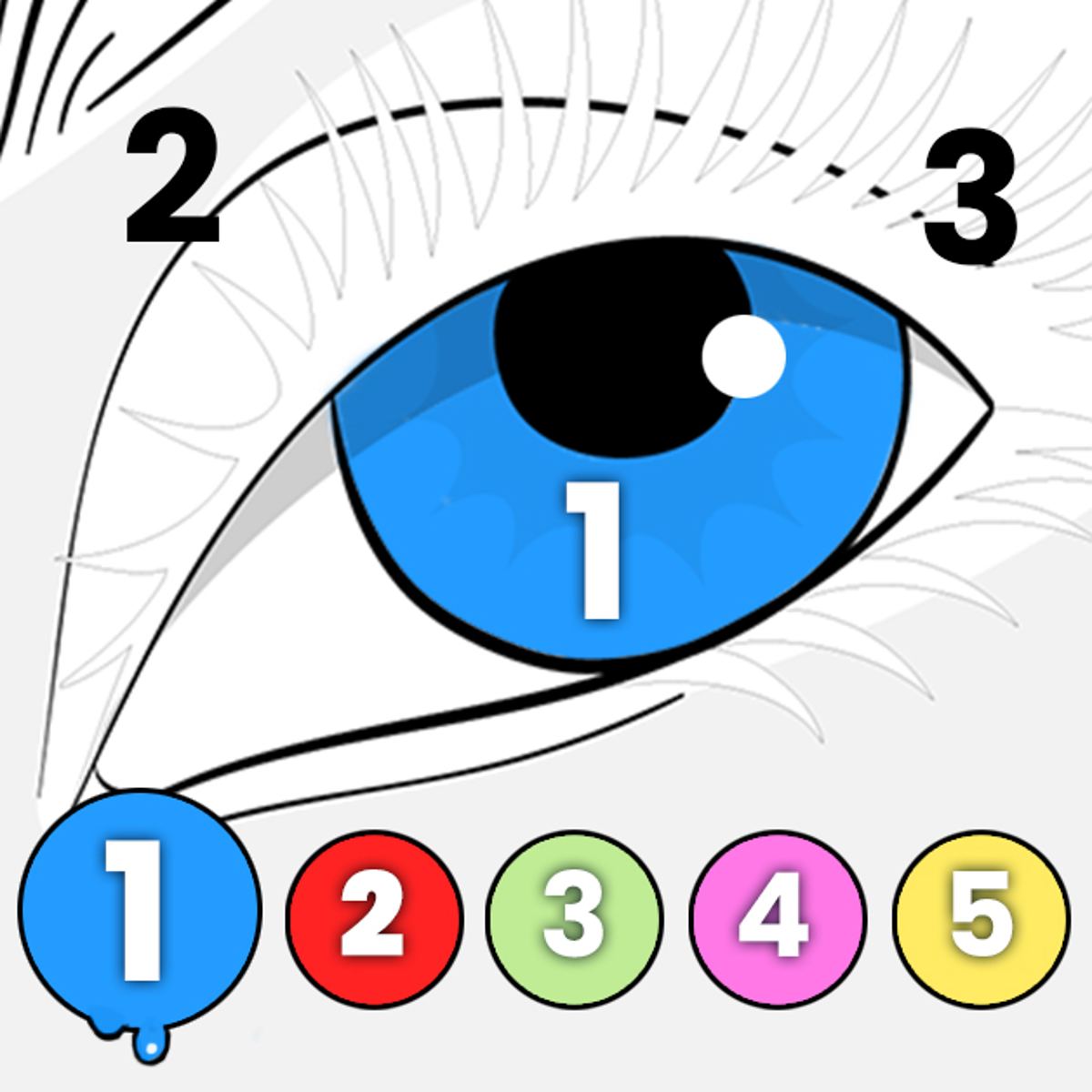
On desktop, you click a number icon on the side of the screen to select that color. The corresponding areas on the picture light up or become outlined, showing you exactly where that color goes. Then you click any of those highlighted areas to fill them in. On mobile, it’s the same idea but with taps instead of clicks. The interface is designed for touch, so the number buttons are big enough to press without zooming in. Just tap a number, then tap the area you want to color.
When you’re happy with your work, or if you want to save your progress, look for the green arrow button. Tapping that saves your current image as a finished piece. You can also step away at any point and come back later—the game remembers where you left off.
There’s no time limit, no scoring, and no way to lose. You can take as long as you want, and you can always change your mind about which color to use next. The only real rule is to match the numbers.
Features
“Anycolor by Numbers” keeps things simple, but it has a few features that make the experience more enjoyable.
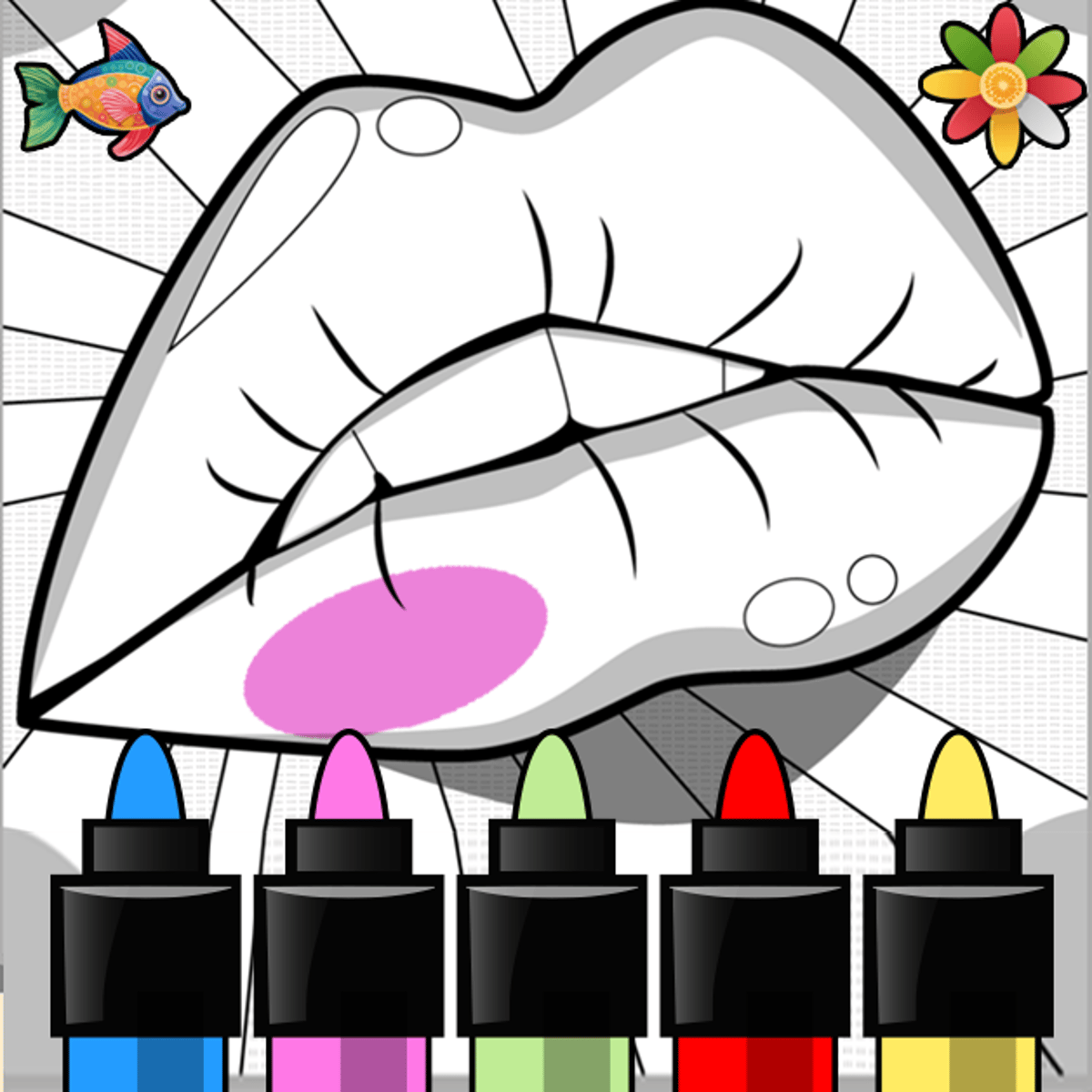
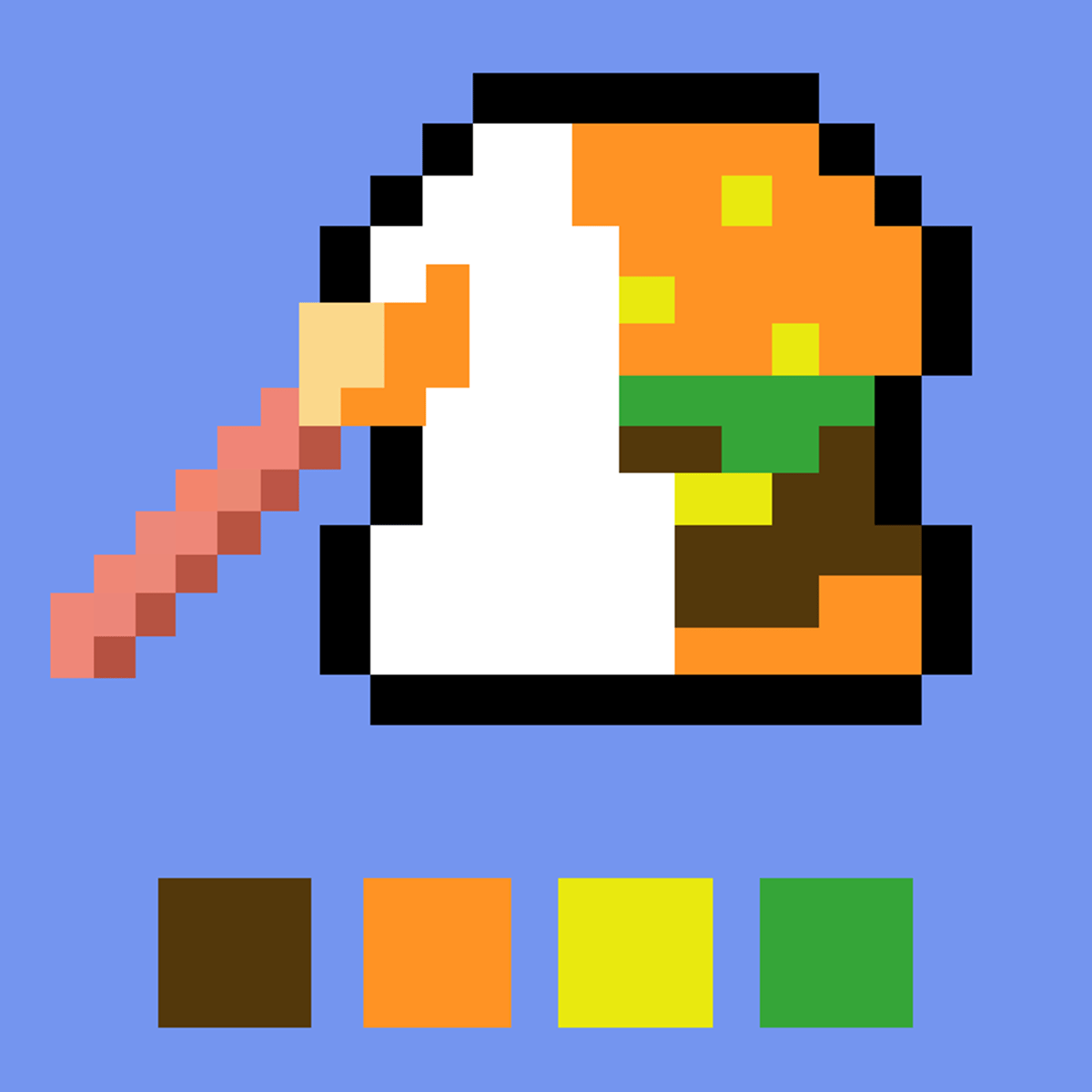
Variety of Images – The game offers a decent selection of pictures to color. Some are small and quick, perfect for a short session. Others are larger and more detailed, giving you something to chip away at over several days. The subjects range from animals and nature scenes to abstract patterns and cute characters. There’s enough variety to keep things fresh, though the exact library may change with updates.
Color Palette – Each image comes with its own set of colors. The palette is displayed as numbered swatches, so you always know which shade you’re working with. The colors are bright and well-chosen, and they usually fit the theme of the picture. You won’t find yourself stuck with ugly combinations.
Save Function – The green arrow button lets you save your finished artwork. This is nice if you want to show off your work or just keep a gallery of what you’ve completed. The game doesn’t have a built-in gallery viewer, but the saved images are stored locally on your device.
Relaxing Atmosphere – There’s no pressure. Ads don’t interrupt every thirty seconds (at least not aggressively). The game is designed to be a calm, comfortable activity. It’s categorized as a “cozy game” on the platform, and that fits. You can play with the sound on or off, and the gentle visual feedback of colors filling in is satisfying on its own.
Cross-Platform – It works on desktop browsers, mobile phones, and tablets. The controls adapt to whatever device you’re using, so you can switch between playing on your computer and your phone without any trouble.
Tips and Strategies
Even though the game is simple, a few small habits can make the experience smoother and more enjoyable.
Start with the largest areas first. Big sections of the same color are quick to fill and give you a sense of accomplishment early on. They also help you see the overall shape of the image faster. Save the tiny, fiddly spots for later when you’re in the zone.
Use the highlight feature to your advantage. When you select a color, the game highlights all the areas that match it. This is especially useful for finding small spots you might otherwise miss. Don’t just tap randomly—look at the highlighted areas and plan your next few moves.
Work from the background forward. If the picture has a background color, fill that in first. It helps the foreground elements pop and makes it easier to see where the smaller details are. This isn’t a rule, but it often leads to a cleaner result.
Take breaks if your eyes get tired. Staring at numbered sections for too long can strain your eyes, especially on a phone screen. Look away every fifteen minutes or so. The game isn’t going anywhere.
Save your progress regularly. If you’re working on a large image, hit that green arrow every now and then. The game auto-saves your progress, but it’s better to be safe. Nothing worse than losing an hour of work because your browser crashed.
Don’t feel pressured to finish in one sitting. The beauty of this game is that you can pick it up and put it down whenever you want. Treat it like a coloring book you leave on the coffee table.
Common Mistakes
New players often run into a few small hiccups. Here’s what to watch out for.
Selecting the wrong color. It’s easy to tap a number that’s next to the one you meant to pick, especially on a small screen. If you fill an area with the wrong color, you can’t undo it in most versions of the game. Double-check the number before you tap. Some players find it helpful to say the number out loud as they tap.
Missing tiny numbered areas. In detailed images, some numbers are very small and easy to overlook. You might think you’re done, only to find a few unpainted spots hiding in a corner. Use the highlight feature to scan for leftover areas. If the game doesn’t highlight anything when you select a color, you’re probably done with that shade.
Forgetting to save. You finish a picture, feel great, and close the tab. Next time you open the game, the image is blank again. Always tap the green arrow before you leave. It takes one second.
Getting overwhelmed by complex images. Some pictures have dozens of colors and hundreds of tiny sections. Beginners sometimes jump into a hard image and get frustrated. Start with the simpler pictures to get a feel for the controls and the pace. You can always tackle the big ones later.
Ignoring the color palette order. The numbers on the palette aren’t always in sequential order. Sometimes color 1 is a light shade and color 2 is a dark one, but not always. Don’t assume the numbers correspond to any logical order—just match them to the picture.
FAQ
How do I save my finished artwork?
Look for the green arrow button on the screen. Tap or click it, and the game will save your current image. The saved file is usually a PNG or JPEG, depending on your browser.
Can I play this game on my phone?
Yes. “Anycolor by Numbers” works on both desktop and mobile browsers. The controls are optimized for touch, so tapping numbers and areas feels natural on a phone or tablet.
Is the game free?
Yes, it’s free to play online. There are no hidden costs or subscriptions. You might see ads occasionally, but they don’t interrupt the gameplay heavily.
Do I need to download anything?
No. The game runs entirely in your browser. No app installation required. Just open the page and start coloring.
Are new images added over time?
The developer, Aniway, has updated the game in the past. It’s likely that new pictures are added periodically, though the exact schedule isn’t public. If you finish all the current images, check back later—there might be fresh ones waiting.
---
“Anycolor by Numbers” is one of those rare games that asks nothing of you except a little patience and a love for color. It’s a quiet corner of the internet where you can lose yourself in simple, satisfying work. Whether you have five minutes or an hour, there’s always a picture waiting to be filled. Grab your virtual paintbrush and see what you can create.