Classic Chess
You’ve probably played chess before. Maybe you learned the moves as a kid, or you’ve got a dusty board in the closet. Classic Chess by InfinityGames.io isn’t trying to reinvent the wheel. It’s a clean, no-nonsense version of the game that runs right in your browser. No sign‑ups, no weird power‑ups, no animated dragons. Just you, the pieces, and an opponent who might be a computer or a friend sitting next to you.
What makes this version worth your time is how it strips away everything unnecessary. The board is crisp, the pieces are easy to tell apart, and the controls work the same on a phone as they do on a laptop. You click or tap a piece, then click or tap where you want it to go. That’s it. If you’ve ever tried to play chess on a clunky app with laggy animations or a board that’s too small to read, you’ll appreciate how straightforward this one feels.
The real draw, though, is the AI. It has three difficulty levels – beginner, intermediate, and advanced – so you can actually find a match that challenges you without crushing your spirit. Beginners can learn the ropes against a computer that makes mistakes. Advanced players get a decent workout. And if you want the real thing, there’s local multiplayer for two people on the same device. No online matchmaking, no waiting. Just pass the screen.
I’ve played a lot of browser chess over the years – the ones with ads that pop up mid-game, the ones that force you to create an account, the ones that try to sell you a premium subscription. Classic Chess does none of that. It loads fast, it doesn’t nag you, and it doesn’t pretend to be anything more than a digital chessboard. That honesty is refreshing. You open the page, you play, you close it. No fuss.
How to Play
The objective is the same as it’s been for centuries: trap your opponent’s king so it can’t escape capture. You do that by moving your pieces according to their rules – pawns forward one (or two on the first move), knights in L‑shapes, bishops diagonally, rooks straight, the queen any direction, and the king one square at a time. You take turns. If you put the opponent’s king in a position where it’s under attack and can’t move out of the way, block the attack, or capture the attacking piece, you win by checkmate.
Desktop controls: Click a piece with your mouse. It highlights. Then click the square you want to move it to. The game won’t let you make illegal moves, so you can’t accidentally cheat. If you change your mind, click the piece again to deselect it. There’s no undo button, so think before you click. Some people prefer drag-and-drop, but this click-to-move system is actually more precise on a laptop trackpad. I’ve lost count of how many times I’ve accidentally dragged a piece to the wrong square on other chess sites. Here, that doesn’t happen.
Mobile controls: Tap a piece to select it. Tap the destination square. Same logic. The board scales to fit your screen, and the pieces are big enough that you won’t tap the wrong one unless your fingers are really clumsy. The game runs in landscape or portrait, but landscape gives you a better view of the whole board. On a phone, portrait mode is fine for quick games, but if you’re playing a serious match, rotate the screen. The pieces remain clear and the board doesn’t get squished.
The interface is minimal. There’s a timer? Not really – it’s untimed, so you can take as long as you want. That’s great for learning, but if you’re playing against a friend, you might want to set your own time limit with a phone timer. The game itself doesn’t enforce one. This is both a blessing and a curse. If you’re prone to analysis paralysis, you could spend twenty minutes on a single move. But if you’re teaching a kid, the lack of pressure is perfect.
One thing I appreciate: the board orientation is fixed. White is always at the bottom. That’s standard for most chess interfaces, but some sites let you flip the board. Here you can’t, which means if you’re playing black, you have to mentally adjust. It’s a minor inconvenience, but it keeps the interface simple. You get used to it after a few games.
Game Modes
Classic Chess offers two modes, and that’s all it needs.
Single‑player vs. AI: You pick your difficulty – beginner, intermediate, or advanced. The beginner AI will occasionally blunder pieces or miss obvious threats. It’s perfect if you’re still figuring out how the pieces move or want to practice a specific opening without getting punished immediately. For example, you can try the Fried Liver Attack against the beginner AI, and it probably won’t see the knight fork coming. Intermediate is a step up: it sees basic tactics like forks and pins, but it still falls for traps if you set them up carefully. I’ve found that intermediate will defend against a one-move threat but won’t always see a two-move combination. Advanced is where the game gets serious. It calculates a few moves ahead, defends well, and punishes mistakes. It’s not grandmaster level – don’t expect it to play like Stockfish – but it’ll give most casual players a real fight. I’d estimate the advanced AI plays at around 1200-1400 Elo strength. It will beat you if you make obvious errors, but if you play solidly, you can outmaneuver it.
You can choose to play as white or black. The AI plays the other side. There’s no option to swap sides mid‑game, but you can start a new game quickly. The AI’s opening book seems decent – it plays standard responses to e4, d4, and other first moves. If you play the Italian Game, it will develop its pieces naturally. If you play the Sicilian, it will respond with the Open Sicilian or the Alapin depending on the move order. It’s not going to surprise you with a hypermodern opening, but it won’t play nonsense either.
Local multiplayer: Two players on the same device. One person makes a move, then hands the screen to the other. It’s the digital equivalent of sitting across a physical board. No online mode, no matchmaking, no chat. Just you and your friend. This mode works great on a tablet or a laptop where you can both see the screen easily. On a phone, it’s a bit cramped but still playable if you pass it back and forth. I’ve played a few games on a phone with a friend, and the main issue is that the other player can see your move as you make it, so there’s no element of surprise. But that’s the same as a real board – you watch your opponent move. If you want to avoid that, you could turn the screen away, but that defeats the purpose of a shared device.
There’s no tournament mode, no ranked ladder, no puzzles. The game knows what it is: a straightforward chess set you can open in a browser tab. If you want bells and whistles, look elsewhere. If you want to play chess without distractions, this is it.
Tips and Strategies
You don’t need to be a grandmaster to win against the AI, but a few principles will save you from losing in ten moves.
Control the center early. In the opening, try to move your pawns to e4, d4, e5, or d5. That gives your pieces room to develop and puts pressure on the opponent’s side. Don’t push too many pawns – two or three is enough. Then bring out your knights and bishops. Don’t move the same piece twice in the opening unless you have to. A common beginner mistake is to play a4 or h4 on the first move. That does nothing for your development. Stick to the center.
Castle early. Get your king to safety by castling kingside (usually) within the first ten moves. It tucks your king behind a wall of pawns and brings your rook toward the center. If you leave your king in the middle of the board, the AI will attack it with everything it has. I’ve seen the advanced AI launch a direct assault on an uncastled king with queen, bishop, and knight. It’s brutal. Castle before you start any big attacks.
Don’t bring your queen out too early. Beginners love to rush the queen into the attack, but she becomes a target. The AI will chase her around with minor pieces, and you’ll waste time retreating while your opponent develops. Wait until the board opens up a bit, then bring her out to support your other pieces. A good rule of thumb: don’t move your queen before you’ve developed at least two minor pieces.
Look for forks. A fork is when one piece attacks two or more enemy pieces at the same time. Knights are great for this. If you can land a knight on a square where it attacks the king and a rook, you’ll often win material. The AI sometimes misses forks on intermediate, so keep your eyes open. For example, if the AI has a knight on f6 and you have a pawn on e5, you might be able to play d4 to attack the knight, but watch out for the AI’s own forks.
Trade pieces when you’re ahead. If you’ve captured a pawn or a piece and have a material advantage, simplify the position. Exchange pieces off the board. The fewer pieces there are, the easier it is to convert your advantage into a win. The AI will sometimes trade down willingly, which helps you. But be careful: if you’re ahead by a pawn but have a bad pawn structure, trading into an endgame might not be favorable. Assess the position first.
Watch your pawn structure. Avoid creating isolated pawns (pawns with no friendly pawns on adjacent files) or doubled pawns (two pawns on the same file). They become weak and hard to defend. The AI will target them. For instance, if you capture with your pawn toward the center, you might create a doubled pawn on the c-file. The AI will then put pressure on that pawn with its rooks and bishops. Try to keep your pawns connected and mobile.
Endgame basics. If you’re down to king and rook vs. king, you can checkmate by forcing the enemy king to the edge of the board. Use your king to help, not just your rook. If you have king and queen vs. king, it’s even easier – just keep checking until the king is trapped. Don’t stalemate by accident (more on that below). Also, if you have a king and pawn vs. king, learn the rule of the square. It tells you whether the pawn can promote without the king’s help. The AI knows this, so don’t expect it to blunder in pawn endgames.
Practice specific tactics. If you want to get better at forks, set up a position where you have a knight and the AI has several pieces scattered. Play a few moves and see if you can spot the fork. The AI on intermediate will sometimes leave a knight fork available. Similarly, practice pins and skewers. A pin is when a piece cannot move because it would expose a more valuable piece behind it. The AI will sometimes pin your knight to your queen, and you need to break the pin.
Common Mistakes
Even experienced players slip up, but new players tend to repeat the same errors.
Moving the same piece over and over. In the opening, every move should develop a new piece or control the center. If you move your knight back and forth, you’re wasting time. The AI will develop all its pieces while you’re fiddling. I’ve seen beginners play 1. Nf3, 2. Ng1, 3. Nf3 again. That’s two moves wasted. Instead, play 1. e4, 2. Nf3, 3. Bc4, 4. O-O. That’s proper development.
Ignoring threats. You see the AI move a bishop to a diagonal that points at your king. You think, “I’ll deal with it later.” Then you lose a pawn or worse. Always check what the opponent’s last move threatens. If you don’t know, assume it’s dangerous. A good habit is to ask yourself after every opponent move: “What is the AI threatening? Can I capture something? Is there a check?” If you can’t answer, look at every piece that moved and every new line it opened.
Stalemate when winning. This is the most frustrating way to draw a won game. You have a queen and king, the opponent has only a king. You chase it into a corner, but instead of giving check, you move your queen to a square that leaves the enemy king with no legal moves but not in check. That’s a stalemate – a draw. To avoid it, always make sure your move puts the opponent in check when you’re about to deliver checkmate. Or use your king to help box in the enemy king. For example, if the black king is on a8, your king on b6, and your queen on a7, that’s checkmate. But if your queen is on b7 and the black king is on a8, and you move your queen to b8? That’s stalemate because the black king has no moves and is not in check. So always check.
Forgetting about en passant. It’s a rare rule, but it comes up. If your opponent moves a pawn two squares forward from its starting position, and your pawn is on the fifth rank adjacent to it, you can capture that pawn as if it had only moved one square. The AI will use this against you if you’re not careful. And you can use it too. For instance, if you have a pawn on e5 and the AI plays d7-d5, you can capture en passant with exd6. The AI on advanced will sometimes play d5 to block your bishop, and if you don’t know en passant, you might miss a free pawn.
Playing too fast. The game has no timer, so there’s no rush. Take a few seconds before every move to ask yourself: “What does my opponent want? What am I leaving undefended?” The AI doesn’t get impatient. Neither should you. I’ve lost games because I rushed a move, only to realize I left my queen en prise. Slow down.
Not castling before the middle game. If you delay castling, the AI will open lines against your king. For example, if you play 1. e4 e5 2. Nf3 Nc6 3. Bb5 a6 4. Ba4 Nf6 5. O-O – that’s good. But if you play 5. d3 instead, the AI might play Bc5 and then launch an attack with g4? Actually, the AI won’t play g4, but it will develop its pieces and eventually open the center. Castle early.
Playing too passively. If you only move pawns and never develop, the AI will overrun you. I’ve seen beginners play 1. a3, 2. h3, 3. a4, 4. h4 – that’s four moves that do nothing. The AI will have developed knights and bishops and will be ready to attack. Develop your pieces.
FAQ
Can I play Classic Chess against someone online?
No. The game only offers local multiplayer on the same device. If you want to play against a friend remotely, you’ll need a different chess site or app.
Is there an undo button?
No. Once you make a move, it’s locked in. That’s standard for chess – you can’t take back moves in a real game either. If you misclick, you have to live with it. That’s part of the game.
Does the AI cheat?
It doesn’t seem to. The advanced AI plays well but makes human‑like mistakes occasionally. It’s not unbeatable. If you’re losing every game, try dropping down to intermediate and work on your tactics. The AI doesn’t have a huge opening book, so you can sometimes catch it off guard with unusual moves.
Can I change the board colors or piece style?
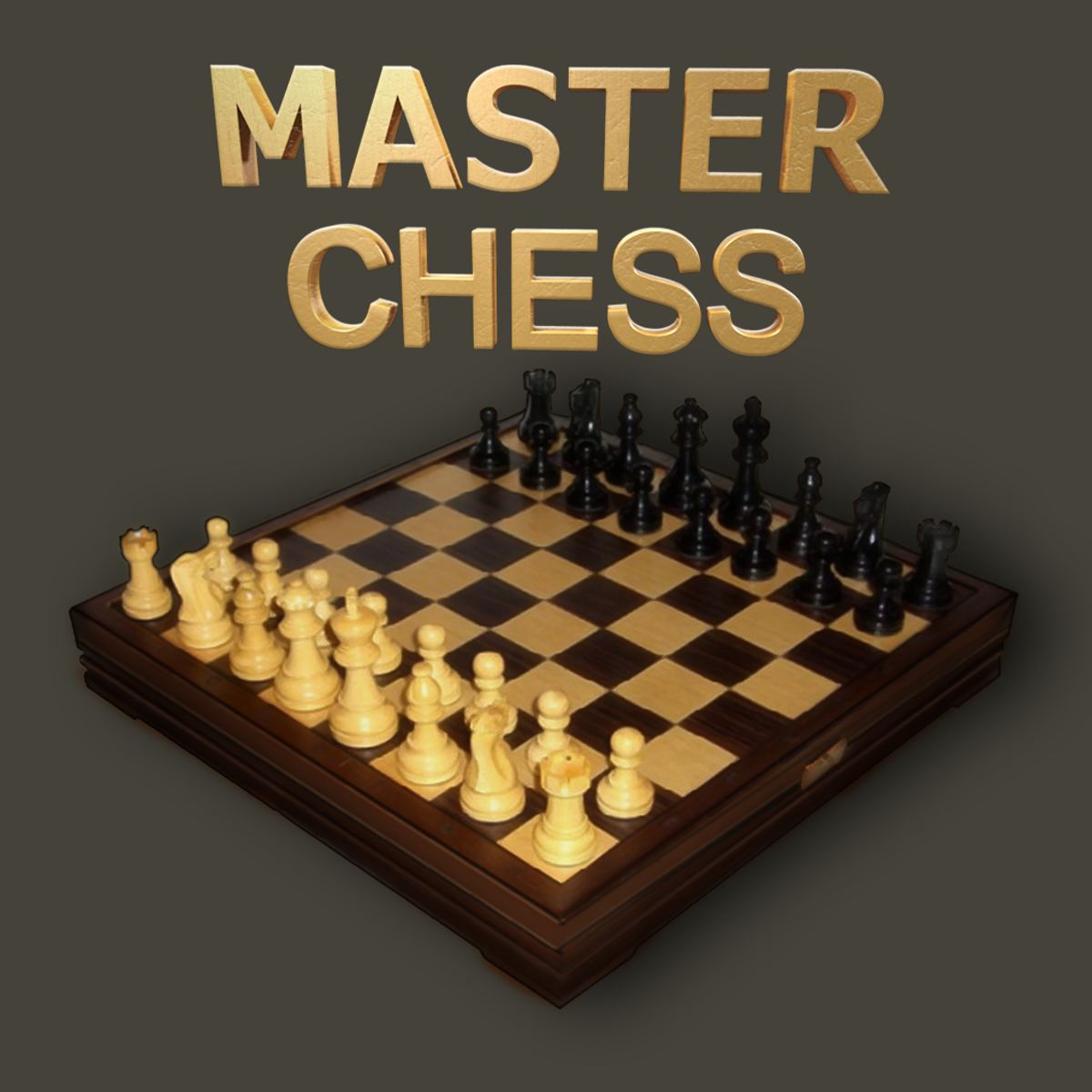
No. The design is fixed – a clean wooden‑toned board with classic Staunton‑style pieces. It’s easy on the eyes but not customizable. Some people might prefer a dark mode, but it’s not available.
Why does the game sometimes say “stalemate” when I thought I won?
That’s the stalemate rule. If the opponent has no legal moves but is not in check, the game ends in a draw. It’s a common trap for players who try to checkmate without paying attention. Always ensure your move puts the king in check when you’re delivering the final blow.
Is it free?
Yes. Classic Chess is free to play on Poki and other sites. No ads that interrupt gameplay, though there might be banner ads around the page. I haven’t seen any pop-ups or video ads, which is a relief.
Can I play on mobile?
Yes. It works in any modern browser. The touch controls are responsive. Just be careful with your taps – if you have large fingers, you might accidentally select the wrong piece. But the pieces are sized well enough.
How do I resign?
There’s no resign button. You can just close the tab or start a new game. If you’re playing against the AI, you can also just let your king get captured? Actually, the game doesn’t allow illegal moves, so you can’t move your king into check. You’ll have to play until checkmate or stalemate. If you want to resign, just refresh the page.
Is there a rating system?
No. The game doesn’t track your wins or losses. It’s purely for casual play. If you want to track your progress, you’ll need to do it yourself.
Can I change the board orientation?
No. White is always at the bottom. If you’re playing black, you have to adjust. It’s a minor annoyance, but you get used to it.
##
Classic Chess won’t teach you anything you don’t already know about the game, but it doesn’t need to. It’s a solid, reliable way to play chess in your browser, whether you’re killing time on a lunch break or settling a score with a friend. The AI gives you a fair fight at three levels, the controls are responsive, and the lack of clutter means you can focus on the board. If you like chess, you’ll like this. If you don’t, well, at least it’s honest about what it is.
I’ve spent more hours than I care to admit playing this version. It’s become my go-to for a quick game when I’m waiting for something. No login, no loading screens, no distractions. Just a board and pieces. That’s all chess needs.