






Cozy Garden Design
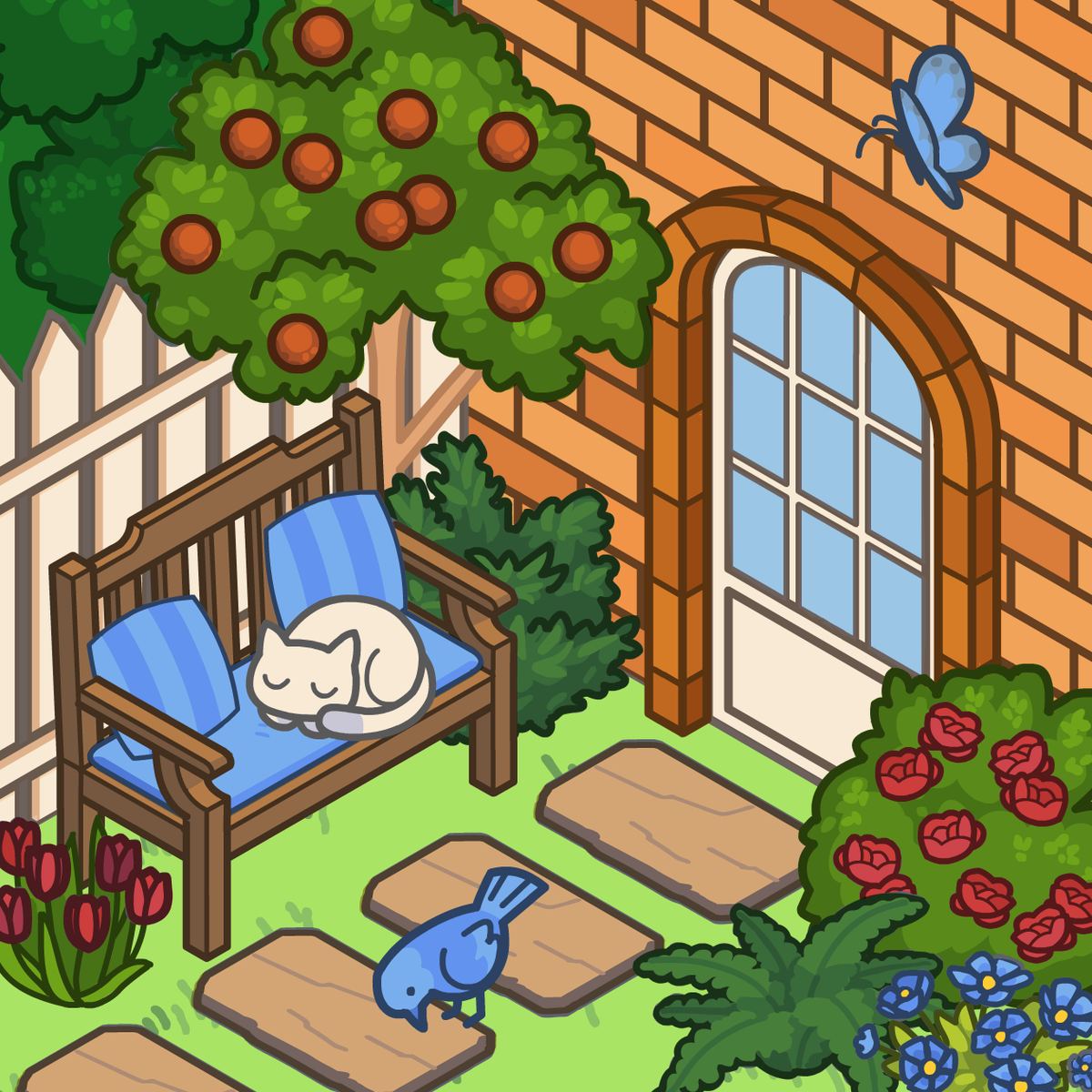
Some games want you to race the clock, fight monsters, or manage a spreadsheet disguised as a city. Then there are games like Cozy Garden Design, which ask a much simpler question: what would your perfect backyard look like? It’s a decoration sim where you lay out plants, furniture, and little animal decorations to build a peaceful outdoor space. No timers, no scores, no wrong answers—just you, an isometric plot of land, and a whole lot of flowers.
I didn’t expect to spend an hour fiddling with the placement of a single lamp post. But that’s exactly what happened. The game has a quiet magnetism. You start by picking a fence color, drop a few flower beds, and then suddenly you’re tweaking the angle of a bench because it doesn’t feel right yet. It’s the kind of game you open for five minutes and close forty-five minutes later with a garden you’re actually proud of.
What makes it work is the freedom. You’re not following a blueprint or unlocking levels in a fixed order. You choose what goes where, how many trees to plant, whether you want a symmetrical formal garden or a wild cottage mess. The isometric view helps—you can see the whole layout at once and plan your space without scrolling around a confusing 3D camera. It’s simple, calming, and surprisingly addictive once you get into the rhythm of decorating.
How to Play
The goal is straightforward: design a garden that looks the way you want it. There’s no hidden objective, no customer satisfaction meter, no “you must place three pink flowers” mission. You start with an empty yard and a menu of items—plants, trees, flowers, fences, chairs, lamps, and little animal stickers. Pick something, click or tap where you want it, and it appears. Move things around if you change your mind. That’s the loop.
On desktop: Use your mouse. Click an item category on the side or bottom of the screen, then click the specific decoration you want. Move your cursor to the garden and click again to place it. You can drag items to reposition them, and clicking on a placed item usually lets you remove or rotate it (depending on the object). It’s all point-and-click, no keyboard shortcuts needed.
On mobile: Tap to select items from the menu, then tap the spot in the garden where you want them. Drag to move things around. The interface is designed for touch, so buttons are big enough to tap without frustration. Works fine on phones and tablets—just make sure your screen isn’t too tiny if you’re placing a lot of small decorations.
One thing to note: the game doesn’t force you to use every item. You can ignore the animal stickers entirely if that’s not your vibe, or go all-in on a flower-only garden. The controls are the same regardless of what you’re placing.
Features
Cozy Garden Design doesn’t have separate game modes like “campaign” or “challenge.” It’s one continuous sandbox. But within that sandbox, there’s a decent amount of variety:
- Plants and flowers: Dozens of options, from low ground cover to tall bushes and flowering trees. Colors vary—pinks, purples, yellows, whites. You can mix and match to create patterns or go monochrome.
- Furniture: Benches, chairs, tables, lamps, and a few other outdoor items. Some are modern, some are rustic. Placing a lamp near a bench creates a nice little reading nook.
- Fences and paths: Choose your fence style and color. Paths aren’t explicitly a separate category (you place stepping stones as decorations), but you can create the illusion of a walkway by lining up stone tiles.
- Animal stickers: Cute little decals—butterflies, birds, maybe a cat or rabbit. They don’t move, but they add life to the scene.
- Color customization: Many items let you pick a color before placing them. The fence, for example, can be white, brown, black, or something more playful.
The isometric view is a feature in itself. It keeps everything visible and makes it easy to see how your garden fits together. No rotating the camera or zooming in and out constantly—just a clean top-down angle that feels like looking at a dollhouse.
Tips and Strategies
You don’t need strategies for a game with no fail state, but a little planning can make your garden look more polished. Here’s what I’ve learned from a few too many hours of rearranging virtual flowerpots:
Start with a path or a focal point. Before you scatter items everywhere, decide where the eye should go first. A central fountain, a big tree, or a curved path leading to a bench. Build outward from there. It keeps the layout from feeling random.
Use fences to define zones. Even a low fence around a flower bed makes it feel intentional. You can section off a seating area, a vegetable patch (even if there are no vegetables—just pretend), or a quiet corner with a single chair. Fences give structure.
Layer plants by height. Put tall trees or bushes in the back, medium flowers in the middle, and low ground cover in front. This works especially well if your garden is viewed from the isometric angle. It creates depth.
Don’t be afraid of empty space. A garden with too many things crammed together looks like a flea market. Leave patches of grass visible. Let the paths breathe. Negative space makes the decorations stand out more.
Lamps are underrated. A few well-placed lamps, especially near seating, make the garden feel cozy even if there’s no day/night cycle. They act like little punctuation marks in your design.
Try a theme. Pick a color palette (all white flowers with a dark fence, or warm oranges and yellows) and stick to it. Or go the opposite direction and make a chaotic rainbow garden. Both work, but committing to a theme usually looks better than random picks.
Use animal stickers sparingly. A couple of butterflies near the flowers is charming. Covering every surface with stickers makes it look cluttered. Less is more here.
Common Mistakes
Even in a chill decoration game, new players trip over the same things. Here are the ones I see most:
Overcrowding. You have a whole yard, but it’s tempting to fill every square inch because the items are cute. Resist. A crowded garden loses its calm vibe and starts to feel stressful. Leave room to breathe.
Ignoring the fence. Some players skip the fence altogether or pick a color that clashes with everything else. The fence is the frame of your garden. Pick one that complements your plants and furniture. A bright pink fence with neon green flowers? That’s a choice, but maybe not a good one.
Placing everything in straight lines. Real gardens aren’t perfectly aligned grids. Offset your benches. Stagger your flowers. A little asymmetry looks natural and relaxed. If everything is in a straight row, it feels like a parking lot.
Forgetting to use the color picker. Many items have multiple color options, but the default might not be what you want. Tap or click the color swatch before placing. You can change it later, but it’s easier to get it right the first time.
Not zooming out. On mobile especially, it’s easy to focus on one corner and lose the big picture. Step back (use pinch-to-zoom or the zoom button) to see the whole garden. You’ll notice imbalances you missed up close.
FAQ
Is Cozy Garden Design free to play?
Yes. It’s free on Poki and other browser game sites. No download or payment required.
Can I play on my phone?
Absolutely. The game works on both desktop and mobile browsers. Tap to select and place items.
Who made this game?
It was developed by Entrevero Games. They also made Cozy Room Design and a bunch of other dress-up and decoration games.
Is there a time limit or a scoring system?
Nope. You can take as long as you want, and there’s no score. It’s pure decoration—you decide when you’re done.
Can I save my garden and come back later?
That depends on the platform. On Poki, your progress is usually saved in your browser’s local storage as long as you don’t clear your data. But it’s not cloud-saved, so don’t count on it across devices.
Are there other games like this?
Yes. If you enjoy this, try Cozy Room Design (same developer, but indoors) or any of the “home builder” clicker games. But this one has the best garden-specific selection I’ve seen in a browser game.
---
Cozy Garden Design is exactly what it says on the tin: a cozy game about designing a garden. It won’t challenge your reflexes or test your puzzle-solving skills. It will, however, eat up an afternoon while you move a bench three pixels to the left for the perfect view. If that sounds like a good time, grab a cup of tea and start planting.