

Become a Fashion Designer
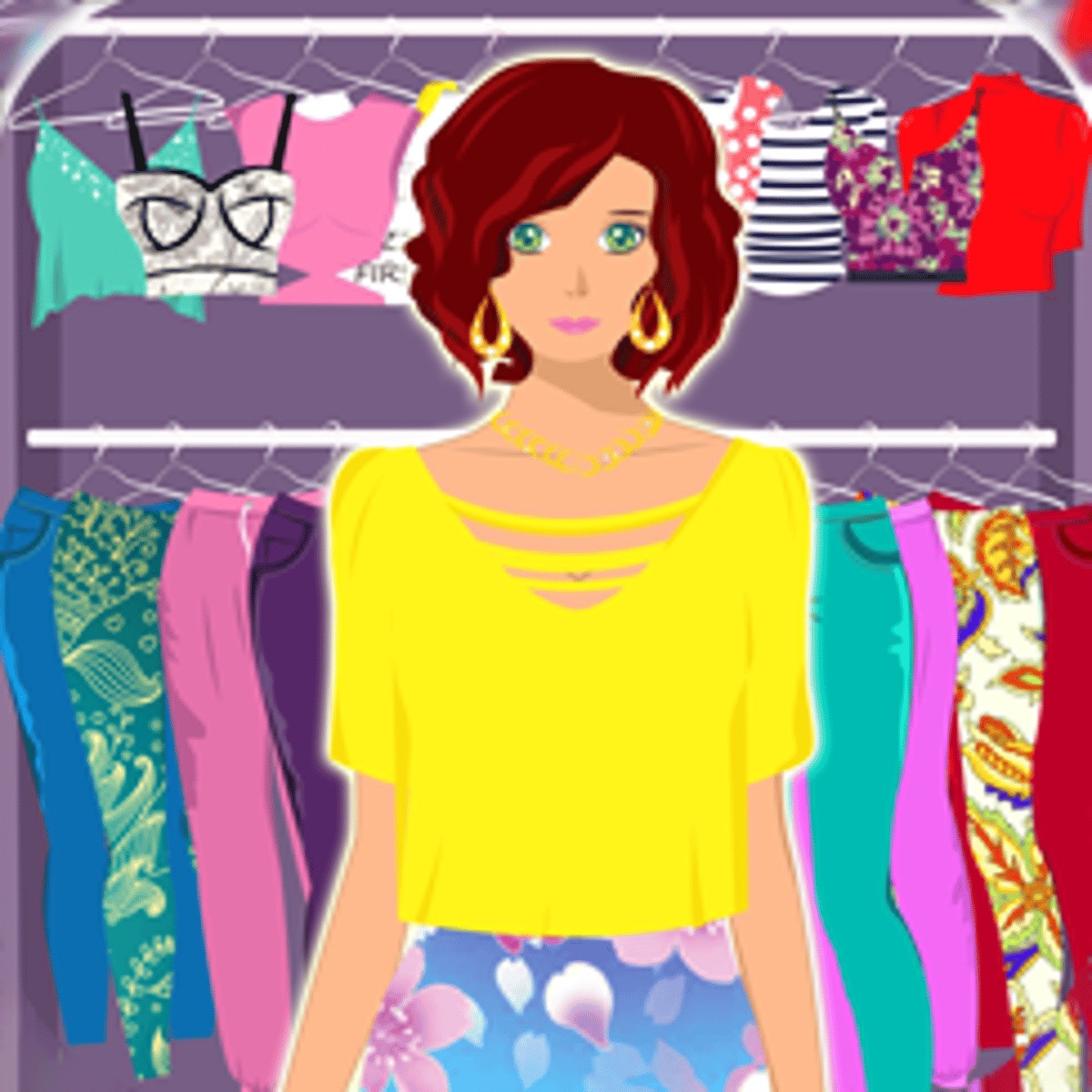
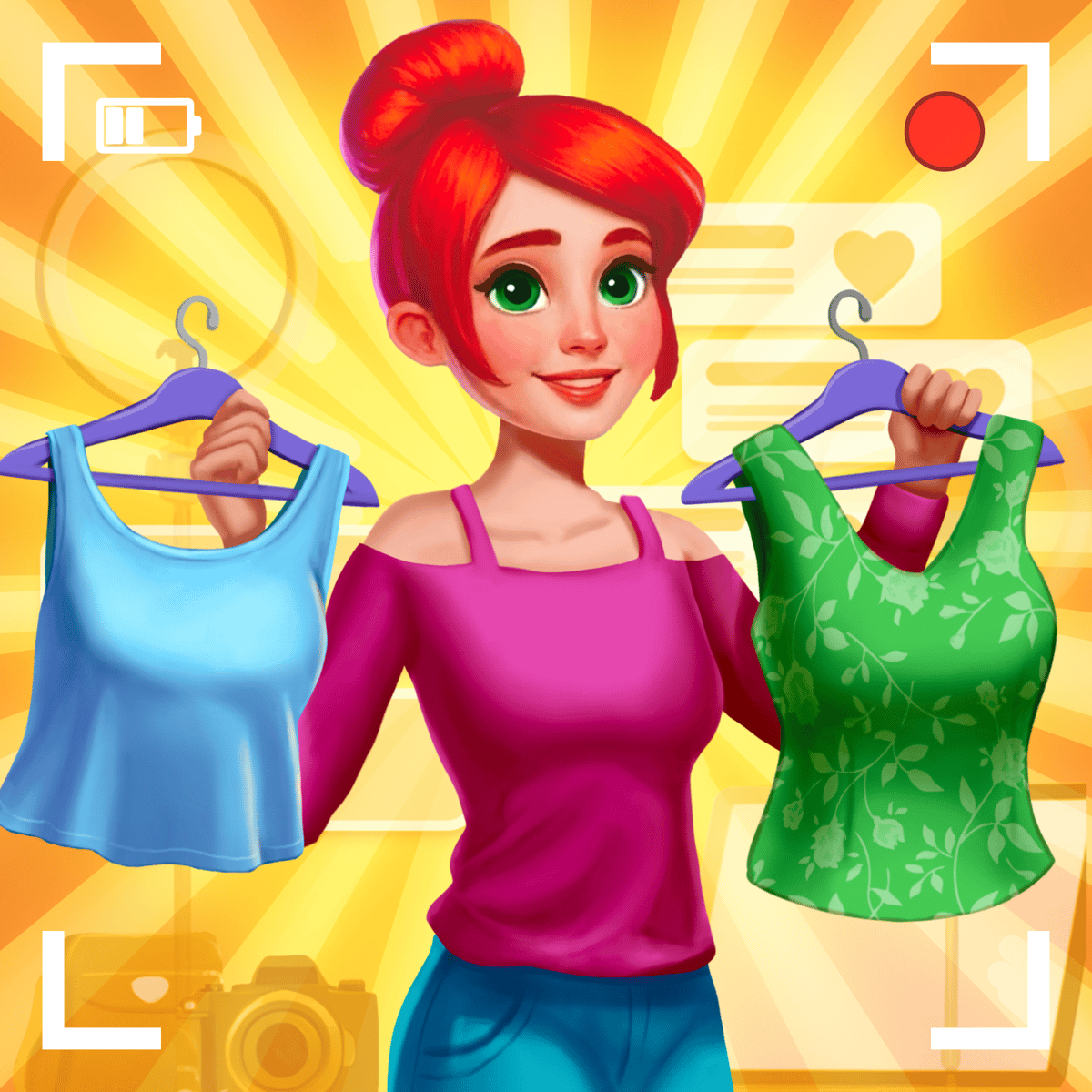
Most dress-up games let you pick a pre-made outfit and call it a day. Swipe through a few options, maybe change the hair color, done. Become a Fashion Designer flips the script. Instead of styling from a rack, you build the clothes from scratch. You pick the silhouette, choose the fabric, tweak the hemline, and decide where the gradient goes. It’s less about matching accessories and more about constructing a garment piece by piece.
That shift is why players stick around. For a browser title, you get more creative control than you’d expect. You’re not just dressing a mannequin—you’re designing the dress itself. And when you submit that creation to a global Style Event and see how it stacks up against other players’ designs, it feels like real competition. The game makes your taste and eye for detail matter, which is rare in free online games.
How to Play
The objective is straightforward: work your way up from unknown tailor to famous designer by creating outfits that impress clients and win competitions. You start with basic templates—a plain dress shape, a simple skirt-and-top combo—and then customize every part.
Controls
On desktop, click to select items from the menu. The interface is clean: a row of categories on the left or bottom, your work-in-progress in the center. Click a dress type, then click into the editor to adjust the hemline, change the color, or add a pattern. The gradient tool uses a slider—drag it to blend two colors across the fabric. Responsive and lag-free, which matters when you’re making fine adjustments.
On mobile, everything works the same way with taps instead of clicks. Buttons are big enough to avoid accidental taps. The editor’s sliders are a bit trickier on a small screen—you need a steady finger to set the exact gradient—but the game handles touch input well. You can play on a phone or tablet without feeling like the controls were an afterthought.
Core Gameplay Loop
You have two main ways to play: fulfilling client requests and entering Style Events. A client asks for something specific—a prom dress, a party outfit, everyday wear. They might have preferences like “short hemline” or “bright colors.” You design the outfit, submit it, and earn rewards based on how well you matched the brief. Style Events are global competitions. You design for a theme (e.g., “Summer Glam” or “Red Carpet”), submit it, and other players vote on the entries. More votes mean a higher leaderboard rank and better prizes.
Progress depends on diamonds—the premium currency. You earn them by completing client jobs, winning events, or watching ads. Diamonds unlock exclusive patterns, special accessories, and premium fabric textures. You can play without spending real money, but the grind is real. Watching a few ads to stock up before a big event is standard practice.
Features That Set It Apart
The game’s standout feature is the DIY garment editor. It’s not just a color picker—you can modify individual parts of the outfit. Change the sleeve length, adjust the skirt’s cut from A-line to mermaid, or recolor the collar separately from the bodice. The gradient slider lets you blend two colors across the fabric, and that’s where the artistry lives. A well-chosen gradient can make a simple dress look like a high-fashion piece.
Another smart feature is the re-editing system. If you submit a design to a Style Event and it doesn’t perform well, you don’t have to start over. Go back into the editor, tweak the colors, change the hemline, swap the pattern, and resubmit. That’s a huge time-saver and encourages experimentation. You can take a losing design, learn from what didn’t work, and improve it.
The game also includes a decent variety of garment types: princess dresses, party gowns, everyday women’s clothes, and prom dresses. Each category has its own set of base templates, so you’re not stuck designing the same silhouette over and over. The accessory selection—belts, bows, jewelry—adds finishing touches, but use them sparingly—clutter kills a design.
Tips and Strategies
Master the gradient tool. Flat colors work for casual requests, but they rarely win Style Events. Use two complementary colors—deep navy blending into soft gold, for example—to create depth. On a small voting screen, that contrast catches the eye immediately. Spend time playing with the slider to find smooth transitions.
Farm diamonds during downtime. The game’s economy is ad-heavy. Watch a 30-second ad for a handful of diamonds. Do this while you’re doing something else—cooking, watching TV, waiting for a bus. Stockpile enough before a Style Event so you can unlock the best patterns without interruption.
Layer carefully. The editor lets you put accessories on top of the base garment. But if you add a bow or a belt before finalizing the dress shape, the accessory might clip into the fabric or disappear when you adjust the hemline. Always apply small details as the very last step. That way, you don’t have to redo them after a shape change.
Read the client brief carefully. Some requests are vague (“make something pretty”), but others are specific (“short skirt, floral pattern”). Ignore the details and you’ll get a low score and fewer rewards. It’s tempting to just make what you like, but matching the brief is how you earn the most diamonds and unlock new items.
Re-edit losing designs instead of trashing them. When a Style Event ends and your outfit didn’t rank well, open it in the editor. Look at what the winning designs had in common—was it the color scheme? The silhouette? The use of patterns? Then adjust accordingly. Over time, you’ll develop a sense for what the voting community likes.
Common Mistakes
Ignoring the theme. The biggest mistake new players make is treating every Style Event like a free-for-all. They design a dark, gothic gown for a “Beach Party” theme and wonder why they get low votes. The theme matters. Pay attention and design accordingly.
Overcomplicating the design. More patterns, more colors, more accessories does not equal a better outfit. Cluttered designs look messy, especially on small screens. Sometimes a simple, clean silhouette with one striking gradient works better than a dress covered in bows and lace.
Forgetting to save. The game auto-saves periodically, but if you spend a long time on a complex design and your browser crashes, you can lose progress. Get into the habit of manually saving after major steps—after setting the hemline, after applying the gradient, after adding accessories.
Using too many premium items without planning. Diamonds are scarce early on. Don’t blow them all on one fancy pattern for a client request that only gives a small reward. Save diamonds for Style Events where the payoff is bigger.
Neglecting the base template. The editor is powerful, but it works on top of a base dress shape. If you start with a template that’s fundamentally wrong for the theme—like a ball gown for a “Casual Day” event—no amount of tweaking will fix it. Choose your base carefully.
FAQ
Is Become a Fashion Designer free to play?
Yes, completely free in your browser. There are optional ads you can watch to earn diamonds, and in-app purchases to remove ads, but you can play the whole game without spending a cent.
Can I play on my phone?
Yes. The game works on both desktop and mobile browsers. The controls adapt to touch input, and the interface scales down well for smaller screens.
How do I win Style Events?
No guaranteed formula, but the best approach is to follow the theme closely, use high-contrast gradients, and keep the design clean. Voting is done by other players, so designs that stand out quickly tend to do better.
What happens if I lose my progress?
The game saves your data to your browser’s local storage. If you clear your cookies or switch devices, you’ll lose your designs and currency. There’s no cloud save, so be careful if you play on a shared computer.
Are there real-world fashion designers involved?
No. The game was created by Playtouch, a developer known for casual simulation games. The fashion knowledge comes from the design team’s research, not from actual industry professionals.
---
Become a Fashion Designer isn’t going to teach you how to sew or draft patterns, but it does give you a genuine creative outlet most dress-up games lack. The editor is deep enough to reward experimentation, and the competitive events add stakes that keep the loop fresh. If you’ve ever wanted to see your own dress designs come to life—even if only on a screen—this is one of the better free options out there.